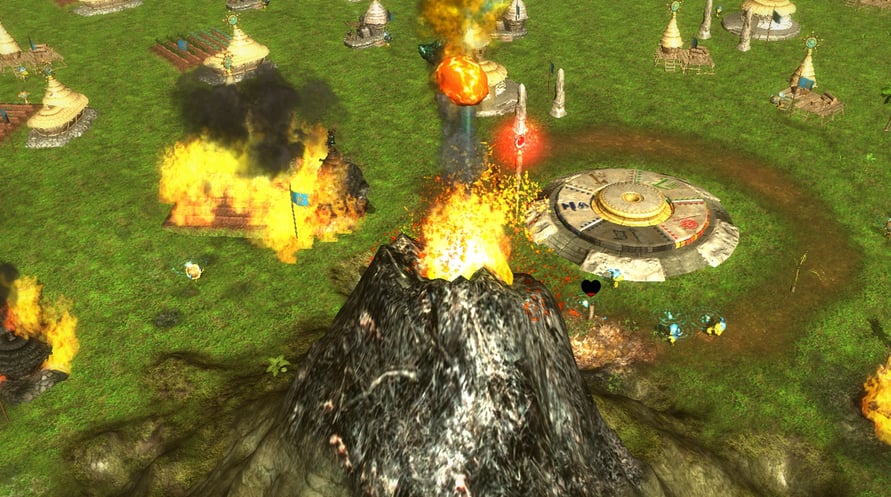
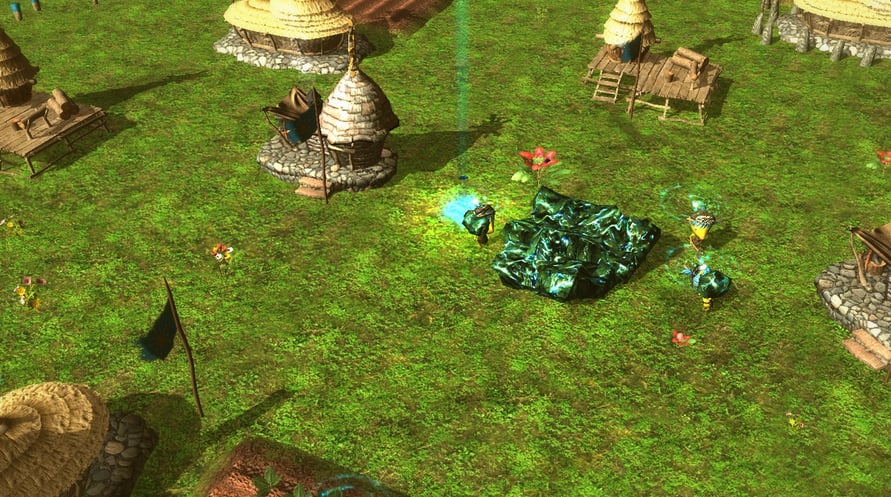
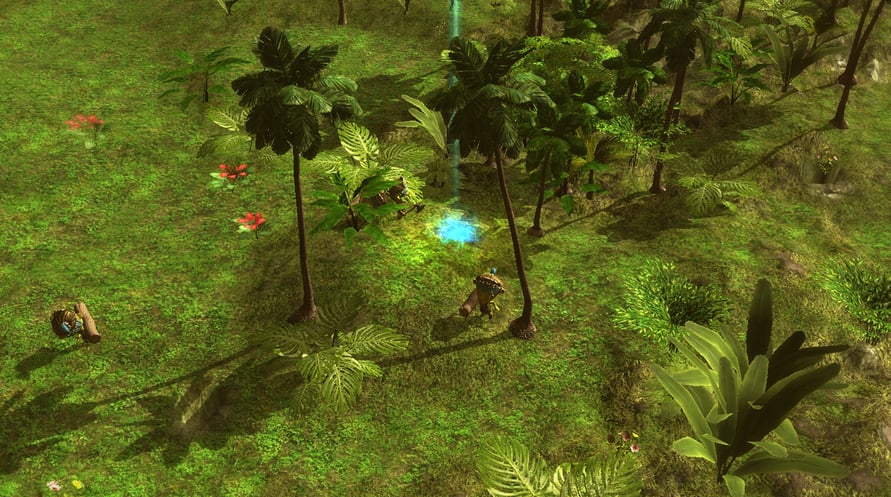
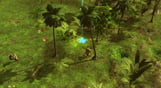
Idol Hands is a strategy game where you gradually take over the world by guiding your people and defeating other gods.
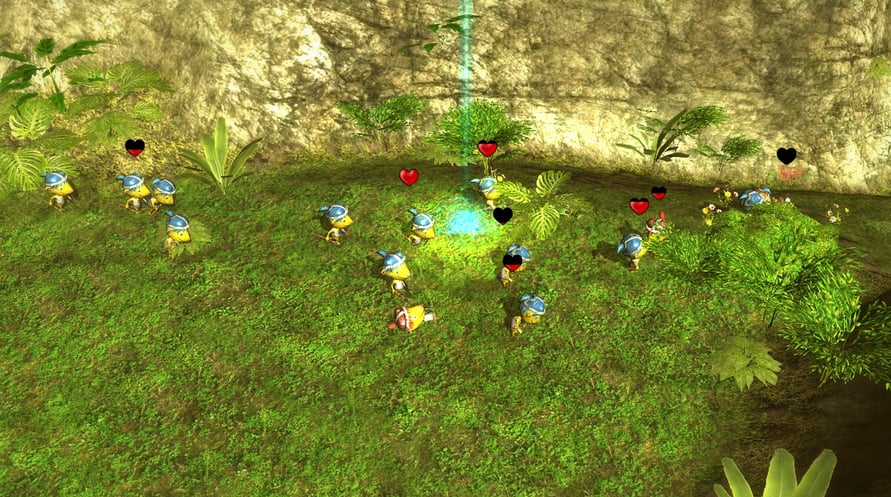
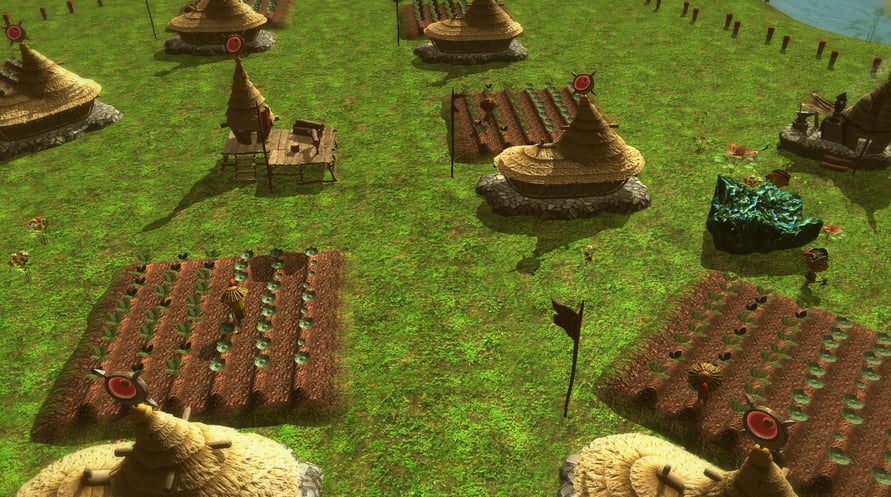
You are a god in a time of many gods. Rather than having direct control over your people’s actions, your people will live their own lives; placing buildings, growing crops, and micro managing themselves.
Without you, your people are directionless!
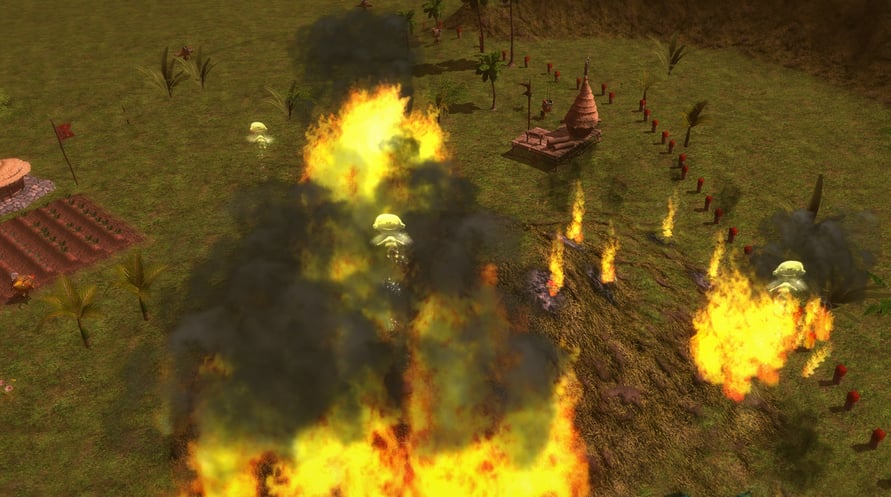
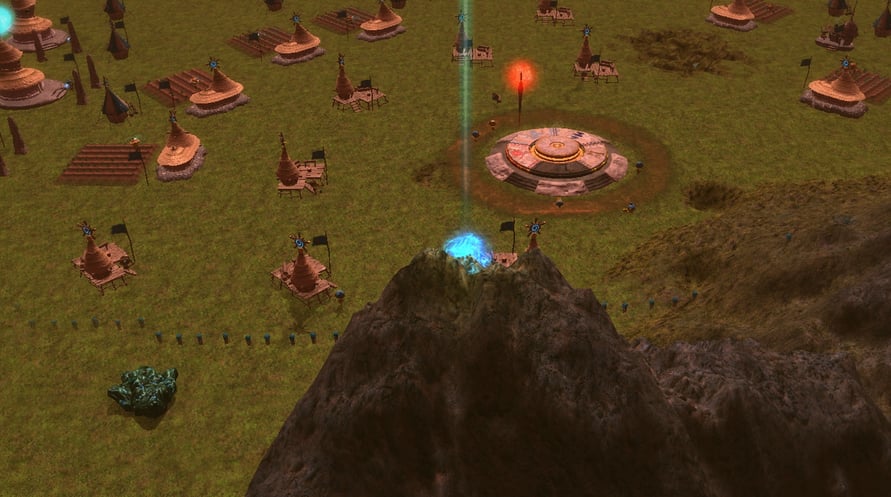
Your powers will provide them with usable land, protect them from attack, and control nature to their benefit.
With your help they can grow and prosper; allowing them to increase the bounty of their harvests, and learn skills to eventually forming an immense fighting force that you can unleash upon your enemy’s population to wipe them out, leaving any other god powerless and defeated.
Windows Minimum Requirements:
- OS *: Windows 7
- Processor: Intel Core i5 or equivalent
- Memory: 2 GB RAM
- Graphics: Intel HD Graphics 3000
- DirectX: Version 11
- Storage: 540 MB available space
Windows Recommended Requirements:
- OS *: Windows 8 or Later
- Processor: Intel Core i7 or above
- Memory: 4 GB RAM
- Graphics: Intel HD Graphics 4000 or above
- DirectX: Version 11
- Storage: 540 MB available space
Mac Minimum Requirements:
- OS: Yosemite
- Processor: Intel Core i5
- Memory: 2 GB RAM
- Graphics: Intel HD 4000
- Storage: 650 MB available space
Mac Recommended Requirements:
- OS: El Capitan
- Processor: Intel core i5
- Memory: 8 GB RAM
- Graphics: Intel Iris Graphics 6100
- Storage: 650 MB available space
Linux Minimum Requirements:
- OS: Ubuntu 12.04.5
- Processor: Intel Core i5
- Memory: 2 GB RAM
- Graphics: Intel HD Graphics 3000
- Storage: 652 MB available space
Linux Recommended Requirements:
- OS: Ubuntu 14.04.3
- Processor: Intel Core i7
- Memory: 8 GB RAM
- Graphics: Intel HD Graphics 4000
- Storage: 652 MB available space
لتفعيل مفتاح Steam الذي استلمته، اتبع التعليمات أدناه؛
1. أولاً، افتح عميل Steam. (إذا لم يكن لديك، فقط انقر على زر "تثبيت Steam" هنا =>
Steam Store)
2. قم بتسجيل الدخول إلى حساب Steam الخاص بك. (إذا لم يكن لديك حساب، انقر هنا لإنشاء حساب جديد =>
Steam Account)
3. انقر على زر "إضافة لعبة" في الزاوية السفلية من العميل.
4. ثم اختر "تفعيل منتج على Steam..."
5. اكتب أو انسخ والصق مفتاح التفعيل الذي تلقيته من Voidu في النافذة.
6. لعبتك الآن مرئية في مكتبتك! انقر على "المكتبة".
7. وأخيرًا، انقر على اللعبة واختر "تثبيت" لبدء التنزيل.