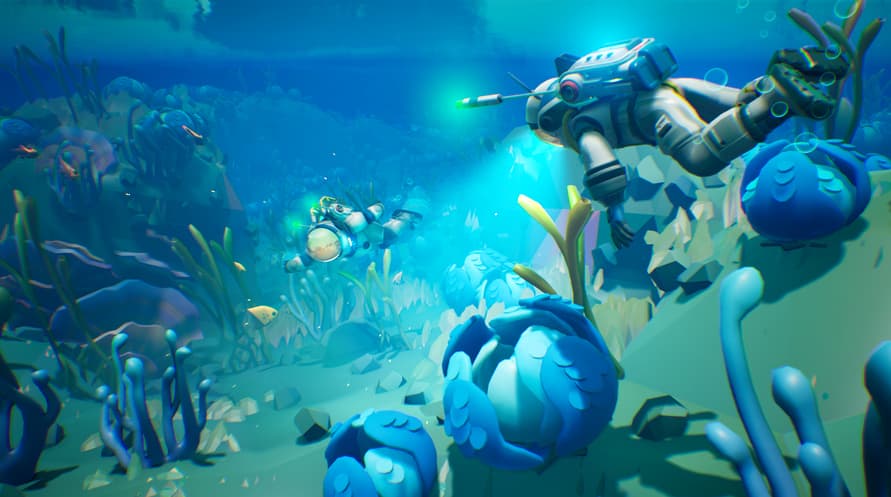
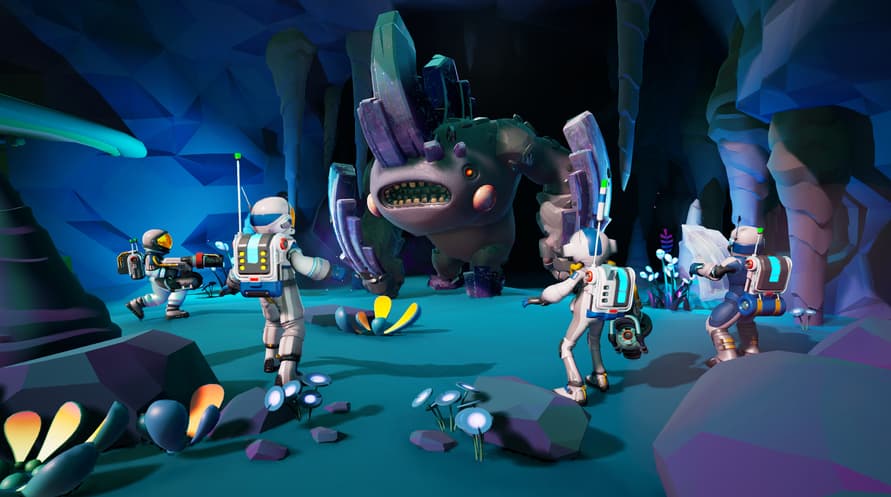
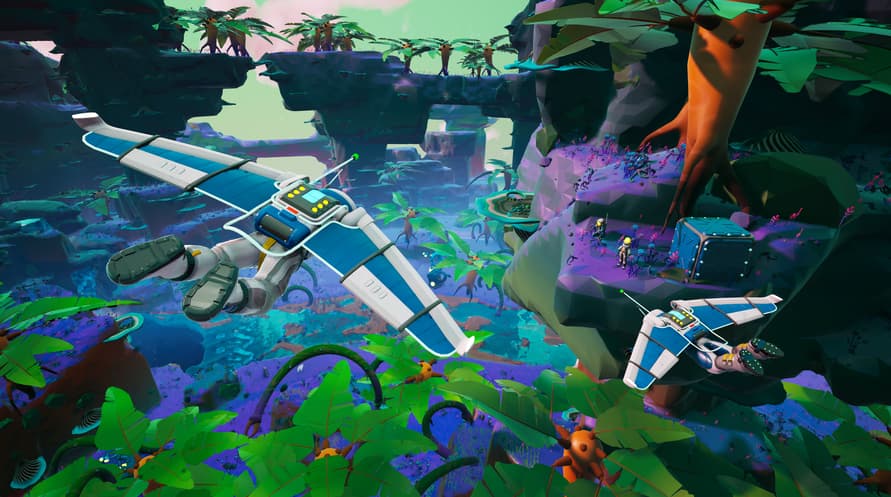
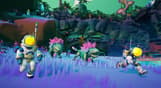
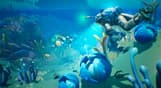
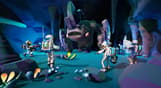
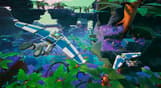
STARSEEKER is a new game set within the Astroneer universe with a focus on discovery, cooperative expeditions, and camaraderie. Exploring deep space on the ESS Starseeker, players will need to work together with the entire crew of the space station to complete planet-wide objectives across a multitude of star systems using cutting edge technology.
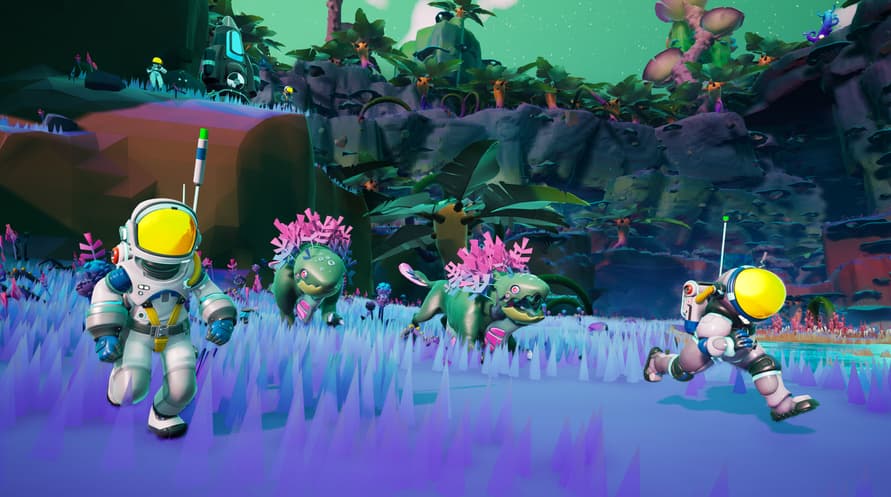
Players will have an advanced set of tools at their disposal to tackle expeditions while they face off with the unknown perils of space- - fascinating creatures, hazardous flora, and mysterious forces that await them.
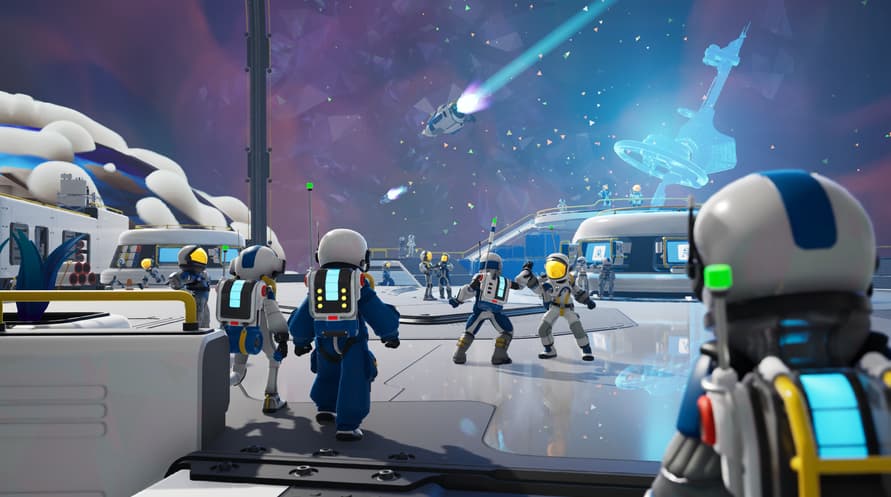
The ESS Starseeker is the heart of the crew, an ever-evolving space station where players get together to plan expeditions, upgrade their capabilities, and even hang out with other players.
Minimum System Requirements:
- Requires a 64-bit processor and operating system
- OS: Windows 10
- Processor: Intel Core i5-10700K / AMD Ryzen 7 3800X
- Memory: 8 GB RAM
- Graphics: Nvidia GeForce GTX 1070 Ti / AMD Radeon RX 5600
- DirectX: Version 12
- Network: Broadband Internet connection
- Storage: 10 GB available space
- Sound Card: Mono
- Additional Notes: AVX2 instruction set required
Recommended System Requirements:
- Requires a 64-bit processor and operating system
- OS: Windows 11
- Processor: Intel Core i5-12400F / AMD Ryzen 5 5600X
- Memory: 16 GB RAM
- Graphics: Nvidia GeForce RTX 3070 / AMD Radeon RX 6700 XT
- DirectX: Version 12
- Network: Broadband Internet connection
- Storage: 10 GB available space
- Sound Card: Stereo or Surround Sound
- Additional Notes: AVX2 instruction set required
За да активирате Steam ключа, който сте получили, следвайте инструкциите по-долу;
- Първо, отворете Steam клиента. (Ако нямате такъв, просто кликнете бутона "Инсталирай Steam" тук => Steam Store )
- Влезте в своя Steam акаунт. (Ако нямате акаунт, кликнете тук, за да създадете нов => Steam Account )
- Кликнете върху бутона "ДОБАВИ ИГРА" в долния ъгъл на клиента.
- След това изберете "Активирай продукт в Steam..."
- Въведете или копирайте и поставете активационния ключ, който сте получили от Voidu в прозореца.
- Вашата игра вече е видима в библиотеката ви! Кликнете върху "Библиотека".
- И накрая, кликнете върху играта и изберете "Инсталирай", за да започнете изтеглянето.