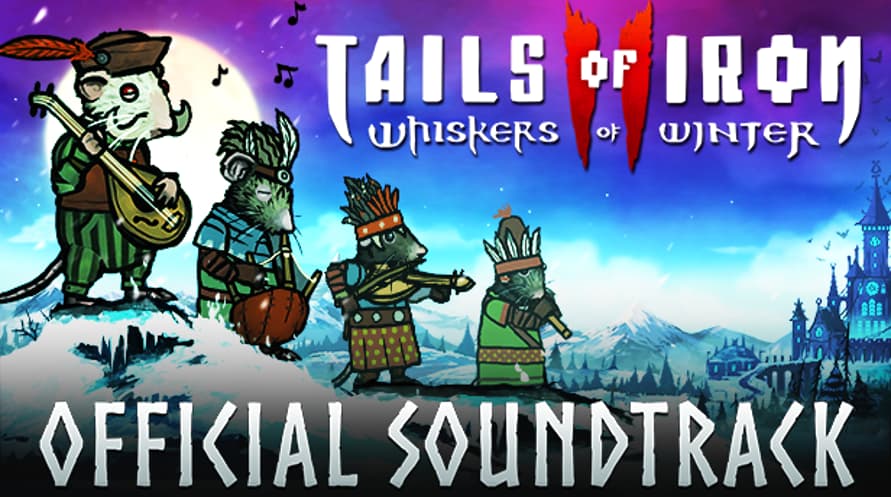
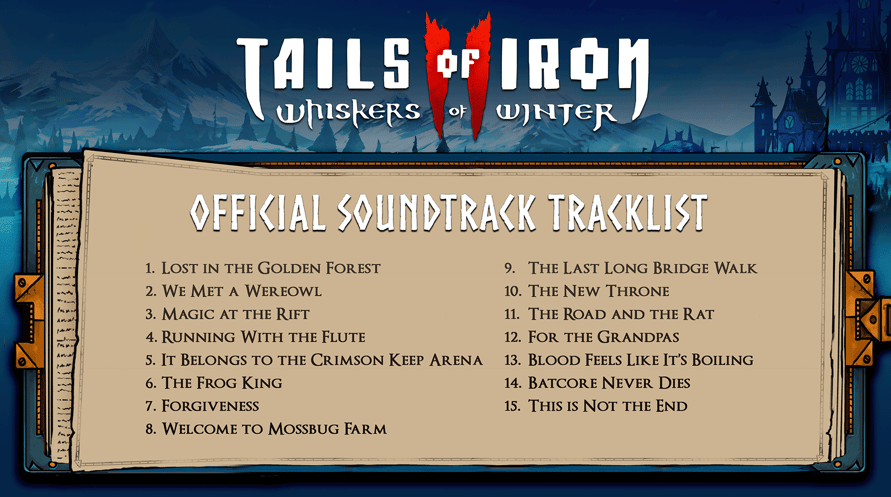
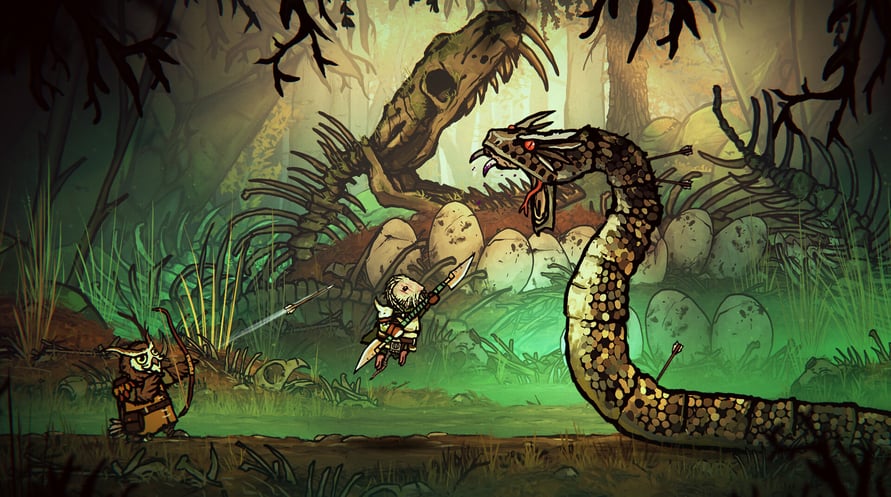
Digitalt soundtrack: Lyt til musikken fra Tails of Iron 2: Whiskers of Winter når som helst, og skræm alle Dark Wings – derhjemme eller på farten.
Tails of Iron 2 © United Label SA. Game content © Odd Bug Studio Ltd. United Label is exclusive worldwide licensee. “Tails of Iron” and “United Label” are registered trademarks. All rights reserved.
Minimum Requirements for Windows:
- Requires a 64-bit processor and operating system
- OS: Windows 10 64-bit
- Processor: 2.8 GHz Dual Core CPU
- Memory: 4 GB RAM
- Graphics: GeForce GTX 660 or equivalent with 2 GB of video RAM
- DirectX: Version 11
- Storage: 2 GB available space
Recommended Requirements for Windows:
- Requires a 64-bit processor and operating system
- OS: Windows 10 64-bit
- Processor: 3.2 GHz Quad Core Processor
- Memory: 8 GB RAM
- Graphics: GeForce 960 or equivalent with 4GB of video RAM
- DirectX: Version 11
- Storage: 2 GB available space
Minimum Requirements for MacOS:
- OS: macOS 12 Monterey
- Processor: 1.3GHz dual-core Intel Core i5 or Apple M1 chip
- Memory: 4 GB RAM
- Graphics: Intel HD Graphics 615
- Storage: 2 GB available space
Recommended Requirements for MacOS:
- OS: macOS 12 Monterey
- Processor: 3.0GHz 6-core Intel Core i5 or Apple M1 chip
- Memory: 8 GB RAM
- Graphics: Radeon Pro 560X with 4GB of GDDR5 memory
- Storage: 2 GB available space
Minimum Requirements for Linux:
- Processor: 2.8 GHz Dual Core CPU
- Memory: 4 GB RAM
- Graphics: GeForce GTX 660 or equivalent with 2 GB of video RAM
- Storage: 2 GB available space
Recommended Requirements for Linux:
- Processor: 3.2 GHz Quad Core Processor
- Memory: 8 GB RAM
- Graphics: GeForce 960 or equivalent with 4GB of video RAM
- Storage: 2 GB available space
For at aktivere Steam-nøglen, du har modtaget, skal du følge instruktionerne nedenfor;
1. Først skal du åbne Steam-klienten. (Hvis du ikke har den, skal du blot klikke på "Install Steam"-knappen her =>
Steam Store)
2. Log ind på din Steam-konto. (Hvis du ikke har en, klik her for at oprette en ny =>
Steam Account)
3. Klik på "TILFØJ ET SPIL"-knappen i nederste hjørne af klienten.
4. Vælg derefter "Aktivér et produkt på Steam..."
5. Skriv eller kopier-indsæt aktiveringsnøglen, du har modtaget fra Voidu, i vinduet.
6. Dit spil er nu synligt i dit bibliotek! Klik på dit "Bibliotek".
7. Og til sidst, klik på spillet og vælg "Installer" for at starte din download.