*Content in this set can be purchased individually. Please be careful not to purchase the same item twice.
*You may need to update to the latest version of the game to use this content.
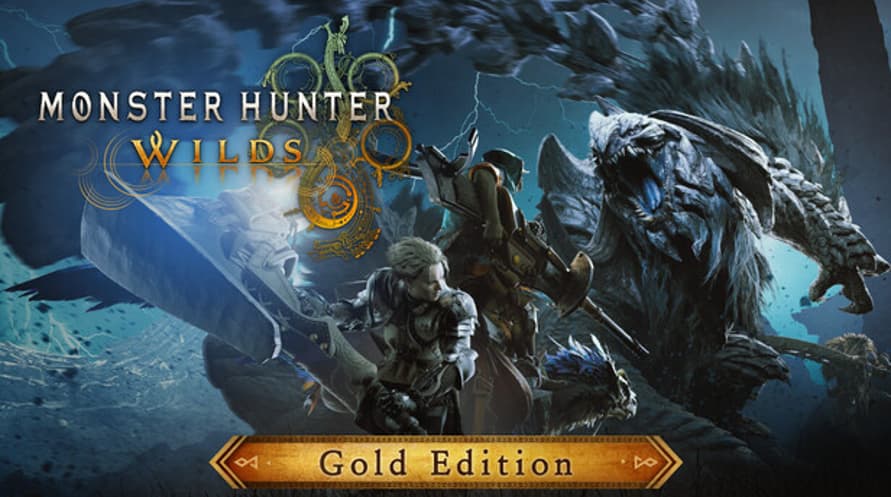
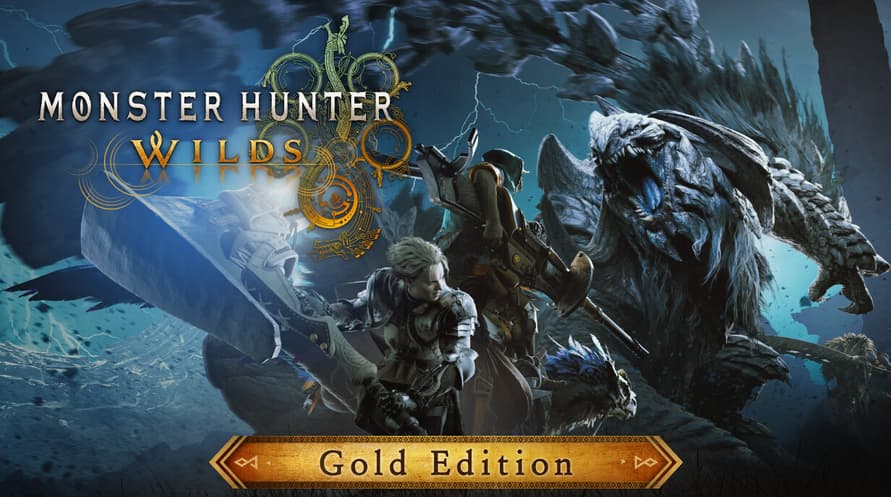
Enjoy Monster Hunter Wilds bundled with the Monster Hunter Wilds Cosmetic DLC Collection, which includes additional DLC packs and other extra content!
Please check the official Monster Hunter Wilds website for details about the content.
Includes:
● Monster Hunter Wilds (main game)
● Monster Hunter Wilds Cosmetic DLC Collection
・Monster Hunter Wilds Deluxe Pack
・Monster Hunter Wilds Cosmetic DLC Pack 1/2/3/4
・Blossomdance DLC Pack/Flamefete DLC Pack/Dreamspell DLC Pack/Lumenhymn DLC Pack
・Monster Hunter Wilds Extras Cosmetic DLC Pack
【Premium Bonus】
・Hunter Layered Armor: Wyverian Ears
・Premium Bonus Hunter Profile Set
・BGM: Proof of a Hero (2025 Recording)
Minimum System Requirements:
- Requires a 64-bit processor and operating system
- OS: Windows®10 (64-bit Required)/Windows®11 (64-bit Required)
- Processor: Intel® Core™ i5-10400 or Intel® Core™ i3-12100 or AMD Ryzen™ 5 3600
- Memory: 16 GB RAM
- Graphics: NVIDIA® GeForce® GTX 1660(VRAM 6GB) or AMD Radeon™ RX 5500 XT(VRAM 8GB)
- DirectX: Version 12
- Network: Broadband Internet connection
- Storage: 75 GB available space
- Additional Notes: SSD required. This game is expected to run at 1080p (upscaled from 720 native resolution) / 30 fps under the "Lowest" graphics setting. DirectStorage supported.
Recommended System Requirements:
- Requires a 64-bit processor and operating system
- OS: Windows®10 (64-bit Required)/Windows®11 (64-bit Required)
- Processor: Intel® Core™ i5-10400 or Intel® Core™ i3-12100 or AMD Ryzen™ 5 3600
- Memory: 16 GB RAM
- Graphics: NVIDIA® GeForce® RTX 2060 Super(VRAM 8GB) or AMD Radeon™ RX 6600(VRAM 8GB)
- DirectX: Version 12
- Network: Broadband Internet connection
- Storage: 75 GB available space
- Additional Notes: SSD required. This game is expected to run at 1080p / 60 fps (with Frame Generation enabled) under the "Medium" graphics setting. DirectStorage supported.
For å aktivere Steam-nøkkelen du har mottatt, følg instruksjonene nedenfor;
- Først åpner du Steam-klienten. (Hvis du ikke har den, klikker du bare på "Installer Steam"-knappen her => Steam Store )
- Logg inn på Steam-kontoen din. (Hvis du ikke har en, klikk her for å opprette en ny => Steam Account )
- Klikk på "LEGG TIL ET SPILL"-knappen i nederste hjørne av klienten.
- Velg deretter "Aktiver et produkt på Steam..."
- Skriv inn eller kopier og lim inn aktiveringsnøkkelen du har mottatt fra Voidu i vinduet.
- Spillet ditt er nå synlig i biblioteket ditt! Klikk på "Bibliotek".
- Og til slutt, klikk på spillet og velg "Installer" for å starte nedlastingen.