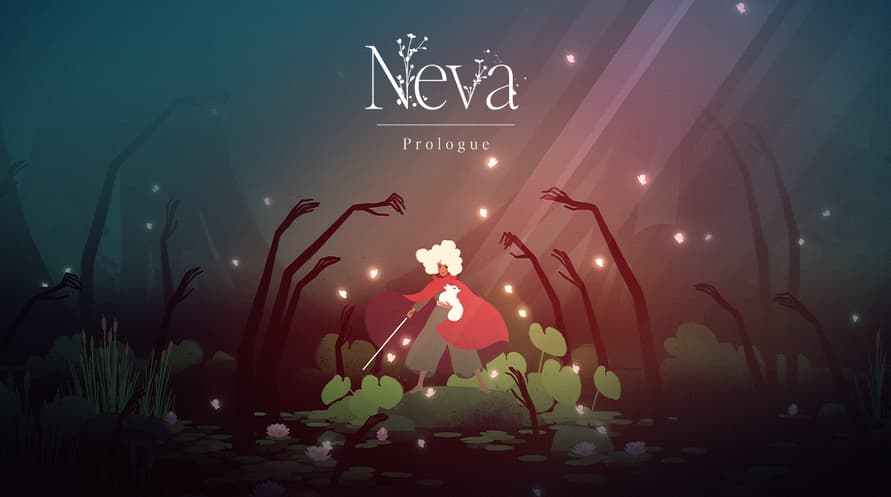
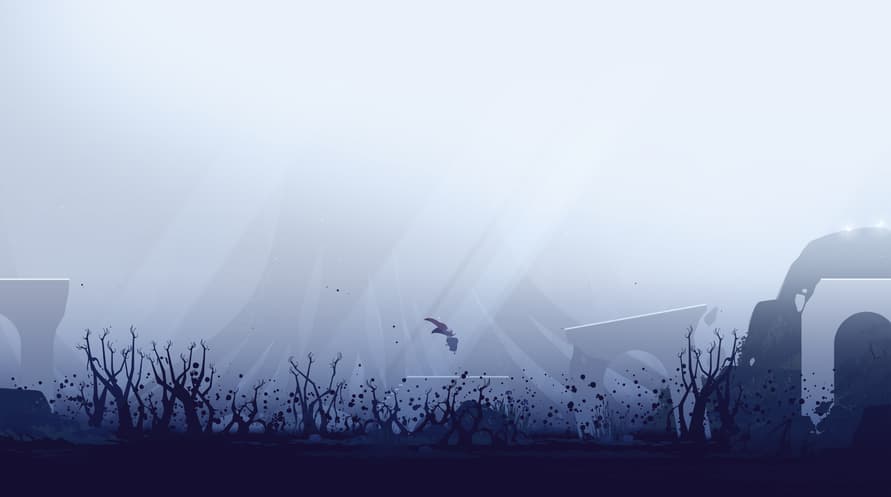

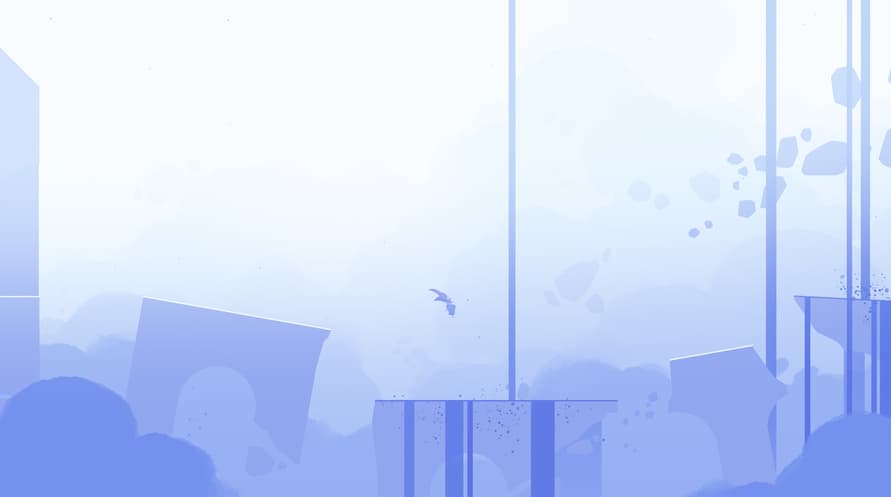
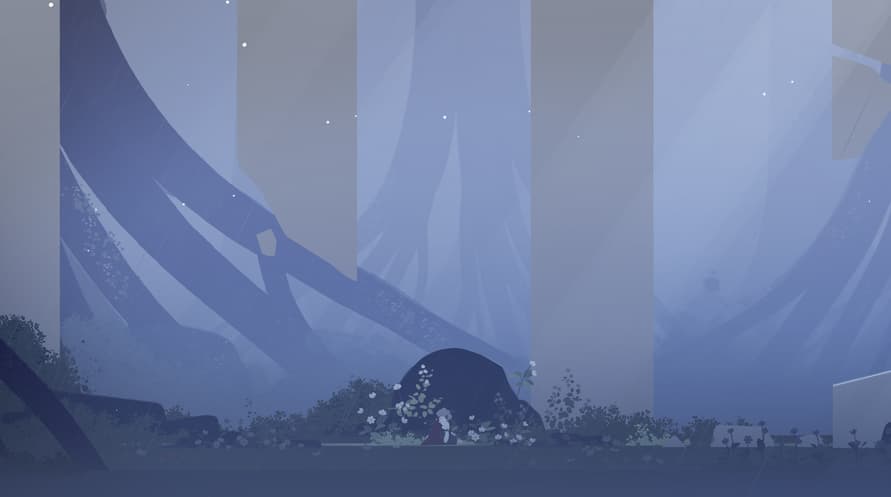
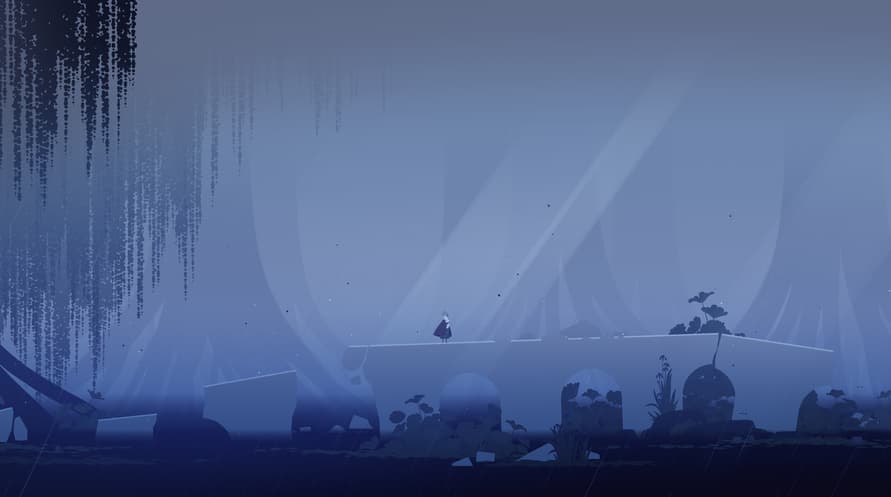
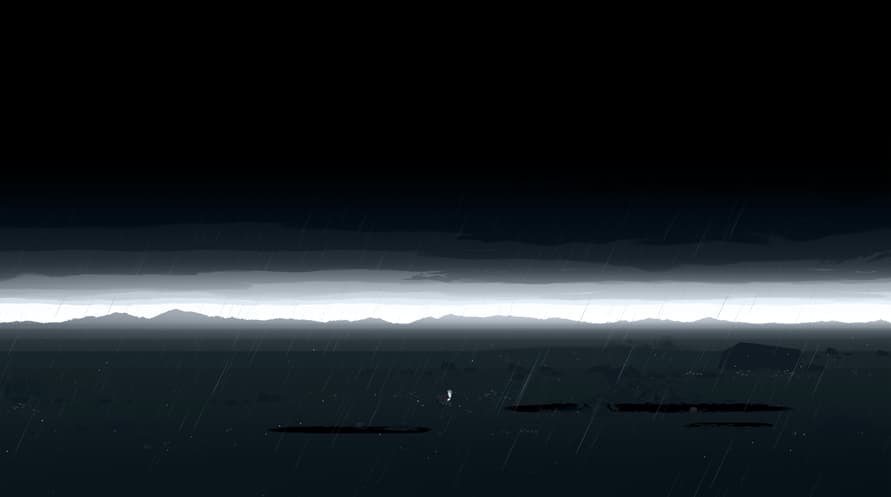










Designed to be experienced after completing the main game, Neva: Prologue offers a deeper challenge and rich narrative for returning players. The expansion introduces three new locations, each featuring unique gameplay mechanics, alongside new challenges, enemies, and intense boss encounters.
Copyright 2023 Nomada Studio. All Rights Reserved.
Windows Minimum Requirements:
- Requires a 64-bit processor and operating system
- OS: Windows 10 x64 Bit
- Processor: Intel Core i5-4570T / AMD FX-4350
- Memory: 8 GB RAM
- Graphics: GeForce GTX 650 (1024 MB) / Radeon HD 7750 (1024 MB) / Intel UHD Graphics 620
- DirectX: Version 11
- Storage: 15 GB available space
- Additional Notes: Low Quality setting, in 720p, producing 120 FPS
Windows Recommended Requirements:
- Requires a 64-bit processor and operating system
- OS: Windows 10 x64 Bit
- Processor: Intel Core i5-6600K / AMD FX-8370
- Memory: 8 GB RAM
- Graphics: GeForce GTX 1050 Ti (4096 MB) / Radeon RX 470 (4096 MB)
- DirectX: Version 12
- Storage: 15 GB available space
- Additional Notes: High Quality setting, in 1080p, producing 120 FPS
Mac Minimum Requirements:
- OS: MacOS Catalina (10.15)
- Processor: Intel Core i5-4570
- Memory: 8 GB RAM
- Graphics: GeForce GT 755M / AMD Radeon R9 M390
- Storage: 15 GB available space
- Additional Notes: Low Quality setting, in 720p, producing 60 FPS
Mac Recommended Requirements:
- OS: MacOS Ventura (13.3)
- Processor: Apple M1 / Intel Core i5-7600
- Memory: 8 GB RAM
- Graphics: Apple M1 / Radeon Pro 570
- Storage: 15 GB available space
- Additional Notes: High Quality setting, in 1080p, producing 60 FPS
For å aktivere Steam-nøkkelen du har mottatt, følg instruksjonene nedenfor;
- Først åpner du Steam-klienten. (Hvis du ikke har den, klikker du bare på "Installer Steam"-knappen her => Steam Store )
- Logg inn på Steam-kontoen din. (Hvis du ikke har en, klikk her for å opprette en ny => Steam Account )
- Klikk på "LEGG TIL ET SPILL"-knappen i nederste hjørne av klienten.
- Velg deretter "Aktiver et produkt på Steam..."
- Skriv inn eller kopier og lim inn aktiveringsnøkkelen du har mottatt fra Voidu i vinduet.
- Spillet ditt er nå synlig i biblioteket ditt! Klikk på "Bibliotek".
- Og til slutt, klikk på spillet og velg "Installer" for å starte nedlastingen.