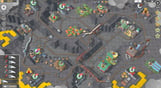
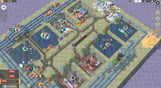
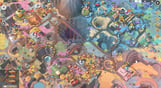
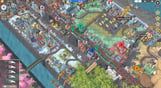
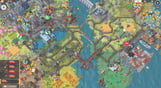
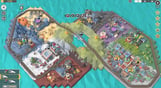
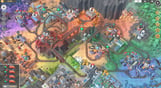
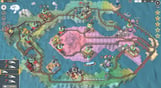
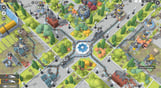
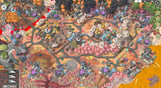
The Train Valley 2 community is a real gem! Our players are full of creativity and outstanding ideas that help us and inspire us to move forward with the game.
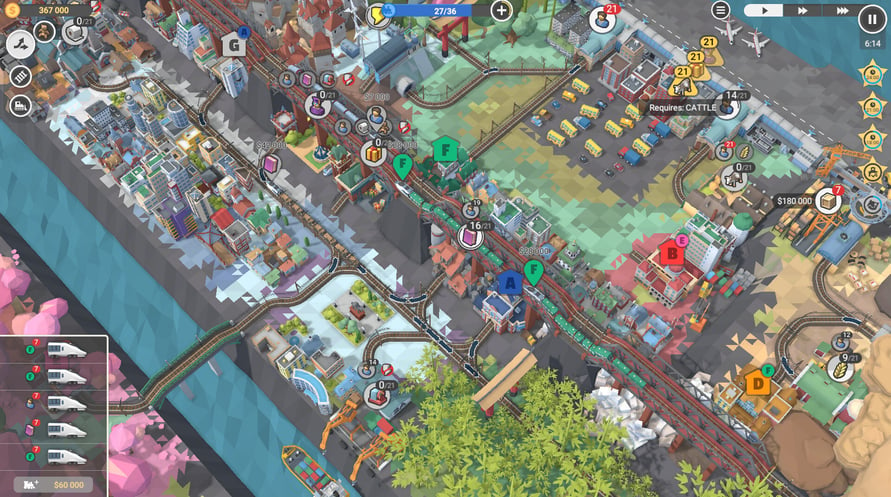
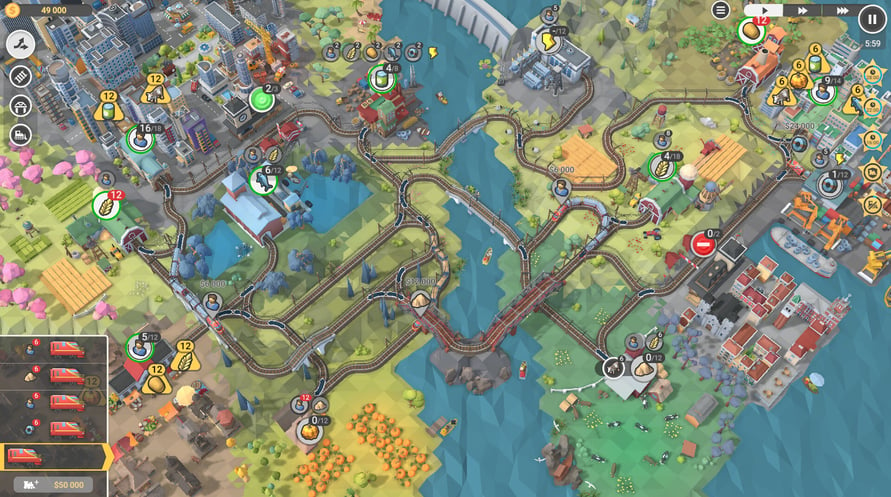
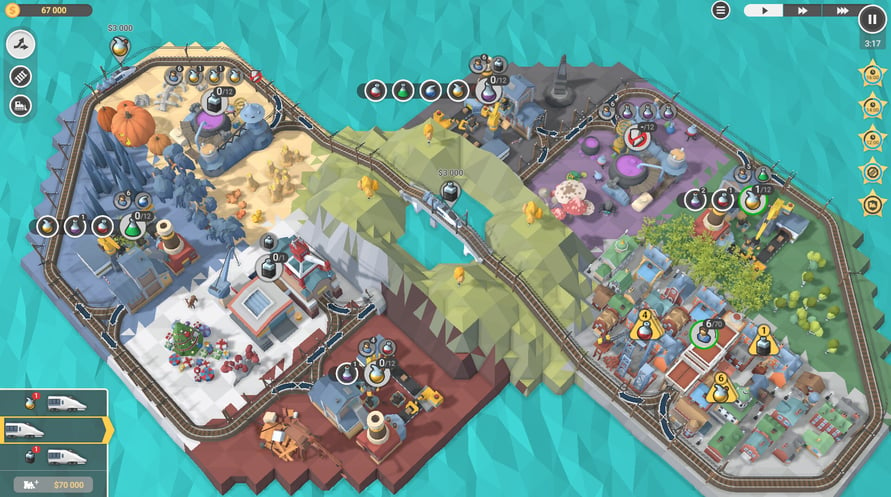
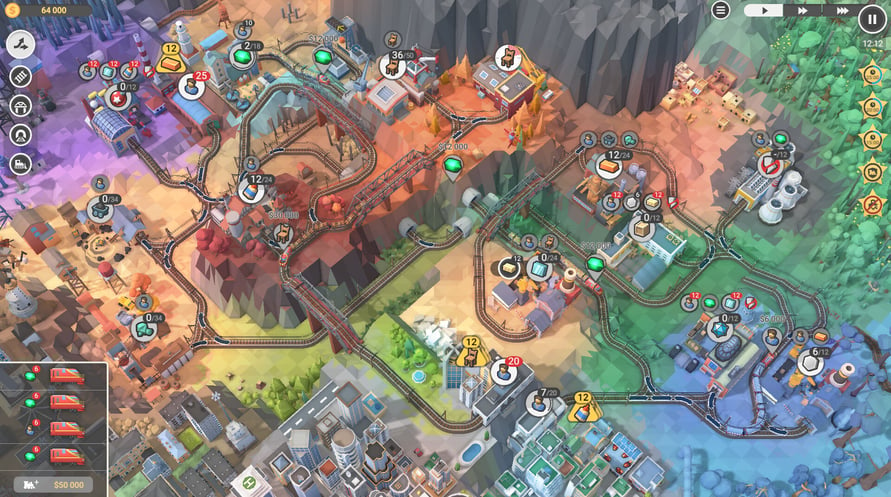
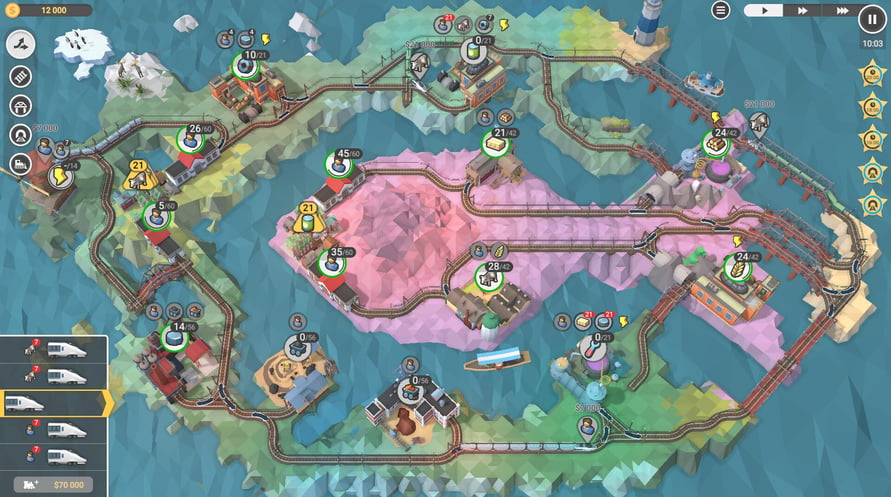
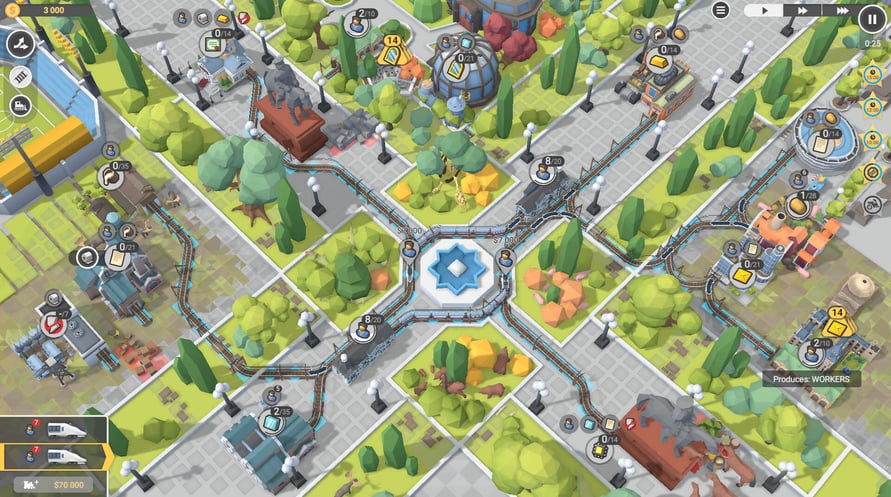
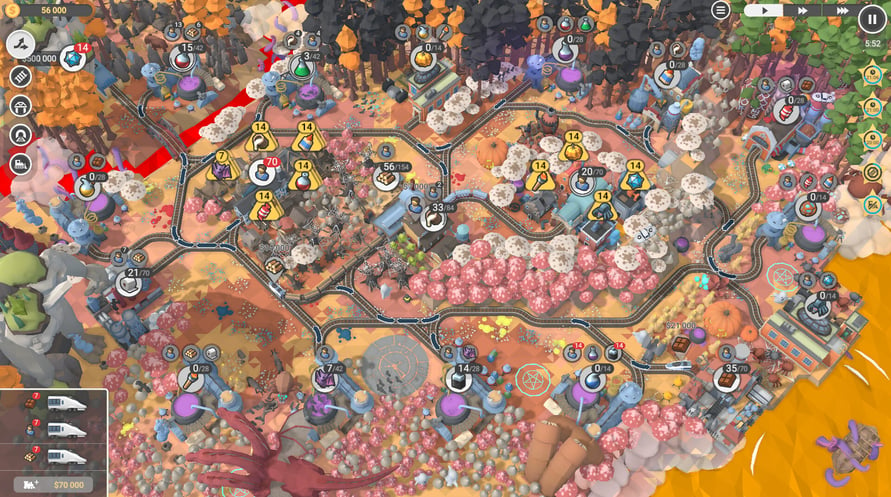
Our railway network is growing fast, and we're close to reaching 3,000 community-made levels. We've picked some of the most-played weekly and monthly featured entries, balanced and polished them, and created a series of packs called Train Valley 2 Gems. We are happy to present the sixth pack in the series: Train Valley 2: Workshop Gems - Onyx.
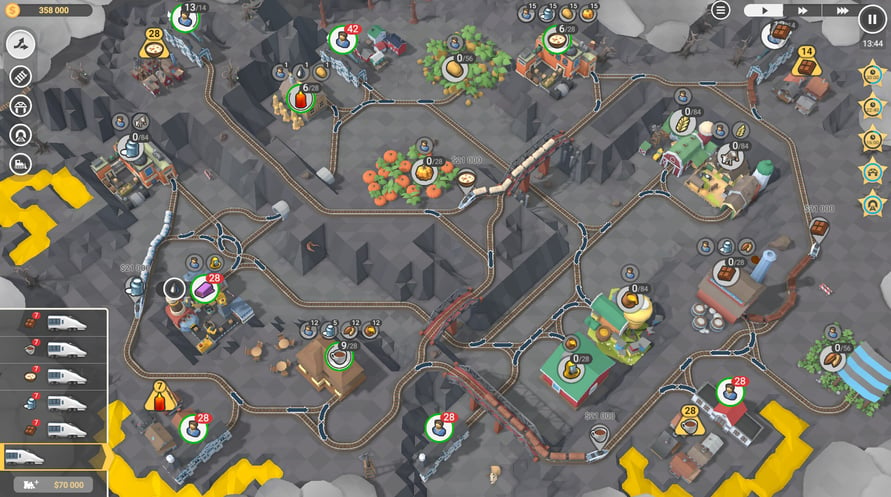
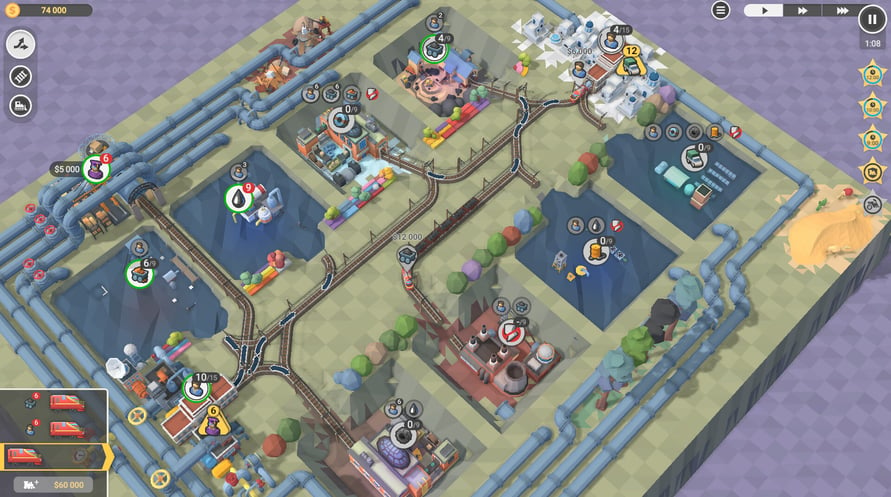
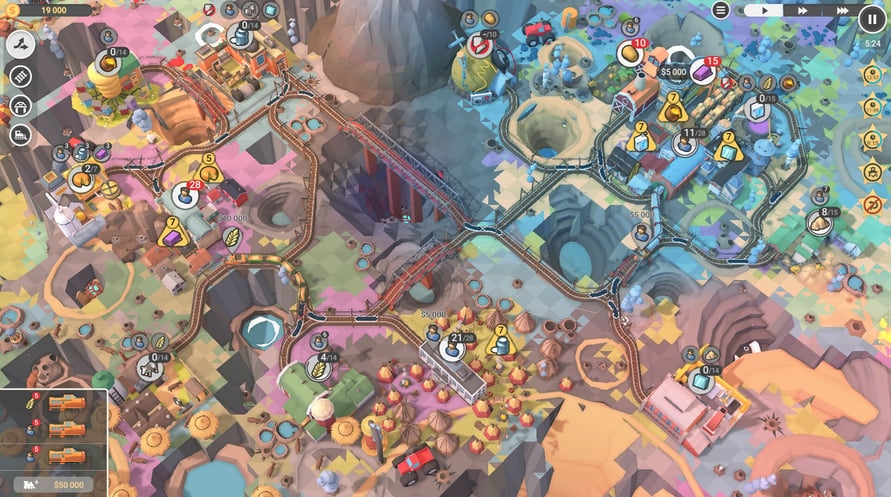
52 rebuilt, reworked, and rebalanced levels
Clever combinations of different mechanics and train ages
Tons of challenges and brain-teasing objectives
An optional "Skip Level" button in case you want to try the next level and go back to that really tricky one later.
Windows Minimum Requirements:
- OS *: Windows Vista SP1+
- Processor: Intel Core 2 Duo E4500 @ 2.2GHz or AMD Athlon 64 X2 5600+
- Memory: 2 GB RAM
- Graphics: ATi Radeon HD 2400 or NVIDIA GeForce 7600
- DirectX: Version 9.0
- Storage: 1 GB available space
Windows Recommended Requirements:
- OS: Windows 10
- Processor: Core i5 or better
- Memory: 8 GB RAM
- Graphics: NVIDIA GeForce GTX1050 Ti or higher
- Storage: 1 GB available space
Mac Minimum Requirements:
- OS: Mac OS X 10.12+
- Processor: 2.2 GHz CPU
- Memory: 2 GB RAM
- Graphics: NVIDIA GeForce 8600M or better / ATi Radeon 2400
- Storage: 1 GB available space
Mac Recommended Requirements:
- OS: OS X El Capitan
- Processor: 1.7 GHz Intel Core i5
- Memory: 2 GB RAM
- Storage: 1 GB available space
Linux Minimum Requirements:
- OS: Ubuntu 12.04+ or SteamOS+
- Processor: 2.2 GHz CPU
- Memory: 2 GB RAM
- Graphics: ATI Radeon HD 2400 or NVIDIA GeForce 7600
- Storage: 1 GB available space
Linux Recommended Requirements:
- OS: Ubuntu 12.04+ or SteamOS+
- Processor: 2.2 GHz CPU
- Memory: 2 GB RAM
- Graphics: ATI Radeon HD 2400 or NVIDIA GeForce 7600
- Storage: 1 GB available space
For at aktivere Steam-nøglen, du har modtaget, skal du følge instruktionerne nedenfor;
- Først skal du åbne Steam-klienten. (Hvis du ikke har den, skal du blot klikke på "Install Steam"-knappen her => Steam Store )
- Log ind på din Steam-konto. (Hvis du ikke har en, klik her for at oprette en ny => Steam Account )
- Klik på "TILFØJ ET SPIL"-knappen i nederste hjørne af klienten.
- Vælg derefter "Aktivér et produkt på Steam..."
- Skriv eller kopier-indsæt aktiveringsnøglen, du har modtaget fra Voidu, i vinduet.
- Dit spil er nu synligt i dit bibliotek! Klik på dit "Bibliotek".
- Og til sidst, klik på spillet og vælg "Installer" for at starte din download.