[Base Game + Contents]
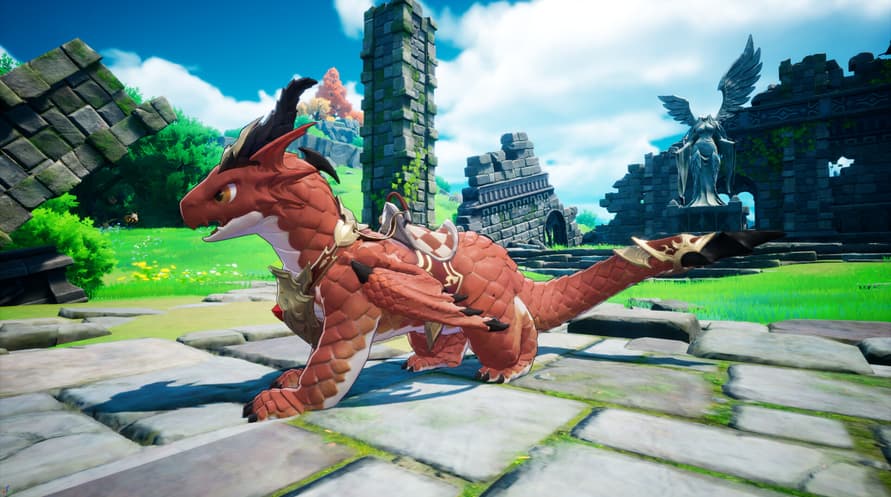
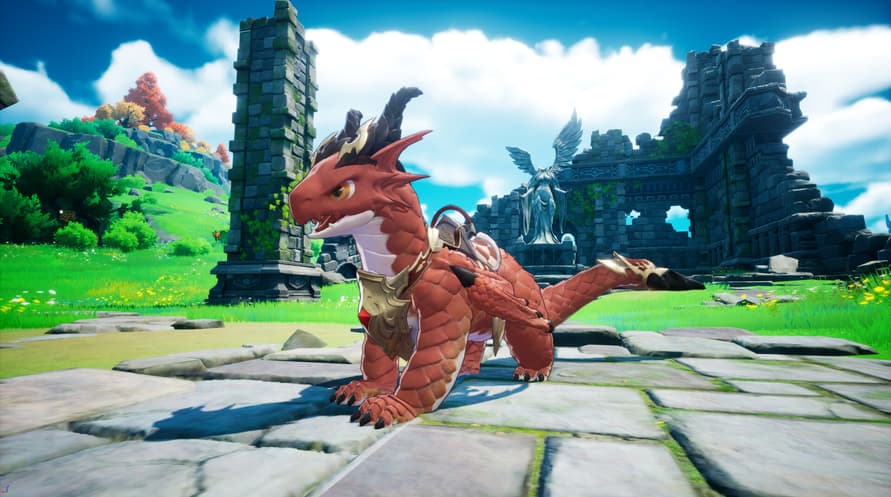
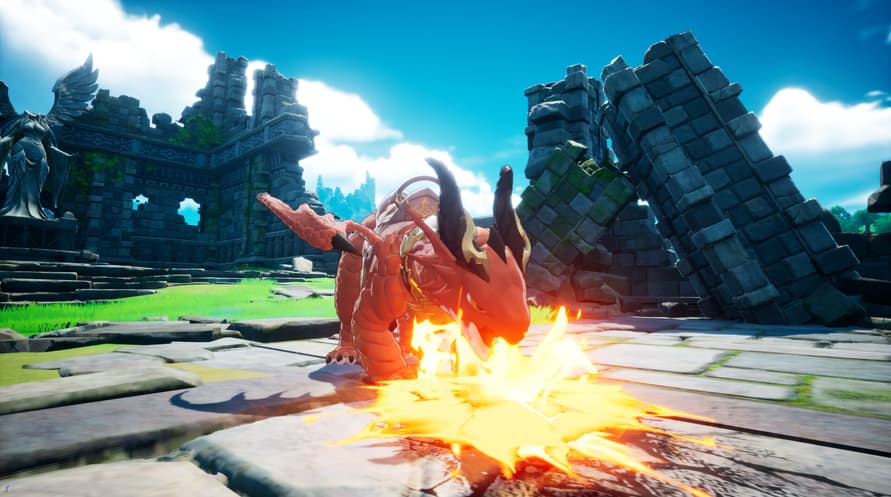
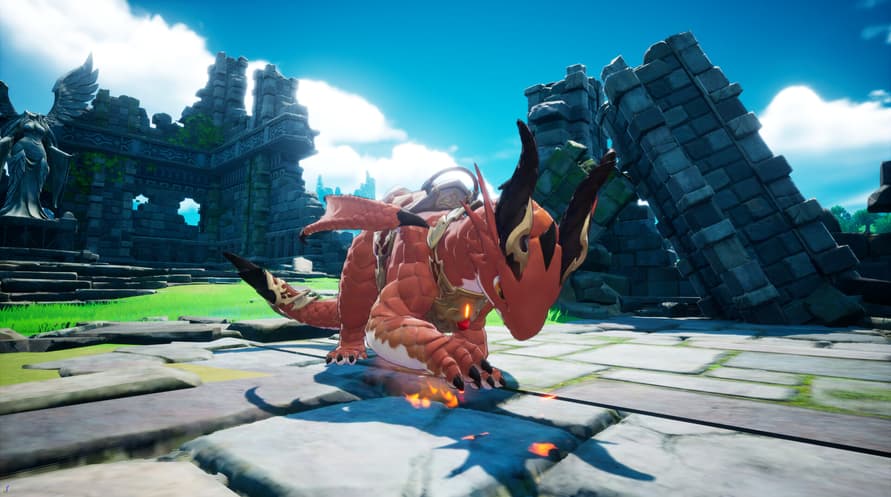
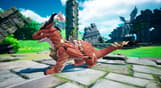
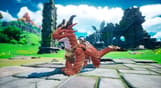
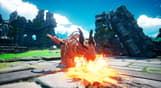
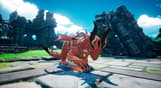
- Familiar : Brave Baby Dragon
- Digital Artbook
- Original Soundtrack
[Familiar : Brave Baby Dragon]
A small dragon that loves to fly through the skies with humans.
When flying together, it sometimes lets out strange sounds, unable to contain its joy.
Despite its cute appearance, it carries the blood of a dragon, so one must never let their guard down. Indulging its whims could lead to a major accident, so constant vigilance is required.
[Digital Artbook]
Johnny Mercenary Crew, the Orbis Kingdom, the Red Fox Mercenary Crew.. heroes giving their all in their respective places.
Monsters that threaten the Orbis Continent, such as the Origin Dragon, Goblins, and Ogres.
The familiars and NPCs that aid the heroes on their adventures.
The diverse landscapes of the Orbis Continent, the main stage of DragonSword : Awakening.
You can view them all in high-resolution images in the Digital Artbook.
[Original Soundtrack]
It contains the OST that enriches Lute's adventure even further.
With a track list of 31 songs, relive the emotions you felt in the game.
Minimum System Requirements:
- Requires a 64-bit processor and operating system
- OS: Windows 10
- Processor: Intel i5-9400F
- Memory: 8 GB RAM
- Graphics: NVIDIA Geforce GTX1660
- DirectX: Version 12
- Storage: 25 GB available space
- Additional Notes: ※ IMPORTANT: An SSD is strictly required for an optimal gameplay experience. Installing the game on an HDD may result in extended loading times, texture pop-in, framerate drops, or unexpected crashes.
Recommended System Requirements:
- Requires a 64-bit processor and operating system
- OS: Windows 10
- Processor: Intel i7-9700F
- Memory: 16 GB RAM
- Graphics: NVIDIA Geforce RTX3060
- DirectX: Version 12
- Storage: 25 GB available space
- Additional Notes: ※ IMPORTANT: An SSD is strictly required for an optimal gameplay experience. Installing the game on an HDD may result in extended loading times, texture pop-in, framerate drops, or unexpected crashes.
Para activar la clave de Steam que has recibido, sigue las instrucciones a continuación:
- En primer lugar, abre el cliente de Steam. (Si no lo tienes, simplemente haz clic en el botón "Instalar Steam" aquí => Tienda de Steam )
- Inicia sesión en tu cuenta de Steam. (Si no tienes una, haz clic aquí para crear una nueva => Cuenta de Steam )
- Haz clic en el botón "AÑADIR UN JUEGO" en la esquina inferior del cliente.
- Luego, selecciona "Activar un producto en Steam..."
- Escribe o copia y pega la clave de activación que has recibido de Voidu en la ventana.
- ¡Tu juego ahora es visible en tu biblioteca! Haz clic en tu "Biblioteca".
- Y finalmente, haz clic en el juego y selecciona "Instalar" para comenzar la descarga.