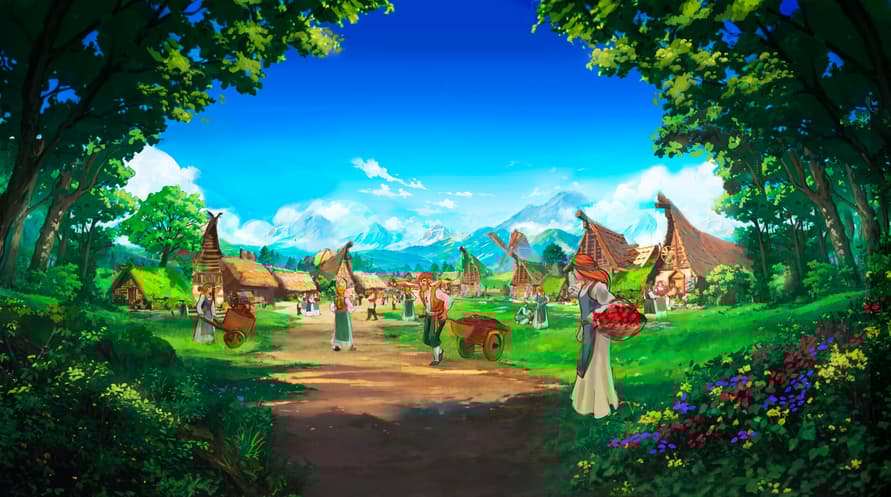
Explore Folklands, support the development team, and unlock exclusive content!
This DLC is designed for players who love the world of
Folklands, bringing you more digital collectibles:
Official Soundtrack (3 tracks)
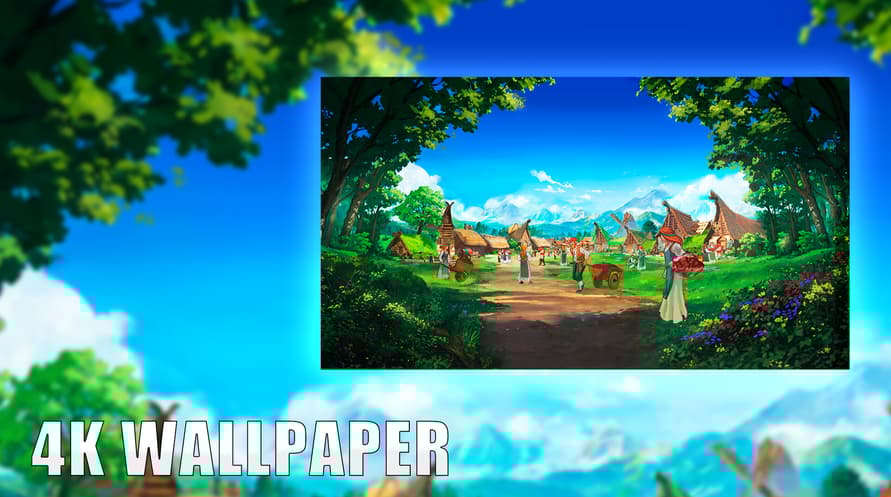
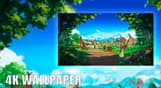
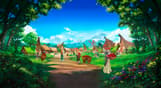
4K HD Wallpaper (1 image)
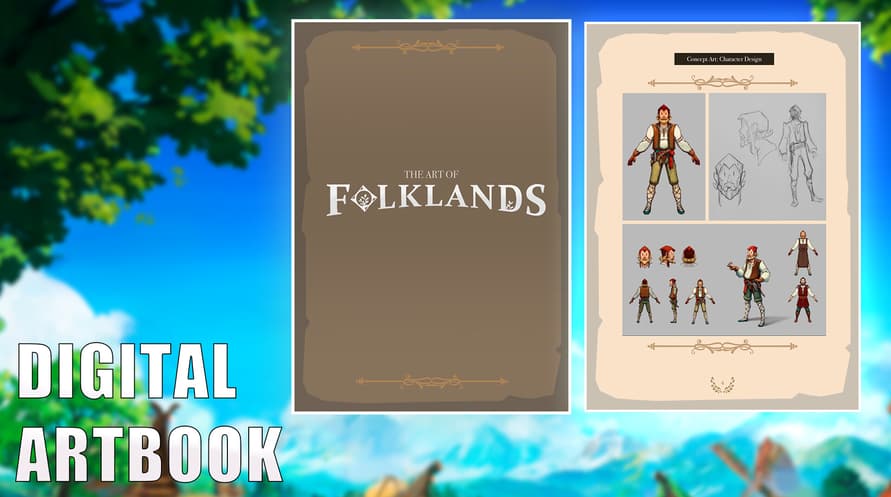
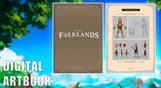
Digital Artbook (13 pages)
DLC Content Path:
After installing the DLC, you can find all the content in the following path:
Path: Game Installation Directory/Supporter Pack
How to find it: In your Steam library, right-click on
Folklands
Select “Manage” > “Browse Local Files”.
Open the “Supporter Pack” folder to find:
Soundtrack (MP3 format)
HD Wallpaper (PNG format)
Digital Artbook (PDF format)
Minimum Requirements:
Windows
- Requires a 64-bit processor and operating system
- OS 64-bit Windows 10 or above
- Processor Intel® iCore™ i3-530 or AMD® FX-6350
- Memory 8 GB RAM
- Graphics Nvidia® GeForce™ GTX 960 or AMD® ATI Radeon™ HD 5870 (1GB VRAM), or AMD® Radeon™ RX Vega 11 or Intel® HD Graphics 4600
- DirectX Version 11
- Network Broadband Internet connection
- Storage 1 GB available space
Linux
- OS 64-bit Ubuntu 22.04+ or equivalent
- Processor Intel® iCore™ i3-530 or AMD® FX-6350
- Memory 8 GB RAM
- Graphics NVIDIA GeForce GTX 980 | AMD RX 590, with 4GB VRAM or better
- Network Broadband Internet connection
- Storage 1 GB available space
Recommended Requirements:
Para activar la clave de Steam que has recibido, sigue las instrucciones a continuación:
- En primer lugar, abre el cliente de Steam. (Si no lo tienes, simplemente haz clic en el botón "Instalar Steam" aquí => Tienda de Steam )
- Inicia sesión en tu cuenta de Steam. (Si no tienes una, haz clic aquí para crear una nueva => Cuenta de Steam )
- Haz clic en el botón "AÑADIR UN JUEGO" en la esquina inferior del cliente.
- Luego, selecciona "Activar un producto en Steam..."
- Escribe o copia y pega la clave de activación que has recibido de Voidu en la ventana.
- ¡Tu juego ahora es visible en tu biblioteca! Haz clic en tu "Biblioteca".
- Y finalmente, haz clic en el juego y selecciona "Instalar" para comenzar la descarga.