


Monster Hunter Wilds - Flamefete DLC Pack
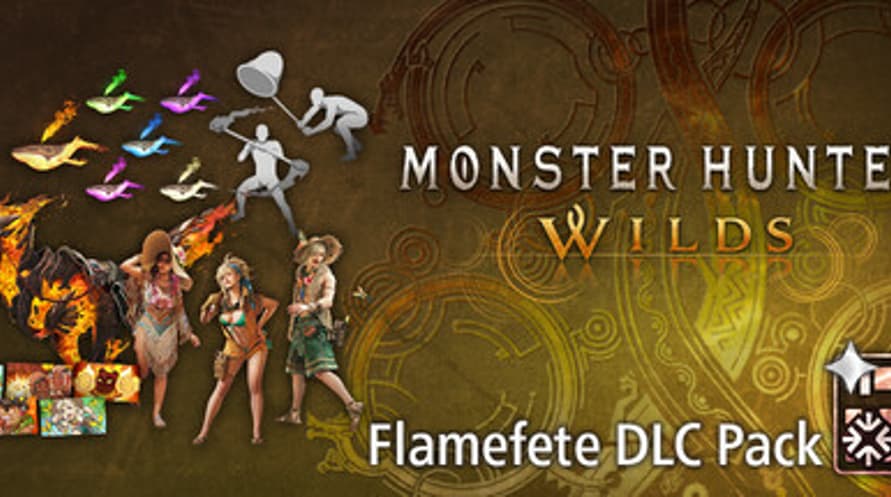

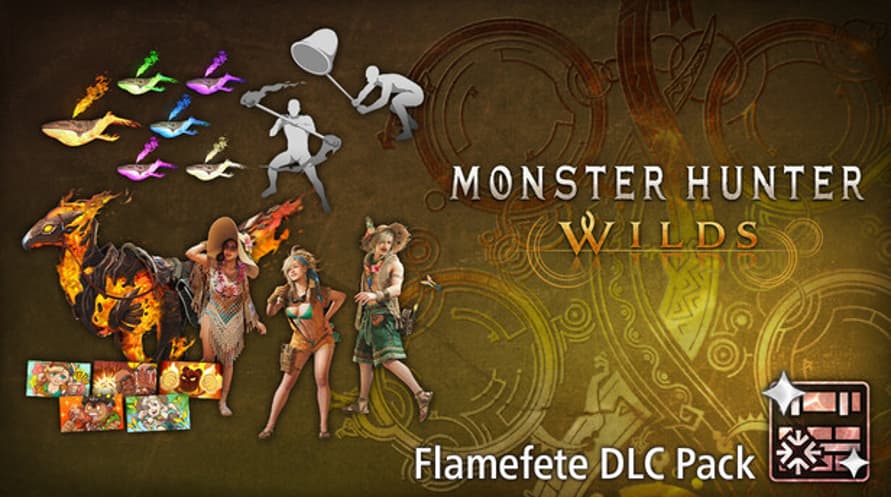
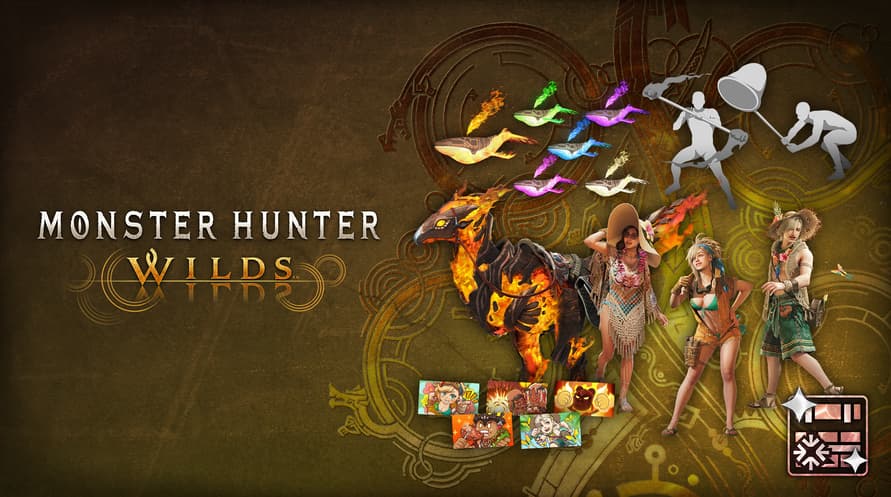



Celebrate the arrival of summer with this pack of communication and cosmetic items!
Celebrate the arrival of summer with this pack of communication and cosmetic items!
Content
- Alma Outfit: Summer Poncho
- Seikret Decoration: Phoenix Caparison
- Gemma Outfit: Summer Coveralls
- Erik Outfit: Summer Hat
- Pendant Set Vol. 6
- Gesture Set Vol. 7
- Sticker Set: Flamefete
This content can also be purchased separately.
Please be careful of duplicate purchases.
©CAPCOM
MONSTER HUNTER WILDS is a trademark and/or registered trademark of CAPCOM CO., LTD. and/or its subsidiaries in the U.S. and/or other countries.
Monster Hunter Wilds - Flamefete DLC Pack
Steam
En stock
Editor:
Capcom (JP)
Sistema operativo:
Plataformas:
Fecha de lanzamiento:
23 Jul 2025

Información de activación
United States
Disponible en tu región
Activado en United States
Restricción de edad
Contenido clasificado 16+

Contenido con restricción de edad
Adecuado para edades 16 y superiores
Juegos similares

The Bionic Commando Pack
$15.99
Strange Seed
$14.99

Darwin’s Paradox
$24.99

Far Far West
$19.99
Tales of Berseria Remastered
$39.99


Sintopia
$34.99

Toll Booth Simulator
$12.99


Operation: Tango
$19.99
$21.99

