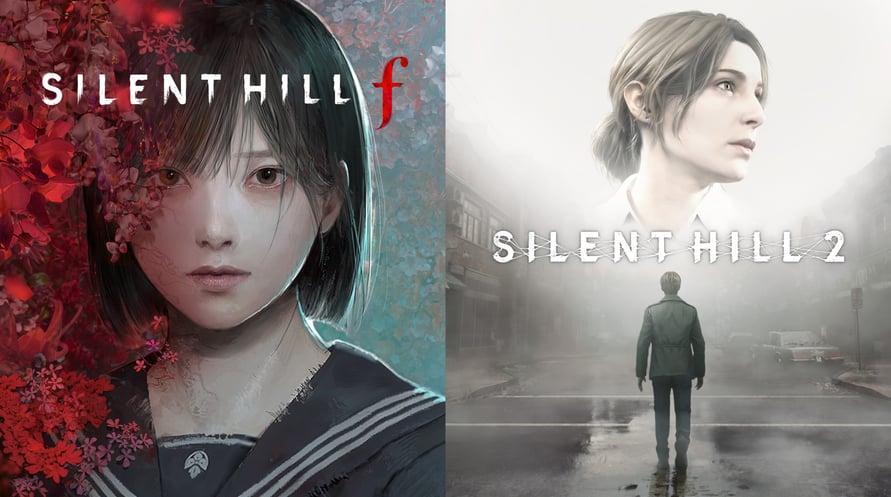
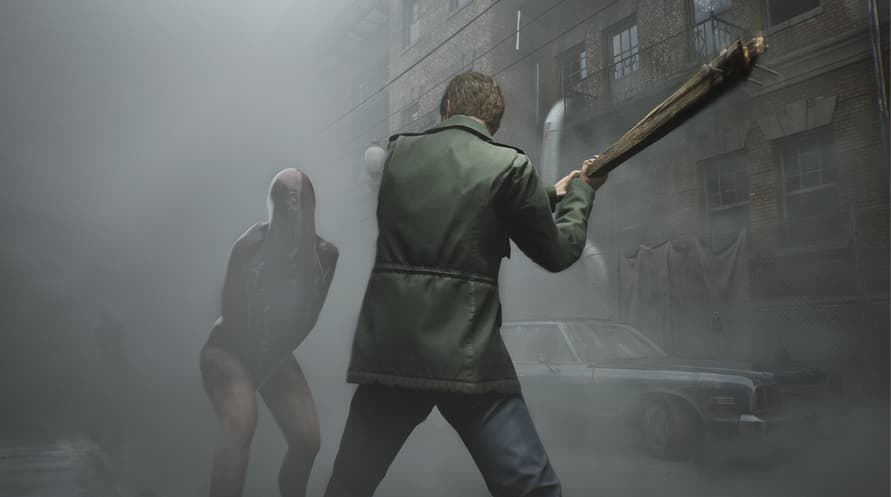
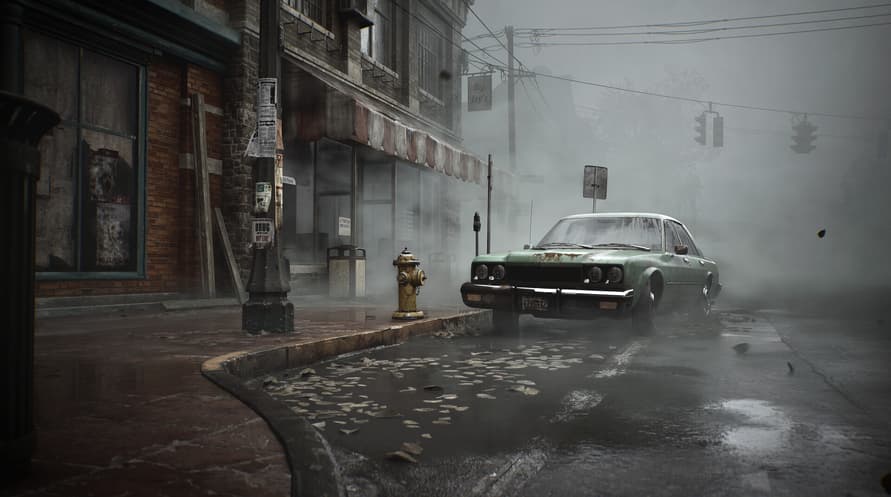
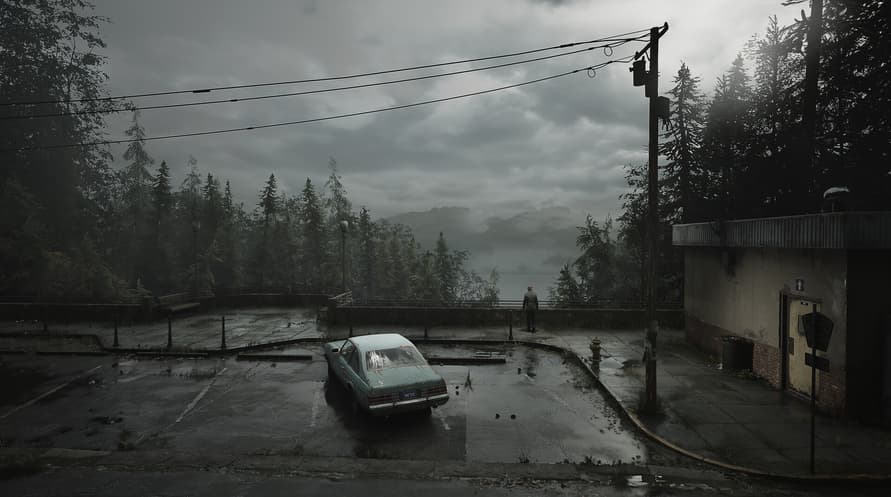
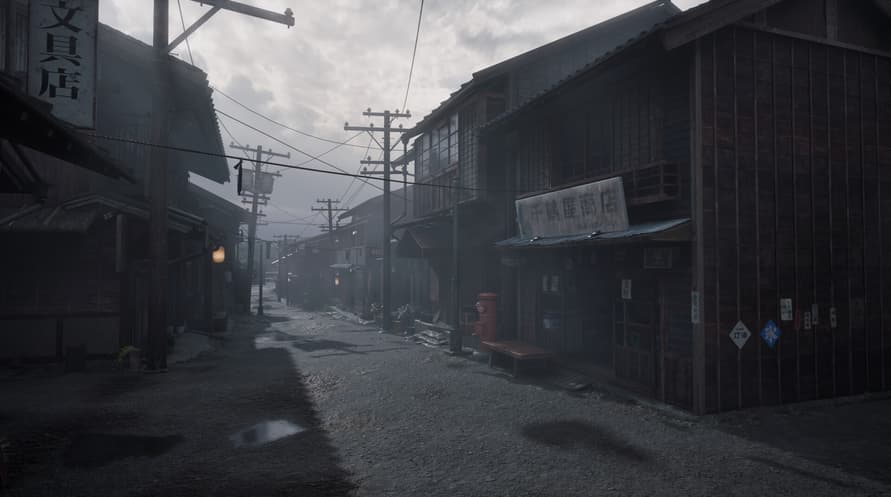
This package includes the full games for SILENT HILL 2 and SILENT HILL f.
Standard Dual Pack Contents:
- SILENT HILL 2 Full Game
- SILENT HILL f Full Game
Note: Users who own SILENT HILL 2, SILENT HILL 2 Deluxe Edition, SILENT HILL f, or SILENT HILL f Deluxe Edition may also purchase this package. The SILENT HILL 2 & SILENT HILL f Deluxe Dual Pack, a package including the Deluxe Editions, is also available. Please be careful to avoid redundant purchases.
© Konami Digital Entertainment
Minimum System Requirements:
- Requires a 64-bit processor and operating system
- OS Windows 11 x64
- Processor Intel Core i5-8400 / AMD Ryzen 5 2600
- Memory 16 GB RAM
- Graphics NVIDIA® GeForce® GTX 1070 Ti or AMD Radeon™ RX 5700
- DirectX Version 12
- Storage 50 GB available space
- Sound Card Windows Compatible Audio Device.
- Additional Notes Playing on minimum requirements should enable to play on Performance quality settings in 30 at 720p. SSD is recommended
Recommended System Requirements:
- Requires a 64-bit processor and operating system
- OS Windows 11 x64
- Processor Intel Core i7-9700 / AMD Ryzen 5 5500
- Memory 16 GB RAM
- Graphics NVIDIA® GeForce® RTX 2080 or AMD Radeon™ RX 6800XT
- DirectX Version 12
- Storage 50 GB available space
- Sound Card Windows Compatible Audio Device.
- Additional Notes Playing on recommended requirements should enable to play on Performance settings in 60 FPS or Quality settings in 30 FPS at FullHD (or 4k using DLSS or similar technology). SSD required.
Para activar la clave de Steam que has recibido, sigue las instrucciones a continuación:
- En primer lugar, abre el cliente de Steam. (Si no lo tienes, simplemente haz clic en el botón "Instalar Steam" aquí => Tienda de Steam )
- Inicia sesión en tu cuenta de Steam. (Si no tienes una, haz clic aquí para crear una nueva => Cuenta de Steam )
- Haz clic en el botón "AÑADIR UN JUEGO" en la esquina inferior del cliente.
- Luego, selecciona "Activar un producto en Steam..."
- Escribe o copia y pega la clave de activación que has recibido de Voidu en la ventana.
- ¡Tu juego ahora es visible en tu biblioteca! Haz clic en tu "Biblioteca".
- Y finalmente, haz clic en el juego y selecciona "Instalar" para comenzar la descarga.