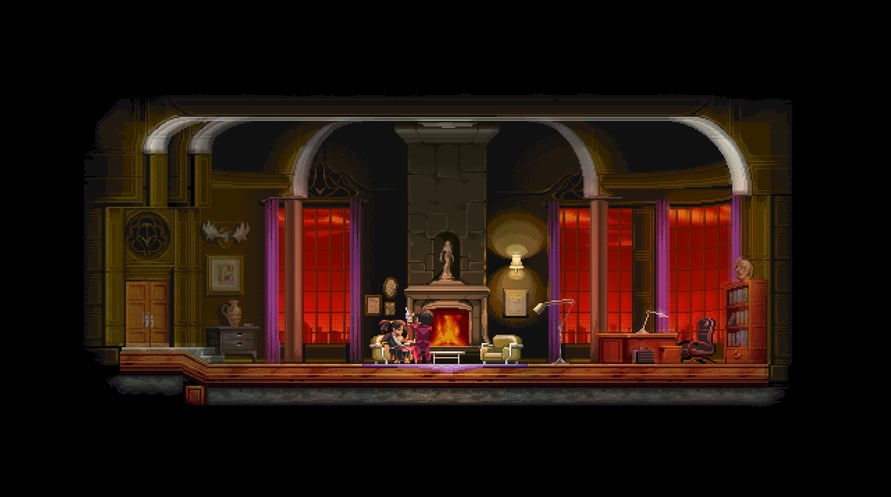
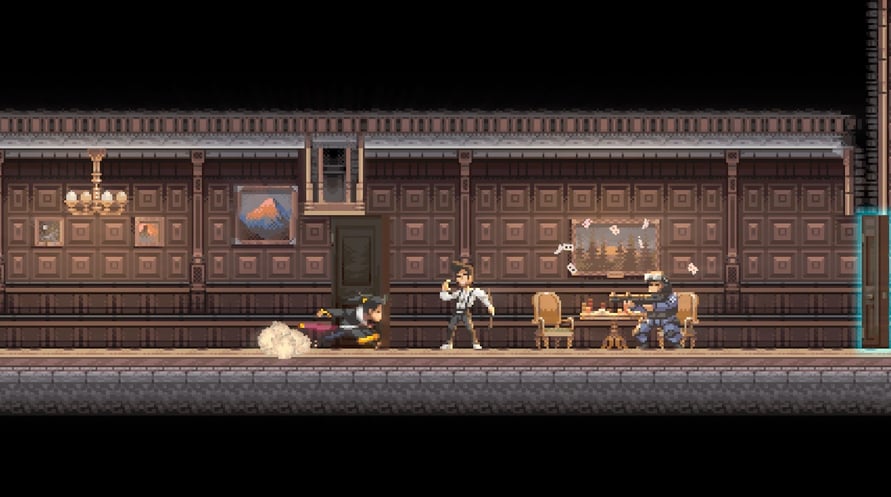
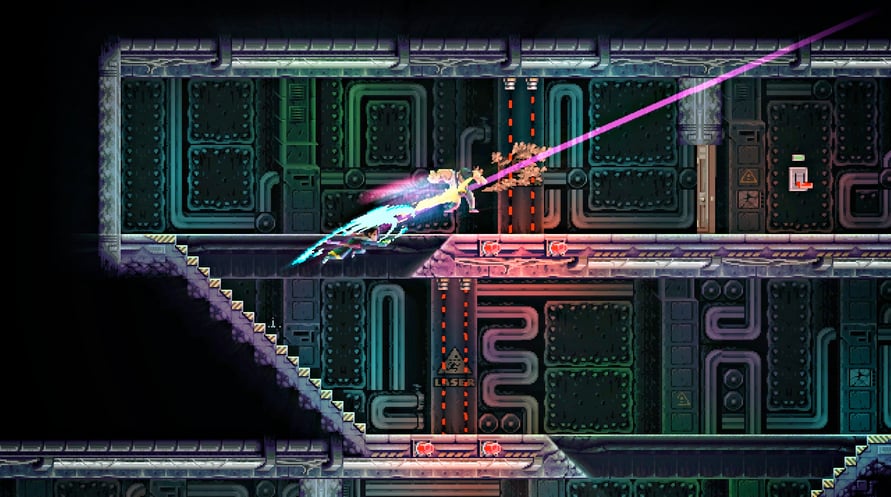
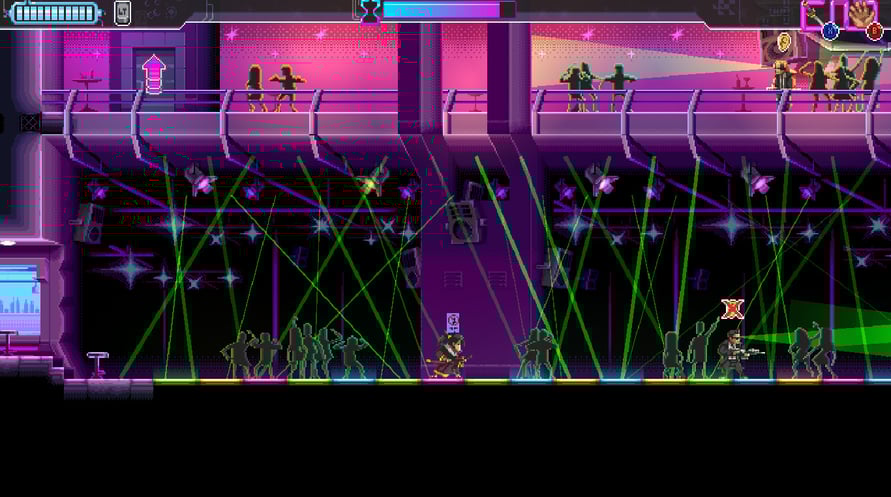
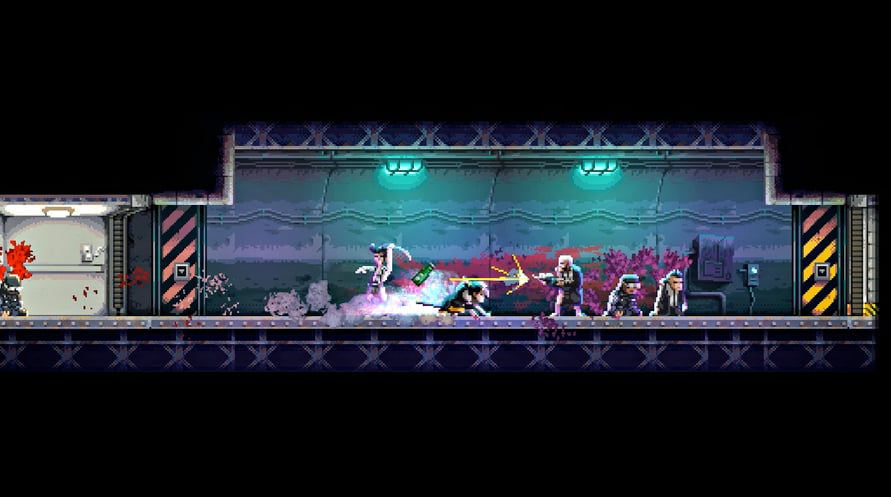
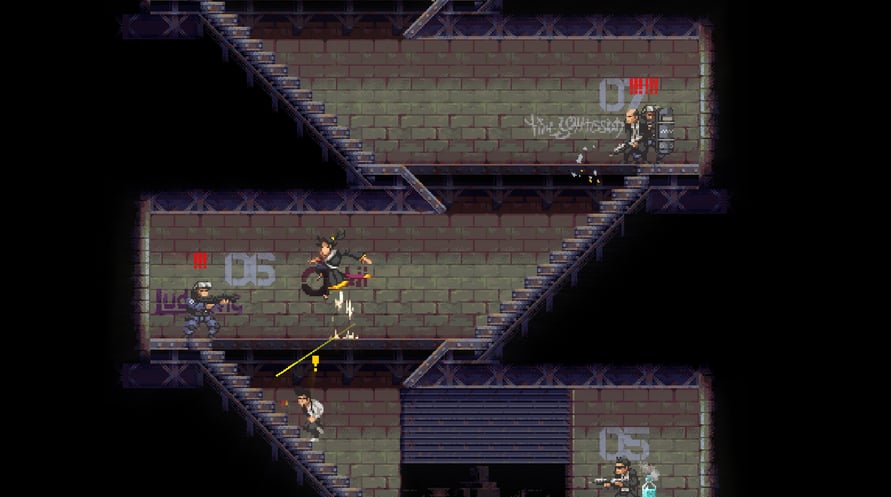
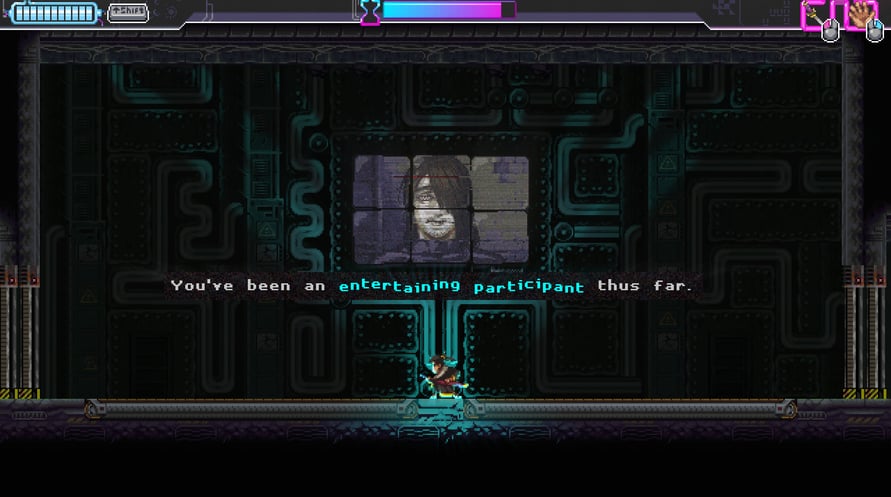
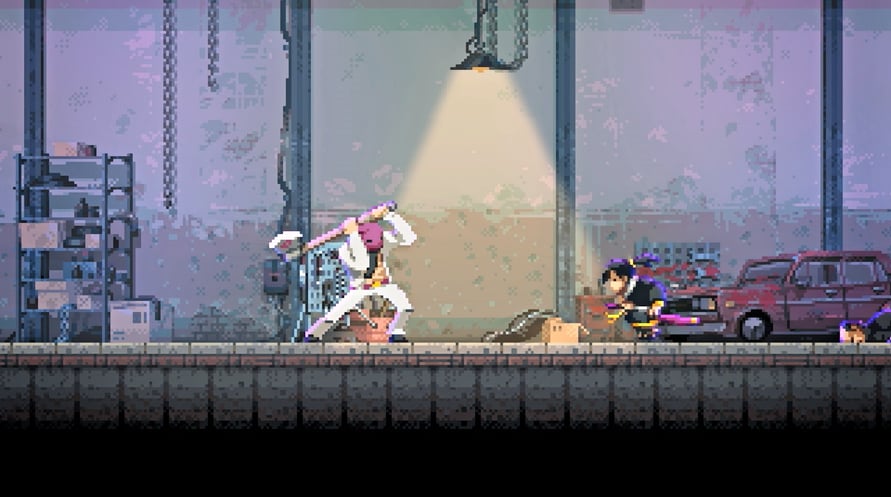

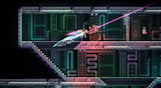
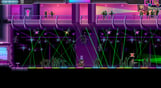
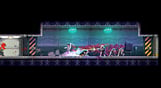
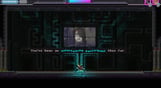

Katana ZERO is a stylish neo-noir, action-platformer featuring breakneck action and instant-death combat. Slash, dash, and manipulate time to unravel your past in a beautifully brutal acrobatic display.
Exceptional Combat: Overcome your opposition however the situation requires. Deflect gunfire back at foes, dodge oncoming attacks, and manipulate enemies and environments with traps and explosives. Leave no survivors.
Hand-Crafted Sequences: Each level is uniquely designed for countless methods of completion. Defeat foes creatively, using spontaneous approaches to eliminate your enemy as you see fit.
Unconventional Storytelling: An enigmatic story told through cinematic sequences woven into the gameplay, twisting and folding to an unexpected conclusion.
Copyright 2020 Askiisoft. All Rights Reserved.
Windows Minimum Requirements:
- OS: Windows 7, 8, 8.1, 10 x64
- Processor: Intel Pentium E2180 (2 * 2000) or equivalent
- Memory: 1 GB RAM
- Graphics: GeForce 7600 GT (256 MB)
- DirectX: Version 10
- Storage: 200 MB available space
Windows Recommended Requirements:
- OS: Windows 7, 8, 8.1, 10 x64
- Processor: Intel Core i3-3240 (2 * 3400) or equivalent
- Memory: 2 GB RAM
- Graphics: GeForce 8800 GTS (512 MB)
- Storage: 200 MB available space
Mac Minimum Requirements:
- OS: Mac OS X 10.11 or higher
- Processor: Intel Core i5-3210M (2 * 2500)
- Memory: 4 GB RAM
- Graphics: Intel HD Graphics 530
- Storage: 200 MB available space
- Additional Notes: Xbox Gamepad Recommended
Mac Recommended Requirements:
- OS: Mac OS X 10.11 or higher
- Processor: Intel Core i5-5350U (2 * 1800)
- Memory: 4 GB RAM
- Graphics: Intel HD Graphics 6000
- Storage: 200 MB available space
- Additional Notes: Xbox Gamepad Recommended
Az átvett Steam kulcs aktiválásához kövesse az alábbi utasításokat;
- Először nyissa meg a Steam klienst. (Ha nincs meg, kattintson ide az "Install Steam" gombra => Steam Store )
- Jelentkezzen be Steam-fiókjába. (Ha nincs, kattintson ide egy új fiók létrehozásához => Steam Account )
- Kattintson a "JÁTÉK HOZZÁADÁSA" gombra a kliens alsó sarkában.
- Ezután válassza az "Egy termék aktiválása a Steamen..." lehetőséget.
- Írja be vagy másolja be a Voidu -tól kapott aktivációs kulcsot az ablakba.
- A játék mostantól látható a könyvtárában! Kattintson a "Könyvtár" menüpontra.
- Végül kattintson a játékra, és válassza az "Install" lehetőséget a letöltés megkezdéséhez.