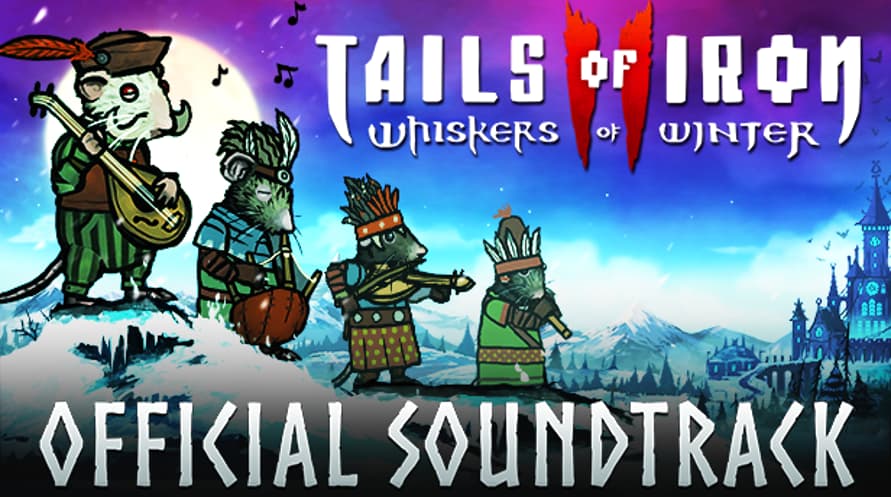
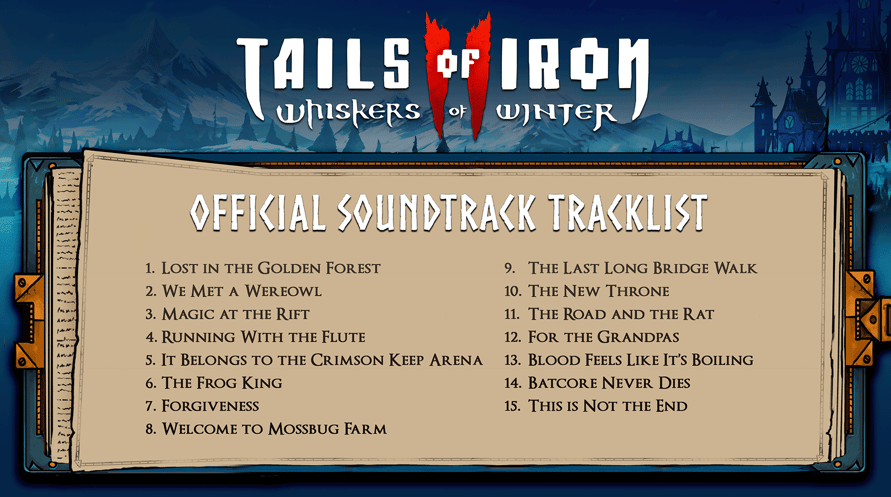
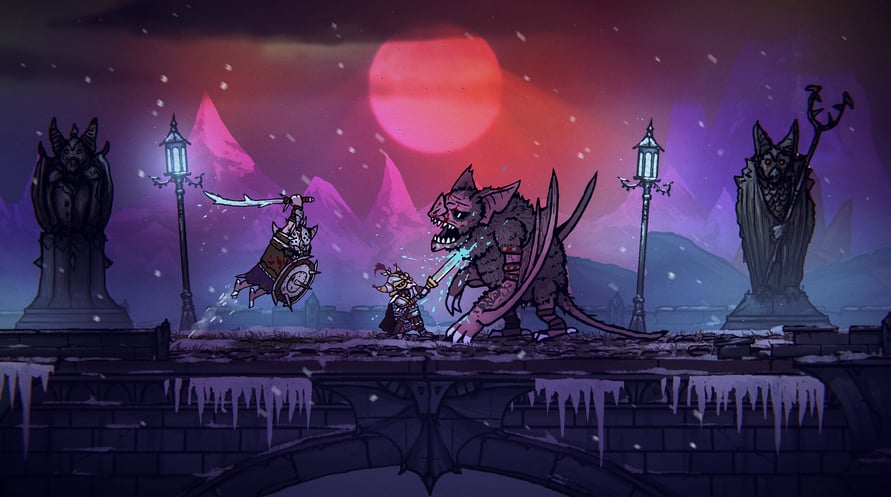
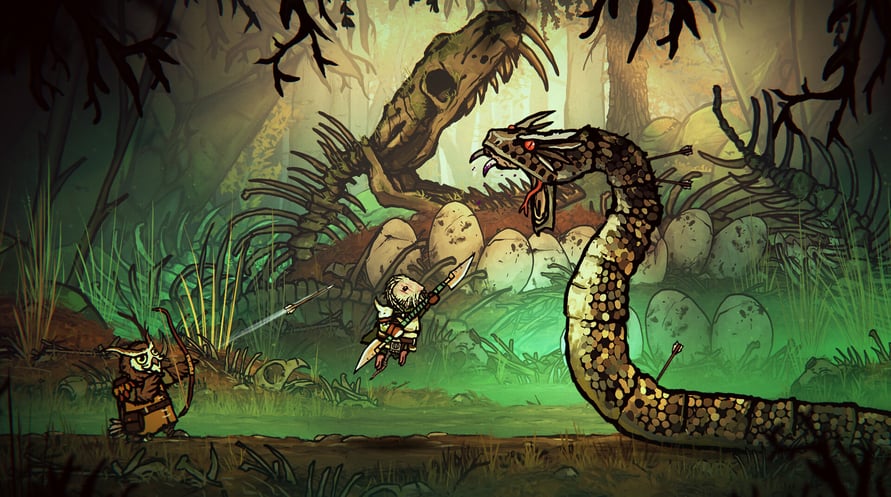
Enjoy the music of Tails of Iron 2: Whiskers of Winter whenever and wherever you choose, and strike fear into the hearts of the Dark Wings - at home, or on the move.
Tails of Iron 2 © United Label SA. Game content © Odd Bug Studio Ltd. United Label is exclusive worldwide licensee. “Tails of Iron” and “United Label” are registered trademarks. All rights reserved.
Minimum Requirements for Windows:
- Requires a 64-bit processor and operating system
- OS: Windows 10 64-bit
- Processor: 2.8 GHz Dual Core CPU
- Memory: 4 GB RAM
- Graphics: GeForce GTX 660 or equivalent with 2 GB of video RAM
- DirectX: Version 11
- Storage: 2 GB available space
Recommended Requirements for Windows:
- Requires a 64-bit processor and operating system
- OS: Windows 10 64-bit
- Processor: 3.2 GHz Quad Core Processor
- Memory: 8 GB RAM
- Graphics: GeForce 960 or equivalent with 4GB of video RAM
- DirectX: Version 11
- Storage: 2 GB available space
Minimum Requirements for MacOS:
- OS: macOS 12 Monterey
- Processor: 1.3GHz dual-core Intel Core i5 or Apple M1 chip
- Memory: 4 GB RAM
- Graphics: Intel HD Graphics 615
- Storage: 2 GB available space
Recommended Requirements for MacOS:
- OS: macOS 12 Monterey
- Processor: 3.0GHz 6-core Intel Core i5 or Apple M1 chip
- Memory: 8 GB RAM
- Graphics: Radeon Pro 560X with 4GB of GDDR5 memory
- Storage: 2 GB available space
Minimum Requirements for Linux:
- Processor: 2.8 GHz Dual Core CPU
- Memory: 4 GB RAM
- Graphics: GeForce GTX 660 or equivalent with 2 GB of video RAM
- Storage: 2 GB available space
Recommended Requirements for Linux:
- Processor: 3.2 GHz Quad Core Processor
- Memory: 8 GB RAM
- Graphics: GeForce 960 or equivalent with 4GB of video RAM
- Storage: 2 GB available space
Az átvett Steam kulcs aktiválásához kövesse az alábbi utasításokat;
- Először nyissa meg a Steam klienst. (Ha nincs meg, kattintson ide az "Install Steam" gombra => Steam Store )
- Jelentkezzen be Steam-fiókjába. (Ha nincs, kattintson ide egy új fiók létrehozásához => Steam Account )
- Kattintson a "JÁTÉK HOZZÁADÁSA" gombra a kliens alsó sarkában.
- Ezután válassza az "Egy termék aktiválása a Steamen..." lehetőséget.
- Írja be vagy másolja be a Voidu -tól kapott aktivációs kulcsot az ablakba.
- A játék mostantól látható a könyvtárában! Kattintson a "Könyvtár" menüpontra.
- Végül kattintson a játékra, és válassza az "Install" lehetőséget a letöltés megkezdéséhez.