Hearts of Iron IV の拡張セット、 No Compromise, No Surrender で日本、中国、フィリピンの歴史に新たな道を刻みましょう。 勢派へのより強固な支配を掴み取り、新たな軍事ドクトリンを打ち立て、太平洋の先の運命を定めます。
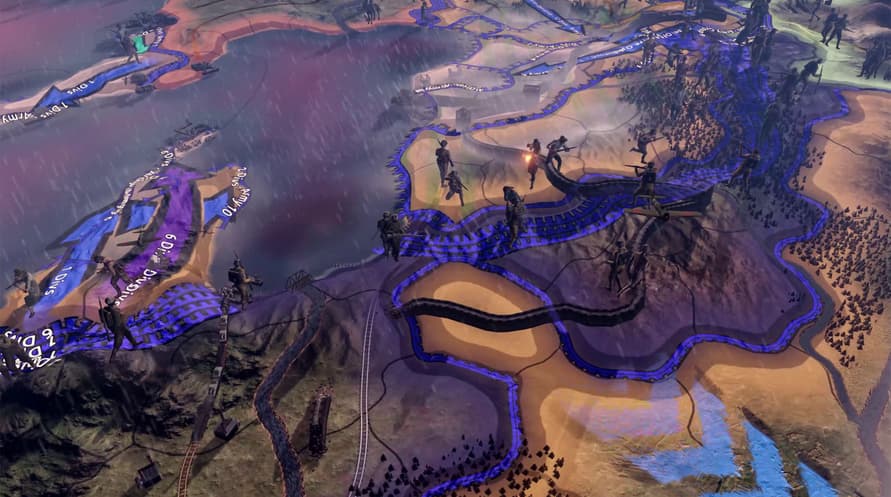
Hearts of Iron IV: No Compromise, No Surrender ハイライト内容:
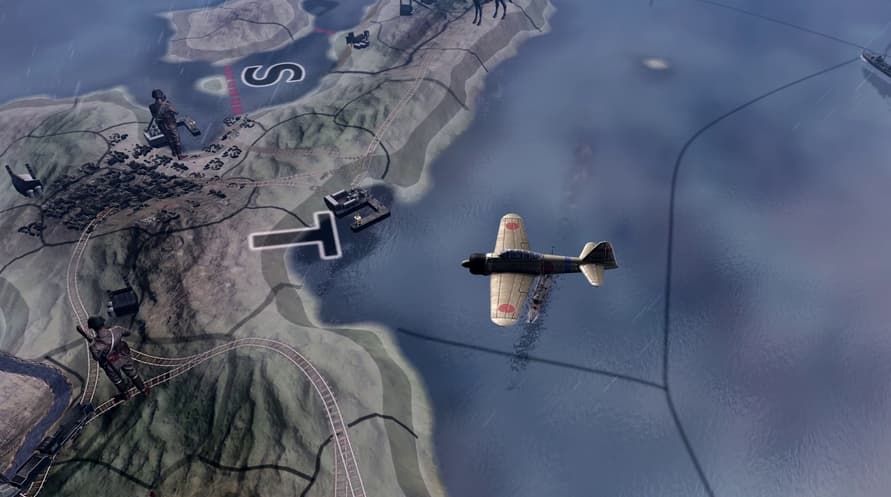
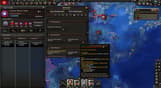
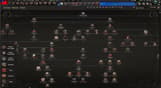
- 日本の方針ツリー: 太平洋の支配権を掴み取り、西側諸国の覇権を締め出し、日出ずる帝国や赤く燃える夜明け、または他のユニークな道を切り開き、自分で選んだ想像の世界で太平洋を再編成しましょう。
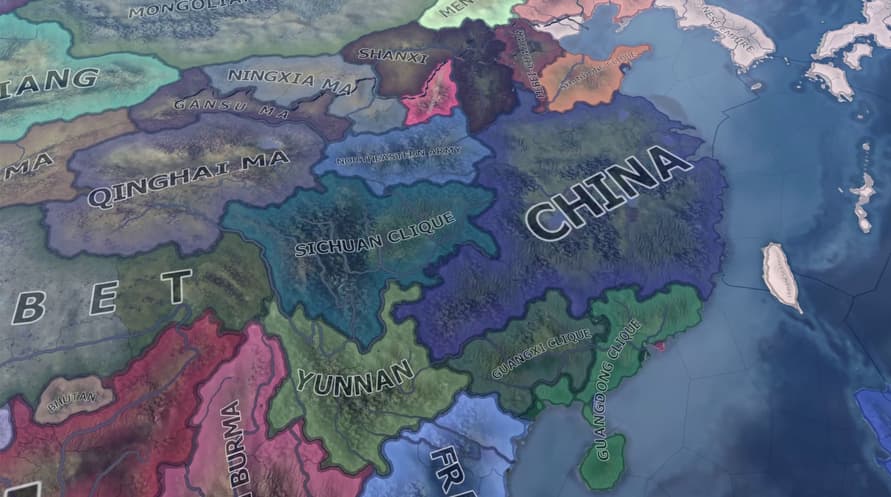
- 中国共産党の方針ツリー: 古い秩序を捨て、人民をまとめて正当な優位へと国家を導き、国内外の敵との間で均衡を保ちましょう。
- 中国国民政府の方針ツリー: 共和国を結集し、軍閥を壊して危機から国家を取り戻しましょう。 抗戦では敵対する帝国に打ち勝つべく、いくつかの道から1つを選択します。
- フィリピンの方針ツリー: 島々を防衛し、侵略者に抵抗して国家のため独立を獲得しましょう。 歴史の他の選択肢を探求し、かつて敵とみなした者たちと協力します;豊富な天然資源へのアクセスを活用し、自分の状況にとって最も利益になる者を支援しましょう。
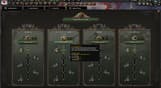
- 新しい軍事ドクトリン: コアとなるドクトリンシステムの修正に伴うユニークなドクトリンを用いて、戦場の条件に応じて軍隊に究極の再編を施しましょう。
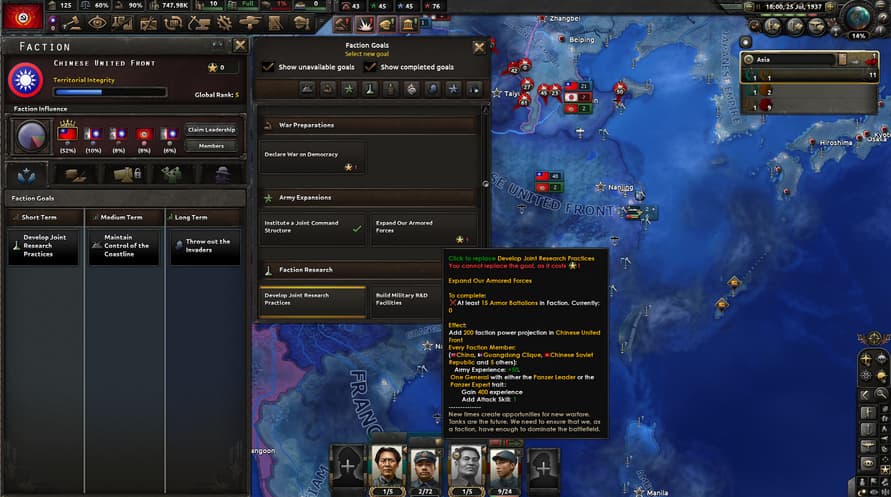
- 拡張した勢派システム: 拡張した新しい勢派の規則と同盟が定義した目標をベースに同盟国に対するより強い支配を確立しましょう。
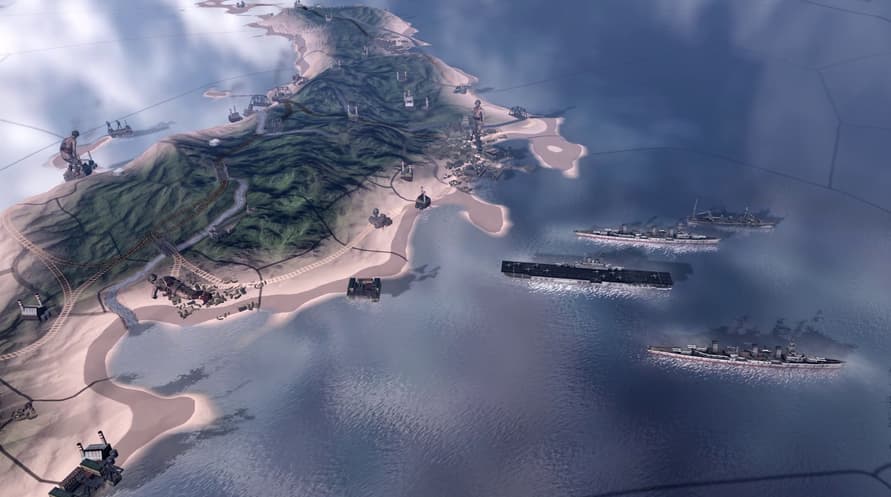
- 追加のサポート機能と快適性を向上させるパッチ には、新しい海軍特別計画や改良された航空母艦メカニズムなど海軍戦闘のパッチが含まれます。
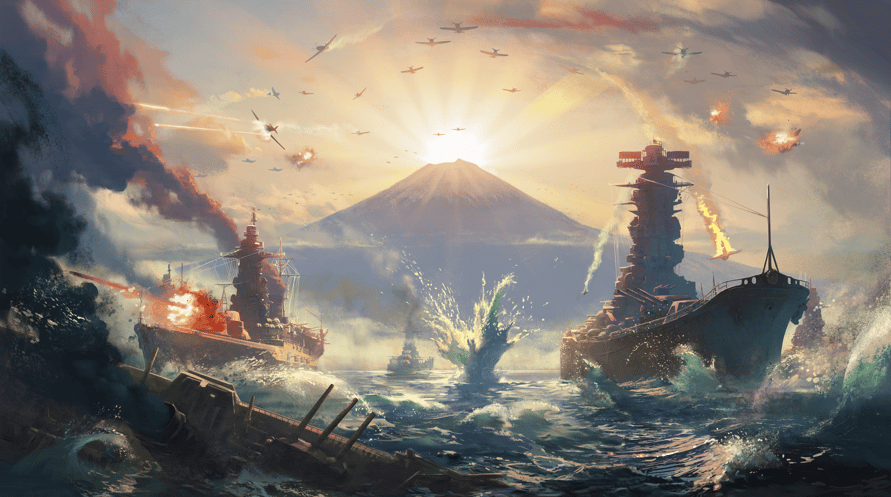
太平洋で戦争の波が巻き起こる。 これは支配をかけた戦争か、それとも抗戦か?
©2016-2023 and published by Paradox Interactive AB, HEARTS OF IRON and PARADOX INTERACTIVE are trademarks and/or registered trademarks of Paradox Interactive AB in Europe, the U.S., and other countries. All other trademarks, logos, and copyrights are the property of their respective owners.
Minimum Requirements for Windows:
- OS: Windows® 10 Home 64 Bit
- Processor: Intel® Core™ i5 750 | AMD® FX 4300
- Memory: 4 GB RAM
- Graphics: Nvidia® GeForce™ GTX 470 (1.28GB) | AMD® HD 5850 (1GB) | Intel Iris Xe G7 (Tiger Lake) | AMD® Radeon™ RX Vega 11
- DirectX: Version 9.0c
- Storage: 2 GB available space
- Sound Card: Direct X- compatible soundcard.
- Additional Notes: Mouse and keyboard are required. / Latest available WHQL drivers from both manufacturers/ Internet Connection or LAN for multiplayer, Up to 32 other players in multiplayer mode.
Recommended Requirements for Windows:
- OS: Windows® 10 Home 64 bit
- Processor: Intel® Core™ i5 2500K | AMD® Ryzen 3 2200G
- Memory: 6 GB RAM
- Graphics: Nvidia® GeForce™ GTX 570 (1.28GB) | AMD® Radeon™ HD 7970 (3GB) | Intel Iris Xe G7 (Tiger Lake)
- DirectX: Version 9.0c
- Storage: 2 GB available space
- Sound Card: Direct X- compatible soundcard.
- Additional Notes: Mouse and keyboard are required. / Latest available WHQL drivers from both manufacturers. / Internet Connection or LAN for multiplayer, Up to 32 other players in multiplayer mode.
Minimum Requirements for MacOS:
- OS: OS: macOS 10.14 (Mojave)
- Processor: Intel Core i5 @ 2.60 GHz or better
- Memory: 4 GB RAM
- Graphics: ATI Radeon HD 6970M
- Storage: 2 GB available space
- Additional Notes: Mouse and keyboard are required. / Latest available proprietary drivers / Internet Connection or LAN for multiplayer, Up to 32 other players in multiplayer mode.
Recommended Requirements for MacOS:
- OS: OS: macOS 10.14 (Mojave)
- Processor: Intel Core i5 @ 2.90 GHz or better
- Memory: 8 GB RAM
- Graphics: ATI Radeon R9 390M or NVIDIA GeForce 750M with 1GB VRAM
- Storage: 2 GB available space
- Additional Notes: Mouse and keyboard are required. / Latest available proprietary drivers from both manufacturers/ Internet Connection or LAN for multiplayer, Up to 32 other players in multiplayer mode.
Minimum Requirements for Linux:
- OS: OS: Ubuntu 20.04
- Processor: Intel Core 2 Quad Q9400 @ 2.66 GHz / AMD Athlon II X4 650 @ 3.20 GHz
- Memory: 4 GB RAM
- Graphics: ATI Radeon HD 5850 or NVIDIA GeForce GTX470 with 1GB VRAM / Latest available proprietary drivers from both manufacturers
- Storage: 2 GB available space
- Additional Notes: Controller support: 3-button mouse, keyboard, and speakers are required. / Internet Connection or LAN for multiplayer, Up to 32 other players in multiplayer mode.
Recommended Requirements for Linux:
- OS: OS: Ubuntu 20.04
- Processor: Intel Core i5 750 @ 2.66 GHz / AMD Phenom II X4 955 @ 3.20 GHz
- Memory: 4 GB RAM
- Graphics: ATI Radeon HD 6950 or NVIDIA GeForce GTX570 with 2GB VRAM / Latest available proprietary drivers from both manufacturers
- Storage: 2 GB available space
- Additional Notes: Controller support: 3-button mouse, keyboard, and speakers are required. / Internet Connection or LAN for multiplayer, Up to 32 other players in multiplayer mode.
受け取ったSteamキーを有効にするには、以下の手順に従ってください;
1. まず、Steamクライアントを開きます。(持っていない場合は、ここをクリックして「Steamをインストール」ボタンを押します =>
Steam Store)
2. Steamアカウントにサインインします。(持っていない場合は、ここをクリックして新しいアカウントを作成します =>
Steam Account)
3. クライアントの右下の「ゲームを追加」ボタンをクリックします。
4. 次に、「Steamでプロダクトを有効化...」を選択します。
5. Voiduから受け取った有効化キーをウィンドウに入力するか、コピーして貼り付けます。
6. ゲームがライブラリに表示されるようになりました!「ライブラリ」をクリックしてください。
7. 最後に、ゲームをクリックして「インストール」を選択し、ダウンロードを開始します。