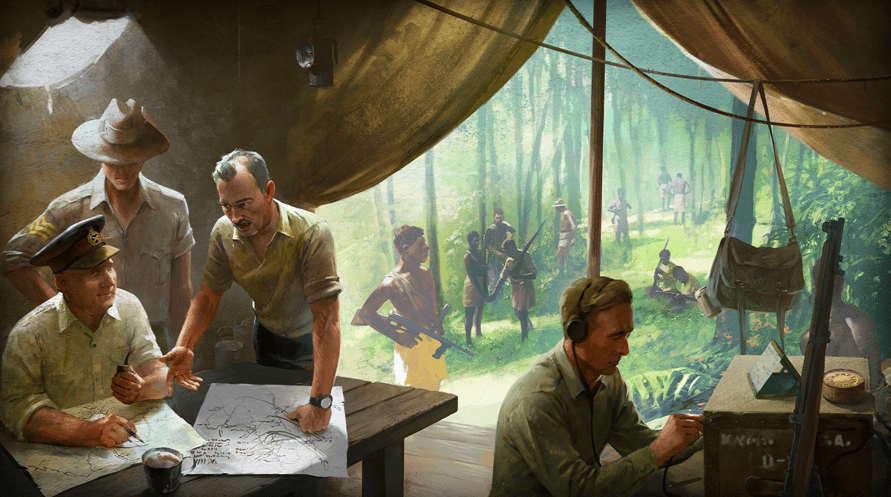
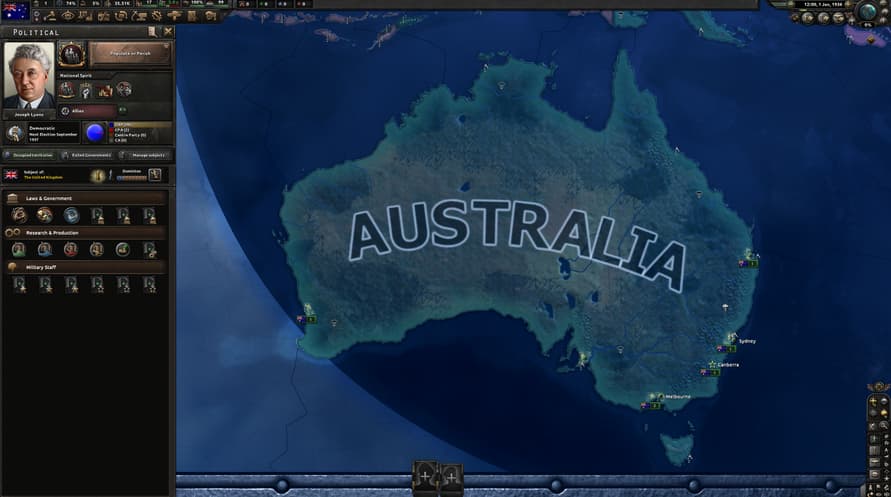
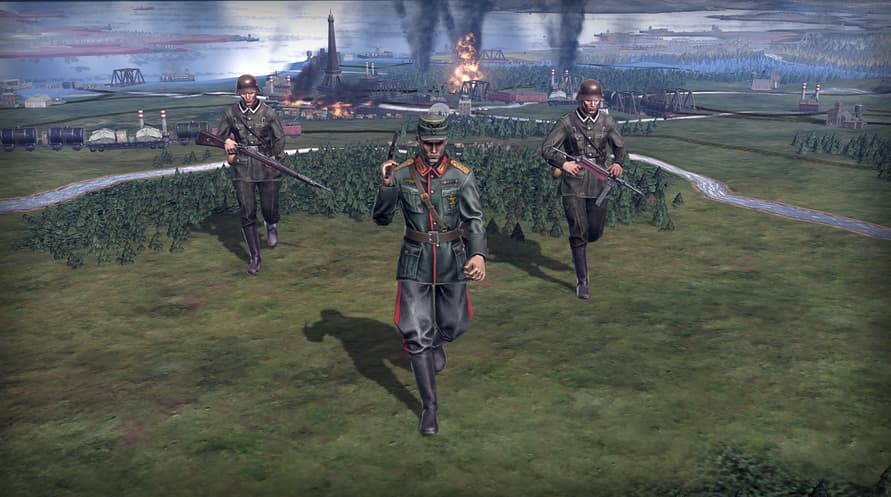
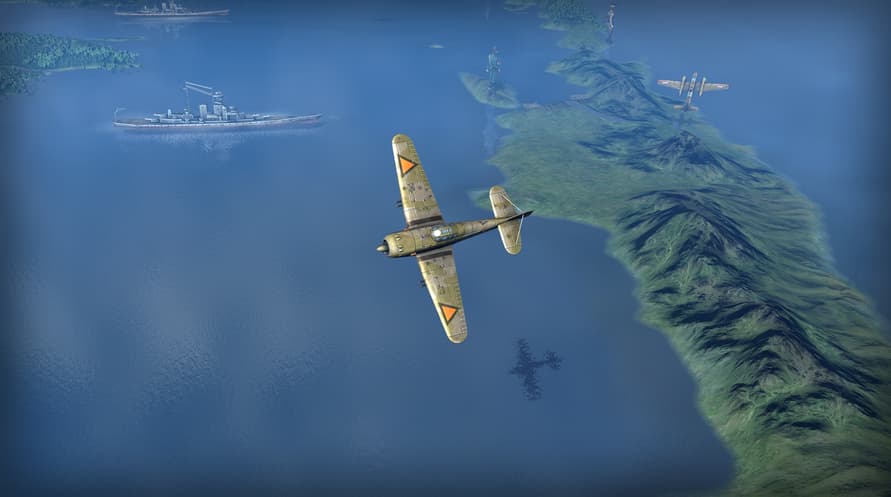
Hearts of Iron IV の戦域パック、 Thunder at Our Gates で司令部の中心に入りましょう。 新しい機能でキャンペーンの編成術を広げましょう。新機能には軍司令部、海軍艦長のほか、オーストラリア、シャム、インドネシアなどライバルの帝国との板挟みにある国々へのユニークで新しいコンテンツが含まれます。
Hearts of Iron IV: Thunder at Our Gates の内容:
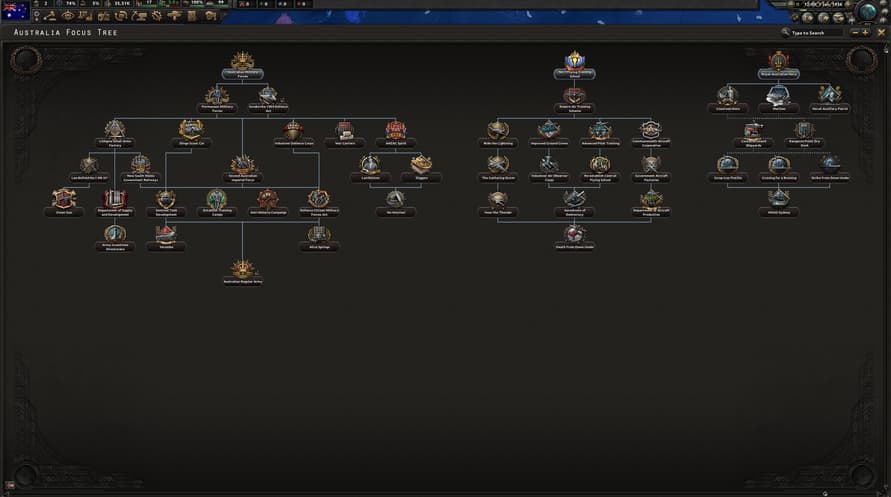
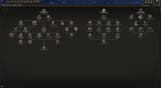
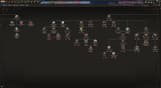
- オーストラリアの方針ツリー: 世界中の同盟者を援護しながら太平洋で日本相手に最後のバスティオンを堅守したり、または不安定な政治状況を活用し進路を全体的に変えましょう。
- シャムの方針ツリー: ライバル国家を抵当にして最大勢力を利用し、東南アジアで自分の帝国を築きましょう。
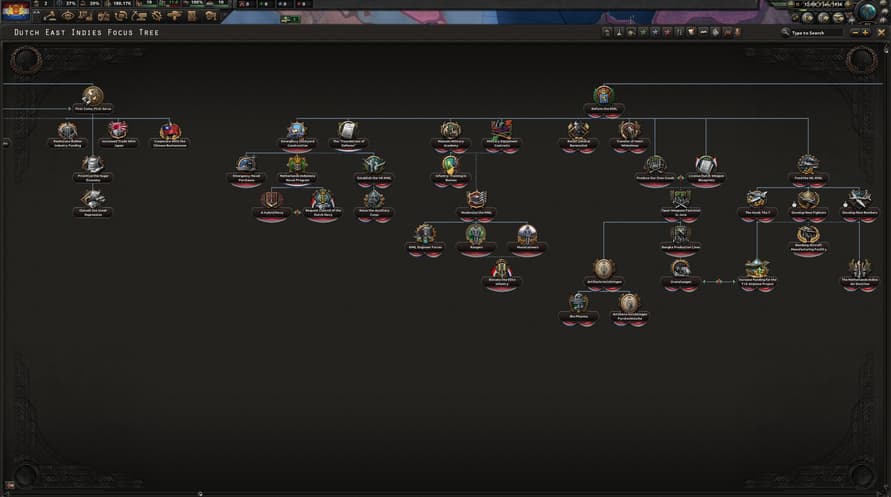
- インドネシアの方針ツリー: インドネシアの未来への進路の舵取りをしましょう;オランダの支配下に留まるか、独立のみを賭けた戦いの好機を掴むか、または新たな庇護者の下で戦うか。
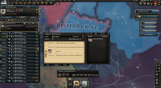
- 軍司令部: 必要な場所で将軍を配置しましょう。 現地の指令を駆使し、更新された指令能力、近接地、新しい部隊デザイン機能を利用し、相乗効果を通して部隊を支援します。
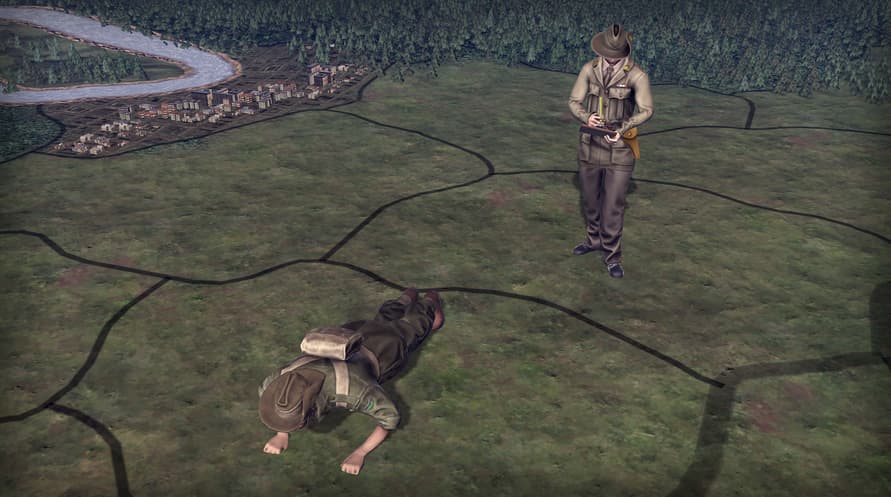
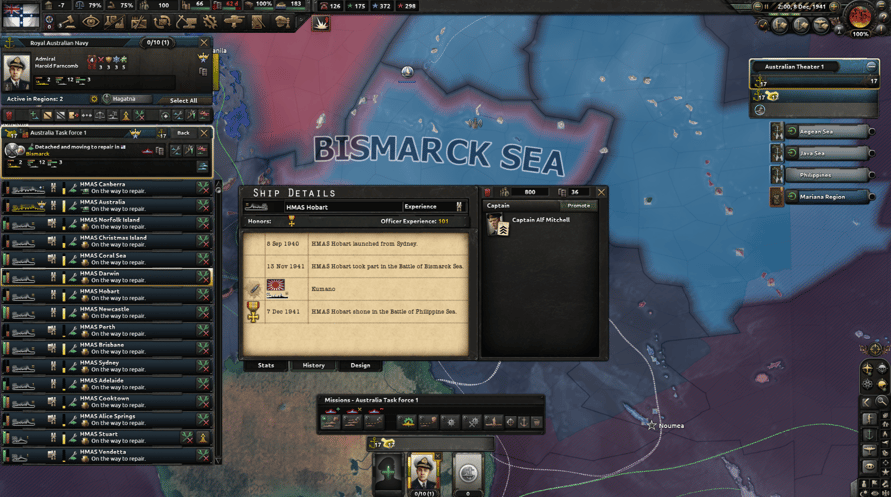
- 艦長:指名された艦長が艦艇を率います。艦長はその経験を通じてスキルを獲得し、艦隊を指揮する提督に昇進できます。
©2016-2023 and published by Paradox Interactive AB, HEARTS OF IRON and PARADOX INTERACTIVE are trademarks and/or registered trademarks of Paradox Interactive AB in Europe, the U.S., and other countries. All other trademarks, logos, and copyrights are the property of their respective owners.
Windows Minimum Requirements:
- OS: Windows® 10 Home 64 Bit
- Processor: Intel® Core™ i5 750 | AMD® FX 4300
- Memory: 4 GB RAM
- Graphics: Nvidia® GeForce™ GTX 470 (1.28GB) | AMD® HD 5850 (1GB) | Intel Iris Xe G7 (Tiger Lake) | AMD® Radeon™ RX Vega 11
- DirectX: Version 9.0c
- Storage: 2 GB available space
- Sound Card: Direct X- compatible soundcard.
- Additional Notes: Mouse and keyboard are required. / Latest available WHQL drivers from both manufacturers/ Internet Connection or LAN for multiplayer, Up to 32 other players in multiplayer mode.
Windows Recommended Requirements:
- OS: Windows® 10 Home 64 bit
- Processor: Intel® Core™ i5 2500K | AMD® Ryzen 3 2200G
- Memory: 6 GB RAM
- Graphics: Nvidia® GeForce™ GTX 570 (1.28GB) | AMD® Radeon™ HD 7970 (3GB) | Intel Iris Xe G7 (Tiger Lake)
- DirectX: Version 9.0c
- Storage: 2 GB available space
- Sound Card: Direct X- compatible soundcard.
- Additional Notes: Mouse and keyboard are required. / Latest available WHQL drivers from both manufacturers. / Internet Connection or LAN for multiplayer, Up to 32 other players in multiplayer mode.
Mac Minimum Requirements:
- OS: OS: macOS 13 (Ventura)
- Processor: Intel Core i5 @ 2.60 GHz or better
- Memory: 4 GB RAM
- Graphics: ATI Radeon HD 6970M
- Storage: 2 GB available space
- Additional Notes: Mouse and keyboard are required. / Latest available proprietary drivers / Internet Connection or LAN for multiplayer, Up to 32 other players in multiplayer mode.
Mac Recommended Requirements:
- OS: OS: macOS 13 (Ventura)
- Processor: Intel Core i5 @ 2.90 GHz or better
- Memory: 8 GB RAM
- Graphics: ATI Radeon R9 390M or NVIDIA GeForce 750M with 1GB VRAM
- Storage: 2 GB available space
- Additional Notes: Mouse and keyboard are required. / Latest available proprietary drivers from both manufacturers/ Internet Connection or LAN for multiplayer, Up to 32 other players in multiplayer mode.
Linux Minimum Requirements:
- OS: OS: Ubuntu 22.04
- Processor: Intel Core 2 Quad Q9400 @ 2.66 GHz / AMD Athlon II X4 650 @ 3.20 GHz
- Memory: 4 GB RAM
- Graphics: ATI Radeon HD 5850 or NVIDIA GeForce GTX470 with 1GB VRAM / Latest available proprietary drivers from both manufacturers
- Storage: 2 GB available space
- Additional Notes: Controller support: 3-button mouse, keyboard, and speakers are required. / Internet Connection or LAN for multiplayer, Up to 32 other players in multiplayer mode.
Linux Recommended Requirements:
- OS: OS: Ubuntu 22.04
- Processor: Intel Core i5 750 @ 2.66 GHz / AMD Phenom II X4 955 @ 3.20 GHz
- Memory: 4 GB RAM
- Graphics: ATI Radeon HD 6950 or NVIDIA GeForce GTX570 with 2GB VRAM / Latest available proprietary drivers from both manufacturers
- Storage: 2 GB available space
- Additional Notes: Controller support: 3-button mouse, keyboard, and speakers are required. / Internet Connection or LAN for multiplayer, Up to 32 other players in multiplayer mode.
受け取ったSteamキーを有効にするには、以下の手順に従ってください;
- まず、Steamクライアントを開きます。(持っていない場合は、ここをクリックして「Steamをインストール」ボタンを押します => Steam Store)
- Steamアカウントにサインインします。(持っていない場合は、ここをクリックして新しいアカウントを作成します => Steam Account)
- クライアントの右下の「ゲームを追加」ボタンをクリックします。
- 次に、「Steamでプロダクトを有効化...」を選択します。
- Voiduから受け取った有効化キーをウィンドウに入力するか、コピーして貼り付けます。
- ゲームがライブラリに表示されるようになりました!「ライブラリ」をクリックしてください。
- 最後に、ゲームをクリックして「インストール」を選択し、ダウンロードを開始します。