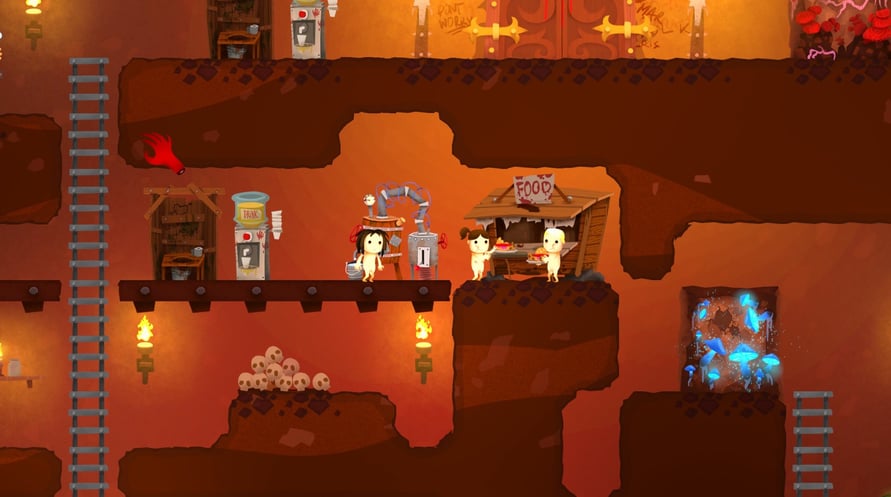
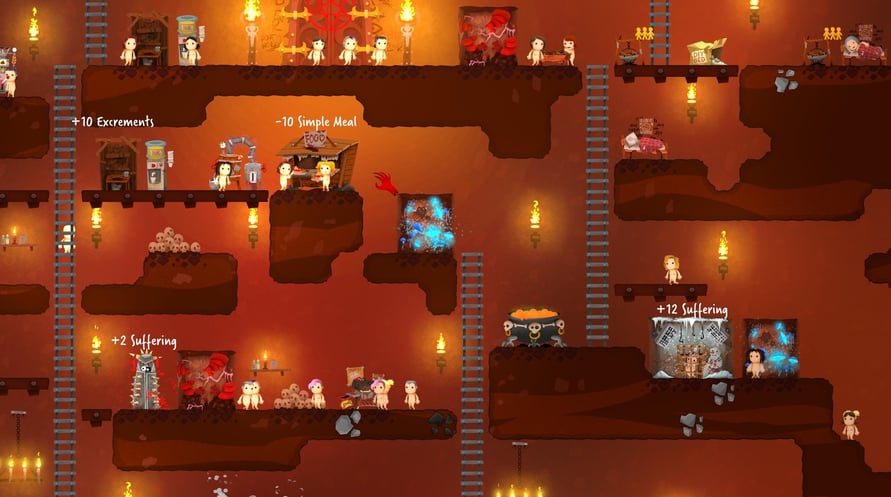
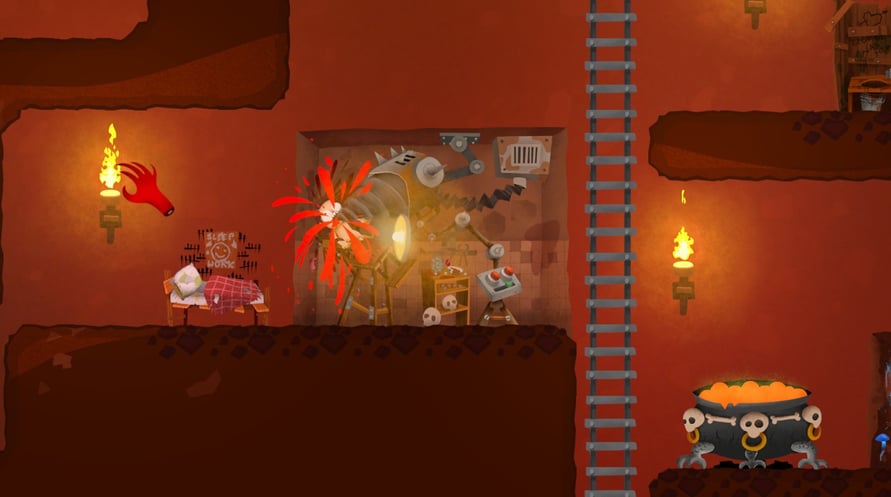
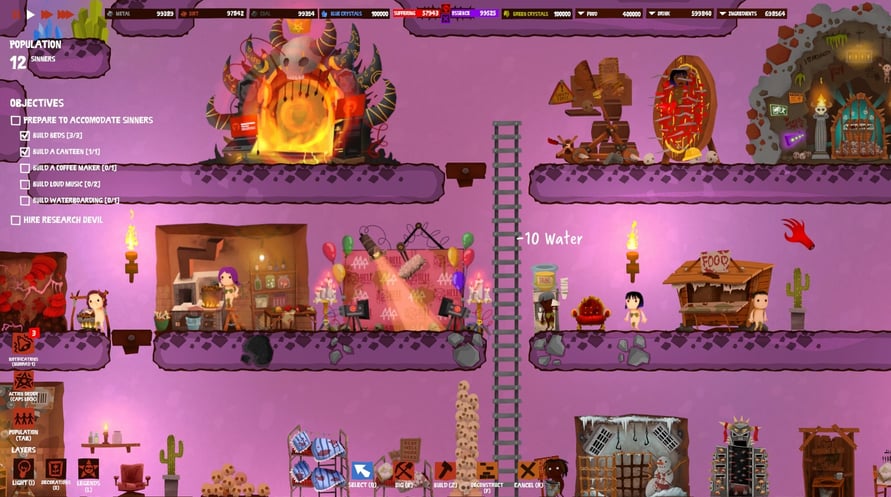
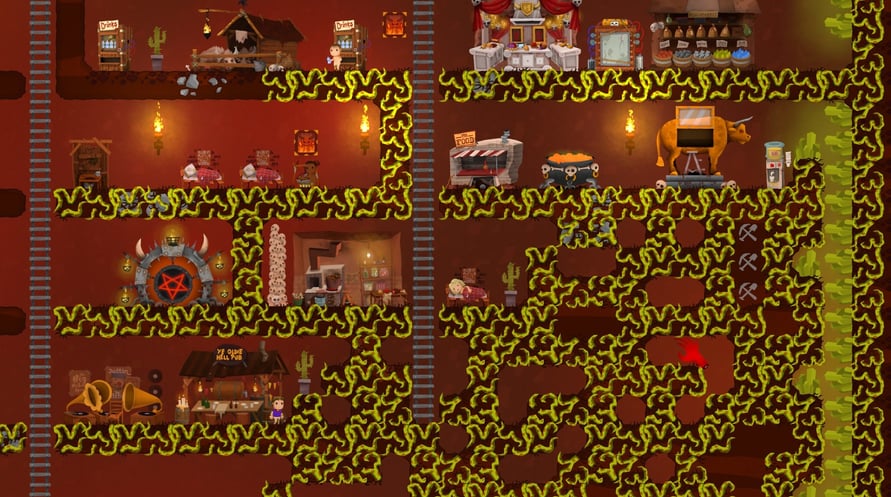
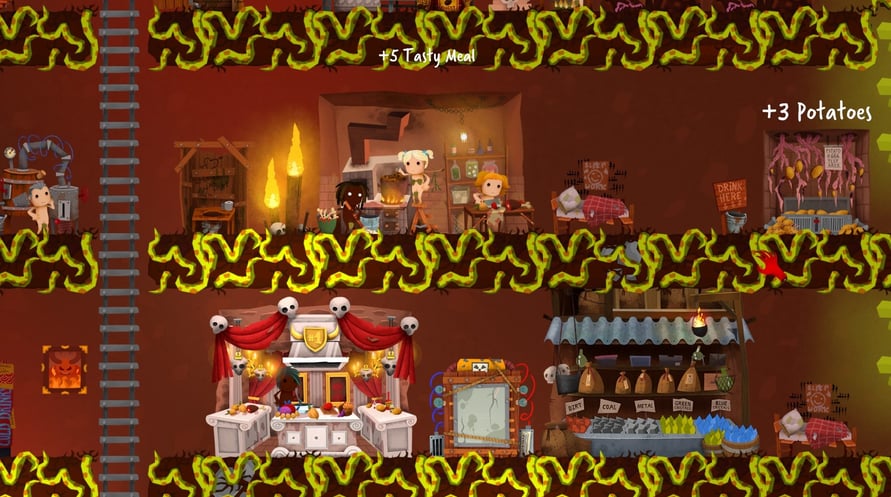
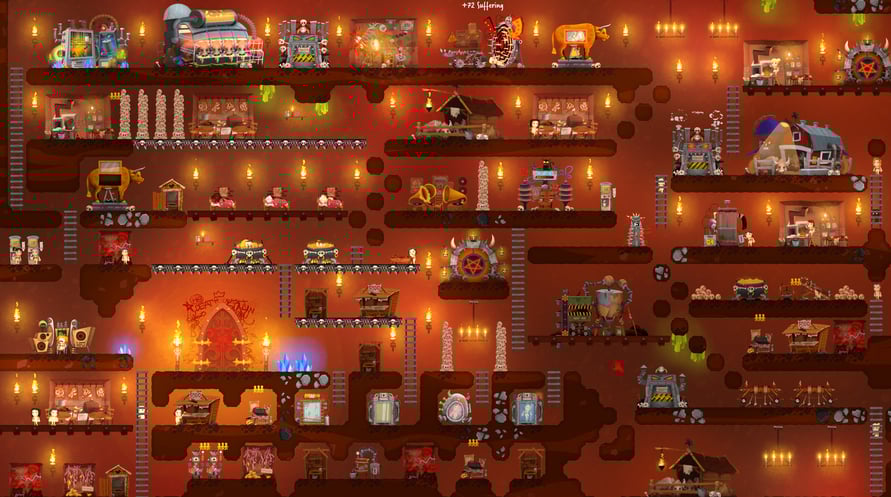
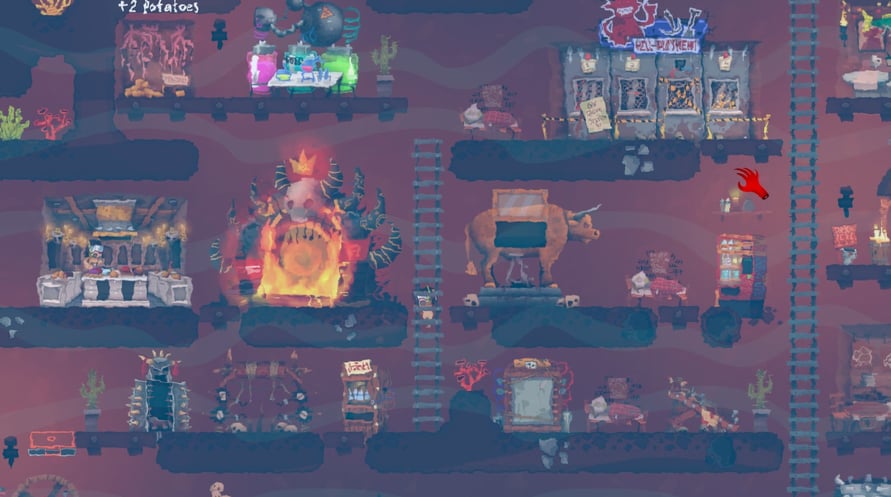



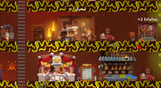

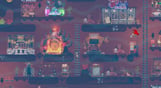

Hell Architect is a game about building and managing your own hell. You take on the role of a hell manager and are tasked with developing the underworld in a way that would make Lucifer himself fall off his chair
Windows Minimum Requirements:
- OS *: Windows 7 or later
- Processor: AMD Phenom II X4 955 / Intel Core i5-750 or equivalent
- Memory: 4 GB RAM
- Graphics: Intel HD 4600 (AMD or NVIDIA equivalent)
- DirectX: Version 11
- Storage: 4 GB available space
Windows Recommended Requirements:
- OS *: Windows 8 or later
- Processor: AMD Phenom II X4 955 / Intel Core i5-750 or equivalent
- Memory: 4 GB RAM
- Graphics: Nvidia GPU GeForce GTX 660 / AMD GPU Radeon HD 7870
- DirectX: Version 11
- Storage: 4 GB available space
Mac Minimum Requirements:
- OS: Mac OSX 10.12 or later
- Processor: Intel Core i5-750 or equivalent
- Memory: 4 GB RAM
- Graphics: Nvidia GPU GeForce GTX 660 / AMD GPU Radeon HD 7870
- Storage: 4 GB available space
Mac Recommended Requirements:
- OS: Mac OSX 10.12 or later
- Processor: Intel Core i5-4440S 2.80GHz or equivalent
- Memory: 4 GB RAM
- Graphics: Nvidia GPU GeForce GTX 1050 Ti / AMD GPU Radeon R9 280X
- Storage: 4 GB available space
受け取ったSteamキーを有効にするには、以下の手順に従ってください;
- まず、Steamクライアントを開きます。(持っていない場合は、ここをクリックして「Steamをインストール」ボタンを押します => Steam Store)
- Steamアカウントにサインインします。(持っていない場合は、ここをクリックして新しいアカウントを作成します => Steam Account)
- クライアントの右下の「ゲームを追加」ボタンをクリックします。
- 次に、「Steamでプロダクトを有効化...」を選択します。
- Voiduから受け取った有効化キーをウィンドウに入力するか、コピーして貼り付けます。
- ゲームがライブラリに表示されるようになりました!「ライブラリ」をクリックしてください。
- 最後に、ゲームをクリックして「インストール」を選択し、ダウンロードを開始します。