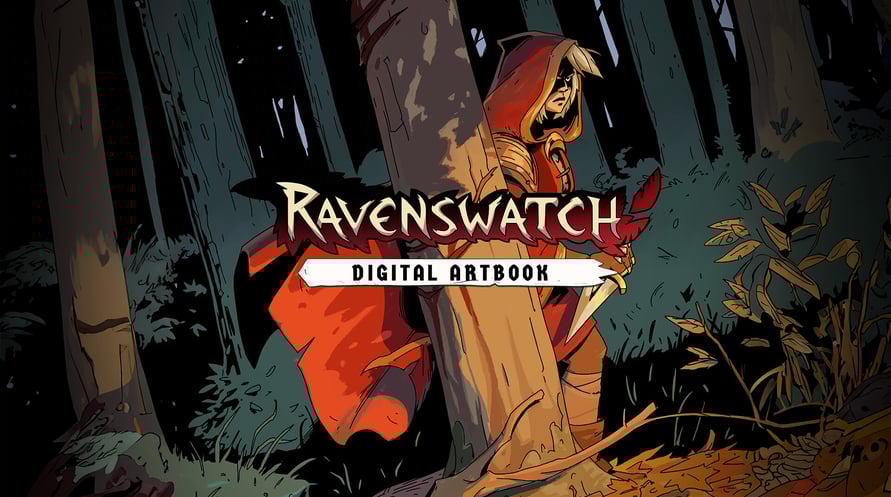
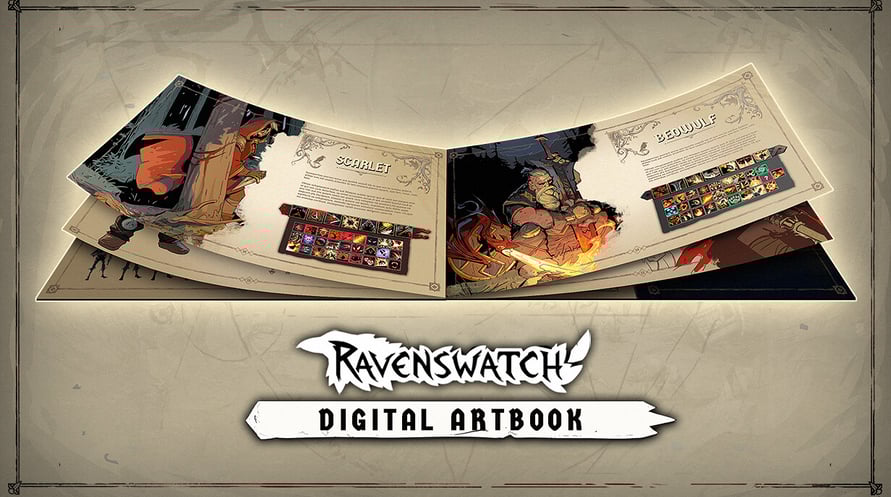
The Ravenswatch Digital Artbook includes 150 pages of sketches and illustrations that recount the graphical design of the game, from pencil to 3D. In this jam-packed and lovingly crafted book, Passtech Games also reveals more of the game's lore.
To access the Digital Artbook:
1. Right-click on Ravenswatch in your Steam library
2. Select Manage > Browse local files
3. Open the folder "Artbook"
Minimum Requirements:
- Requires a 64-bit processor and operating system
- OS: Windows 10 x64 (Version 1909 or newer)
- Processor: Intel Core i5-4670K (4 * 3400) / AMD FX-8350 (4 * 4000)
- Memory: 8 GB RAM
- Graphics: GeForce GTX 960 (2048 MB) / AMD Radeon RX 470 (2048 MB)
- DirectX: Version 12
- Storage: 3 GB available space
Recommended Requirements:
- Requires a 64-bit processor and operating system
- OS: Windows 10 x64 (Version 1909 or newer)
- Processor: Intel Core i7-6700K (4 * 4000) / AMD Ryzen 5 1500X (4 * 3500)
- Memory: 8 GB RAM
- Graphics: GeForce GTX 970 (2048 MB) / Radeon R9 Fury (4096 MB)
- DirectX: Version 12
- Storage: 3 GB available space
受け取ったSteamキーを有効にするには、以下の手順に従ってください;
- まず、Steamクライアントを開きます。(持っていない場合は、ここをクリックして「Steamをインストール」ボタンを押します => Steam Store)
- Steamアカウントにサインインします。(持っていない場合は、ここをクリックして新しいアカウントを作成します => Steam Account)
- クライアントの右下の「ゲームを追加」ボタンをクリックします。
- 次に、「Steamでプロダクトを有効化...」を選択します。
- Voiduから受け取った有効化キーをウィンドウに入力するか、コピーして貼り付けます。
- ゲームがライブラリに表示されるようになりました!「ライブラリ」をクリックしてください。
- 最後に、ゲームをクリックして「インストール」を選択し、ダウンロードを開始します。