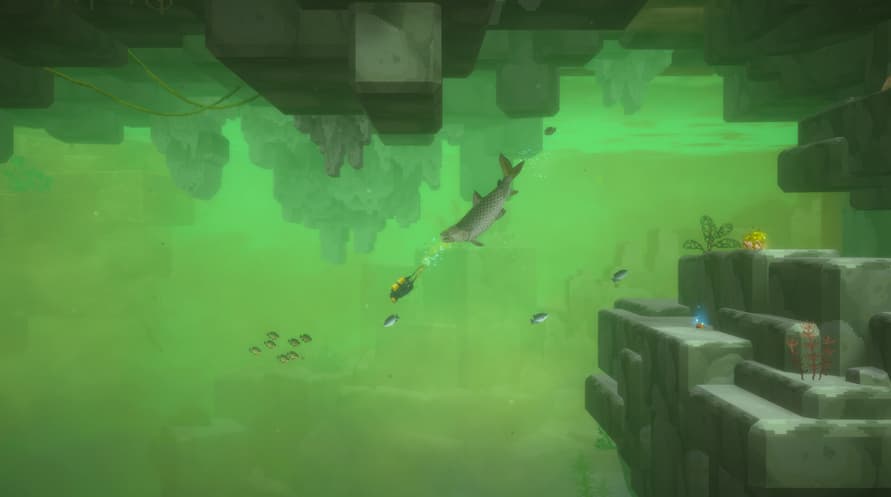
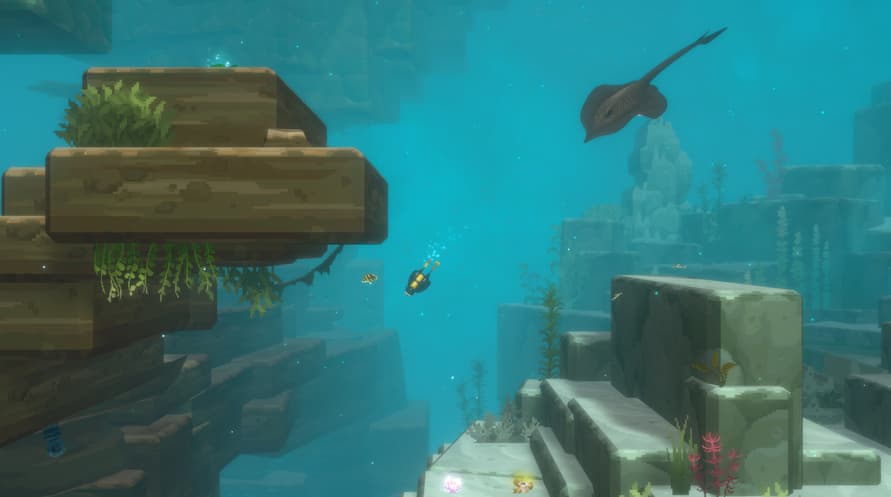
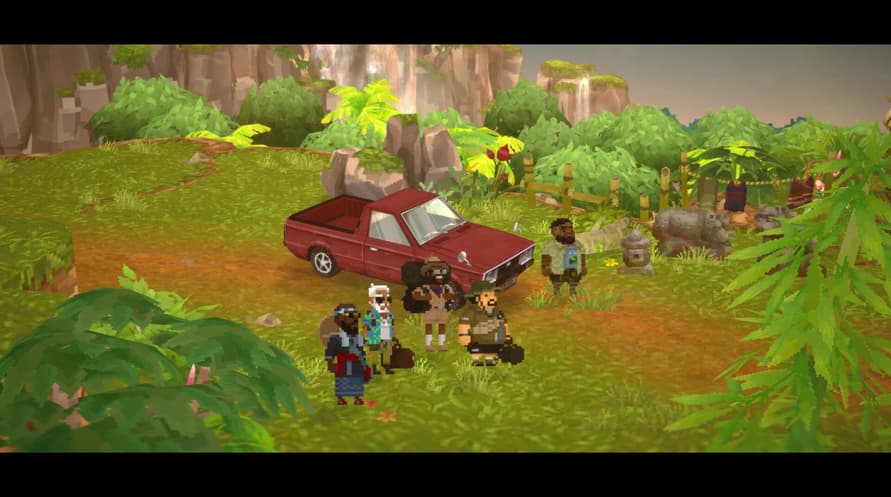
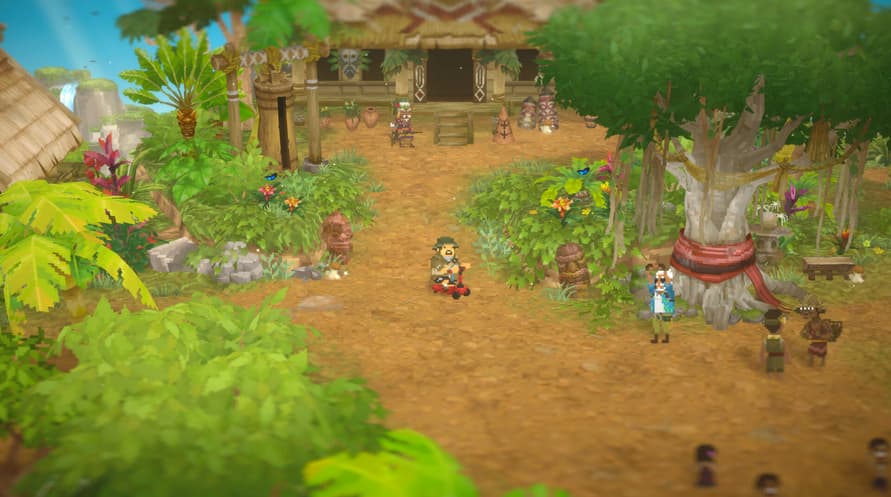
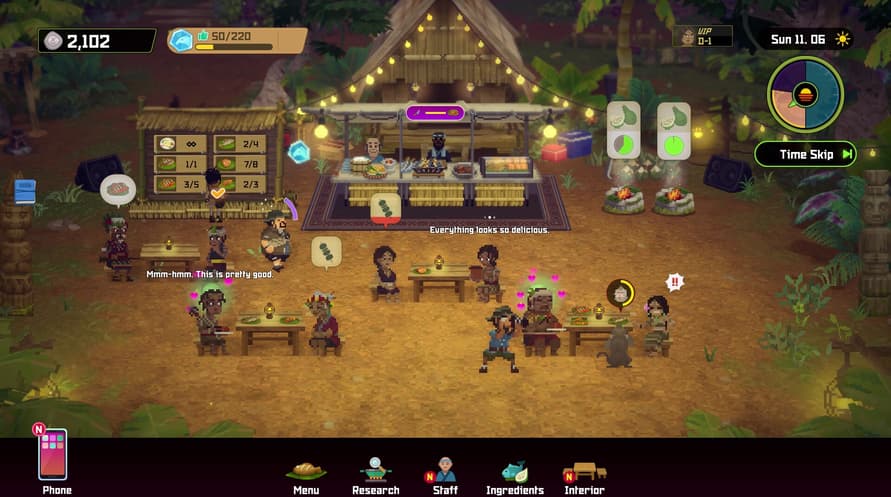
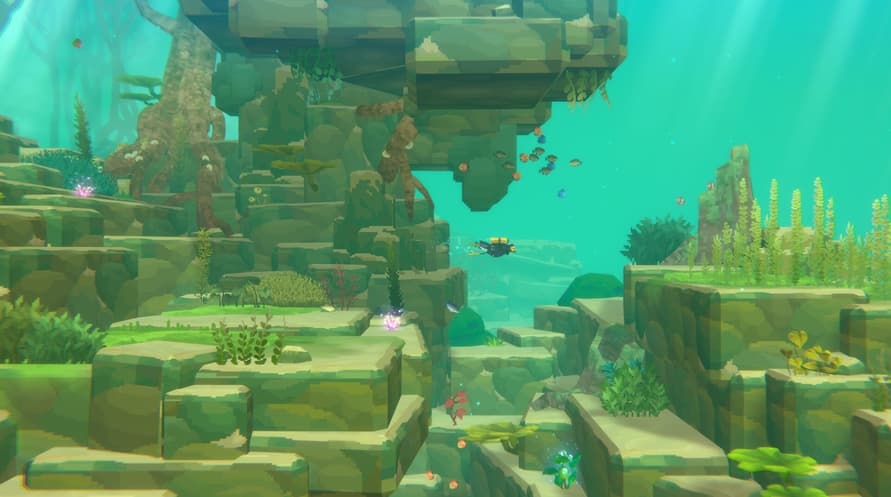
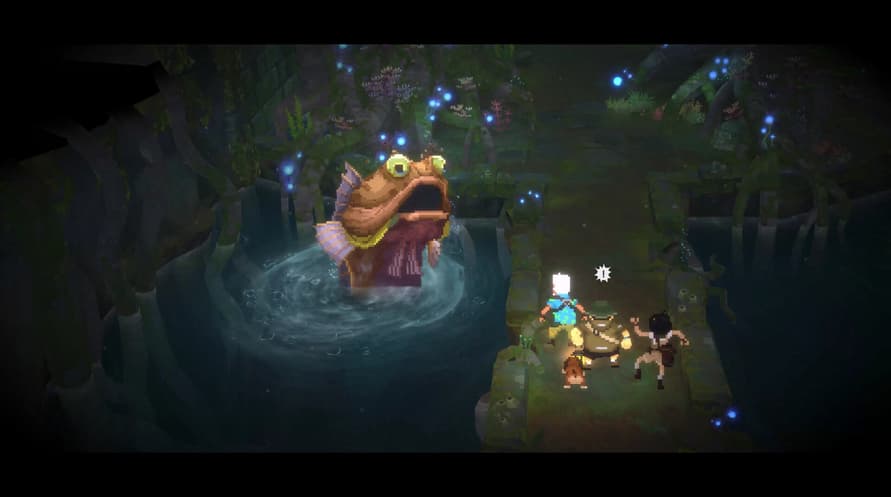
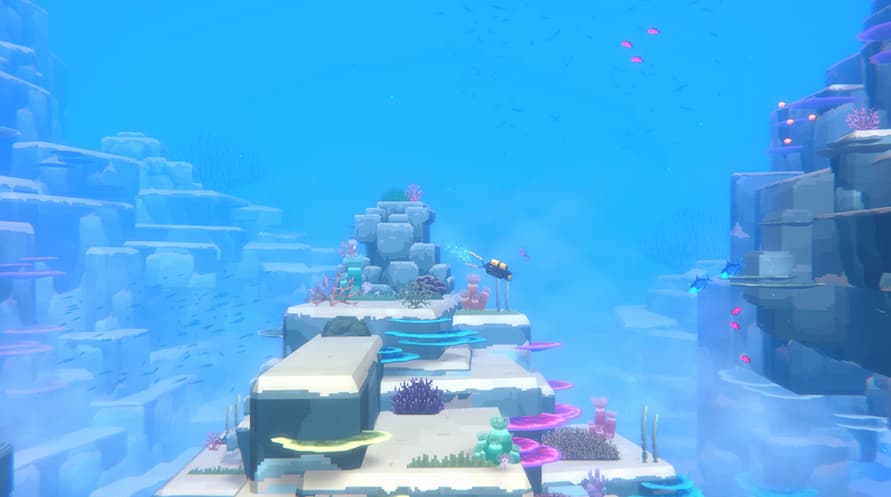
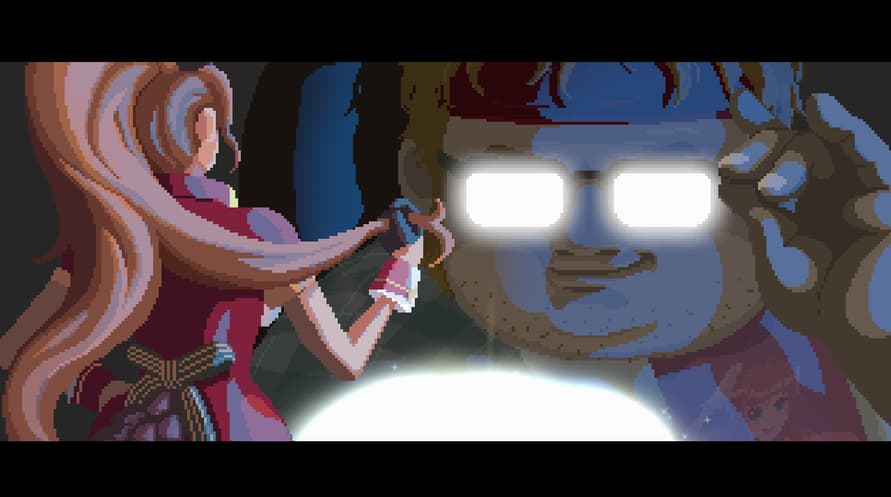
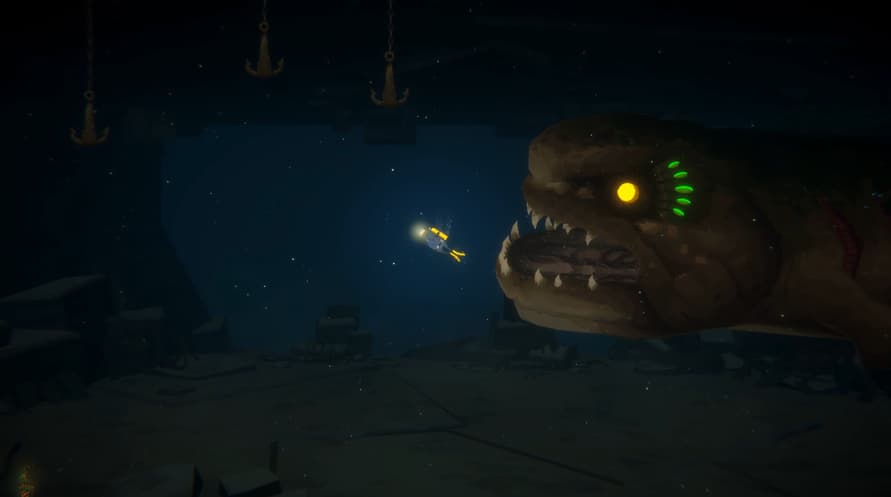
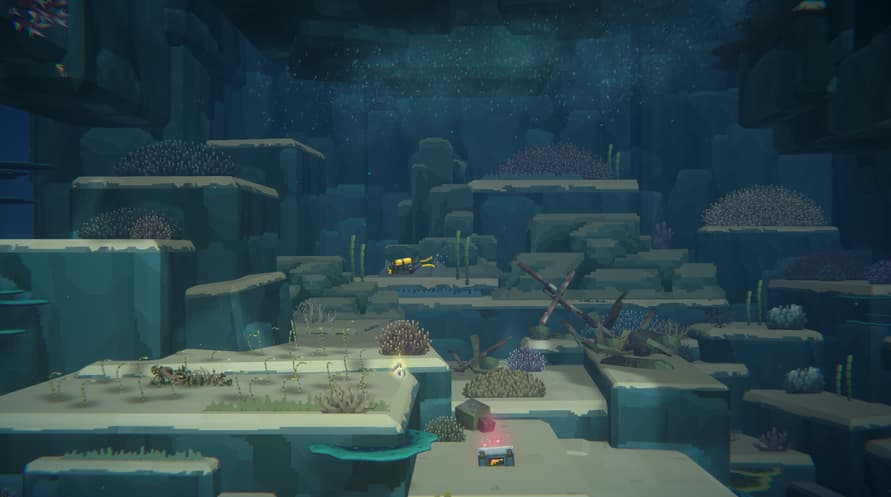
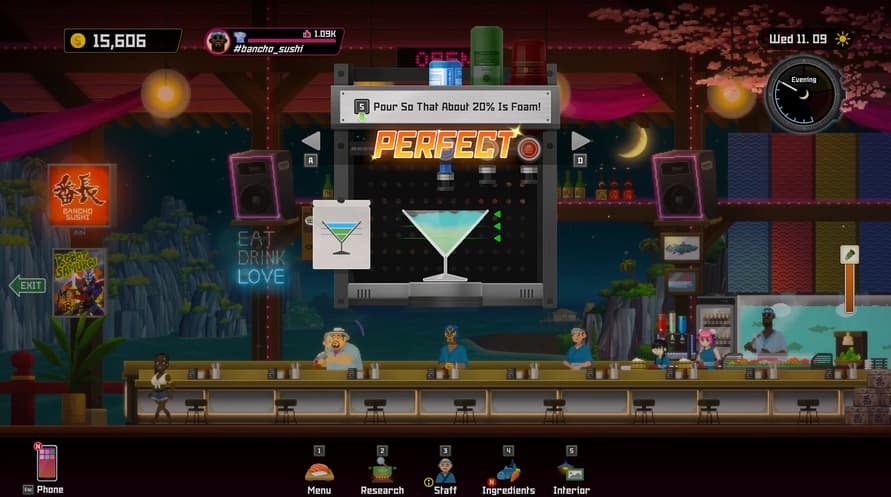
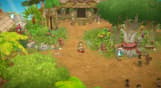
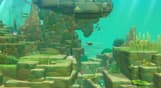
The Dave & In the Jungle Bundle is a bundle that allows those who don't own the Basic Package to purchase it along with the In the Jungle Content Pack.
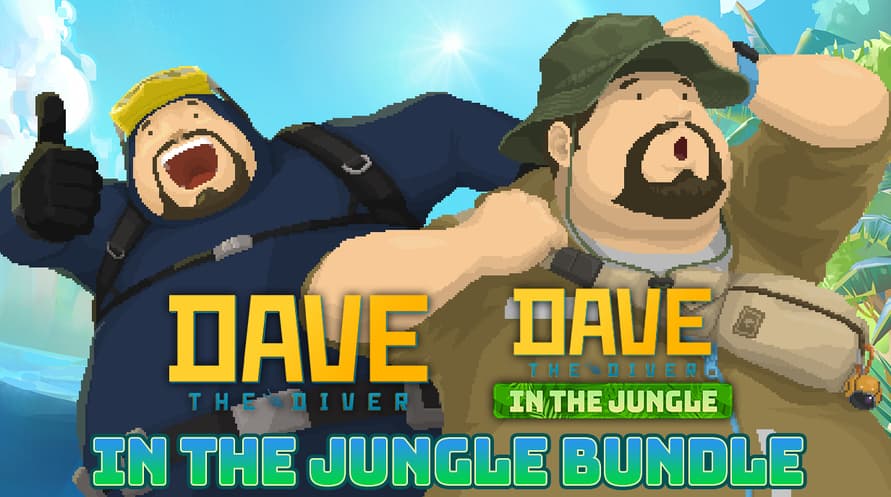
Purchase the DAVE THE DIVER Basic Package and In the Jungle Content Pack together at a lower cost.
If you already own the Basic Package, you can purchase just the Content Pack separately.
Dave & In the Jungle Bundle Contents:
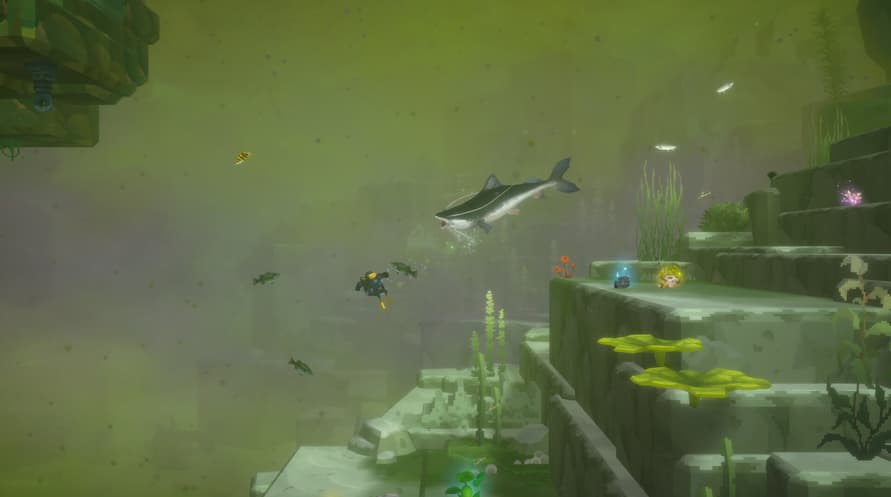
1) DAVE THE DIVER Basic Package
2) DAVE THE DIVER - In the Jungle Content Pack
ⓒ Mintrocket. All Rights Reserved.
Windows Minimum Requirements:
- OS *: Windows 7 64 bit
- Processor: Intel Core i3 Dual Core
- Memory: 8 GB RAM
- Graphics: NVIDIA Geforce GTS 450 / AMD Radeon HD 5570
- DirectX: Version 11
- Storage: 10 GB available space
- Sound Card: Windows Compatible Audio Device
Windows Recommended Requirements:
- OS: Windows 10 64 bit
- Processor: Intel Core i5 - i7 Quad Core
- Memory: 16 GB RAM
- Graphics: NVIDIA Geforce GTX 750Ti / AMD Radeon R9 270x
- DirectX: Version 11
- Storage: 10 GB available space
- Sound Card: Windows Compatible Audio Device
Mac Minimum Requirements:
- OS: Big Sur 11.0
- Processor: Intel Core i3 Quad Core 3.6GHz
- Memory: 8 GB RAM
- Graphics: Radeon Pro 555X
- Storage: 11 GB available space
Mac Recommended Requirements:
- OS: Big Sur 11.0
- Processor: M1 Octa Core
- Memory: 16 GB RAM
- Storage: 11 GB available space
Aby aktywować otrzymany klucz Steam, postępuj zgodnie z poniższymi instrukcjami;
- Najpierw otwórz klienta Steam. (Jeśli go nie masz, po prostu kliknij przycisk "Zainstaluj Steam" tutaj => Steam Store )
- Zaloguj się na swoje konto Steam. (Jeśli go nie masz, kliknij tutaj, aby utworzyć nowe => Steam Account )
- Kliknij przycisk "DODAJ GRĘ" w dolnym rogu klienta.
- Następnie wybierz "Aktywuj produkt w Steam..."
- Wpisz lub skopiuj i wklej klucz aktywacyjny otrzymany od Voidu w oknie.
- Twoja gra jest teraz widoczna w twojej bibliotece! Kliknij na swoją "Bibliotekę".
- I na koniec kliknij na grę i wybierz "Zainstaluj", aby rozpocząć pobieranie.