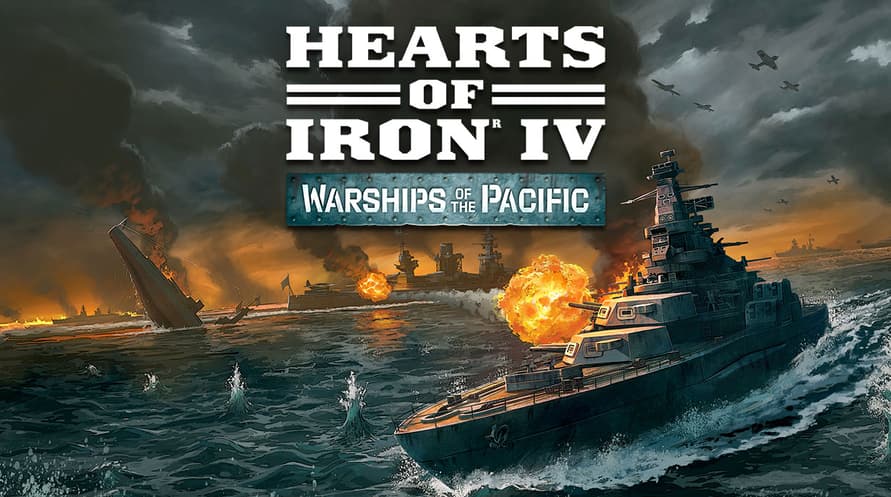
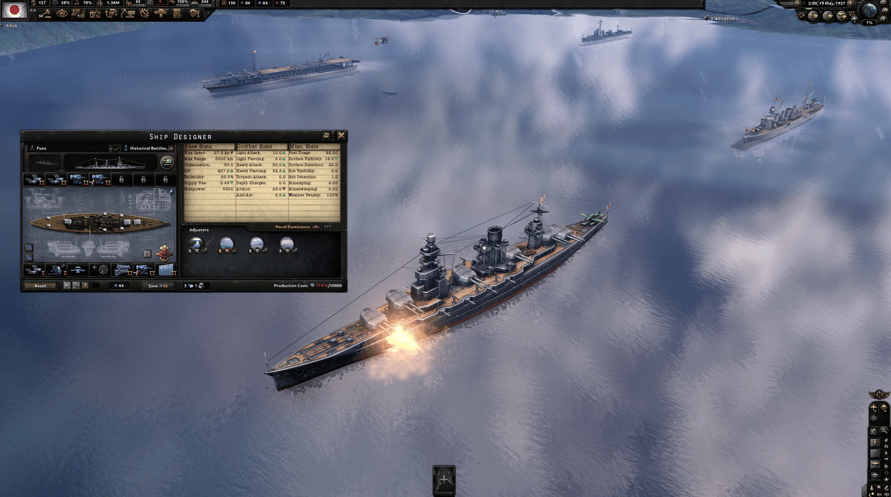
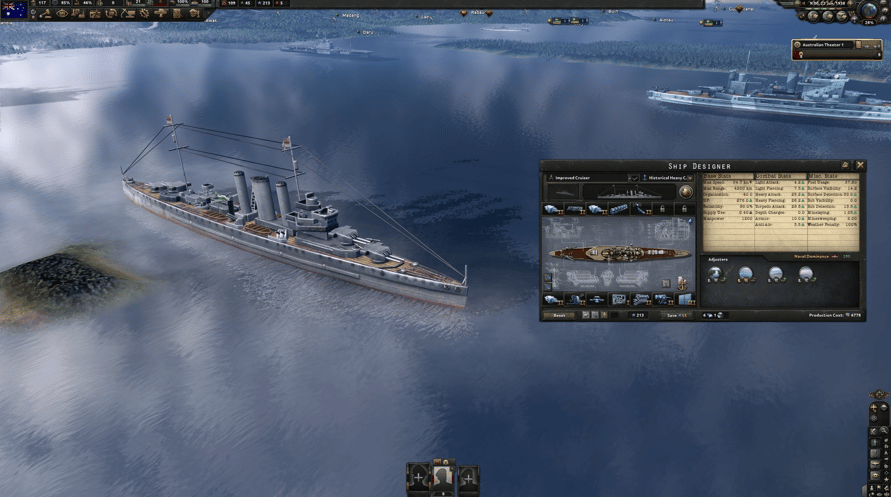
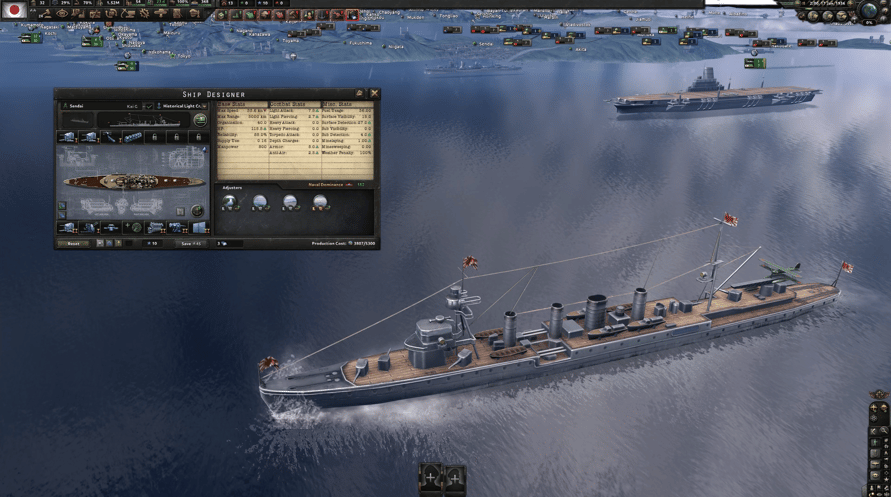
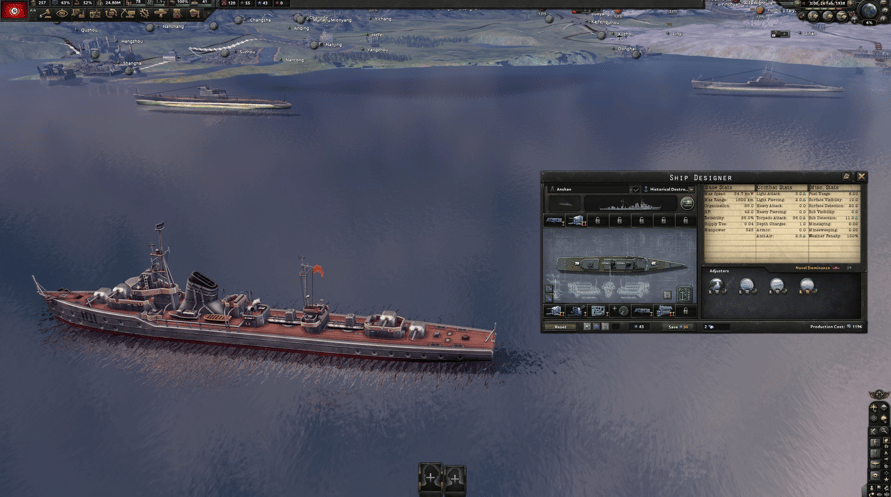
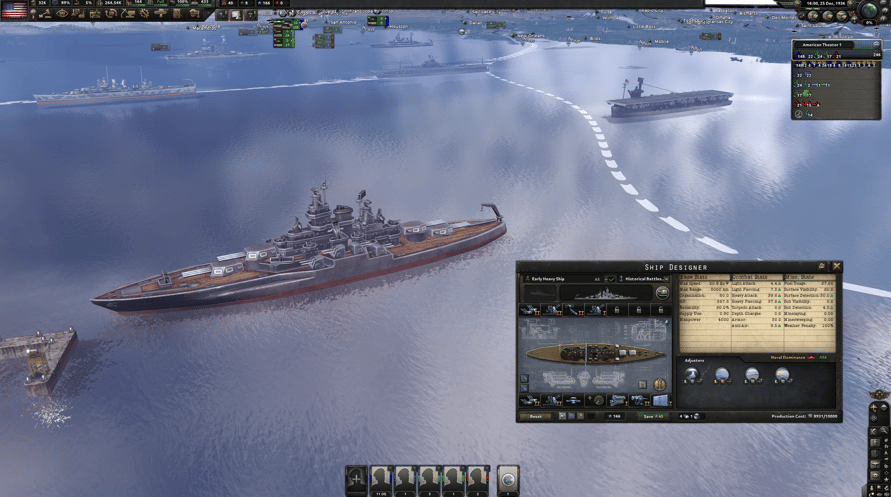
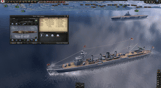
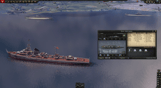
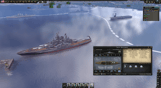
Zostań władcą mórz z Warships of the Pacific — nowym pakietem kosmetycznym do gry Hearts of Iron IV. Warships of the Pacific zawiera grafiki nowych jednostek morskich: od zwinnych niszczycieli po potężne pancerniki, odzwierciedlając kultowe okręty wojenne państw z całego świata.
Pakiet zawiera 30 modeli statków z teatru działań wojennych na Pacyfiku:
• Lekki krążownik Republiki Chińskiej: Ning-Hai
• Osiem modeli statków Wspólnoty Brytyjskiej, w tym lotniskowiec Illustrious i okręt podwodny Trenchant
• Jedenaście japońskich modeli statków, w tym pancernik Kongo, lotniskowiec Shinano i unikatowy okręt podwodny typu I-400 Sen Toku
• Niszczyciel Chińskiej Republiki Ludowej: Anshan
• Dwa modele radzieckich okrętów podwodnych: Shchuka i M49
• Siedem modeli amerykańskich, w tym pancerniki Nevada i Tennessee, a także lotniskowiec eskortowy Casablanca
©2016-2023 and published by Paradox Interactive AB, HEARTS OF IRON and PARADOX INTERACTIVE are trademarks and/or registered trademarks of Paradox Interactive AB in Europe, the U.S., and other countries. All other trademarks, logos, and copyrights are the property of their respective owners.
Windows Minimum Requirements:
- OS: Windows® 10 Home 64 Bit
- Processor: Intel® Core™ i5 750 | AMD® FX 4300
- Memory: 4 GB RAM
- Graphics: Nvidia® GeForce™ GTX 470 (1.28GB) | AMD® HD 5850 (1GB) | Intel Iris Xe G7 (Tiger Lake) | AMD® Radeon™ RX Vega 11
- DirectX: Version 9.0c
- Storage: 2 GB available space
- Sound Card: Direct X- compatible soundcard.
- Additional Notes: Mouse and keyboard are required. / Latest available WHQL drivers from both manufacturers/ Internet Connection or LAN for multiplayer, Up to 32 other players in multiplayer mode.
Windows Recommended Requirements:
- OS: Windows® 10 Home 64 bit
- Processor: Intel® Core™ i5 2500K | AMD® Ryzen 3 2200G
- Memory: 6 GB RAM
- Graphics: Nvidia® GeForce™ GTX 570 (1.28GB) | AMD® Radeon™ HD 7970 (3GB) | Intel Iris Xe G7 (Tiger Lake)
- DirectX: Version 9.0c
- Storage: 2 GB available space
- Sound Card: Direct X- compatible soundcard.
- Additional Notes: Mouse and keyboard are required. / Latest available WHQL drivers from both manufacturers. / Internet Connection or LAN for multiplayer, Up to 32 other players in multiplayer mode.
Mac Minimum Requirements:
- OS: OS: macOS 13 (Ventura)
- Processor: Intel Core i5 @ 2.60 GHz or better
- Memory: 4 GB RAM
- Graphics: ATI Radeon HD 6970M
- Storage: 2 GB available space
- Additional Notes: Mouse and keyboard are required. / Latest available proprietary drivers / Internet Connection or LAN for multiplayer, Up to 32 other players in multiplayer mode.
Mac Recommended Requirements:
- OS: OS: macOS 13 (Ventura)
- Processor: Intel Core i5 @ 2.90 GHz or better
- Memory: 8 GB RAM
- Graphics: ATI Radeon R9 390M or NVIDIA GeForce 750M with 1GB VRAM
- Storage: 2 GB available space
- Additional Notes: Mouse and keyboard are required. / Latest available proprietary drivers from both manufacturers/ Internet Connection or LAN for multiplayer, Up to 32 other players in multiplayer mode.
Linux Minimum Requirements:
- OS: OS: Ubuntu 22.04
- Processor: Intel Core 2 Quad Q9400 @ 2.66 GHz / AMD Athlon II X4 650 @ 3.20 GHz
- Memory: 4 GB RAM
- Graphics: ATI Radeon HD 5850 or NVIDIA GeForce GTX470 with 1GB VRAM / Latest available proprietary drivers from both manufacturers
- Storage: 2 GB available space
- Additional Notes: Controller support: 3-button mouse, keyboard, and speakers are required. / Internet Connection or LAN for multiplayer, Up to 32 other players in multiplayer mode.
Linux Recommended Requirements:
- OS: OS: Ubuntu 22.04
- Processor: Intel Core i5 750 @ 2.66 GHz / AMD Phenom II X4 955 @ 3.20 GHz
- Memory: 4 GB RAM
- Graphics: ATI Radeon HD 6950 or NVIDIA GeForce GTX570 with 2GB VRAM / Latest available proprietary drivers from both manufacturers
- Storage: 2 GB available space
- Additional Notes: Controller support: 3-button mouse, keyboard, and speakers are required. / Internet Connection or LAN for multiplayer, Up to 32 other players in multiplayer mode.
Aby aktywować otrzymany klucz Steam, postępuj zgodnie z poniższymi instrukcjami;
- Najpierw otwórz klienta Steam. (Jeśli go nie masz, po prostu kliknij przycisk "Zainstaluj Steam" tutaj => Steam Store )
- Zaloguj się na swoje konto Steam. (Jeśli go nie masz, kliknij tutaj, aby utworzyć nowe => Steam Account )
- Kliknij przycisk "DODAJ GRĘ" w dolnym rogu klienta.
- Następnie wybierz "Aktywuj produkt w Steam..."
- Wpisz lub skopiuj i wklej klucz aktywacyjny otrzymany od Voidu w oknie.
- Twoja gra jest teraz widoczna w twojej bibliotece! Kliknij na swoją "Bibliotekę".
- I na koniec kliknij na grę i wybierz "Zainstaluj", aby rozpocząć pobieranie.