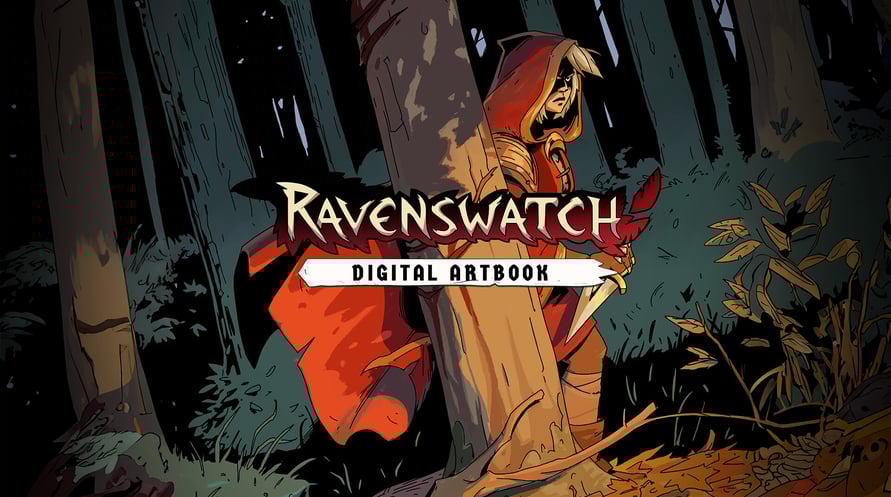
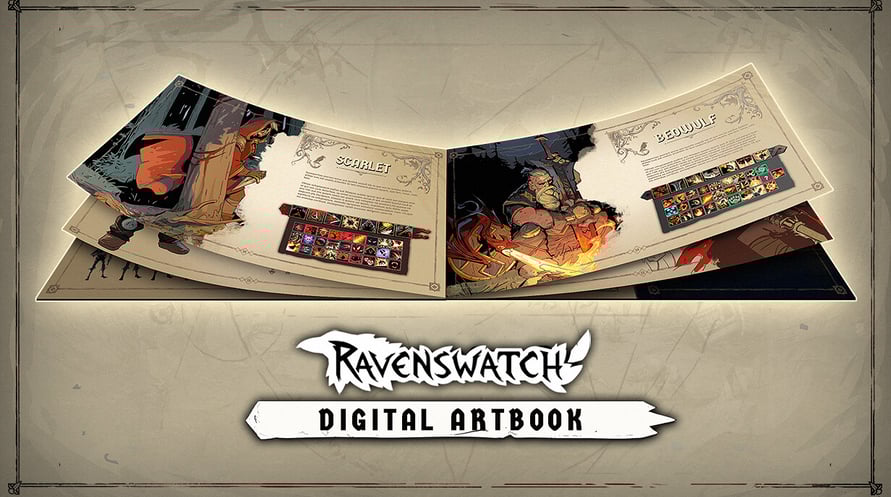
The Ravenswatch Digital Artbook includes 150 pages of sketches and illustrations that recount the graphical design of the game, from pencil to 3D. In this jam-packed and lovingly crafted book, Passtech Games also reveals more of the game's lore.
To access the Digital Artbook:
1. Right-click on Ravenswatch in your Steam library
2. Select Manage > Browse local files
3. Open the folder "Artbook"
Minimum Requirements:
- Requires a 64-bit processor and operating system
- OS: Windows 10 x64 (Version 1909 or newer)
- Processor: Intel Core i5-4670K (4 * 3400) / AMD FX-8350 (4 * 4000)
- Memory: 8 GB RAM
- Graphics: GeForce GTX 960 (2048 MB) / AMD Radeon RX 470 (2048 MB)
- DirectX: Version 12
- Storage: 3 GB available space
Recommended Requirements:
- Requires a 64-bit processor and operating system
- OS: Windows 10 x64 (Version 1909 or newer)
- Processor: Intel Core i7-6700K (4 * 4000) / AMD Ryzen 5 1500X (4 * 3500)
- Memory: 8 GB RAM
- Graphics: GeForce GTX 970 (2048 MB) / Radeon R9 Fury (4096 MB)
- DirectX: Version 12
- Storage: 3 GB available space
Aby aktywować otrzymany klucz Steam, postępuj zgodnie z poniższymi instrukcjami;
- Najpierw otwórz klienta Steam. (Jeśli go nie masz, po prostu kliknij przycisk "Zainstaluj Steam" tutaj => Steam Store )
- Zaloguj się na swoje konto Steam. (Jeśli go nie masz, kliknij tutaj, aby utworzyć nowe => Steam Account )
- Kliknij przycisk "DODAJ GRĘ" w dolnym rogu klienta.
- Następnie wybierz "Aktywuj produkt w Steam..."
- Wpisz lub skopiuj i wklej klucz aktywacyjny otrzymany od Voidu w oknie.
- Twoja gra jest teraz widoczna w twojej bibliotece! Kliknij na swoją "Bibliotekę".
- I na koniec kliknij na grę i wybierz "Zainstaluj", aby rozpocząć pobieranie.






![Planet Coaster - Vintage Pack [Mac]](https://static.voidu.com/cdn-cgi/image/format=auto/images/thumbs/0134801_planet-coaster-vintage-pack-mac-row.png)

