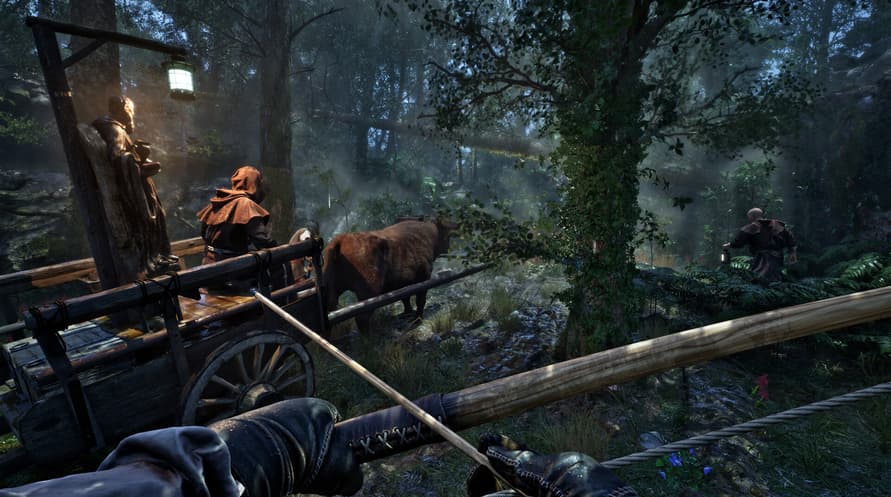
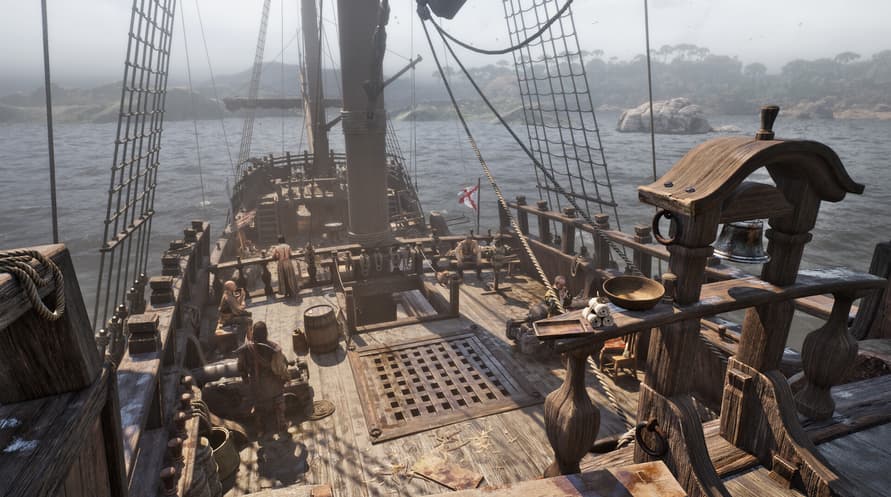
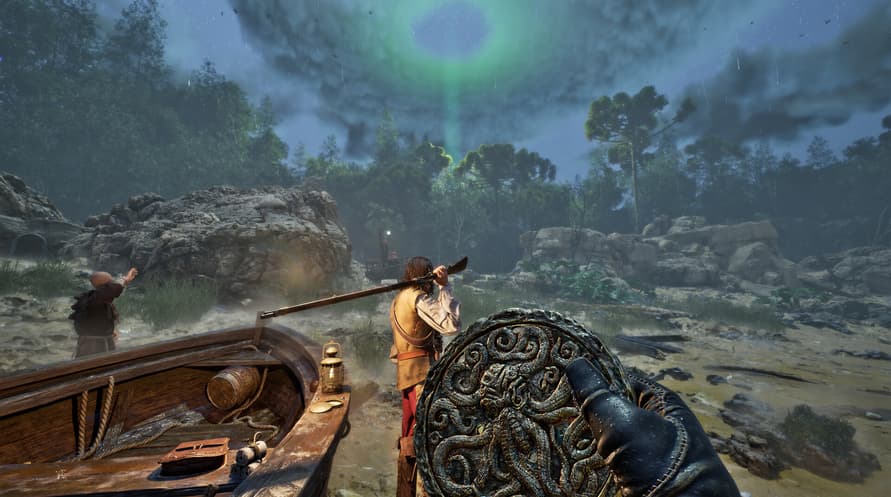
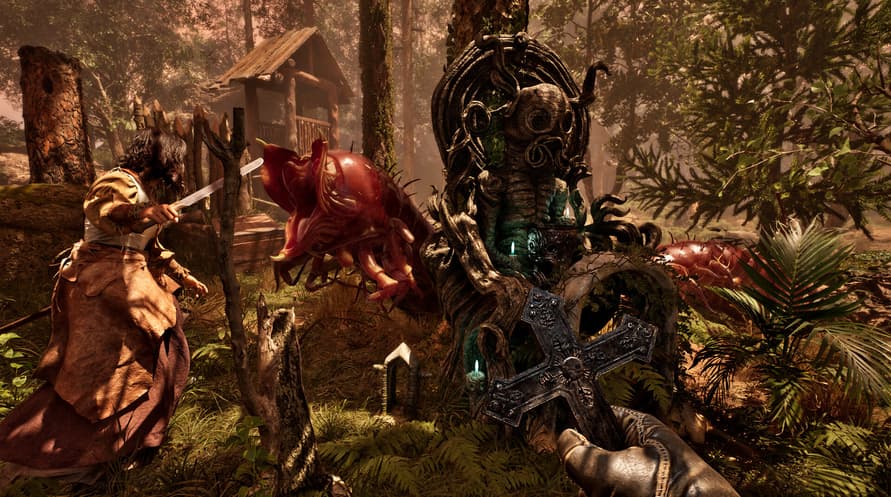
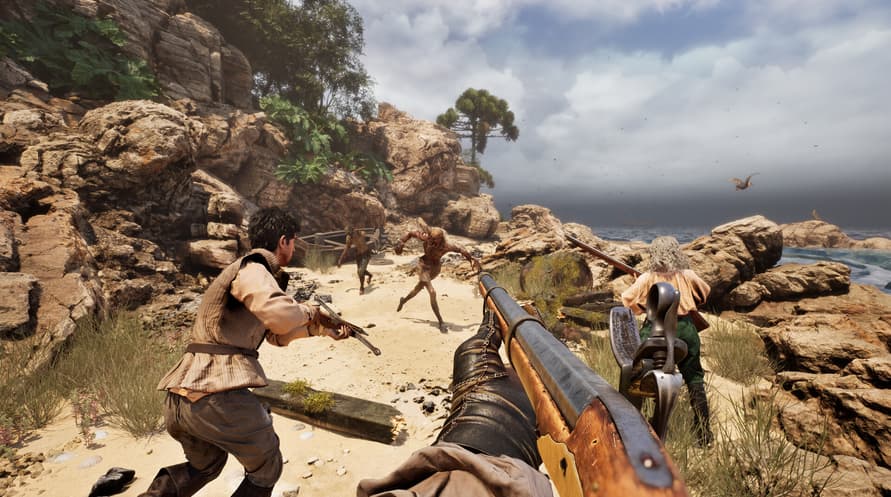
Zanurz się w mrożącej krew w żyłach atmosferze The Mound: Omen of Cthulhu z oficjalnym Original Soundtrack zawierającym całą muzykę z gry.
©2026 Nacon. ©2026 Published by Nacon and developed by ACE Team Software. All rights reserved.
Minimum System Requirements:
- Requires a 64-bit processor and operating system
- OS: Windows 10/11 64-bit
- Processor: Intel Core i7-8700k or AMD Ryzen 5 1600x
- Memory: 16 GB RAM
- Graphics: Nvidia GTX 1660 SUPER 6GB or AMD Radeon RX 5600 XT 6GB or Intel Arc A770 16GB
- DirectX: Version 12
- Storage: 23 GB available space
- Additional Notes: Please note that these informations aren't final and may be subject to change until the launch of the game.
Recommended System Requirements:
- Requires a 64-bit processor and operating system
- OS: Windows 10/11 64-bit
- Processor: Intel Core i7-11700k or AMD Ryzen 5 5500
- Memory: 16 GB RAM
- Graphics: Nvidia RTX 3070 8GB or AMD Radeon RX 6750 XT 12GB
- DirectX: Version 12
- Storage: 23 GB available space
- Additional Notes: Please note that these informations aren't final and may be subject to change until the launch of the game.
Aby aktywować otrzymany klucz Steam, postępuj zgodnie z poniższymi instrukcjami;
- Najpierw otwórz klienta Steam. (Jeśli go nie masz, po prostu kliknij przycisk "Zainstaluj Steam" tutaj => Steam Store )
- Zaloguj się na swoje konto Steam. (Jeśli go nie masz, kliknij tutaj, aby utworzyć nowe => Steam Account )
- Kliknij przycisk "DODAJ GRĘ" w dolnym rogu klienta.
- Następnie wybierz "Aktywuj produkt w Steam..."
- Wpisz lub skopiuj i wklej klucz aktywacyjny otrzymany od Voidu w oknie.
- Twoja gra jest teraz widoczna w twojej bibliotece! Kliknij na swoją "Bibliotekę".
- I na koniec kliknij na grę i wybierz "Zainstaluj", aby rozpocząć pobieranie.