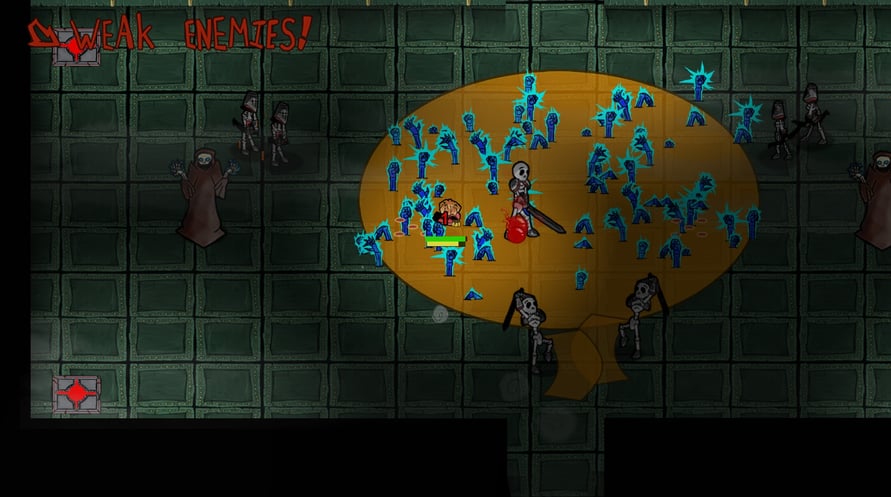
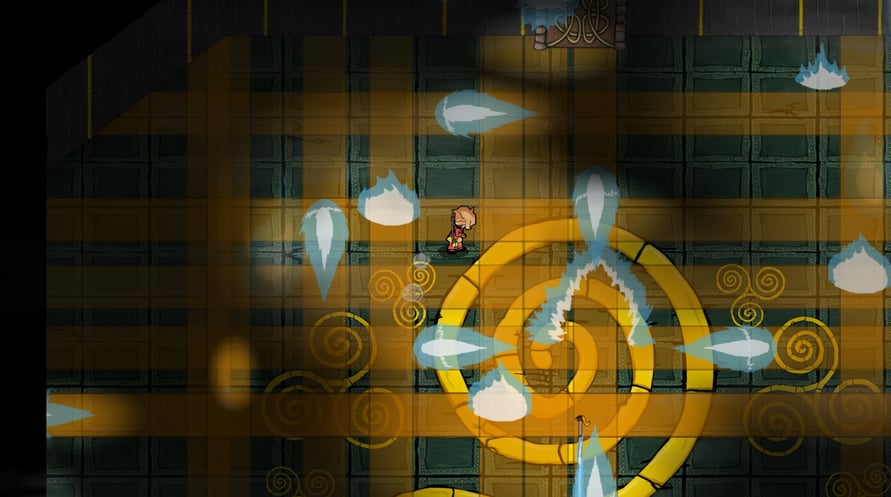
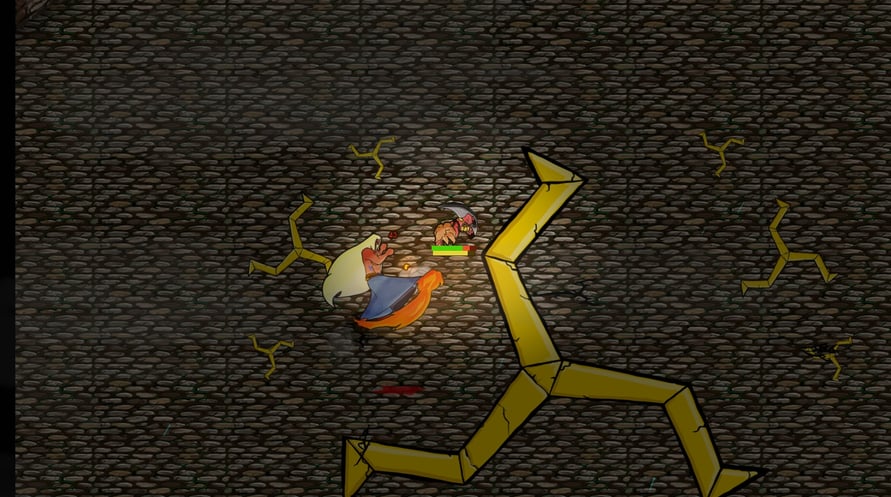
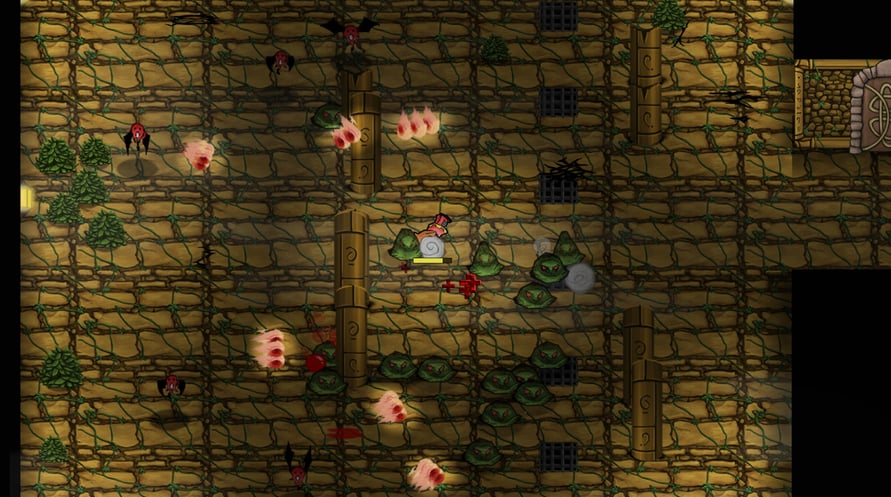
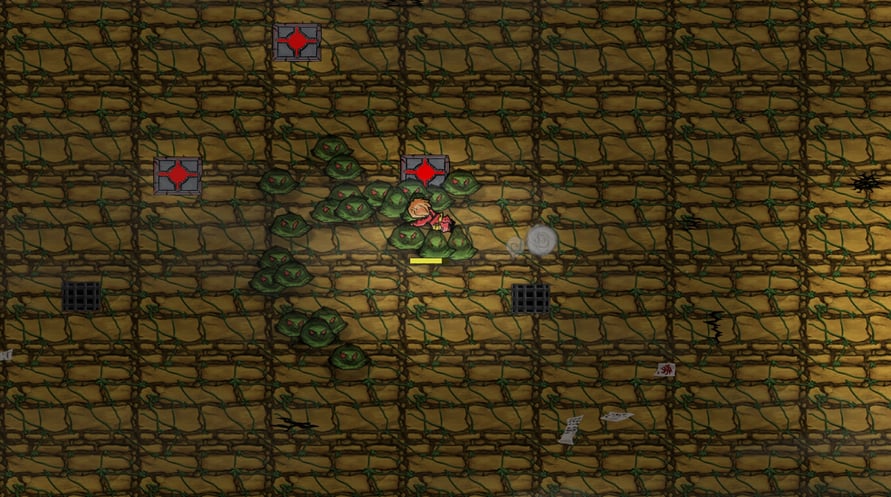
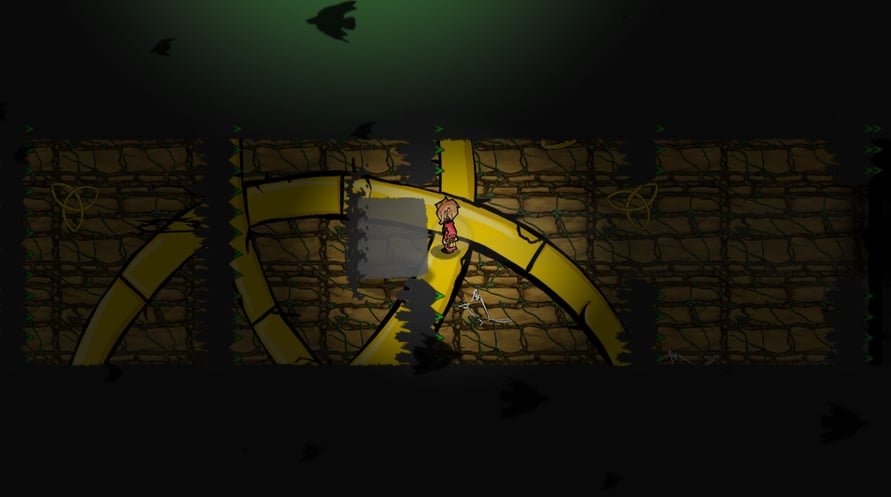

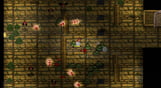
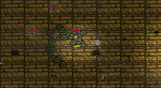
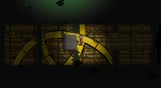
Eternal Step is a deviously difficult, rogue-like action adventure game.
In Eternal Step, you battle your way through an ever-changing, endless tower. Bosses will crush you. Enemies will swarm you. Traps will deceive you. Collecting Loot Cards and skills will help you turn the tides of battle, but you never know what awaits on the next floor…
An all new rogue-like action adventure from developers Once More With Gusto, Eternal Step combines randomly generated levels and twitch-based combat. Filled with beautiful animation, inventive loot, and randomly generated levels, Eternal Step will keep you fighting the unknown across endless floors.
Windows Minimum Requirements:
- OS *: Windows 7
- Processor: Core i3 / AMD A6 1.9Ghz
- Memory: 4 GB RAM
- Graphics: Intel HD 4400 graphics or similar
- Storage: 1 GB available space
Windows Recommended Requirements:
- OS *: Windows 7
- Processor: Core i5 / AMD FX 2.4Ghz
- Memory: 4 GB RAM
- Graphics: NVIDIA GeForce GTX 480 / AMD Radeon HD 7850.
- Storage: 1 GB available space
Mac Minimum Requirements:
- OS: 10.7+
- Processor: 2 Ghz Intel
- Memory: 4 GB RAM
- Graphics: Intel HD Graphics 4000 or similar
- Storage: 1 GB available space
Mac Recommended Requirements:
- OS: 10.7+
- Processor: Intel i5+
- Memory: 4 GB RAM
- Graphics: NVIDIA or AMD dedicated graphics with 1GB VRAM
- Storage: 1 GB available space
Linux Minimum Requirements:
- OS: Ubuntu 14.04
- Processor: 2 Ghz
- Memory: 4 GB RAM
- Graphics: Intel HD 4000 series or similar
- Storage: 1 GB available space
Linux Recommended Requirements:
- OS: Ubuntu 14.04
- Processor: Intel i5+
- Memory: 4 GB RAM
- Graphics: NVIDIA or AMD dedicated graphics with 1GB VRAM
- Storage: 1 GB available space
För att aktivera Steam-nyckeln du har fått, följ instruktionerna nedan;
1. Öppna först Steam-klienten. (Om du inte har det, klicka bara på knappen "Installera Steam" här =>
Steam Store)
2. Logga in på ditt Steam-konto. (Om du inte har ett, klicka här för att skapa ett nytt =>
Steam Account)
3. Klicka på knappen "LÄGG TILL ETT SPEL" i nedre hörnet av klienten.
4. Välj sedan "Aktivera en produkt på Steam..."
5. Skriv eller kopiera och klistra in aktiveringsnyckeln du fått från Voidu i fönstret.
6. Ditt spel är nu synligt i ditt bibliotek! Klicka på "Bibliotek".
7. Och slutligen, klicka på spelet och välj "Installera" för att börja nedladdningen.