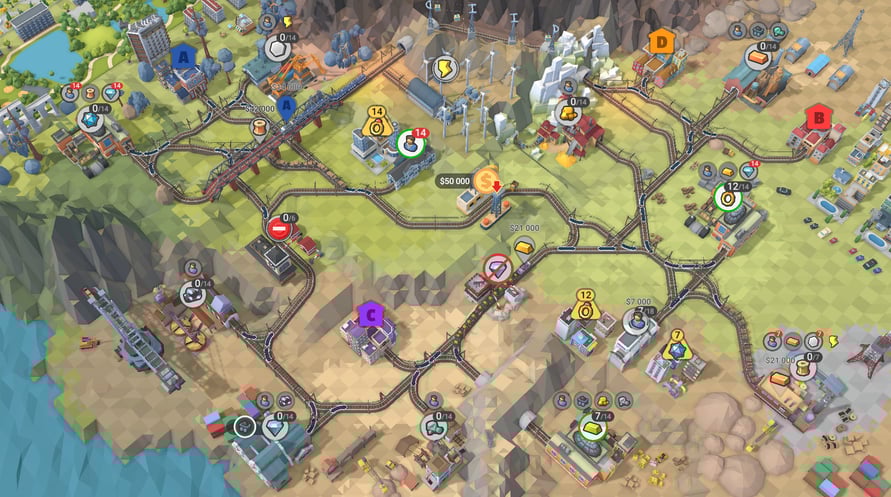
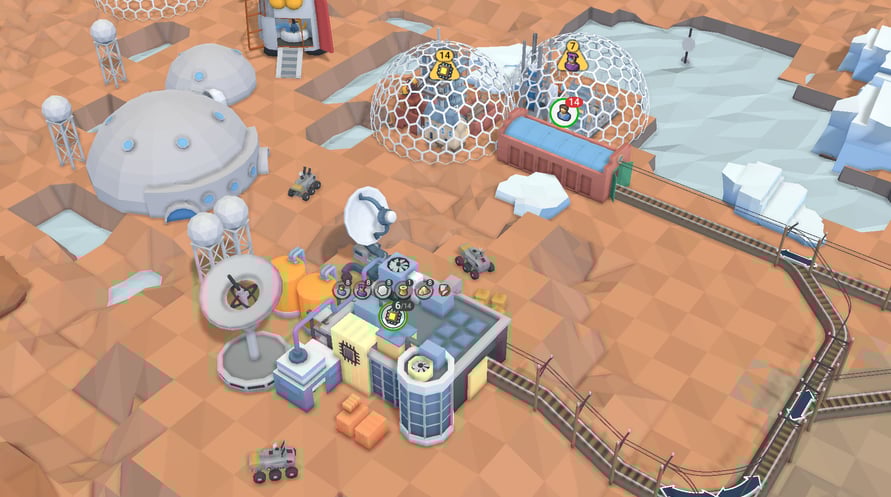
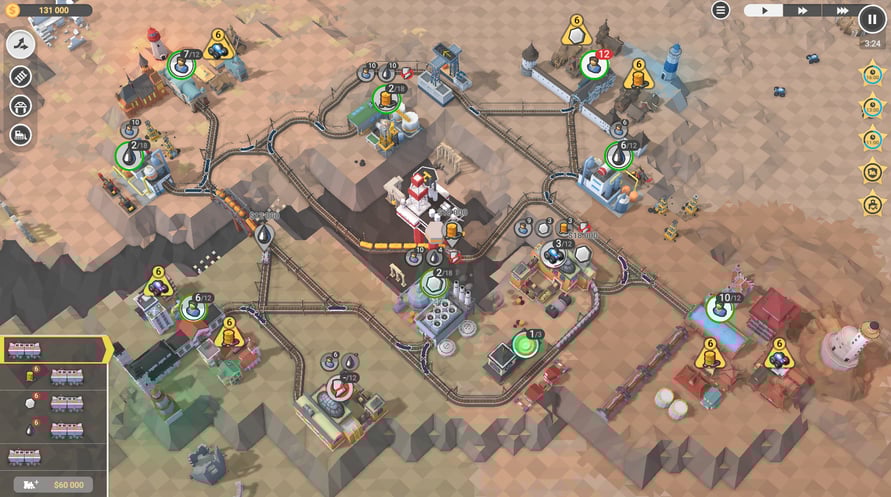
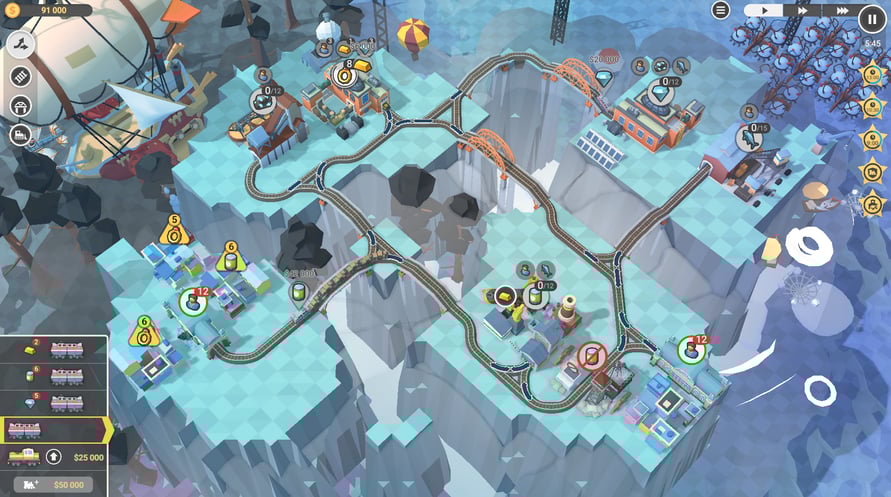
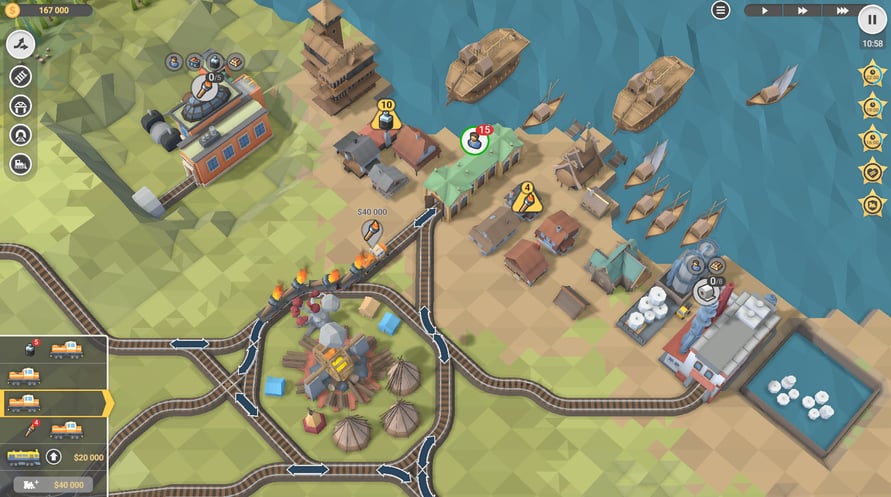
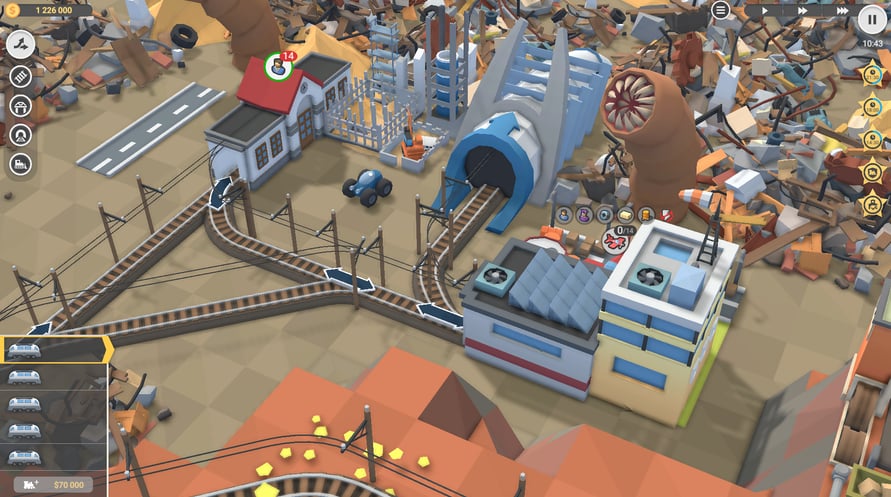
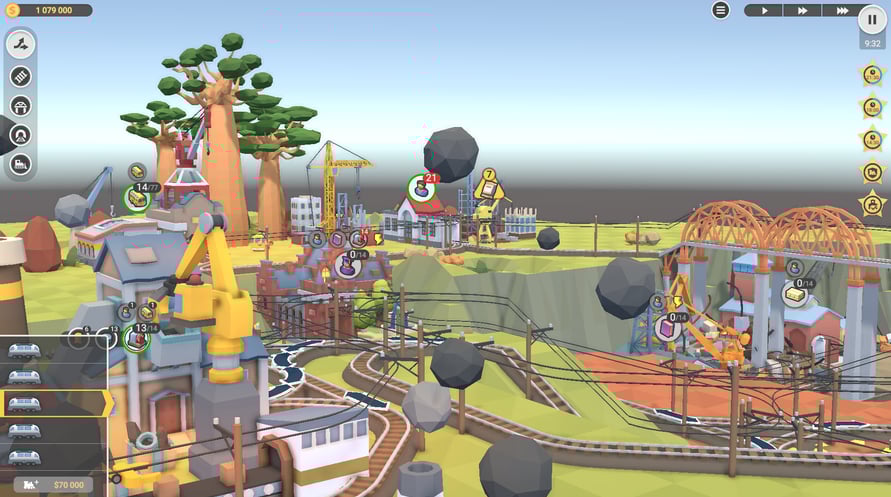
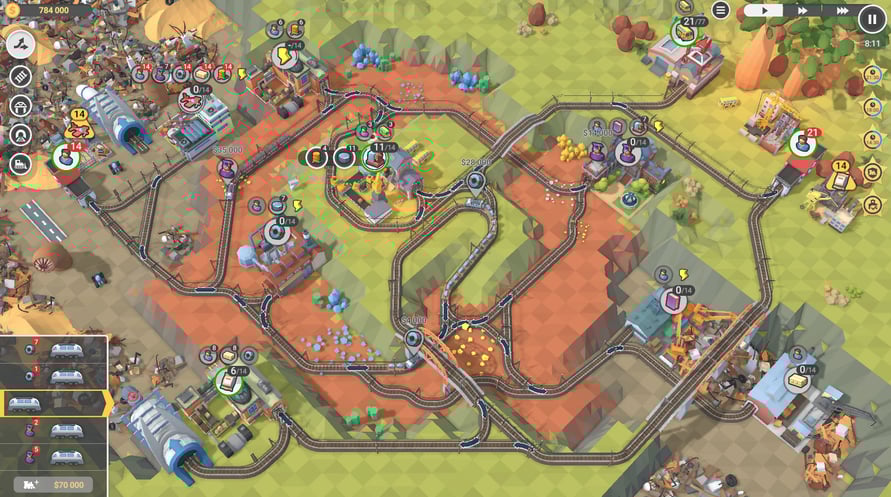
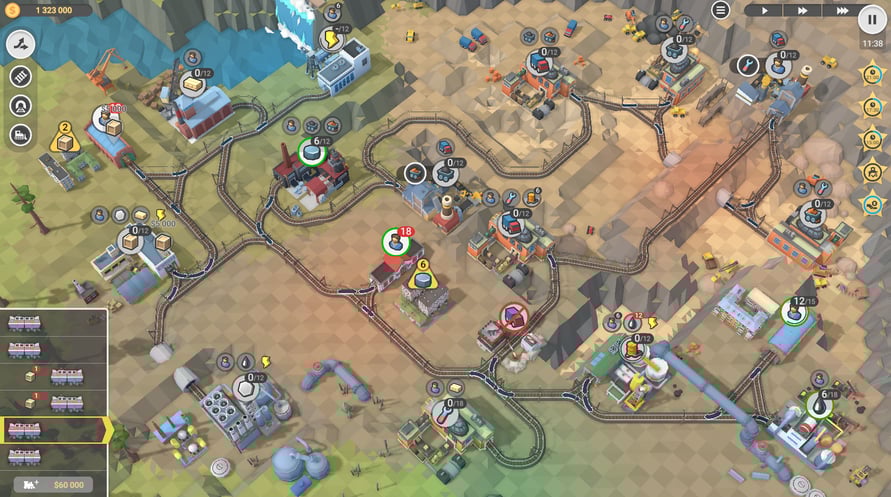
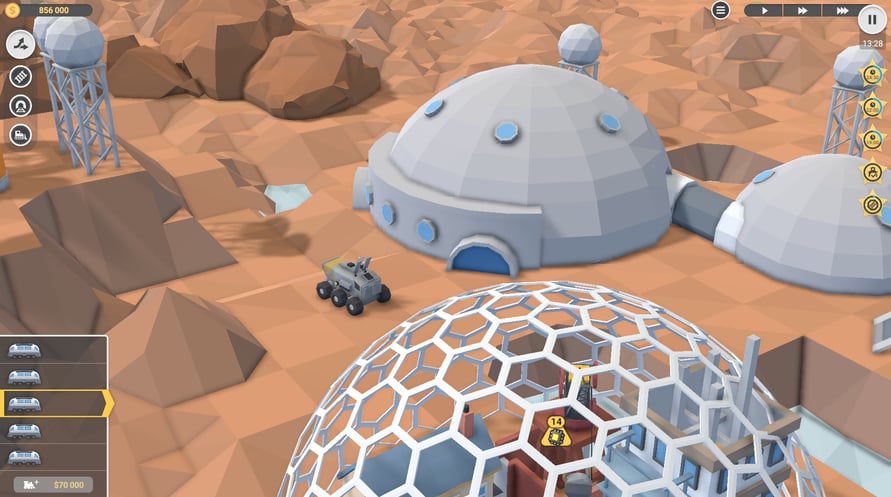
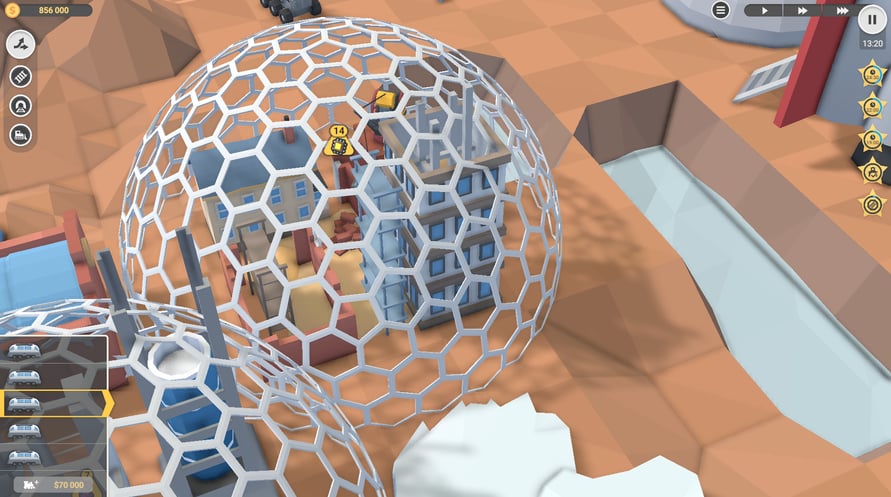
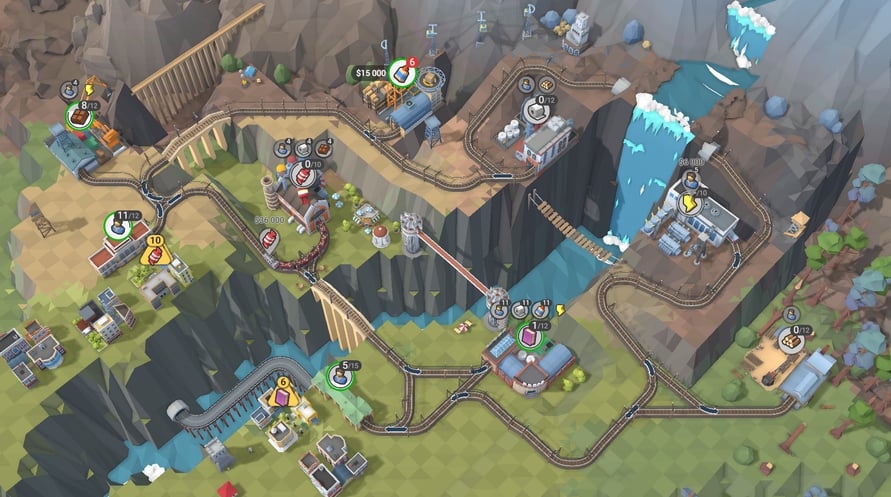
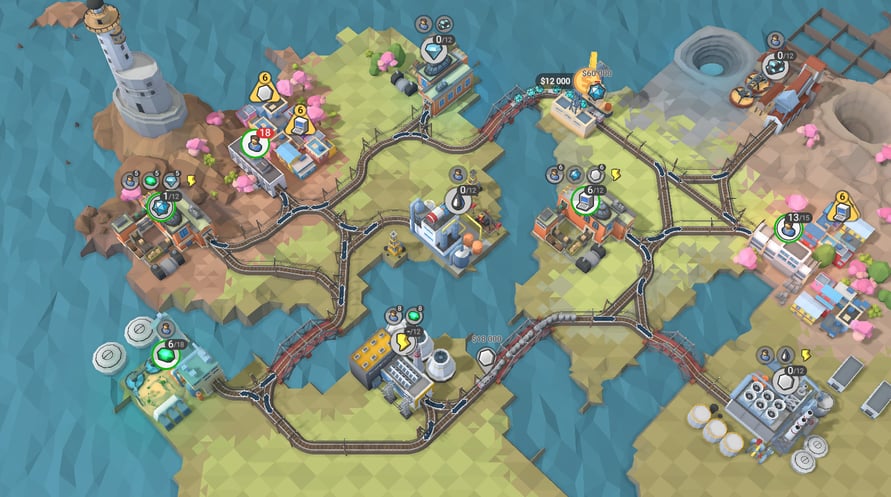
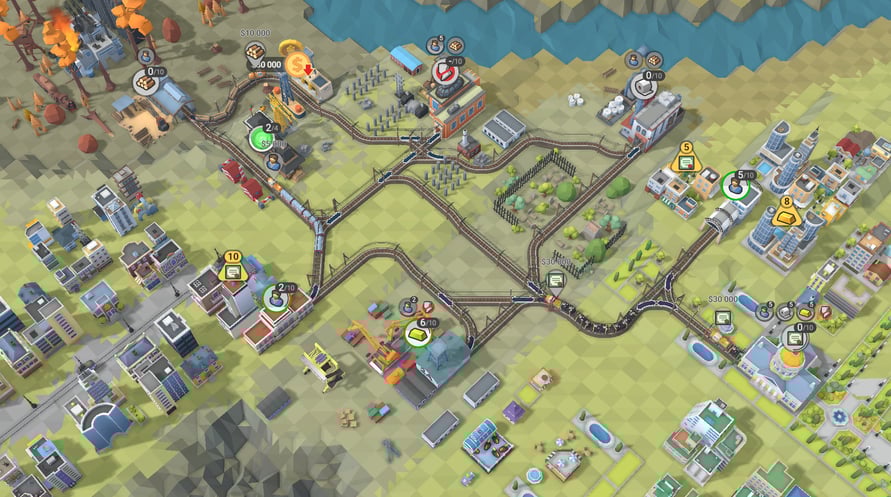
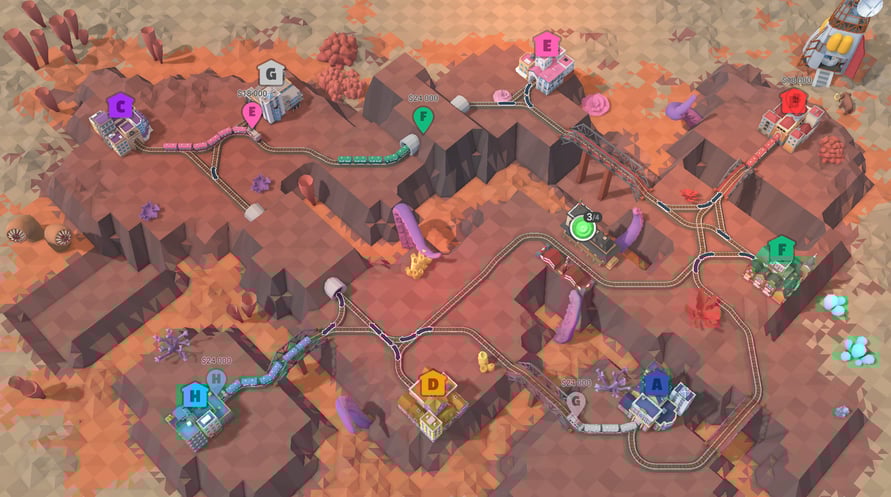
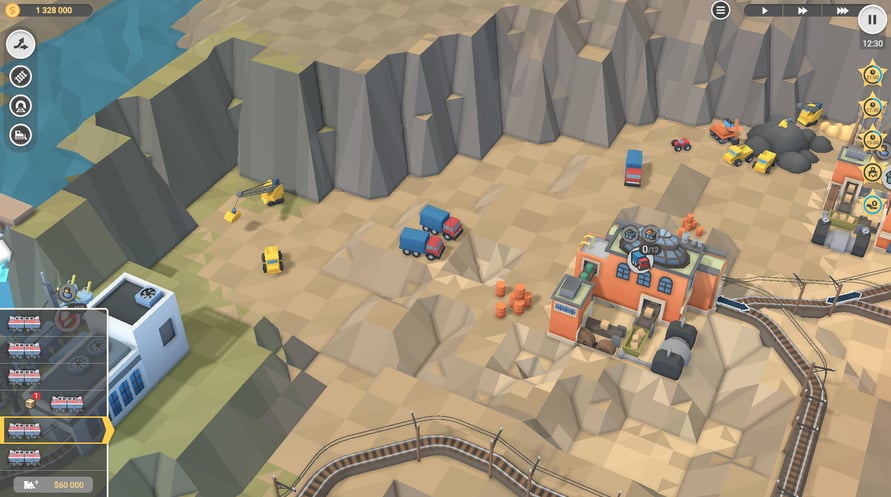
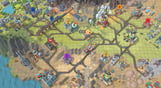
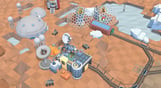
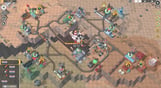
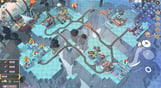
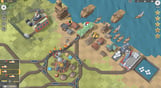
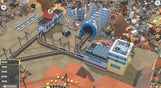
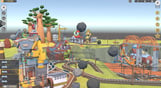
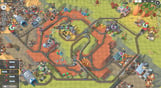
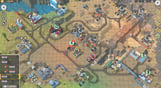
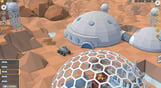
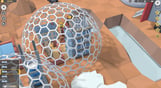
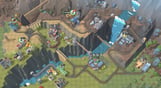
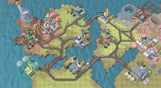
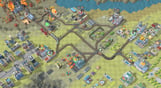
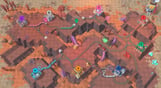
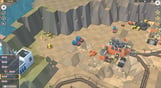
Editor's Bulletin is here to bring you up to speed with the latest developments in the competitive business of driving fast trains with expensive cargo across unpredictable, treacherous and somehow familiar landscapes. Make your way through 30 valleys, conquer terrain and solve construction puzzles, add new locomotives to your fleet and keep in mind that the clock is ticking on those 5-star objectives.
NOTICE: This content requires the base game Train Valley 2 on Steam in order to play.
Windows Minimum Requirements:
- OS: Windows Vista SP1+
- Processor: Intel Core 2 Duo E4500 @ 2.2GHz or AMD Athlon 64 X2 5600+
- Memory: 2 GB RAM
- Graphics: ATi Radeon HD 2400 or NVIDIA GeForce 7600
- DirectX: Version 9.0
- Storage: 1 GB available space
Windows Recommended Requirements:
- OS: Windows 10
- Processor: Core i5 or better
- Memory: 8 GB RAM
- Graphics: NVIDIA GeForce GTX1050 Ti or higher
- Storage: 1 GB available space
Mac Minimum Requirements:
- OS: Mac OS X 10.12+
- Processor: 1.7 GHz Intel Core i5
- Memory: 2 GB RAM
- Storage: 1 GB available space
Mac Recommended Requirements:
- OS: OS X El Capitan
- Processor: 1.7 GHz Intel Core i5
- Memory: 8 GB RAM
- Storage: 1 GB available space
Linux Minimum Requirements:
- OS: Ubuntu 12.04+ or SteamOS+
- Processor: 2.2 GHz CPU
- Memory: 2 GB RAM
- Graphics: ATI Radeon HD 2400 or NVIDIA GeForce 7600
- Storage: 1 GB available space
Linux Recommended Requirements:
- OS: Ubuntu 12.04+ or SteamOS+
- Processor: 2.2 GHz CPU
- Memory: 8 GB RAM
- Graphics: ATI Radeon HD 2400 or NVIDIA GeForce 7600
- Storage: 1 GB available space
För att aktivera Steam-nyckeln du har fått, följ instruktionerna nedan;
- Öppna först Steam-klienten. (Om du inte har det, klicka bara på knappen "Installera Steam" här => Steam Store )
- Logga in på ditt Steam-konto. (Om du inte har ett, klicka här för att skapa ett nytt => Steam Account )
- Klicka på knappen "LÄGG TILL ETT SPEL" i nedre hörnet av klienten.
- Välj sedan "Aktivera en produkt på Steam..."
- Skriv eller kopiera och klistra in aktiveringsnyckeln du fått från Voidu i fönstret.
- Ditt spel är nu synligt i ditt bibliotek! Klicka på "Bibliotek".
- Och slutligen, klicka på spelet och välj "Installera" för att börja nedladdningen.