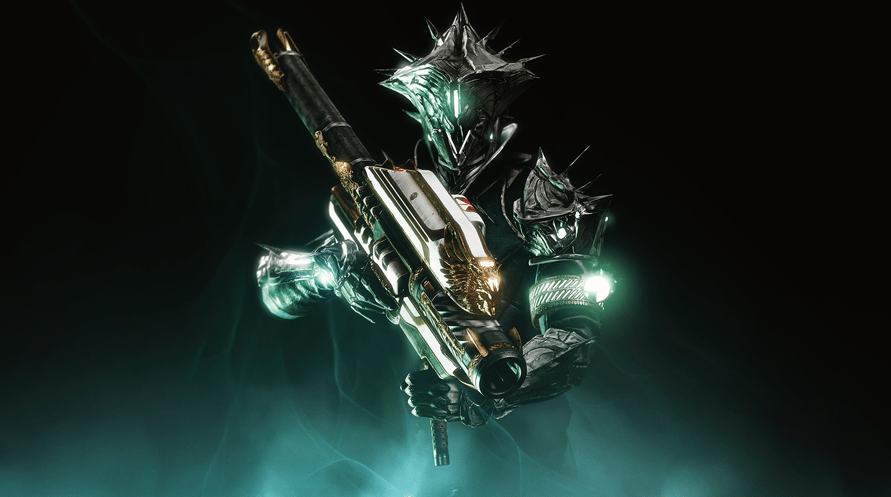
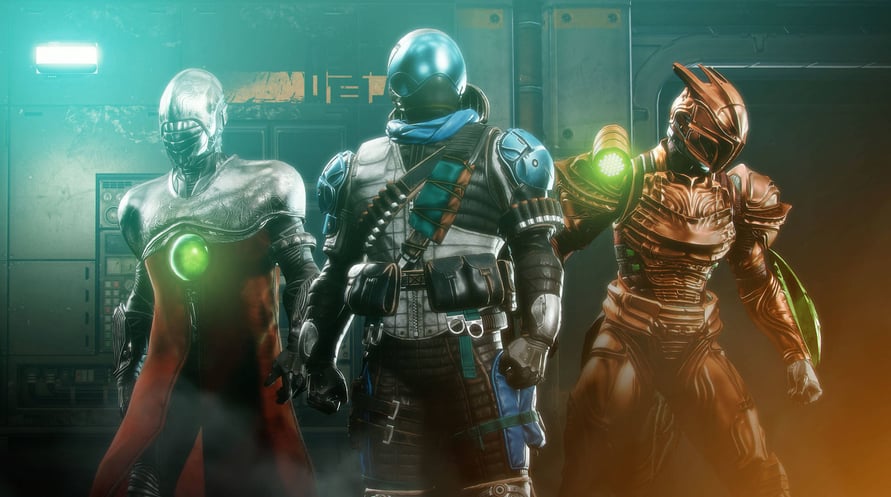
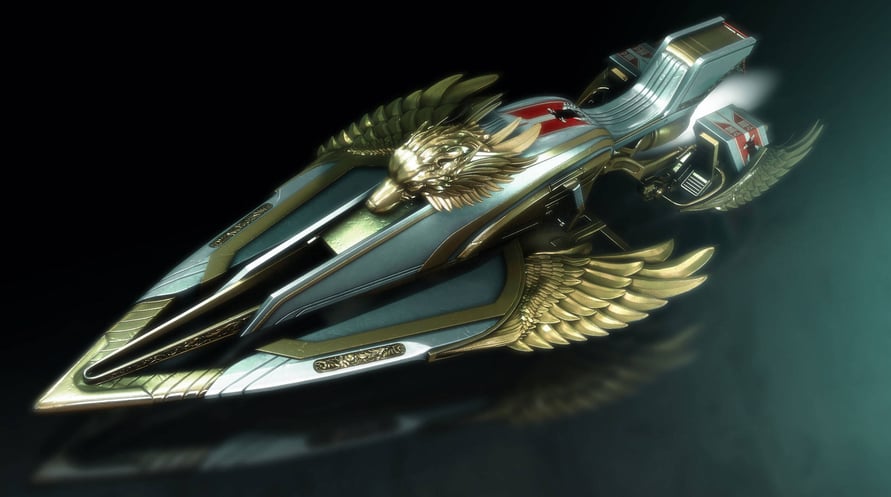
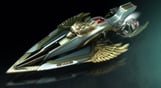
30. Yıl Dönümü Paketi içeriği: Yeni bir Zindan, Gjallarhorn Egzotik Roketatarı, yeni silahlar, zırh ve çok daha fazlası.
Using the software constitutes acceptance of the Destiny Software License Agreement at www.bungie.net/sla. Bungie may modify or discontinue online services without notice at any time.
© 2021 Bungie, Inc. All rights reserved. Destiny, the Destiny Logo, Bungie and the Bungie Logo are among the trademarks of Bungie, Inc.
NOTICE: This content requires the base game Destiny 2 on Steam in order to play.
Minimum Requirements:
- Requires a 64-bit processor and operating system
- OS: Windows® 7 / Windows® 8.1 / Windows® 10 64-bit (latest Service Pack)
- Processor: Intel® Core™ i3 3250 3.5 GHz or Intel Pentium G4560 3.5 GHz / AMD FX-4350 4.2 GHz
- Memory: 6 GB RAM
- Graphics: NVIDIA® GeForce® GTX 660 2GB or GTX 1050 2GB / AMD Radeon HD 7850 2GB
- Network: Broadband Internet connection
- Storage: 105 GB available space
Recommended Requirements:
- Requires a 64-bit processor and operating system
- OS: System Windows® 7 / Windows® 8.1 / Windows® 10 64-bit (latest Service Pack)
- Processor: Processor Intel® Core™ i5 2400 3.4 GHz or i5 7400 3.5 GHz / AMD Ryzen R5 1600X 3.6 GHz
- Memory: 8 GB RAM
- Graphics: NVIDIA® GeForce® GTX 970 4GB or GTX 1060 6GB / AMD R9 390 8GB Memory 8 GB RAM
- Network: Broadband Internet connection
- Storage: 105 GB available space
Steam anahtarınızı etkinleştirmek için aşağıdaki talimatları izleyin;
- İlk olarak, Steam istemcisini açın. (Yoksa, buradaki "Steam Yükleyin" düğmesine tıklayın => Steam Mağaza )
- Steam hesabınıza giriş yapın. (Eğer bir hesabınız yoksa, buraya tıklayarak yeni bir tane oluşturun => Steam Hesabı)
- Steam'in alt köşesindeki "BİR OYUN EKLE" düğmesine tıklayın.
- Sonra, "Bir ürünü Steam'e etkinleştirin..." seçeneğini seçin.
- Voidu'dan aldığınız etkinleştirme anahtarını pencereye yazın veya kopyalayın.
- Oyununuz artık kütüphanenizde görünüyor! "Kütüphane"nize tıklayın.
- Ve son olarak, oyunun üzerine tıklayın ve indirmeyi başlatmak için "Yükle" seçeneğini seçin.