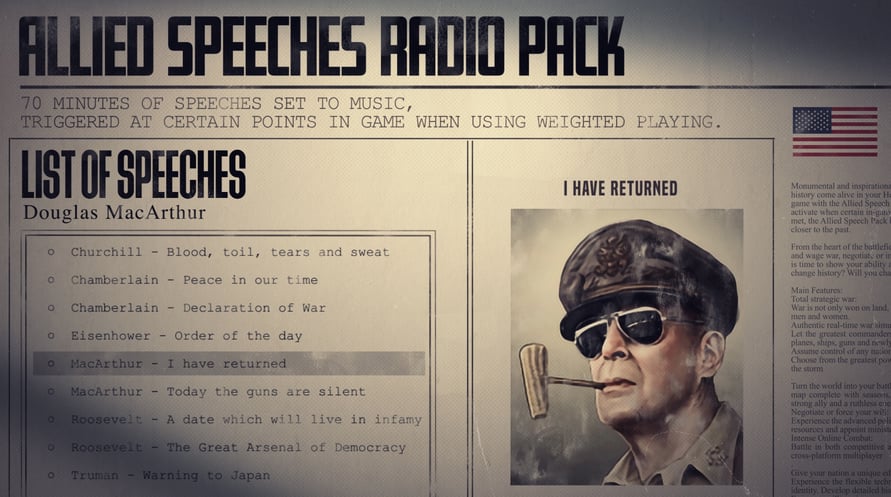
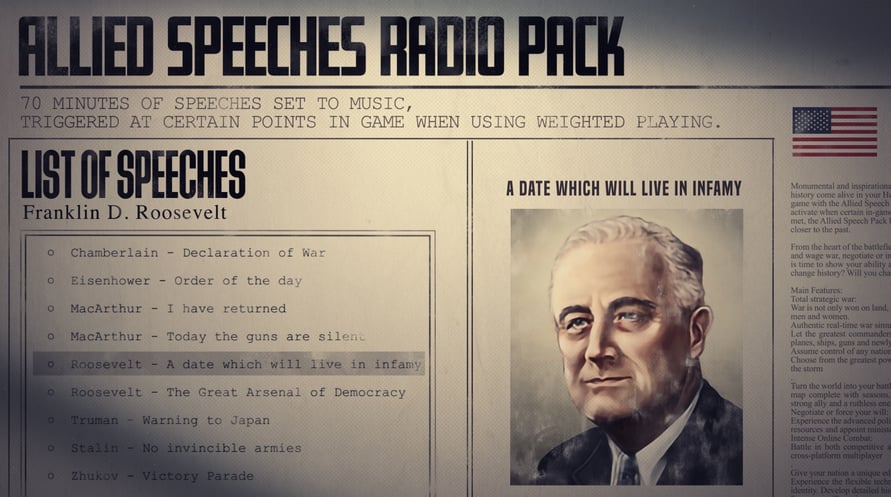
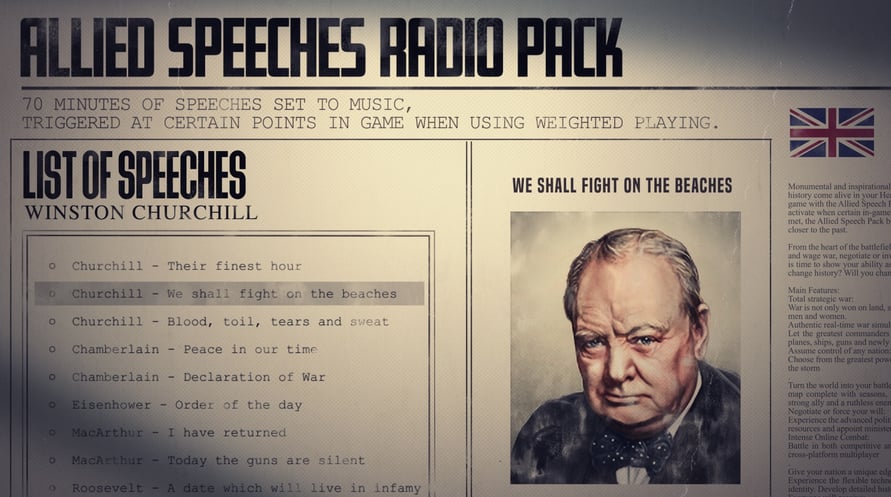
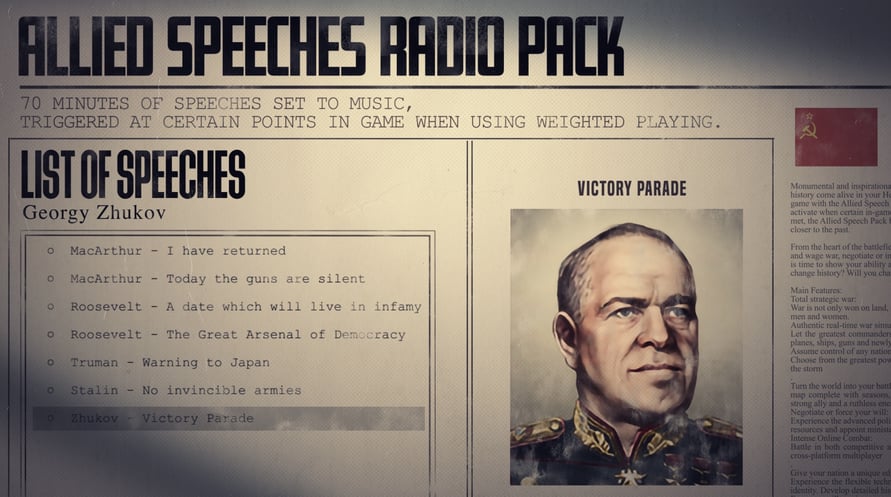
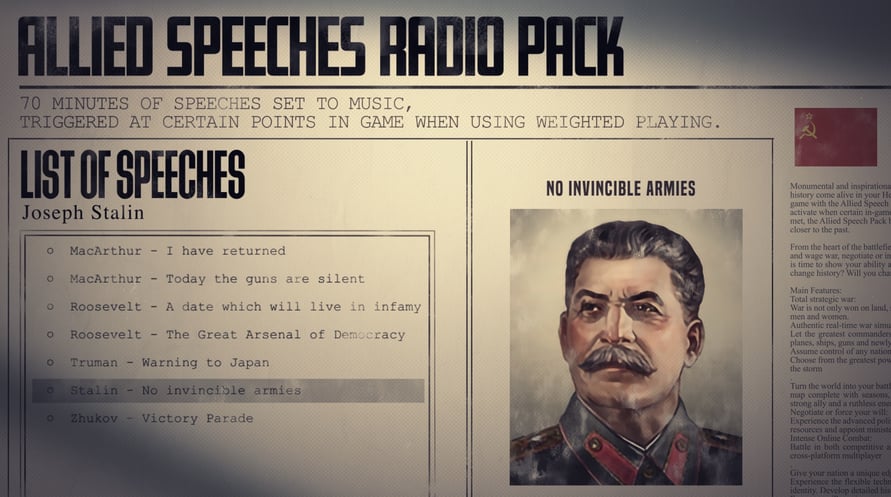
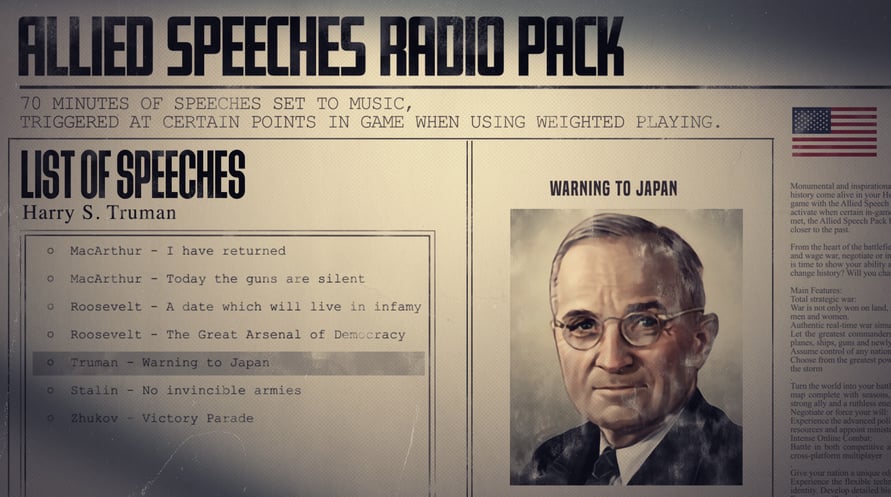
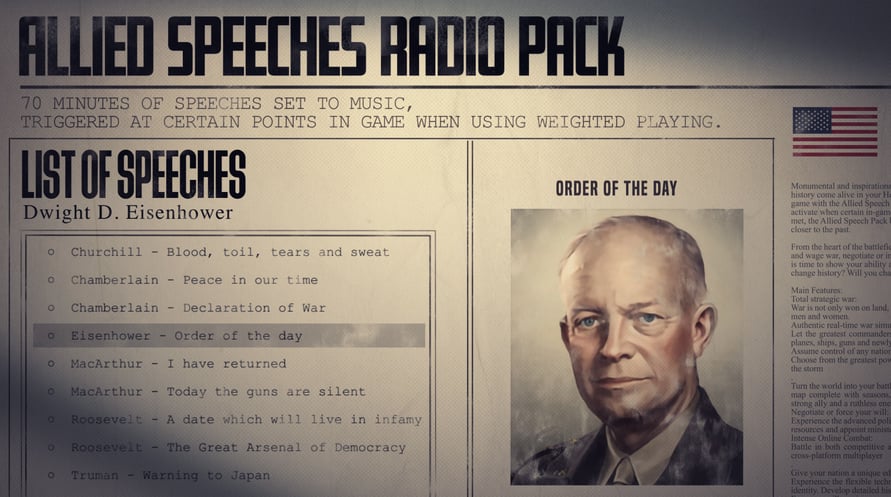
Monumental and inspirational moments from history come alive in your Hearts of Iron IV game with the Allied Speech Pack.
Set to activate when certain in-game conditions are met, the Allied Speech Pack brings you closer to the past.
● Over 70 minutes of speech taken from the darkest days of the last century.
● 13 total speech excerpts
● “Peace in our time” declares Neville Chamberlain, as he sells out Czechoslovakia in favor of a temporary peace.
● “We shall fight on beaches” proclaims Winston Churchill, demonstrating the iron resolve that will get Great Britain through its darkest hour.
● “I have returned” said Douglas MacArthur, the titan of America’s army in the Pacific.
● And 10 more speeches from leaders of the Allied nations.
Paradox Interactive, HEARTS OF IRON® Copyright© [2016] Paradox Interactive AB All rights reserved
NOTICE: This content requires the base game Hearts of Iron IV on Steam in order to play.
Windows Minimum Requirements:
- OS: Windows 7 64-bit or newer
- Processor: Intel Core 2 Quad Q9400 @ 2.66 GHz / AMD Athlon II X4 650 @ 3.20 GHz
- Memory: 4 GB RAM
- Graphics: ATI Radeon HD 5850 or NVIDIA GeForce GTX470 with 1GB VRAM
- DirectX: Version 9.0
- Storage: 2 GB available space
- Sound Card: Direct X- compatible soundcard.
- Additional Notes: Mouse and keyboard are required. / Latest available WHQL drivers from both manufacturers/ Internet Connection or LAN for multiplayer, Up to 32 other players in multiplayer mode.
Windows Recommended Requirements:
- OS: Windows 7 64-bit or newer
- Processor: Intel Core i5 750 @ 2.66 GHz / AMD Phenom II X4 955 @ 3.20 GHz
- Memory: 4 GB RAM
- Graphics: ATI Radeon HD 6950 or NVIDIA GeForce GTX570 with 2GB VRAM
- DirectX: Version 9.0
- Storage: 2 GB available space
- Sound Card: Direct X- compatible soundcard.
- Additional Notes: Mouse and keyboard are required. / Latest available WHQL drivers from both manufacturers. / Internet Connection or LAN for multiplayer, Up to 32 other players in multiplayer mode.
Mac Minimum Requirements:
- OS: OS: macOS 10.14 (Mojave)
- Processor: Intel Core i5 @ 2.60 GHz or better
- Memory: 4 GB RAM
- Graphics: ATI Radeon HD 6970M
- Storage: 2 GB available space
- Additional Notes: Mouse and keyboard are required. / Latest available proprietary drivers / Internet Connection or LAN for multiplayer, Up to 32 other players in multiplayer mode.
Mac Recommended Requirements:
- OS: OS: macOS 10.14 (Mojave)
- Processor: Intel Core i5 @ 2.90 GHz or better
- Memory: 8 GB RAM
- Graphics: ATI Radeon R9 390M or NVIDIA GeForce 750M with 1GB VRAM
- Storage: 2 GB available space
- Additional Notes: Mouse and keyboard are required. / Latest available proprietary drivers from both manufacturers/ Internet Connection or LAN for multiplayer, Up to 32 other players in multiplayer mode.
Linux Minimum Requirements:
- OS: OS: Ubuntu 20.04
- Processor: Intel Core 2 Quad Q9400 @ 2.66 GHz / AMD Athlon II X4 650 @ 3.20 GHz
- Memory: 4 GB RAM
- Graphics: ATI Radeon HD 5850 or NVIDIA GeForce GTX470 with 1GB VRAM / Latest available proprietary drivers from both manufacturers
- Storage: 2 GB available space
- Additional Notes: Controller support: 3-button mouse, keyboard, and speakers are required. / Internet Connection or LAN for multiplayer, Up to 32 other players in multiplayer mode.
Linux Recommended Requirements:
- OS: OS: Ubuntu 20.04
- Processor: Intel Core i5 750 @ 2.66 GHz / AMD Phenom II X4 955 @ 3.20 GHz
- Memory: 4 GB RAM
- Graphics: ATI Radeon HD 6950 or NVIDIA GeForce GTX570 with 2GB VRAM / Latest available proprietary drivers from both manufacturers
- Storage: 2 GB available space
- Additional Notes: Controller support: 3-button mouse, keyboard, and speakers are required. / Internet Connection or LAN for multiplayer, Up to 32 other players in multiplayer mode.
Steam anahtarınızı etkinleştirmek için aşağıdaki talimatları izleyin;
- İlk olarak, Steam istemcisini açın. (Yoksa, buradaki "Steam Yükleyin" düğmesine tıklayın => Steam Mağaza )
- Steam hesabınıza giriş yapın. (Eğer bir hesabınız yoksa, buraya tıklayarak yeni bir tane oluşturun => Steam Hesabı)
- Steam'in alt köşesindeki "BİR OYUN EKLE" düğmesine tıklayın.
- Sonra, "Bir ürünü Steam'e etkinleştirin..." seçeneğini seçin.
- Voidu'dan aldığınız etkinleştirme anahtarını pencereye yazın veya kopyalayın.
- Oyununuz artık kütüphanenizde görünüyor! "Kütüphane"nize tıklayın.
- Ve son olarak, oyunun üzerine tıklayın ve indirmeyi başlatmak için "Yükle" seçeneğini seçin.