


Monster Hunter Wilds - Flamefete DLC Pack
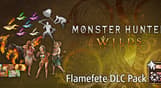


Celebrate the arrival of summer with this pack of communication and cosmetic items!
Celebrate the arrival of summer with this pack of communication and cosmetic items!
Content
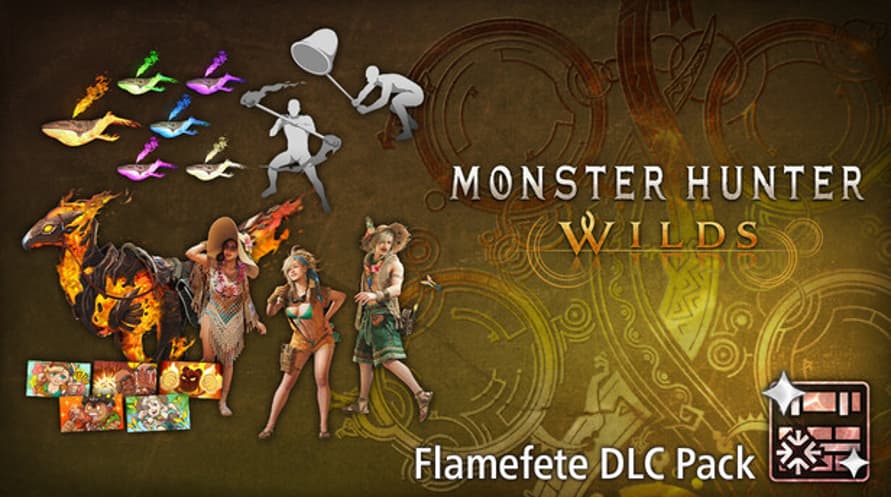
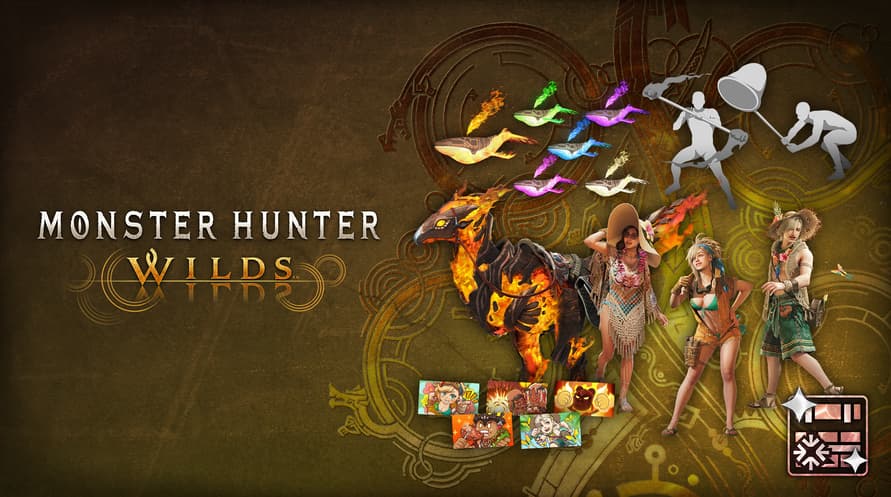
- Alma Outfit: Summer Poncho
- Seikret Decoration: Phoenix Caparison
- Gemma Outfit: Summer Coveralls
- Erik Outfit: Summer Hat
- Pendant Set Vol. 6
- Gesture Set Vol. 7
- Sticker Set: Flamefete
This content can also be purchased separately.
Please be careful of duplicate purchases.
©CAPCOM
MONSTER HUNTER WILDS is a trademark and/or registered trademark of CAPCOM CO., LTD. and/or its subsidiaries in the U.S. and/or other countries.
Monster Hunter Wilds - Flamefete DLC Pack
Steam
Stokta Var
Yayımcı:
Capcom (JP)
İşletim Sistemi:
Platformlar:
Yayın Tarihi:
23 Jul 2025

Aktivasyon Bilgileri
United States
Bölgenizde mevcut
Bulunduğunuz ülkede etkinleştirilebilir United States
Yaş Sınırlaması
İçerik 16+ olarak derecelendirildi

Yaş sınırlı içerik
16 yaş ve üzeri için uygun
Benzer Oyunlar

Red Wings: American Aces
$11.99
Age of Wonders 4 - Starter Edition
$59.99
$35.99

Modern Naval Warfare
$59.99

The Talos Principle 2
$29.99
$15.00

Seven: Enhanced Edition
$29.99
$7.50
$21.99

