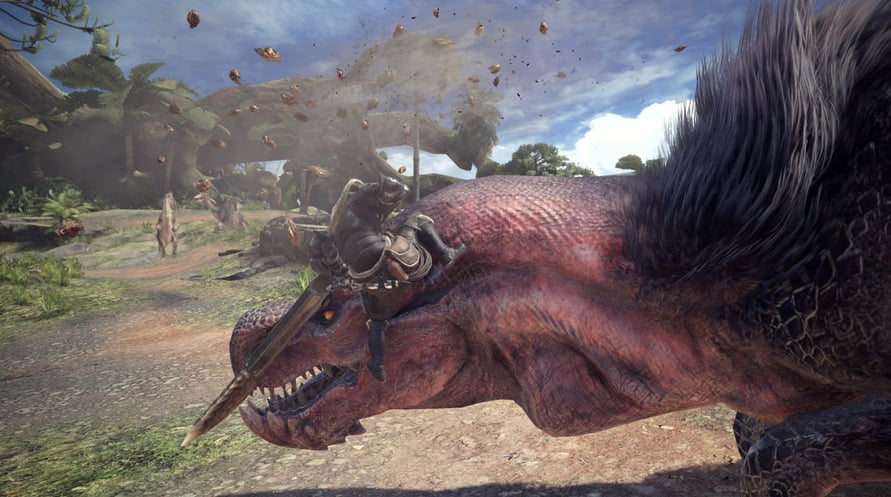
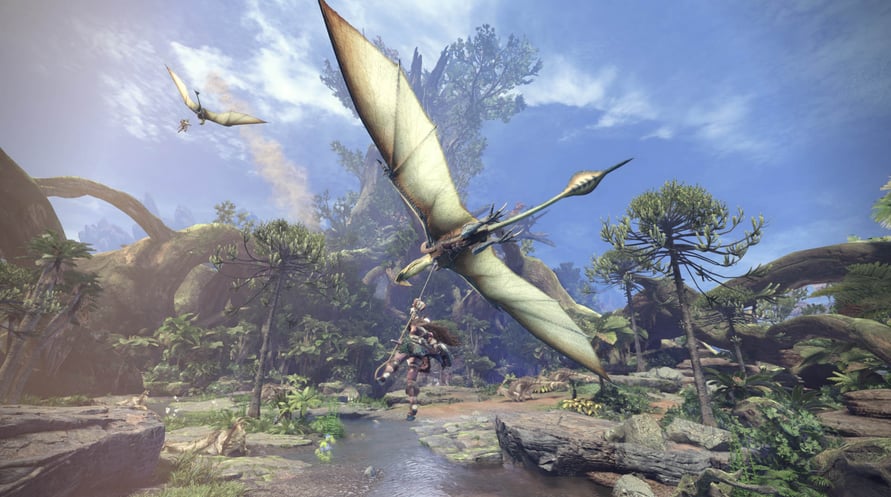
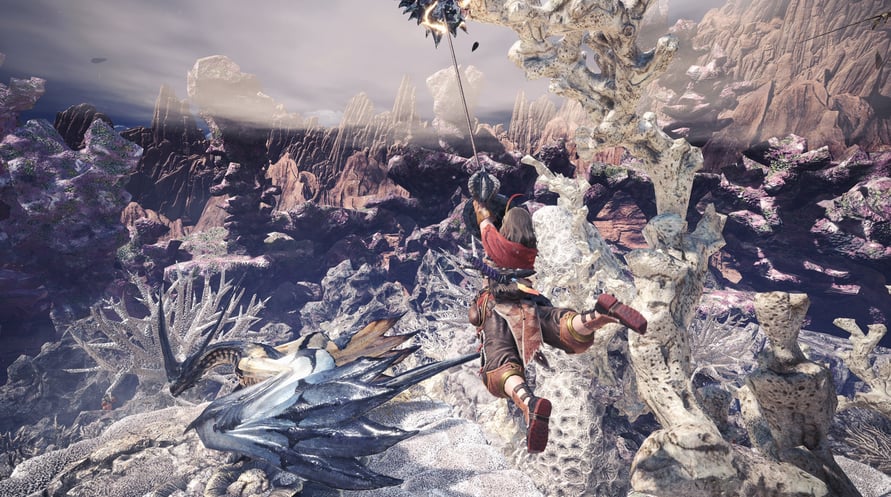
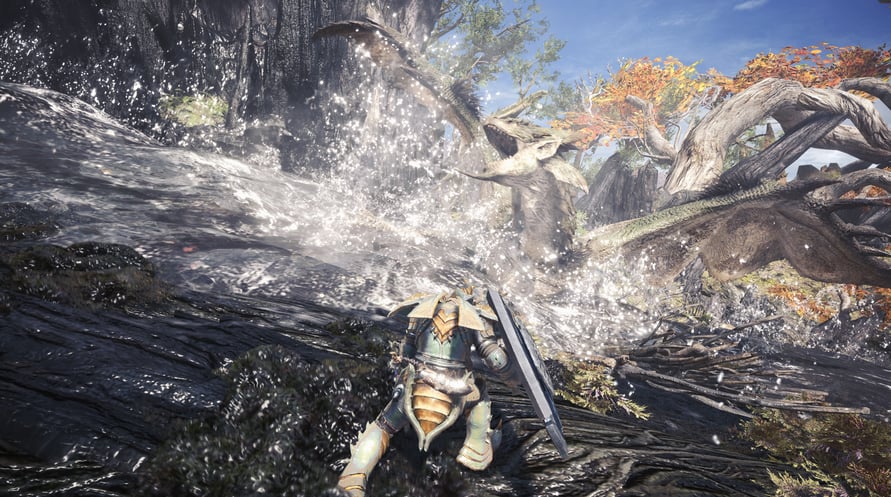
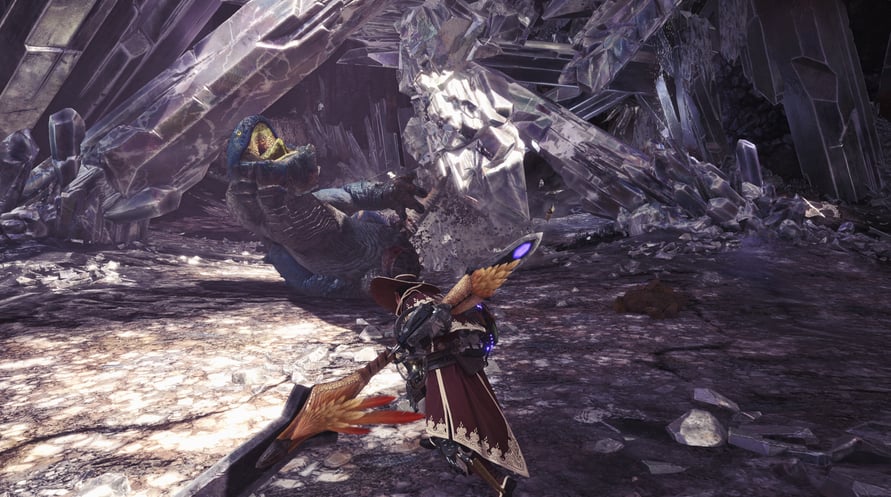
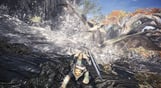
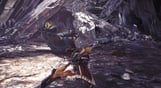
Welcome to a new world! Take on the role of a hunter and slay ferocious monsters in a living, breathing ecosystem where you can use the landscape and its diverse inhabitants to get the upper hand. Hunt alone or in co-op with up to three other players, and use materials collected from fallen foes to craft new gear and take on even bigger, badder beasts!
©CAPCOM CO., LTD. 2018 ALL RIGHTS RESERVED.
Minimum Requirements:
- Requires a 64-bit processor and operating system
- OS: WINDOWS® 10 (64-bit required)
- Processor: Intel® Core™ i5 4460 or Core™ i3 9100F or AMD FX™-6300 or Ryzen™ 3 3200G
- Memory: 8 GB RAM
- Graphics: NVIDIA®GeForce®GTX 760 or GTX1050 or AMD Radeon™ R7 260x or RX 560
- DirectX: Version 11
- Network: Broadband Internet connection
- Storage: 52 GB available space
- Sound Card: DirectSound (DirectX® 9.0c or later)
- Additional Notes: - These specs allow for the game to be played in 1080p/30fps with graphics settings at "Low". - 64-bit processor and operating system are required.
Recommended Requirements:
- Requires a 64-bit processor and operating system
- OS: WINDOWS® 10 (64-bit required)
- Processor: Intel® Core™ i7 3770 or Core™ i3 8350 or Core™ i3 9350F / AMD Ryzen™ 5 1500X or Ryzen™ 5 3400G
- Memory: 8 GB RAM
- Graphics: NVIDIA® GeForce® GTX 1060 (VRAM 3GB) or GTX 1650 / AMD Radeon™ RX 480 or RX 570
- DirectX: Version 11
- Network: Broadband Internet connection
- Storage: 52 GB available space
- Sound Card: DirectSound (DirectX® 9.0c or later)
- Additional Notes: - These specs allow for the game to be played in 1080p/30fps with graphics settings at "High". - 64-bit processor and operating system are required. - Windows 10 (Version 1809 or later) and a 4GB VRAM GPU (graphics board or video card) are required for DirectX 12 API.
Steam anahtarınızı etkinleştirmek için aşağıdaki talimatları izleyin;
- İlk olarak, Steam istemcisini açın. (Yoksa, buradaki "Steam Yükleyin" düğmesine tıklayın => Steam Mağaza )
- Steam hesabınıza giriş yapın. (Eğer bir hesabınız yoksa, buraya tıklayarak yeni bir tane oluşturun => Steam Hesabı)
- Steam'in alt köşesindeki "BİR OYUN EKLE" düğmesine tıklayın.
- Sonra, "Bir ürünü Steam'e etkinleştirin..." seçeneğini seçin.
- Voidu'dan aldığınız etkinleştirme anahtarını pencereye yazın veya kopyalayın.
- Oyununuz artık kütüphanenizde görünüyor! "Kütüphane"nize tıklayın.
- Ve son olarak, oyunun üzerine tıklayın ve indirmeyi başlatmak için "Yükle" seçeneğini seçin.