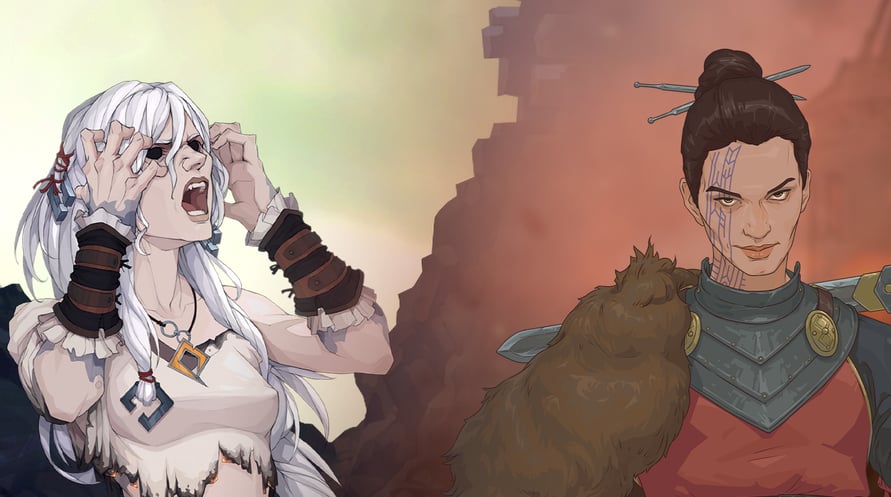
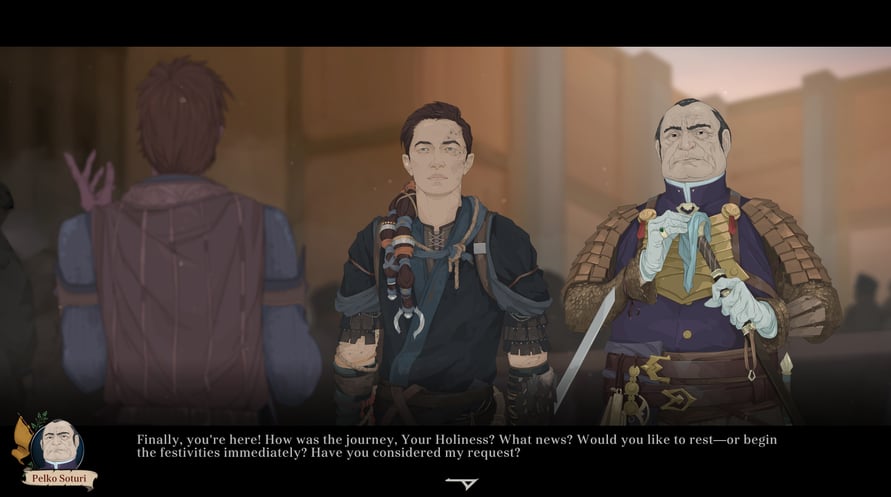
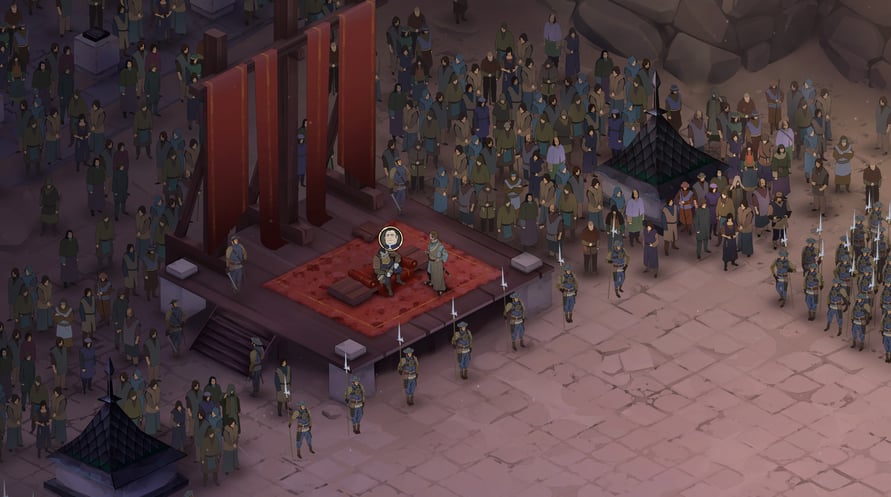
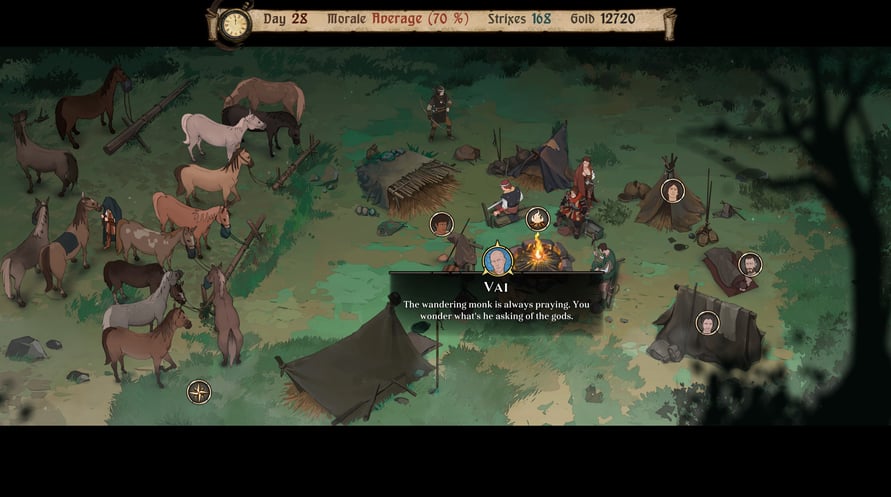
The Ash of Gods: Universe Bundle contains two games set in the Ash of Gods universe.
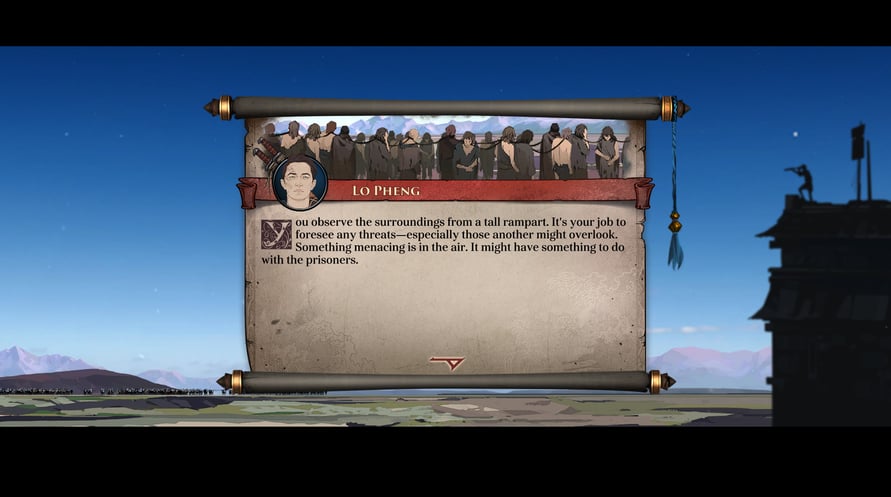
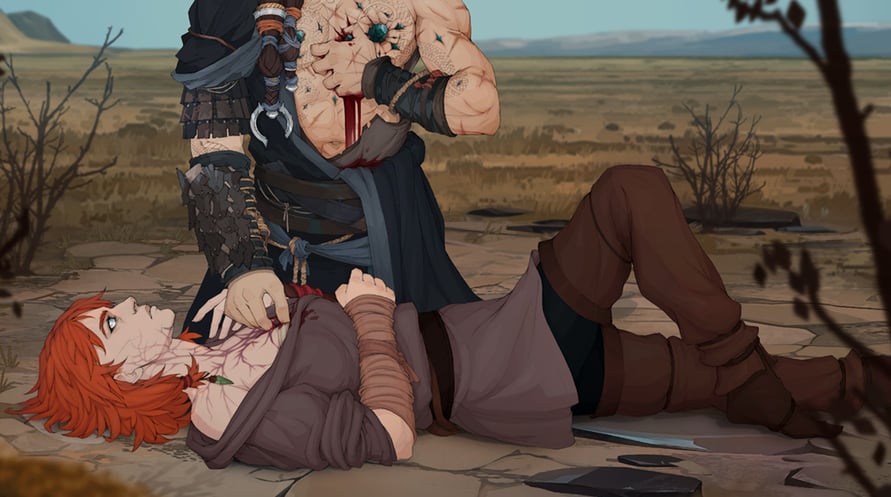
Ash of Gods: Redemption is a turn-based RPG that combines tactical combat, CCG elements, and a constantly evolving story in which no one is safe from death, including the main characters.
Ash of Gods: The Way is a novel genre mix of RPG style conversations, a collectible card game, and a turn-based tactical battle — your choices in all of these areas will influence the outcome of your story.
ABOUT THIS BUNDLE:
- Ash of Gods: Redemption
- Ash of Gods: The Way
© AurumDust 2023
Windows Minimum Requirements:
- OS: Windows 7, 8, 10
- Processor: Intel Core 2 Duo 2.5 GHz
- Memory: 2 GB RAM
- Graphics: Nvidia 9xxx / ATI 2xxx
- DirectX: Version 9.0c
- Storage: 5 GB available space
- Sound Card: DirectX9 Compatible
Windows Recommended Requirements:
- OS: Windows 7, 8, 10
- Processor: Intel Core i5 3.0 GHz
- Memory: 4 GB RAM
- Graphics: NVIDIA GeForce GTX 760 / AMD Radeon R9 280X
- DirectX: Version 9.0c
- Storage: 5 GB available space
- Sound Card: DirectX9 Compatible
Mac Minimum Requirements:
- OS: MAC OSX 10.7.5
- Processor: Intel Core 2 Duo 2.5 GHz
- Memory: 2 GB RAM
- Graphics: Nvidia 9xxx / ATI 2xxx
- Storage: 5 GB available space
- Sound Card: DirectX9 Compatible
Mac Recommended Requirements:
- OS: MAC OSX 10.7.5
- Processor: Intel Core i5 3.0 GHz
- Memory: 4 GB RAM
- Graphics: NVIDIA GeForce GTX 760 / AMD Radeon R9 280X
- Storage: 5 GB available space
- Sound Card: DirectX9 Compatible
Linux Minimum Requirements:
- Processor: Intel Core 2 Duo 2.5 GHz
- Memory: 2 GB RAM
- Graphics: Nvidia 9xxx / ATI 2xxx
- Storage: 5 GB available space
- Sound Card: DirectX9 Compatible
Linux Recommended Requirements:
- Processor: Intel Core i5 3.0 GHz
- Memory: 4 GB RAM
- Graphics: NVIDIA GeForce GTX 760 / AMD Radeon R9 280X
- Storage: 5 GB available space
- Sound Card: DirectX9 Compatible
Để kích hoạt khóa Steam bạn đã nhận, hãy làm theo hướng dẫn dưới đây;
- Trước tiên, mở ứng dụng Steam. (Nếu bạn chưa có, chỉ cần nhấp vào nút "Cài đặt Steam" tại đây => Steam Store )
- Đăng nhập vào tài khoản Steam của bạn. (Nếu bạn chưa có, nhấp vào đây để tạo tài khoản mới => Steam Account )
- Nhấp vào nút "THÊM TRÒ CHƠI" ở góc dưới cùng của ứng dụng.
- Sau đó, chọn "Kích hoạt sản phẩm trên Steam..."
- Nhập hoặc sao chép và dán khóa kích hoạt bạn đã nhận từ Voidu vào cửa sổ.
- Trò chơi của bạn bây giờ đã hiển thị trong thư viện của bạn! Nhấp vào "Thư viện".
- Và cuối cùng, nhấp vào trò chơi và chọn "Cài đặt" để bắt đầu tải xuống.