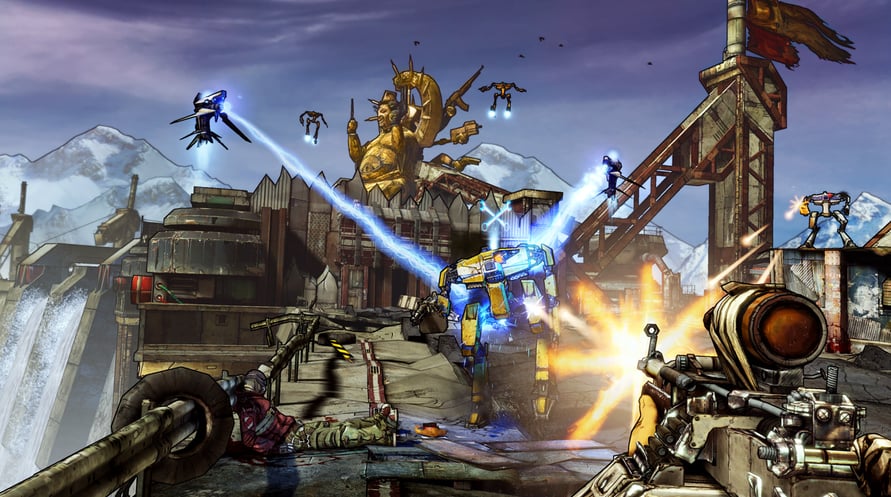
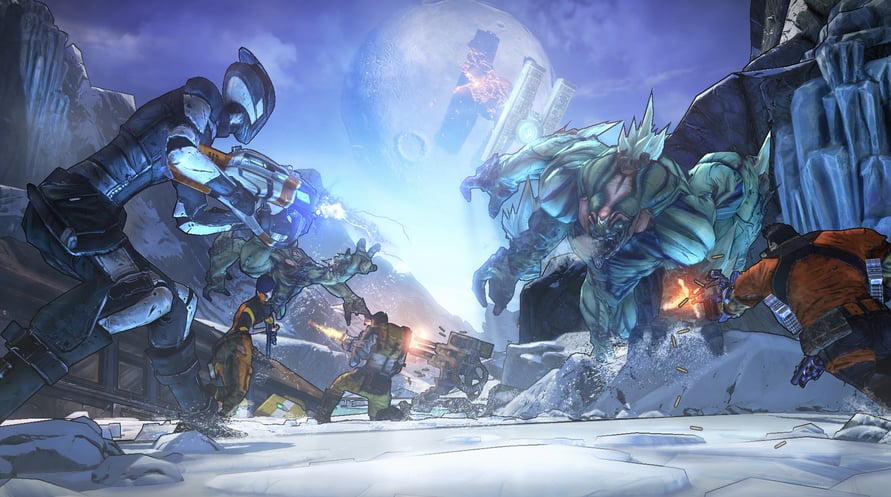
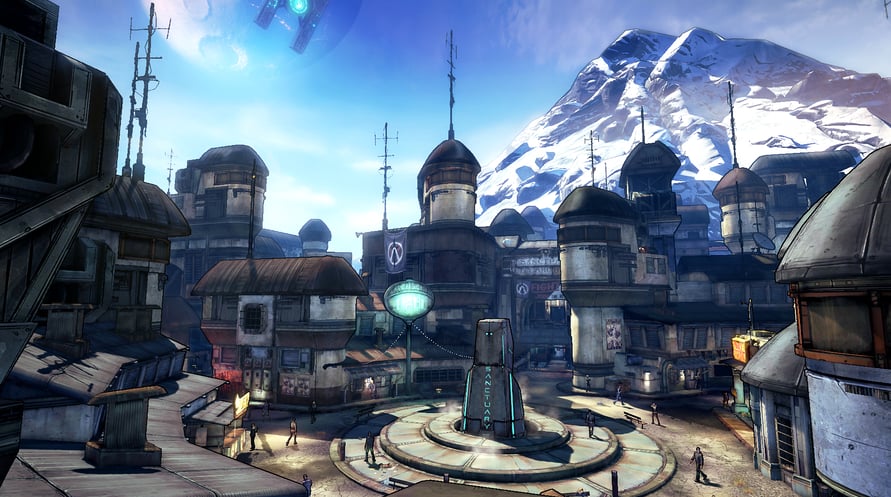
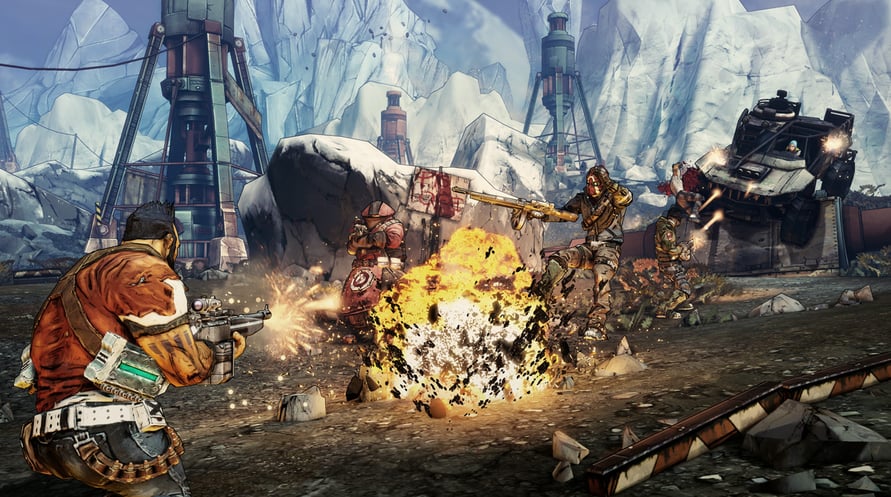
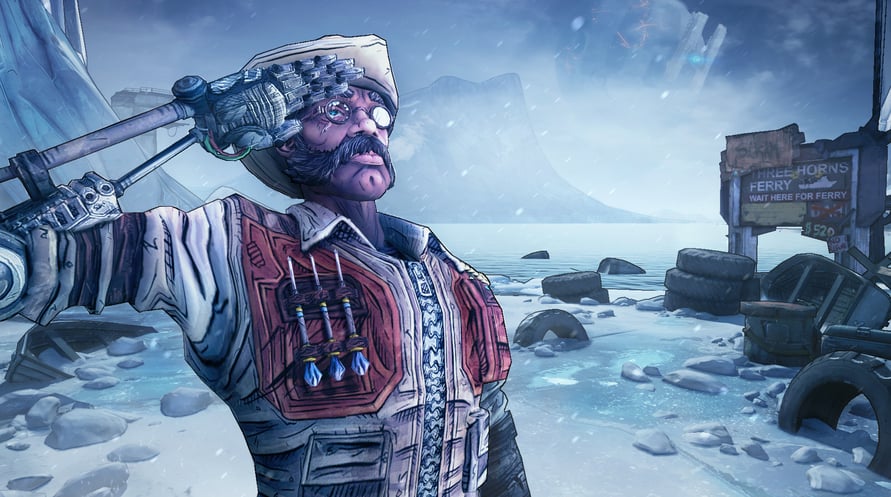
In Sir Hammerlock’s Big Game Hunt, players will enter an uncharted territory deep in the swamps of Pandora where a massive Hyperion ship has crashed. The wreckage is rumored to have stockpiles of loot. But watch out, mutated creatures, and armies of savages also have an interest in the ship.
Please note: Add-on Content, Borderlands®2 required to play. This content is part of the Season Pass and will be available to Borderlands 2 Season Pass purchasers in-game upon release.
rved.
Minimum Requirements:
- OS *: Windows XP SP3
- Processor: 2.4 GHz Dual Core Processor
- Memory: 2 GB(XP)/ 2 GB(Vista)
- Hard Disk Space: 13 GB free
- Video Memory: 256 MB
- Video Card: NVIDIA GeForce 8500 /ATI Radeon HD 2600
- Sound: DirectX 9.0c Compatible
- Other Requirements:Initial installation requires one-time internet connection for Steam authentication; software installations required (included with the game) include Steam Client, DirectX 9, Microsoft .NET 4 Framework, Visual C++ Redistributable 2005, Visual C++ Redistributable 2008, Visual C++ Redistributable 2010, and AMD CPU Drivers (XP Only/AMD Only)
Recommended Requirements:
- OS *: Windows XP SP3/Vista/Win 7
- Processor: 2.3 GHz Quad Core processor
- Memory: 2 GB
- Hard Disk Space: 20 GB free
- Video Memory: 512MB
- Video Card: NVIDIA GeForce GTX 560 / ATI Radeon HD 5850
- Sound: DirectX 9.0c Compatible
- Other Requirements:Initial installation requires one-time internet connection for Steam authentication; software installations required (included with the game) include Steam Client, DirectX 9, Microsoft .NET 4 Framework, Visual C++ Redistributable 2005, Visual C++ Redistributable 2008, Visual C++ Redistributable 2010, and AMD CPU Drivers (XP Only/AMD Only)
Để kích hoạt khóa Steam bạn đã nhận, hãy làm theo hướng dẫn dưới đây;
- Trước tiên, mở ứng dụng Steam. (Nếu bạn chưa có, chỉ cần nhấp vào nút "Cài đặt Steam" tại đây => Steam Store )
- Đăng nhập vào tài khoản Steam của bạn. (Nếu bạn chưa có, nhấp vào đây để tạo tài khoản mới => Steam Account )
- Nhấp vào nút "THÊM TRÒ CHƠI" ở góc dưới cùng của ứng dụng.
- Sau đó, chọn "Kích hoạt sản phẩm trên Steam..."
- Nhập hoặc sao chép và dán khóa kích hoạt bạn đã nhận từ Voidu vào cửa sổ.
- Trò chơi của bạn bây giờ đã hiển thị trong thư viện của bạn! Nhấp vào "Thư viện".
- Và cuối cùng, nhấp vào trò chơi và chọn "Cài đặt" để bắt đầu tải xuống.