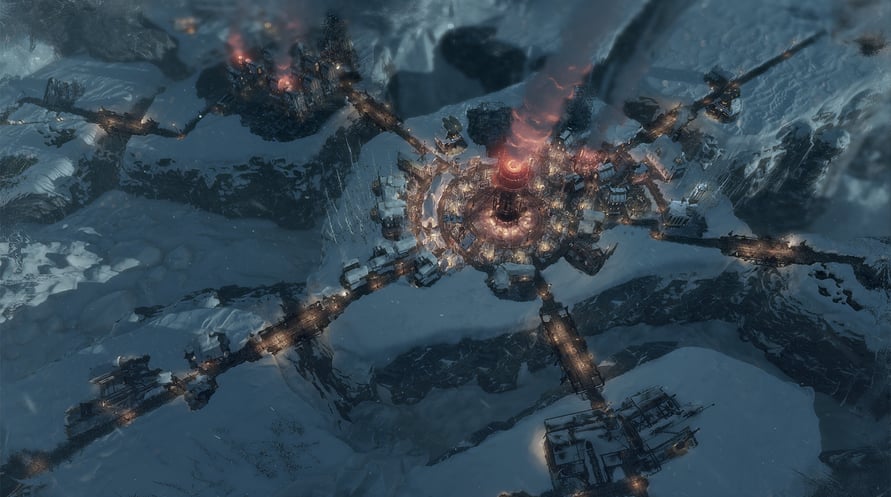
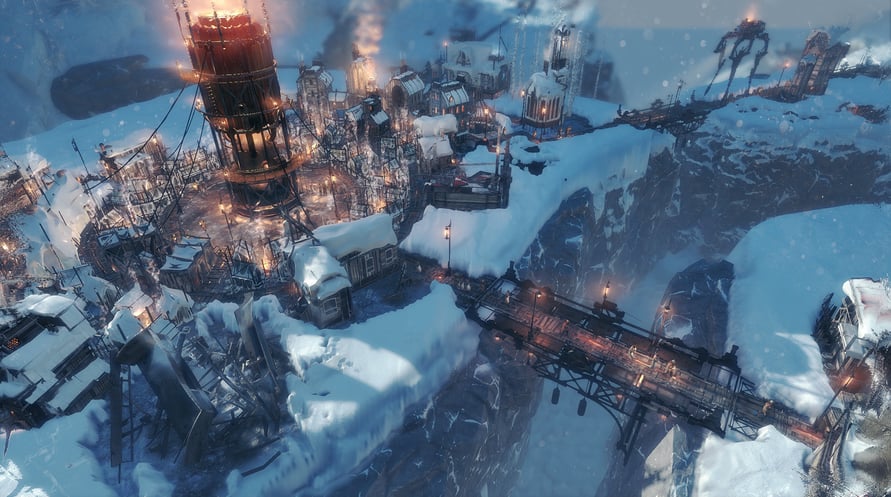
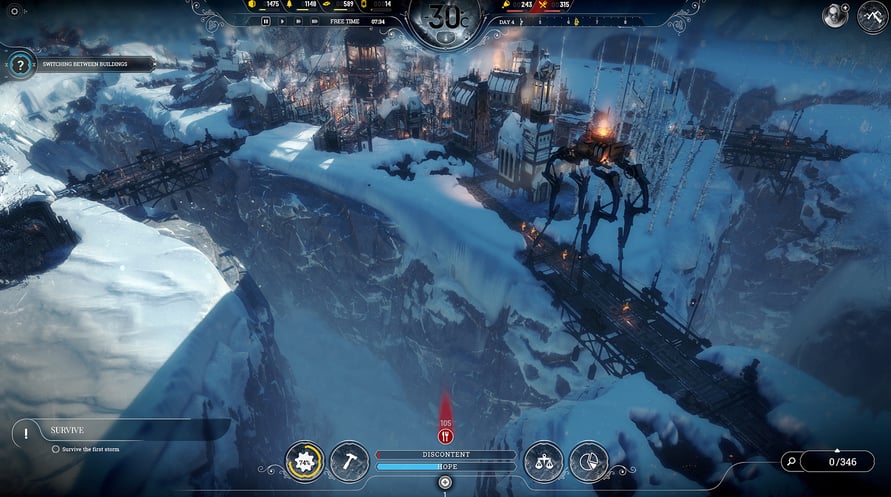
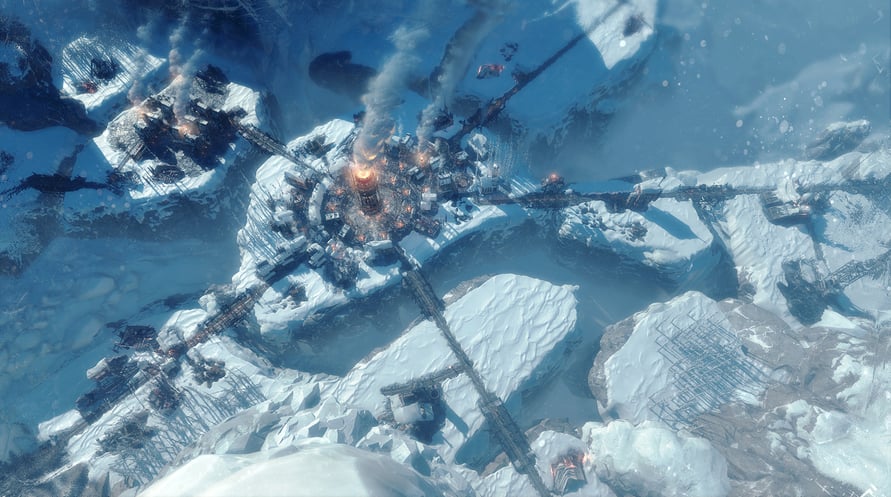
Set out on another journey through the frozen wasteland with this mini-expansion, adding a new endless mode map and a new constructible building – The Bridge. Expand the city to save your people from inevitable doom!
- unique new Endless Mode map
- new constructible building – The Bridge
- new gameplay mechanics
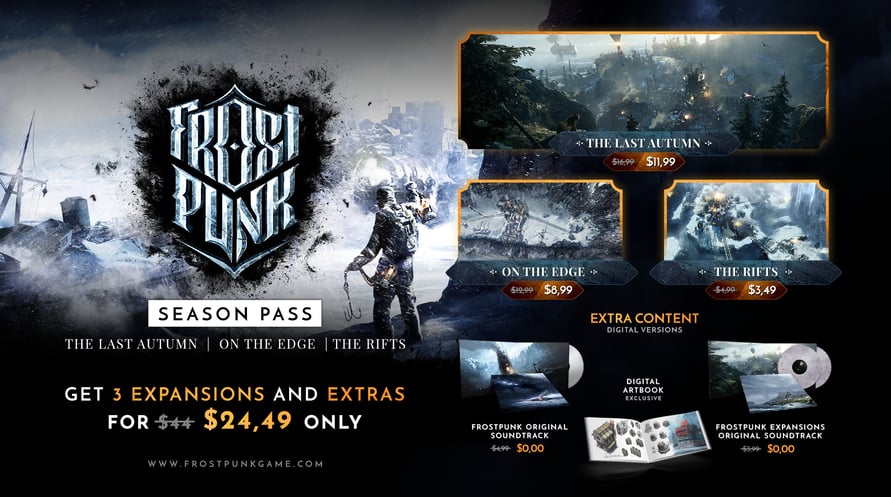
THIS EXPANSION IS A PART OF THE OFFICIAL FROSTPUNK SEASON PASS
© 2018 11 bit studios S.A. Frostpunk™, 11 bit studios™ and respective logos are trademarks of 11 bit studios S.A. All rights reserved.
NOTICE: This content requires the base game Frostpunk on Steam in order to play.
Windows Minimum Requirements:
- Requires a 64-bit processor and operating system
- OS: 64-bit Windows 7/8/10
- Processor: 3.2 GHz Dual Core CPU
- Memory: 4 GB RAM
- Graphics: GeForce GTX 660, Radeon R7 370 or equivalent with 2 GB of video RAM
- DirectX: Version 11
- Storage: 8 GB available space
- Sound Card: DirectX compatible
- Additional Notes: Please make sure that you have the latest VC package installed, and - if you're using Windows 7 or 8 - that you have the KB4019990 update applied.
Windows Recommended Requirements:
- Requires a 64-bit processor and operating system
- OS: 64-bit Windows 7/8/10
- Processor: 3.2 GHz Quad Core Processor
- Memory: 8 GB RAM
- Graphics: GeForce 970, Radeon RX 580 or equivalent with 4GB of video RAM
- DirectX: Version 11
- Storage: 8 GB available space
- Sound Card: DirectX compatible
- Additional Notes: Please make sure that you have the latest VC package installed, and - if you're using Windows 7 or 8 - that you have the KB4019990 update applied.
Mac Minimum Requirements:
- Requires a 64-bit processor and operating system
- OS: MacOS 10.15
- Processor: 2.6GHz Intel Core i7
- Memory: 16 GB RAM
- Graphics: 4GB AMD Radeon Pro 5300M, Radeon Pro 560X or better
- Storage: 10 GB available space
- Additional Notes: Check the Frostpunk website for more detailed specifications: www.frostpunkgame.com/mac-requirements
Mac Recommended Requirements:
- Requires a 64-bit processor and operating system
Để kích hoạt khóa Steam bạn đã nhận, hãy làm theo hướng dẫn dưới đây;
- Trước tiên, mở ứng dụng Steam. (Nếu bạn chưa có, chỉ cần nhấp vào nút "Cài đặt Steam" tại đây => Steam Store )
- Đăng nhập vào tài khoản Steam của bạn. (Nếu bạn chưa có, nhấp vào đây để tạo tài khoản mới => Steam Account )
- Nhấp vào nút "THÊM TRÒ CHƠI" ở góc dưới cùng của ứng dụng.
- Sau đó, chọn "Kích hoạt sản phẩm trên Steam..."
- Nhập hoặc sao chép và dán khóa kích hoạt bạn đã nhận từ Voidu vào cửa sổ.
- Trò chơi của bạn bây giờ đã hiển thị trong thư viện của bạn! Nhấp vào "Thư viện".
- Và cuối cùng, nhấp vào trò chơi và chọn "Cài đặt" để bắt đầu tải xuống.