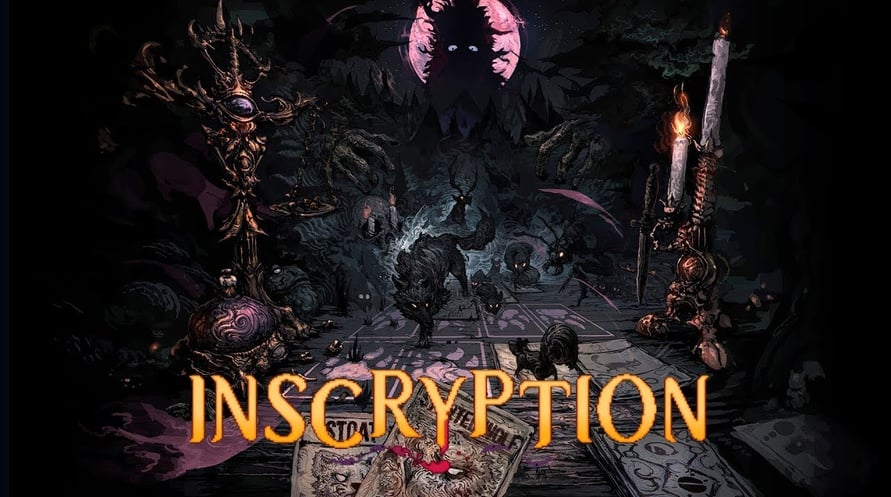
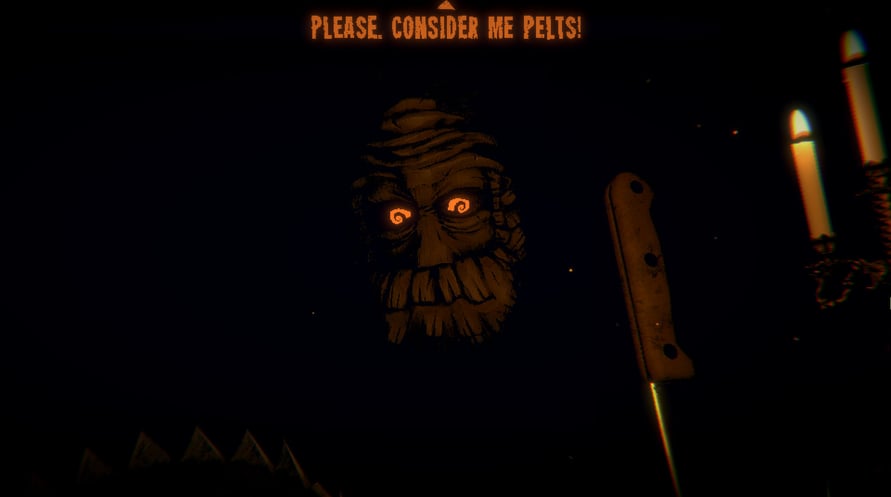
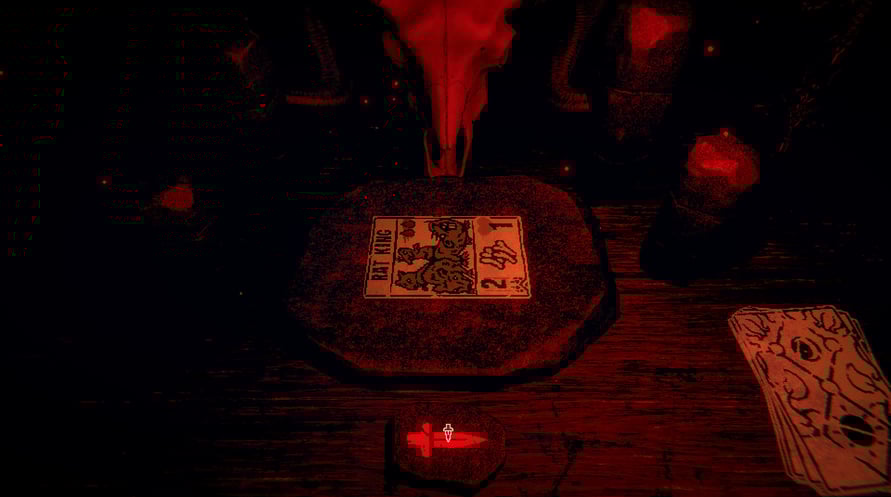
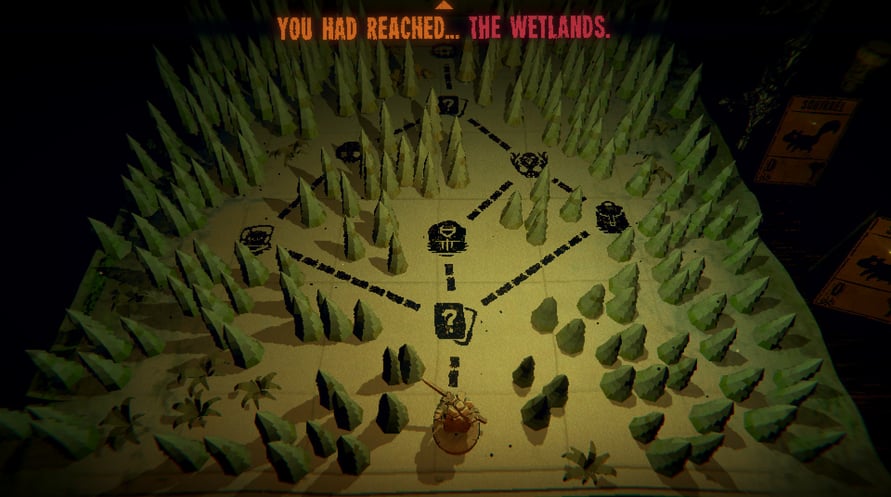
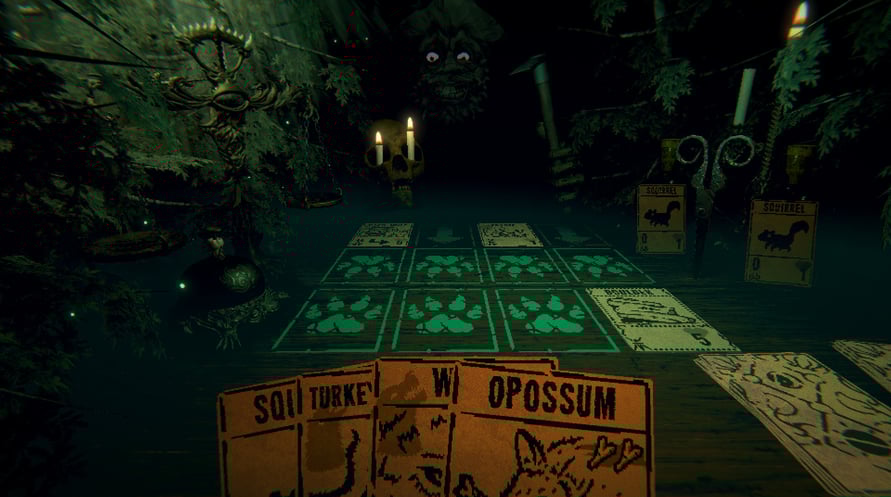
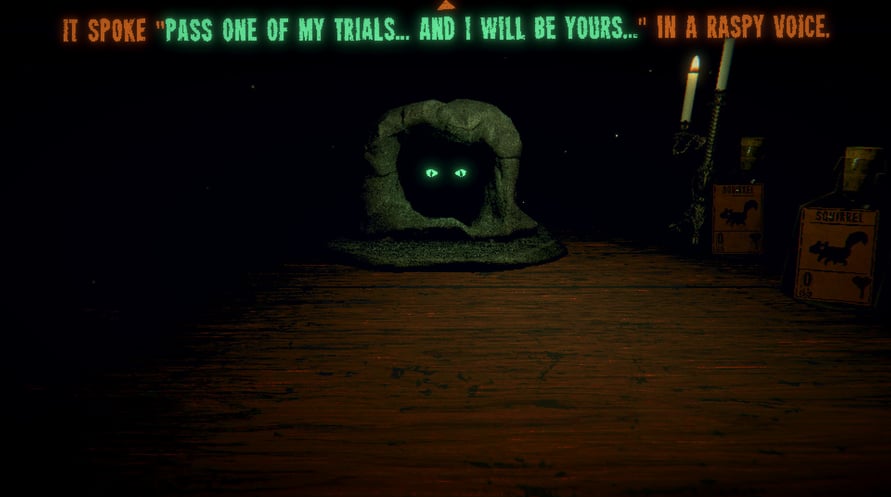
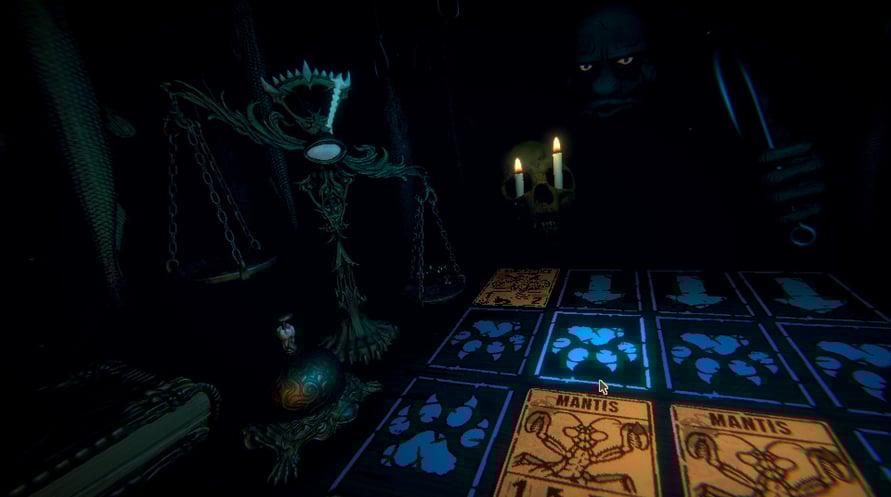







From the creator of Pony Island and The Hex comes the latest mind melting, self-destructing love letter to video games. Inscryption is an inky black card-based odyssey that blends the deckbuilding roguelike, escape-room style puzzles, and psychological horror into a blood-laced smoothie. Darker still are the secrets inscrybed upon the cards...
In Inscryption you will...
- Acquire a deck of woodland creature cards by draft, surgery, and self mutilation
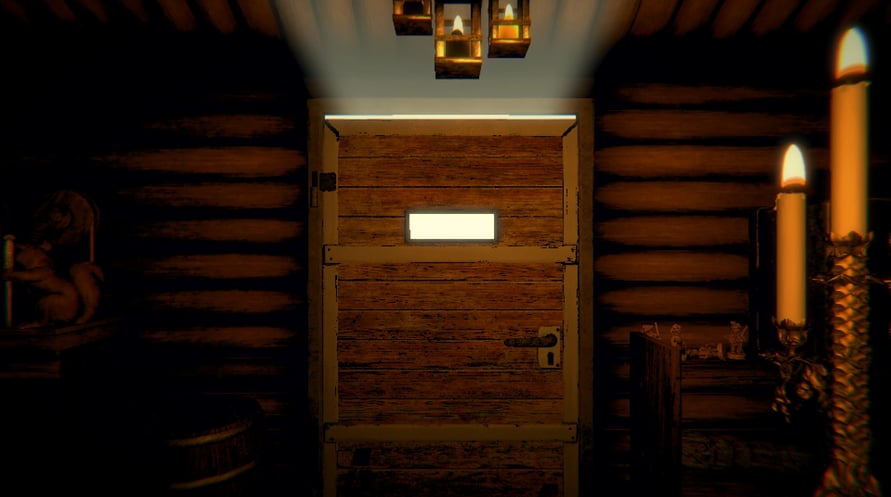
- Unlock the secrets lurking behind the walls of Leshy's cabin
- Embark on an unexpected and deeply disturbing odyssey
Windows Minimum Requirements:
- OS: Windows 7
- Processor: Intel Core i5-760 (4 * 2800); AMD Athlon II X4 645 AM3 (4 * 3100)
- Memory: 4 GB RAM
- Graphics: GeForce GTX 550 Ti (3072 VRAM); Radeon HD 6850 (1024 VRAM)
- Storage: 3 GB available space
Windows Recommended Requirements:
- OS: Windows 10
- Processor: Intel Core i5-3470 (4 * 3200); AMD FX-4350 (4 * 4200)
- Memory: 8 GB RAM
- Graphics: GeForce GTX 1050 2048 VRAM; Radeon RX 460 4096 VRAM
- Storage: 3 GB available space
Mac Minimum Requirements:
- OS: Mac OS X 10.13 or later
- Processor: Intel Core i5-5350U (2 * 1800) or equivalent; Intel Core i5-2400S (4 * 2500) or equivalent
- Memory: 8 GB RAM
- Graphics: Intel HD Graphics 6000 or equivalent; Radeon HD 6750M (512 VRAM) or equivalent
- Storage: 3 GB available space
Mac Recommended Requirements:
- OS: Mac OS X 10.13 or later
- Processor: Intel Core i5-6500 (4 * 3200) or equivalent
- Memory: 8 GB RAM
- Graphics: AMD Radeon R9 M390 (2048 VRAM) equivalent
- Storage: 3 GB available space
Linux Minimum Requirements:
- OS: Ubuntu 18.04+
- Processor: Intel Core i5-760 (4 * 2800); AMD Athlon II X4 645 AM3 (4 * 3100)
- Memory: 4 GB RAM
- Graphics: GeForce GTX 550 Ti (3072 VRAM); Radeon HD 6850 (1024 VRAM)
- Storage: 3 GB available space
Linux Recommended Requirements:
- OS: Ubuntu 18.04+
- Processor: Intel Core i5-3470 (4 * 3200); AMD FX-4350 (4 * 4200)
- Memory: 8 GB RAM
- Graphics: GeForce GTX 1050 2048 VRAM; Radeon RX 460 4096 VRAM
- Storage: 3 GB available space
Để kích hoạt khóa Steam bạn đã nhận, hãy làm theo hướng dẫn dưới đây;
- Trước tiên, mở ứng dụng Steam. (Nếu bạn chưa có, chỉ cần nhấp vào nút "Cài đặt Steam" tại đây => Steam Store )
- Đăng nhập vào tài khoản Steam của bạn. (Nếu bạn chưa có, nhấp vào đây để tạo tài khoản mới => Steam Account )
- Nhấp vào nút "THÊM TRÒ CHƠI" ở góc dưới cùng của ứng dụng.
- Sau đó, chọn "Kích hoạt sản phẩm trên Steam..."
- Nhập hoặc sao chép và dán khóa kích hoạt bạn đã nhận từ Voidu vào cửa sổ.
- Trò chơi của bạn bây giờ đã hiển thị trong thư viện của bạn! Nhấp vào "Thư viện".
- Và cuối cùng, nhấp vào trò chơi và chọn "Cài đặt" để bắt đầu tải xuống.