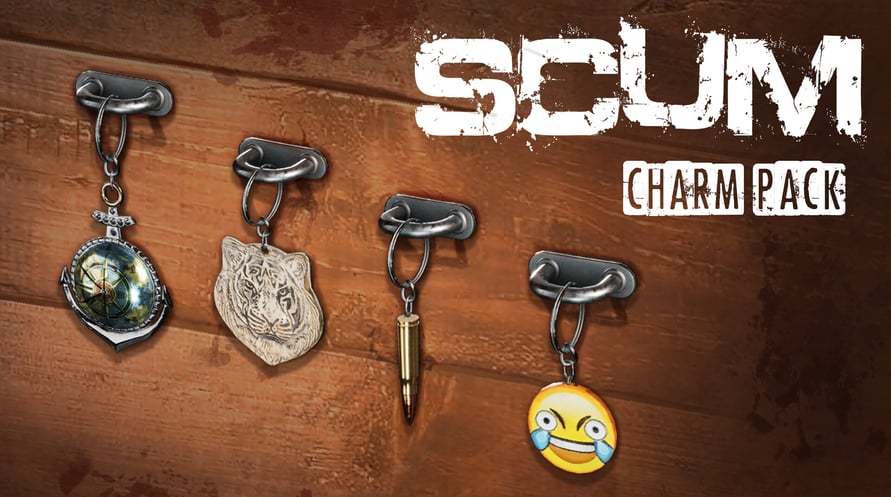
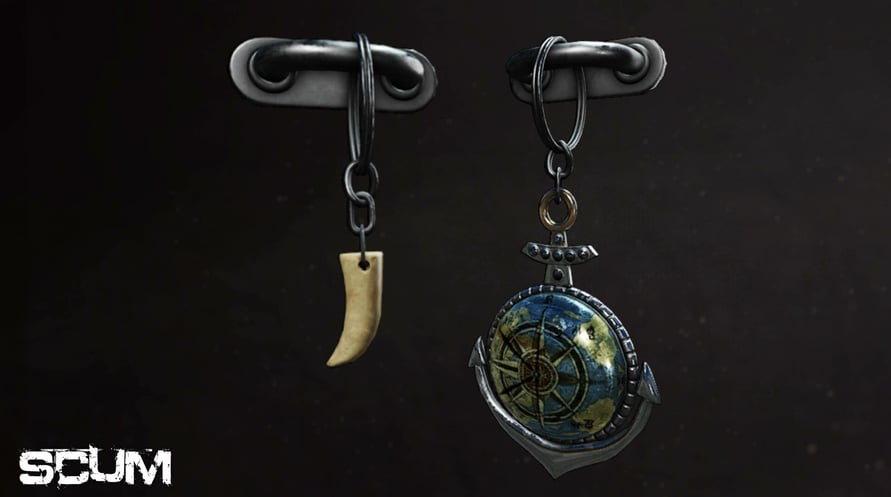
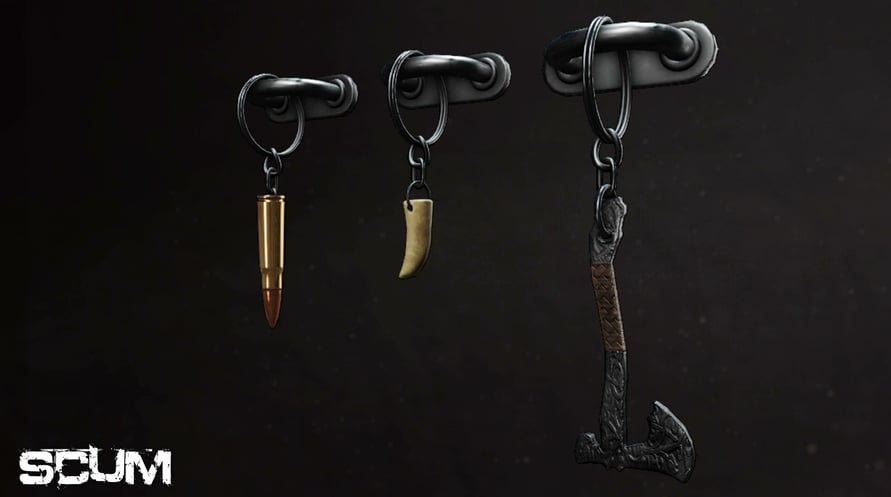
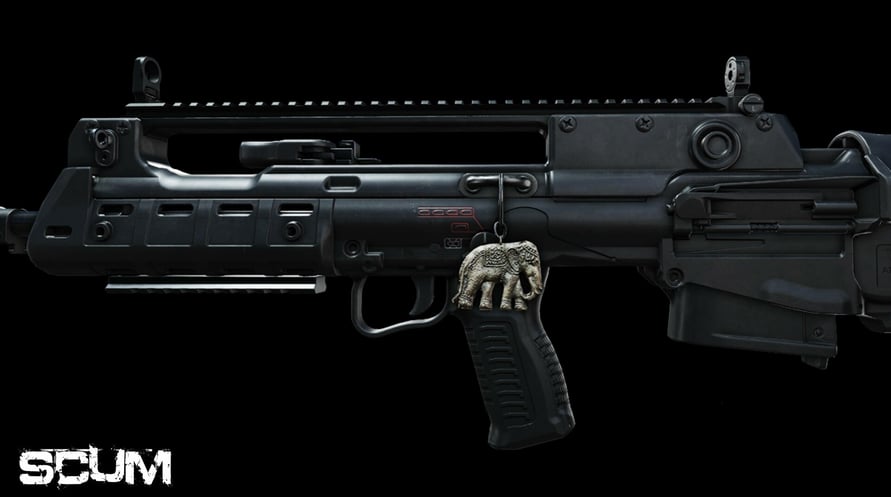
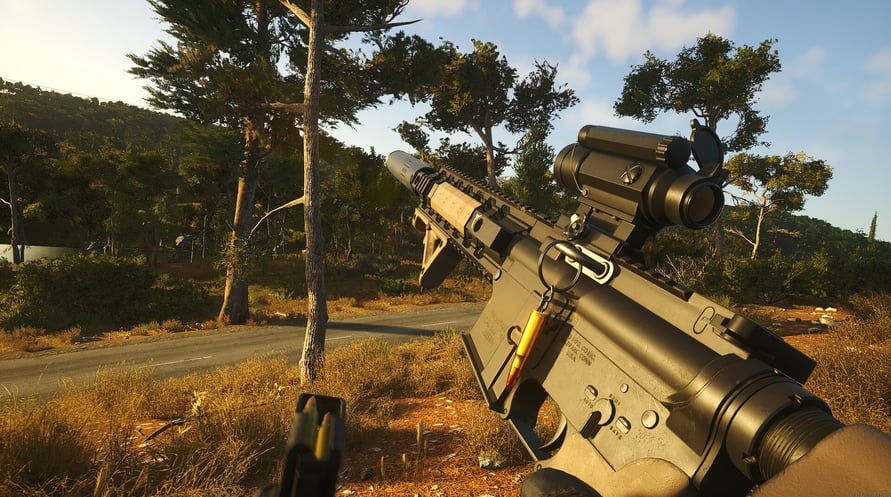
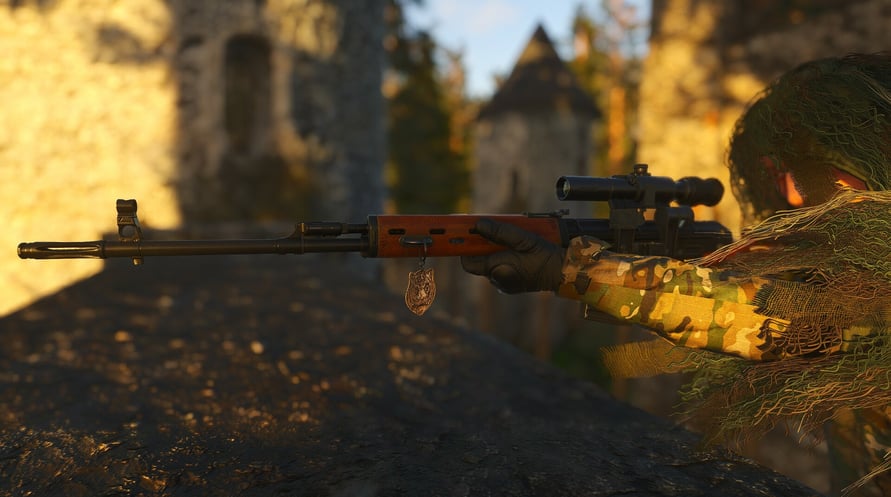

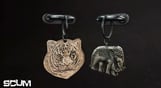

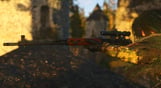
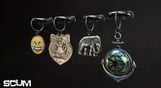
Presenting SCUM weapon charm pack! Personalize your weapon the way you see fit!
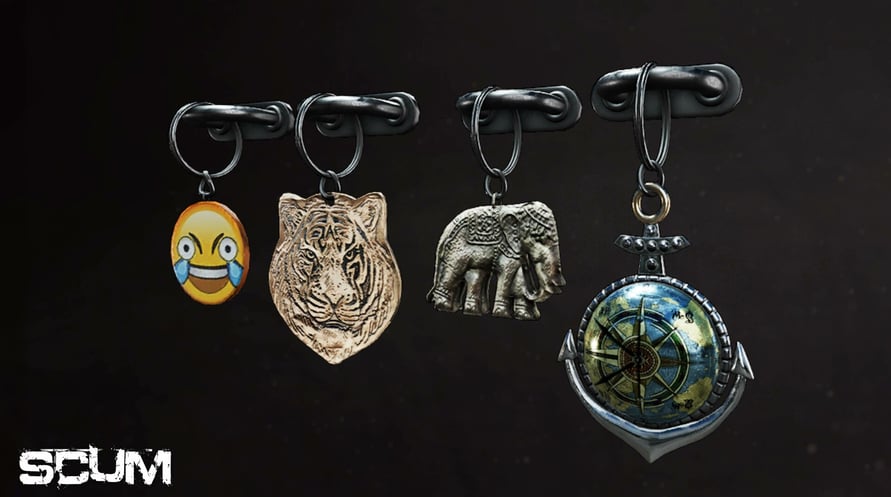
Introducing the SCUM Charms pack! This cosmetic DLC will let you make your weapon your own. Slap a charm on your weapon for good luck, or as a stress reliever during those short breaks in the middle of the firefight. Whatever your taste is there will be a charm for you.
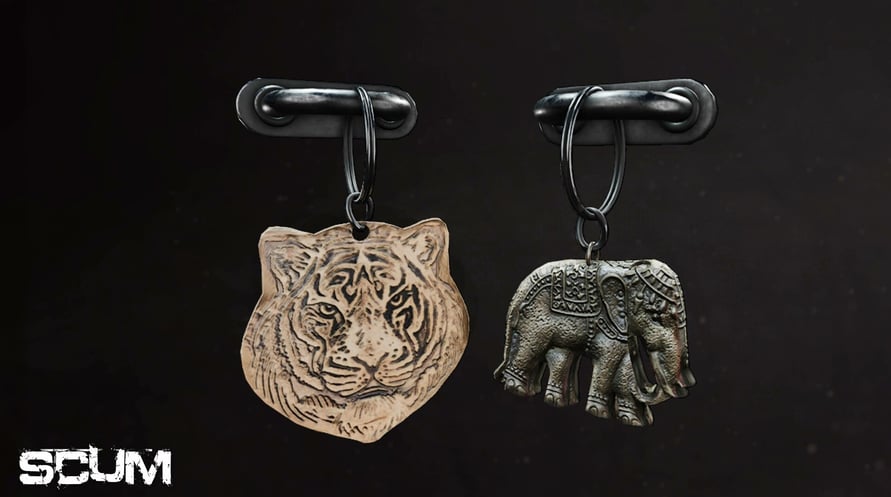
Charms available:
Anchor
Axe
Bullet
Elephant
Emoji
Tiger
Tooth
© 2023 GAMEPIRES D.O.O. Developed by GAMEPIRES D.O.O. Published by Jagex Limited. JAGEX and the "X" logo are registered and/or unregistered trademarks of Jagex Ltd in the United Kingdom, the European Union, the United States and other territories. The “SCUM” logo, SCUM, GAS GUZZLERS EXTREME, GAS GUZZLERS EXTREME: FULL METAL ZOMBIE, GAS GUZZLERS: COMBAT CARNAGE, GAS GUZZLERS EXTREME: FULL METAL FRENZY and the Gamepires logo are registered and/or unregistered trademarks of GAMEPIRES D.O.O. in the United Kingdom, the European Union, the United States and other territories. All rights reserved.
SCUM Charms pack

Thông tin kích hoạt
United States
Available in your region
Được kích hoạt trong United States
Trò chơi tương tự

Subway Invasion

The Messenger


Mega Man Legacy Collection
ALL WILL FALL