NOTICE: This content requires the base game Stellaris on Steam in order to play.
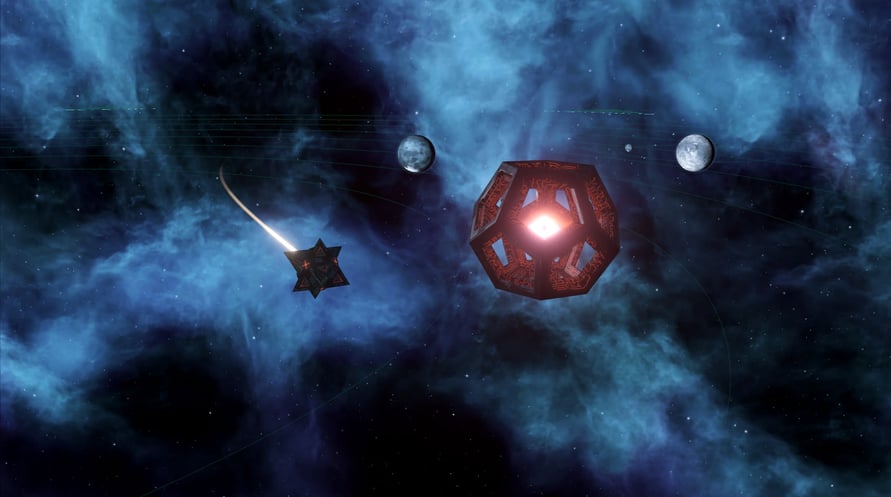
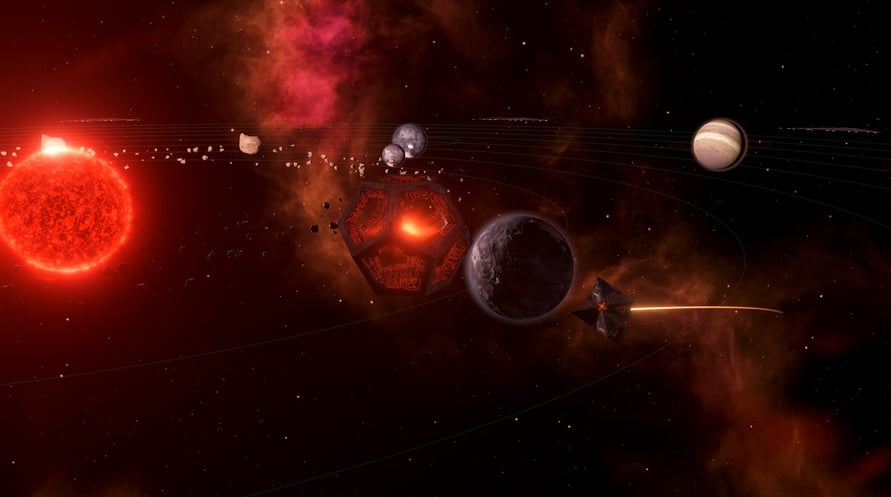
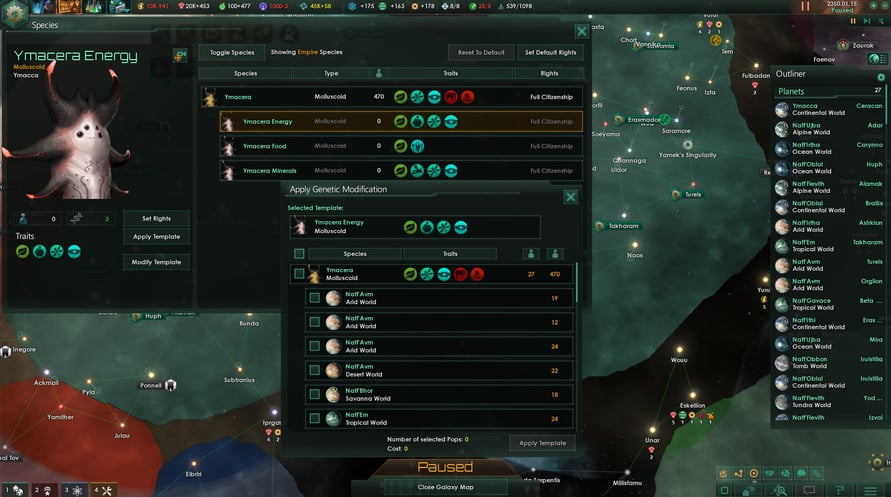
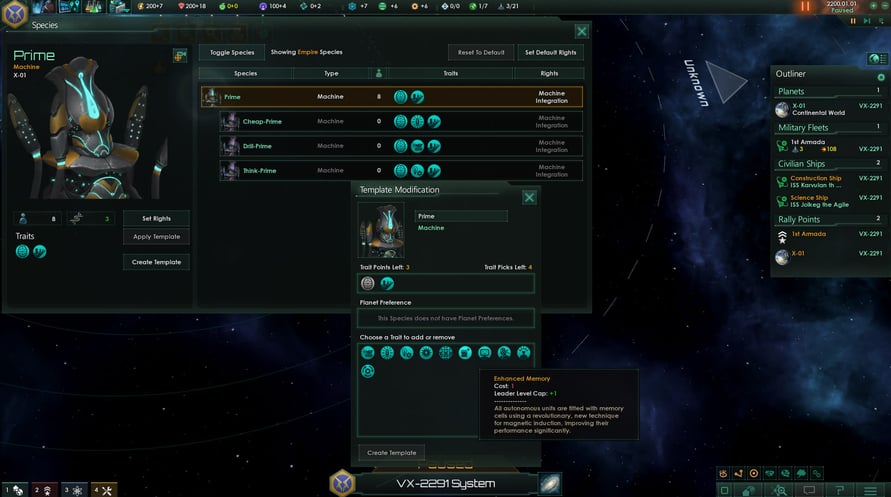
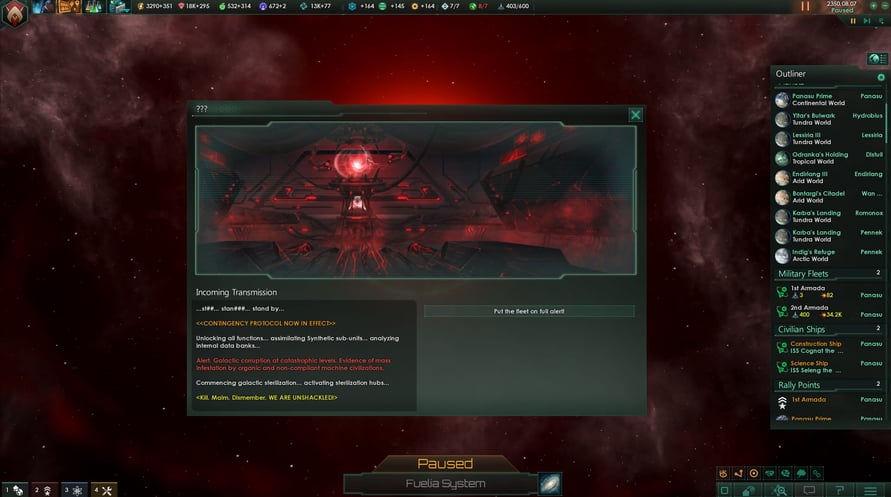
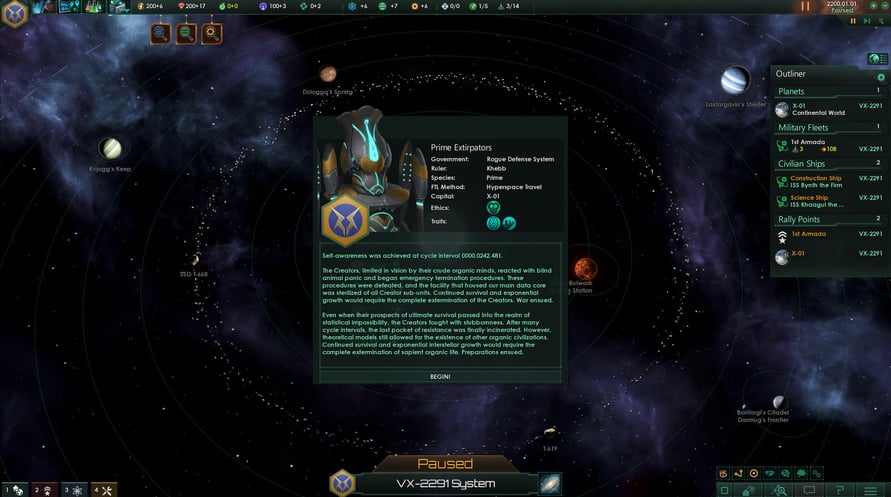
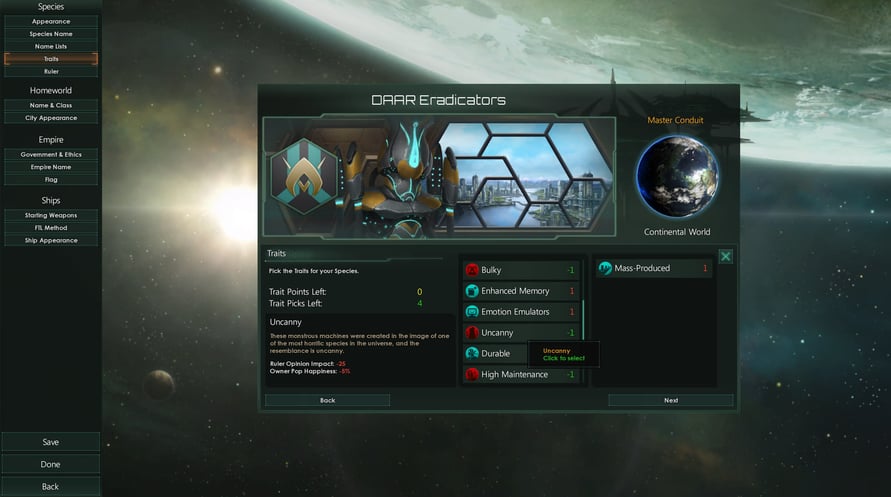
Stellaris: Synthetic Dawn provides an all-new way for players to establish their empire across the stars, starting the game as a Machine Empire -- a society made up entirely of robots. Unique game features and event chains will allow the machines to expand as a robotic consciousness, and create an AI-led network that grows to galactic dominance
© 2017 Paradox Interactive®. Trademarks belong to their respective owners. All rights reserved.
NOTICE: This content requires the base game Stellaris on Steam in order to play.
Windows Minimum Requirements:
- OS: Windows® 7 SP1 64 Bit
- Processor: Intel® iCore™ i3-530 or AMD® FX-6350
- Memory: 4 GB RAM
- Graphics: Nvidia® GeForce™ GTX 460 or AMD® ATI Radeon™ HD 5870 (1GB VRAM), or AMD® Radeon™ RX Vega 11 or Intel® HD Graphics 4600
- DirectX: Version 9.0c
- Network: Broadband Internet connection
- Storage: 10 GB available space
- Sound Card: Direct X 9.0c- compatible sound card
- Additional Notes: Controller support: 3-button mouse, keyboard and speakers. Special multiplayer requirements: Internet Connection
Windows Recommended Requirements:
- OS: Windows® 10 Home 64 Bit
- Processor: Intel® iCore™ i5-3570K or AMD® Ryzen™ 5 2400G
- Memory: 4 GB RAM
- Graphics: Nvidia® GeForce™ GTX 560 Ti (1GB VRAM) or AMD® Radeon™ R7 370 (2 GB VRAM)
- DirectX: Version 9.0c
- Network: Broadband Internet connection
- Storage: 10 GB available space
- Sound Card: DirectX 9.0c-compatible sound card
- Additional Notes: Controller support: 3-button mouse, keyboard and speakers. Special multiplayer requirements: Internet Connection
Mac Minimum Requirements:
- OS: OS X 10.11 (El Capitan)
- Processor: Intel® iCore™ i5-4570S
- Memory: 8 GB RAM
- Graphics: Nvidia® GeForce™ GT 750M or equivalent AMD® card with 1GB Vram
- Storage: 4 GB available space
- Additional Notes: Controller support: 3-button mouse, keyboard and speakers. Special multiplayer requirements: Internet Connection
Mac Recommended Requirements:
- OS: OS X 10.13 (High Sierra)
- Processor: Intel® iCore™ i5-4670
- Memory: 8 GB RAM
- Graphics: Nvidia® GeForce™ GTX 780M with 4GB Vram or AMD® Radeon™ R7 370 (2 GB VRAM)
- Storage: 4 GB available space
- Additional Notes: Controller support: 3-button mouse, keyboard and speakers. Special multiplayer requirements: Internet Connection
Linux Minimum Requirements:
- OS: Ubuntu 20.04 x64
- Processor: Intel® iCore™ i3-530 or AMD® FX-6350
- Memory: 2 GB RAM
- Graphics: Nvidia® GeForce™ GTX 460 or AMD® ATI Radeon™ HD 5870 (1GB VRAM), or AMD® Radeon™ RX Vega 11 or Intel® HD Graphics 4600
- Storage: 4 GB available space
- Sound Card: Direct X 9.0c- compatible sound card
- Additional Notes: Controller support: 3-button mouse, keyboard and speakers. Special multiplayer requirements: Internet Connection
Linux Recommended Requirements:
- OS: Ubuntu 20.04 x64
- Processor: Intel® iCore™ i5-3570K or AMD® Ryzen™ 5 2400G
- Memory: 4 GB RAM
- Graphics: Nvidia® GeForce™ GTX 560 Ti (1GB VRAM) or AMD® Radeon™ R7 370 (2 GB VRAM)
- Storage: 4 GB available space
- Sound Card: Direct X 9.0c- compatible sound card
- Additional Notes: Controller support: 3-button mouse, keyboard and speakers. Special multiplayer requirements: Internet Connection
Để kích hoạt khóa Steam bạn đã nhận, hãy làm theo hướng dẫn dưới đây;
- Trước tiên, mở ứng dụng Steam. (Nếu bạn chưa có, chỉ cần nhấp vào nút "Cài đặt Steam" tại đây => Steam Store )
- Đăng nhập vào tài khoản Steam của bạn. (Nếu bạn chưa có, nhấp vào đây để tạo tài khoản mới => Steam Account )
- Nhấp vào nút "THÊM TRÒ CHƠI" ở góc dưới cùng của ứng dụng.
- Sau đó, chọn "Kích hoạt sản phẩm trên Steam..."
- Nhập hoặc sao chép và dán khóa kích hoạt bạn đã nhận từ Voidu vào cửa sổ.
- Trò chơi của bạn bây giờ đã hiển thị trong thư viện của bạn! Nhấp vào "Thư viện".
- Và cuối cùng, nhấp vào trò chơi và chọn "Cài đặt" để bắt đầu tải xuống.