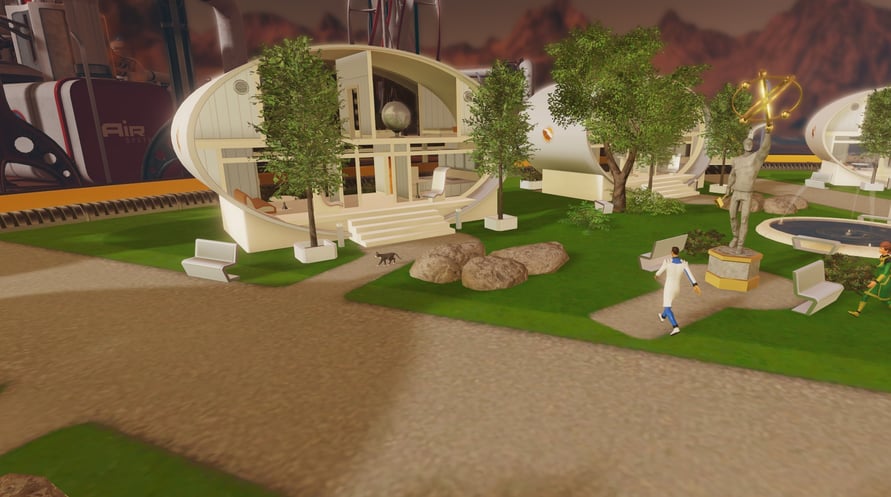
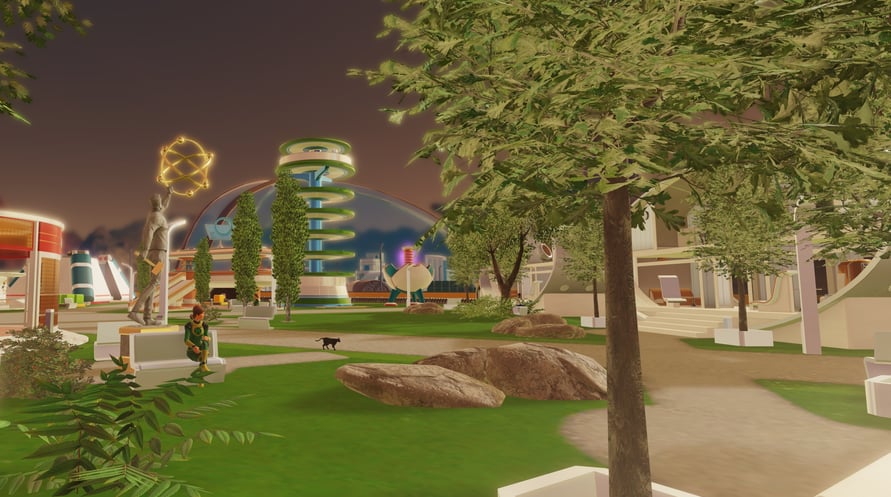
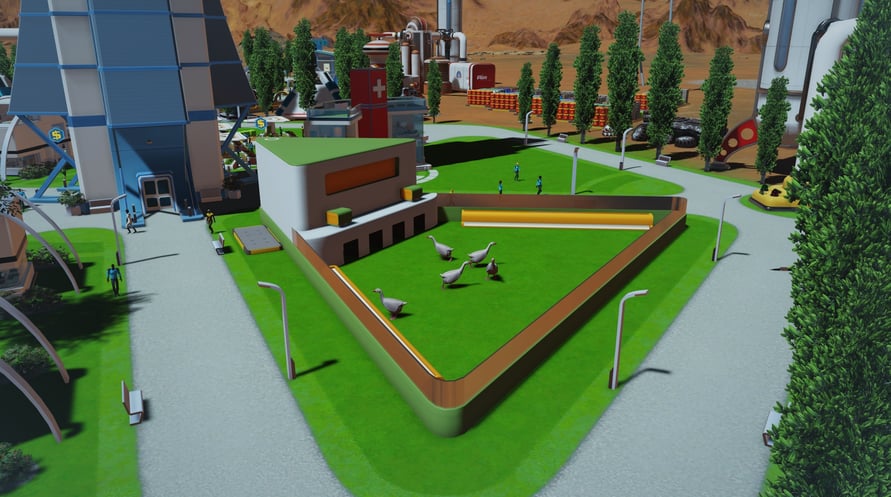
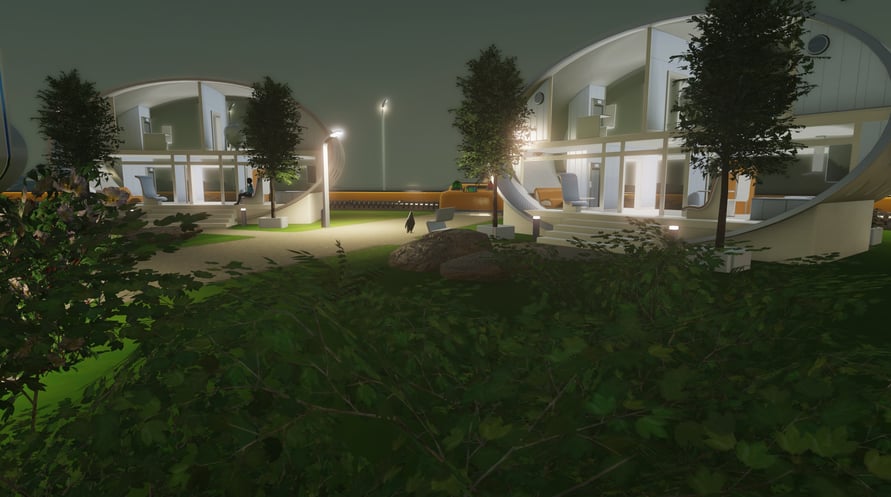


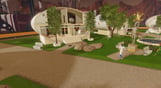

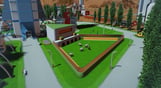



Animals have arrived at the domes and are here to make colony life better for everyone. Surviving Mars: Project Laika adds a variety of pets and livestock that you can use to benefit your colony and improve life on the Red Planet.
© 2018 Paradox Interactive AB, SURVIVING MARS, and PARADOX INTERACTIVE are trademarks and/or registered trademarks of Paradox Interactive AB in Europe, the U.S., and other countries. Developed by Haemimont Games. All other trademarks, logos, and copyrights are property of their respective owners.
NOTICE: This content requires the base game Surviving Mars on Steam in order to play.
Windows Minimum Requirements:
- OS: Windows 7 64-bit or newer
- Processor: 4th Generation Intel i3 CPU or equivalent
- Memory: 4 GB RAM
- Graphics: HD 4600/Geforce 620/Radeon 6450 or equivalent GPUs with 1 GB of video RAM
- Storage: 6 GB available space
Windows Recommended Requirements:
- OS: Windows 7 64-bit or newer
- Processor: 5th Generation Intel i5 CPU or equivalent
- Memory: 8 GB RAM
- Graphics: Geforce 750 Ti or equivalent with 4GB of video RAM
- Storage: 6 GB available space
Mac Minimum Requirements:
- OS: OSX 10.11 or newer
- Processor: 4th Generation Intel i3 CPU or equivalent
- Memory: 4 GB RAM
- Graphics: OpenGL 4.1 (GeForce 600/AMD Radeon 5000 or higher) with 1GB of video RAM
- Storage: 6 GB available space
Mac Recommended Requirements:
- OS: OSX 10.11 or newer
- Processor: Fast quad-core CPUs
- Memory: 8 GB RAM
- Graphics: GeForce 970-level GPU with 4GB of video RAM
- Storage: 6 GB available space
Linux Minimum Requirements:
- OS: Ubuntu 16.04 x64 or newer
- Processor: 4th Generation Intel i3 CPU or equivalent
- Memory: 4 GB RAM
- Graphics: OpenGL 4.5 (GeForce 600/AMD Radeon 7700 or higher) with 1GB of video RAM
- Storage: 6 GB available space
Linux Recommended Requirements:
- OS: Ubuntu 16.04 x64 or newer
- Processor: Fast quad-core CPUs
- Memory: 8 GB RAM
- Graphics: GeForce 970-level GPU with 4GB of video RAM
- Network: Broadband Internet connection
- Storage: 6 GB available space
Để kích hoạt khóa Steam bạn đã nhận, hãy làm theo hướng dẫn dưới đây;
- Trước tiên, mở ứng dụng Steam. (Nếu bạn chưa có, chỉ cần nhấp vào nút "Cài đặt Steam" tại đây => Steam Store )
- Đăng nhập vào tài khoản Steam của bạn. (Nếu bạn chưa có, nhấp vào đây để tạo tài khoản mới => Steam Account )
- Nhấp vào nút "THÊM TRÒ CHƠI" ở góc dưới cùng của ứng dụng.
- Sau đó, chọn "Kích hoạt sản phẩm trên Steam..."
- Nhập hoặc sao chép và dán khóa kích hoạt bạn đã nhận từ Voidu vào cửa sổ.
- Trò chơi của bạn bây giờ đã hiển thị trong thư viện của bạn! Nhấp vào "Thư viện".
- Và cuối cùng, nhấp vào trò chơi và chọn "Cài đặt" để bắt đầu tải xuống.