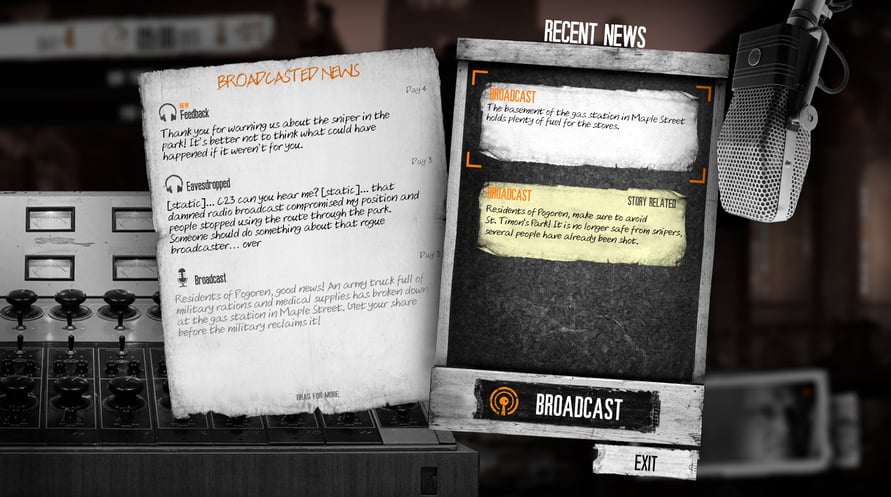
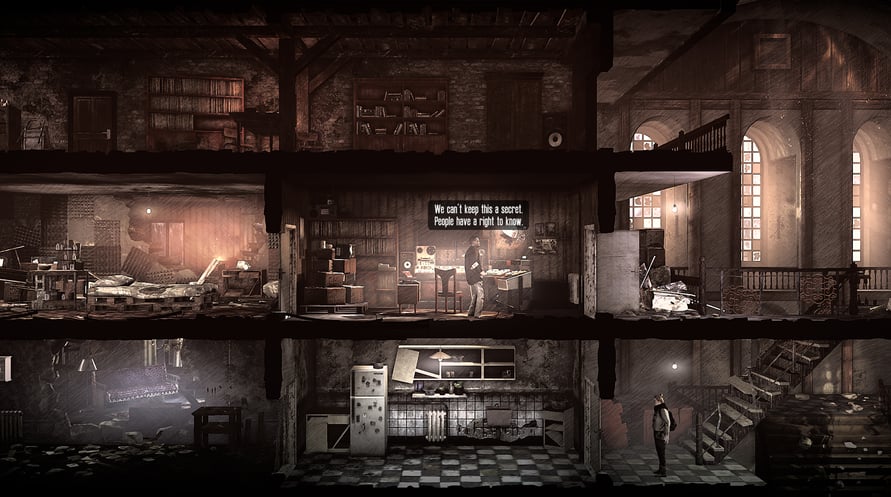
The Last Broadcast’ is the second instalment in the series of This War of Mine: Stories. Based on the idea by highly talented Meg Jayanth (80 Days) this episode explores the role of truth in a time of despair. As a radio-operator broadcasting in a war-torn city, face the dilemma of whether there is a line beyond which the truth can be sacrificed. As Ira Glass once said: ‘In radio you have two tools. Sound and silence
The Last Broadcast DLC introduces:
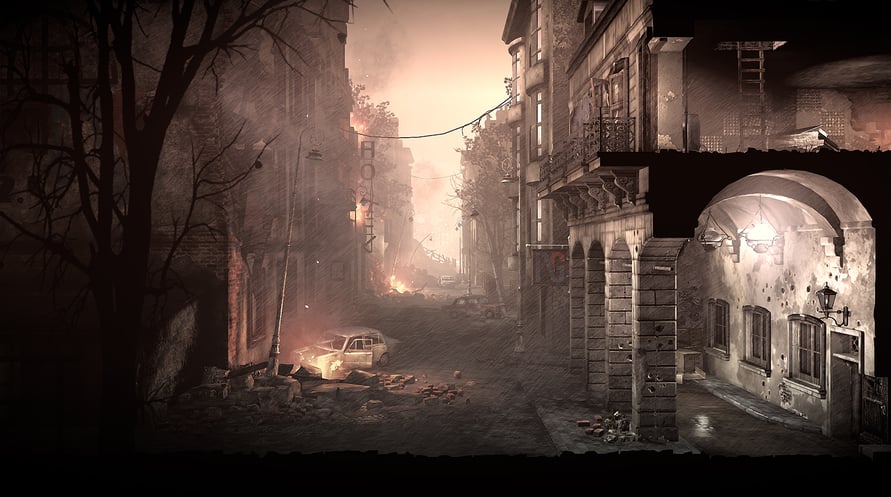
- 7 remastered locations
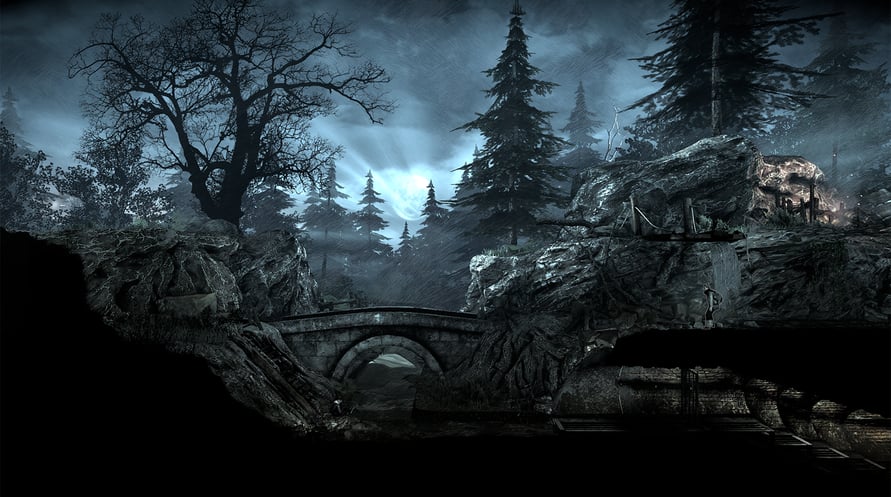
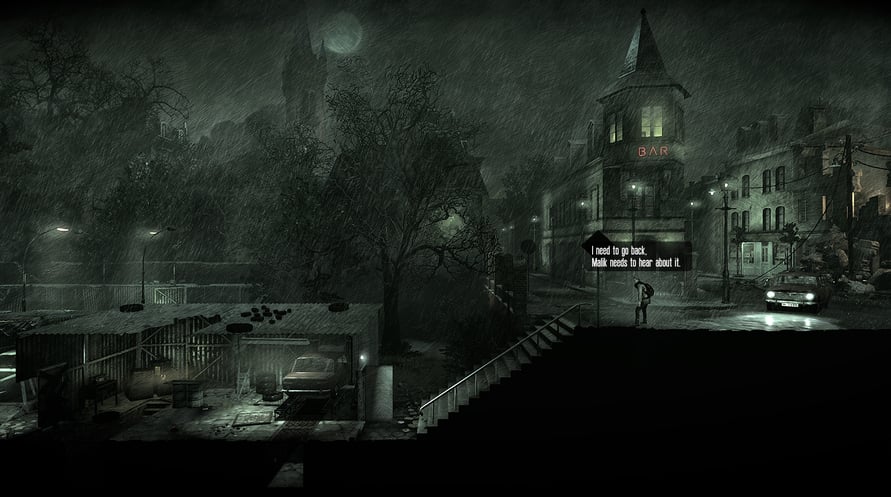
- 4 new locations
- new shelter
- new playable characters
- new radio mechanics
- new investigating and reporting mechanics
- new dilemmas mechanics
- non-linear story with 6 different endings
NOTICE: This content requires the base game This War of Mine on Steam in order to play.
Windows Minimum Requirements:
- OS: Windows 7/8/10
- Processor: 2.4 GHz Dual Core
- Memory: 2 GB RAM
- Graphics: GeForce GTX 260, Radeon HD 5770, 1024 MB, Shader Model 3.0
- DirectX: Version 9.0c
- Sound Card: DirectX compatible
Windows Recommended Requirements:
- OS: Windows 7/8/10
- Processor: 2.5+ GHz Quad Core
- Memory: 4 GB RAM
- Graphics: NVIDIA GTX 660 or better, Radeon HD 7950 or better, Shader Model 3.0
- DirectX: Version 9.0c
- Sound Card: DirectX compatible
Mac Minimum Requirements:
- OS: 10.6
- Processor: 2.4 GHz Dual Core
- Memory: 2 GB RAM
- Graphics: GeForce GTX 260, Radeon HD 5770, 1024 MB, Shader Model 3.0
- Sound Card: Integrated
Mac Recommended Requirements:
- OS: 10.6
- Processor: 2.5+ GHz Quad Core
- Memory: 4 GB RAM
- Graphics: NVIDIA GTX 660 or better, Radeon HD 7950 or better, Shader Model 3.0
- Sound Card: Integrated
Linux Minimum Requirements:
- OS: Ubuntu 16.04
- Processor: 2.4 GHz Dual Core
- Memory: 2 GB RAM
- Graphics: GeForce GTX 260, Radeon HD 5770, 1024 MB, Shader Model 3.0
- Sound Card: Integrated
Linux Recommended Requirements:
- OS: Ubuntu 16.04
- Processor: 2.5+ GHz Quad Core
- Memory: 4 GB RAM
- Graphics: NVIDIA GTX 660 or better, Radeon HD 7950 or better, Shader Model 3.0
- Sound Card: Integrated
Để kích hoạt khóa Steam bạn đã nhận, hãy làm theo hướng dẫn dưới đây;
- Trước tiên, mở ứng dụng Steam. (Nếu bạn chưa có, chỉ cần nhấp vào nút "Cài đặt Steam" tại đây => Steam Store )
- Đăng nhập vào tài khoản Steam của bạn. (Nếu bạn chưa có, nhấp vào đây để tạo tài khoản mới => Steam Account )
- Nhấp vào nút "THÊM TRÒ CHƠI" ở góc dưới cùng của ứng dụng.
- Sau đó, chọn "Kích hoạt sản phẩm trên Steam..."
- Nhập hoặc sao chép và dán khóa kích hoạt bạn đã nhận từ Voidu vào cửa sổ.
- Trò chơi của bạn bây giờ đã hiển thị trong thư viện của bạn! Nhấp vào "Thư viện".
- Và cuối cùng, nhấp vào trò chơi và chọn "Cài đặt" để bắt đầu tải xuống.