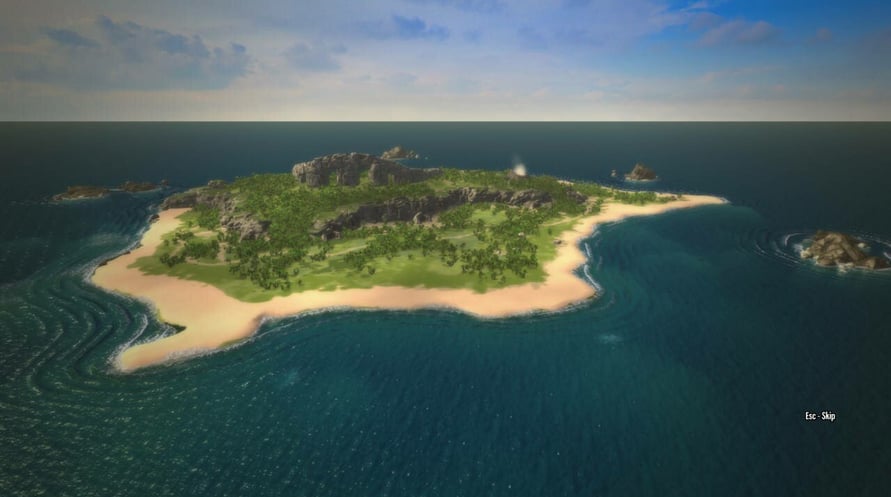
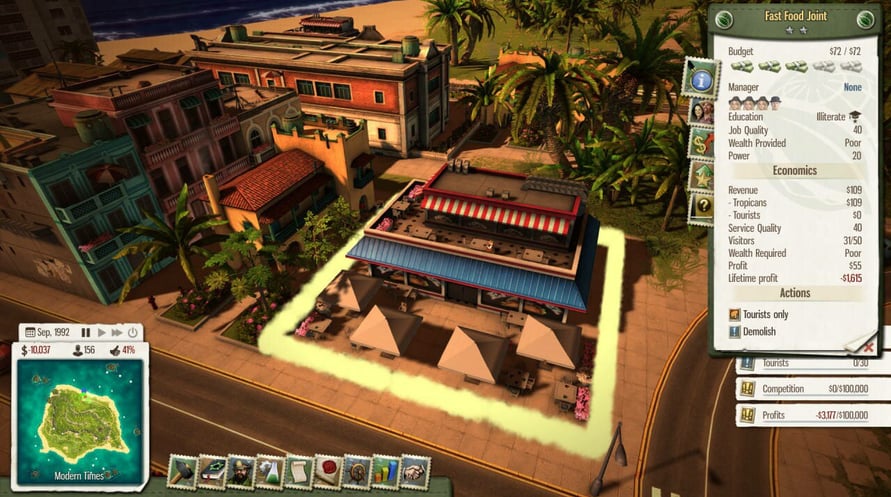
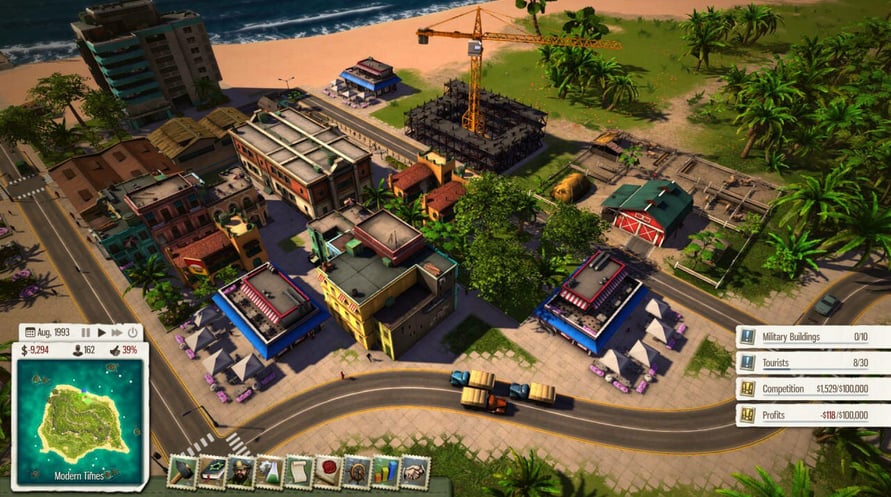
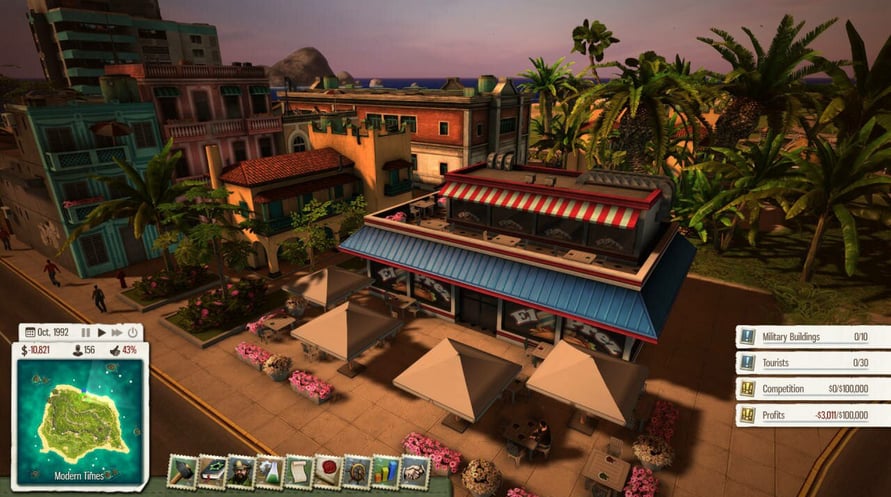


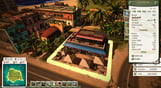
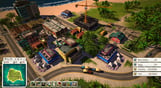
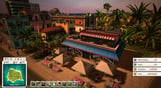
El Presidente is selling out. It’s time for Tropico to start playing in the major league of international franchises. Start by inviting investors and constructing a chain of Fast Food Restaurants all across the island. Do you have the guts to beat the Slow Food competition?
- New standalone scenario: “Joint Venture” – Beat the Slow Food competition
- New building: Fast Food Joint – Provides entertainment for citizens and tourists
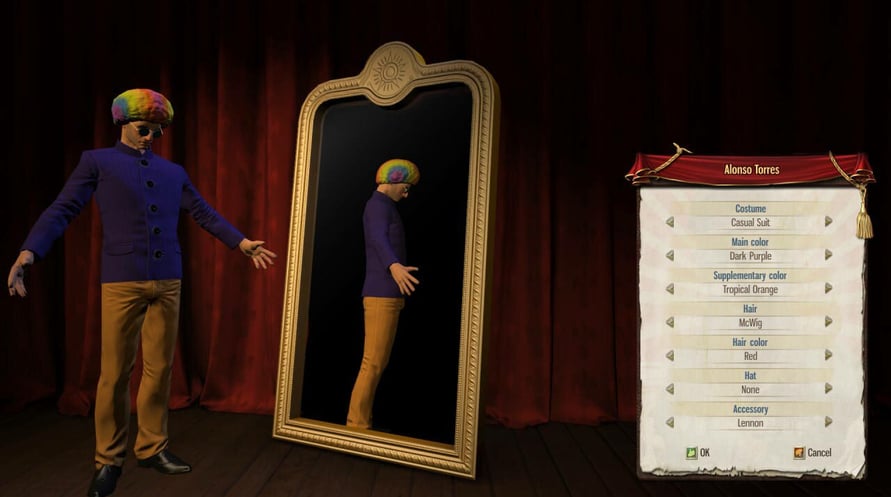
- New dynasty avatar accessory: Become a walking act with the McWig
- New sandbox map: Punta de Refugio
- New music track and additional voice recordings
NOTICE: This content requires the base game Tropico 5 on Steam in order to play.
Windows Minimum Requirements:
- OS: Windows Vista SP2, Windows 7, Windows 8
- Processor: 2 GHz Dual Core CPU
- Memory: 4 GB RAM
- Graphics: GeForce 400 or higher, AMD Radeon HD 4000 or higher, Intel HD 4000 or higher (DirectX 11 hardware support required)
- DirectX: Version 11
- Hard Drive: 4 GB available space
- Sound Card: DirectX compatible
Windows Recommended Requirements:
- OS: Windows 7 (64 bit), Windows 8 (64 bit)
- Processor: 2.5 GHz Quad Core CPU
- Memory: 8 GB RAM
- Graphics: GeForce 500 or higher, AMD Radeon HD 5000 or higher
- DirectX: Version 11
Mac Minimum Requirements:
- OS: OSX 10.9
- Processor: 2 GHz Dual Core CPU
- Memory: 4 GB RAM
- Graphics: GeForce 400 or higher, AMD Radeon HD 4000 or higher, Intel HD 4000 or higher
- Storage: 4 GB available space
Mac Recommended Requirements:
- Processor: 2.5 GHz Quad Core CPU
- Memory: 8 GB RAM
- Graphics: GeForce 500 or higher, AMD Radeon HD 5000 or higher
Linux Minimum Requirements:
- OS: Ubuntu/SteamOS (latest)
- Processor: 2 GHz Dual Core CPU
- Memory: 4 GB RAM
- Graphics: GeForce 400 or higher, AMD Radeon HD 4000 or higher, Intel HD 4000 or higher
- Storage: 4 GB available space
Linux Recommended Requirements:
- Processor: 2.5 GHz Quad Core CPU
- Memory: 8 GB RAM
- Graphics: GeForce 500 or higher, AMD Radeon HD 5000 or higher
Để kích hoạt khóa Steam bạn đã nhận, hãy làm theo hướng dẫn dưới đây;
- Trước tiên, mở ứng dụng Steam. (Nếu bạn chưa có, chỉ cần nhấp vào nút "Cài đặt Steam" tại đây => Steam Store )
- Đăng nhập vào tài khoản Steam của bạn. (Nếu bạn chưa có, nhấp vào đây để tạo tài khoản mới => Steam Account )
- Nhấp vào nút "THÊM TRÒ CHƠI" ở góc dưới cùng của ứng dụng.
- Sau đó, chọn "Kích hoạt sản phẩm trên Steam..."
- Nhập hoặc sao chép và dán khóa kích hoạt bạn đã nhận từ Voidu vào cửa sổ.
- Trò chơi của bạn bây giờ đã hiển thị trong thư viện của bạn! Nhấp vào "Thư viện".
- Và cuối cùng, nhấp vào trò chơi và chọn "Cài đặt" để bắt đầu tải xuống.