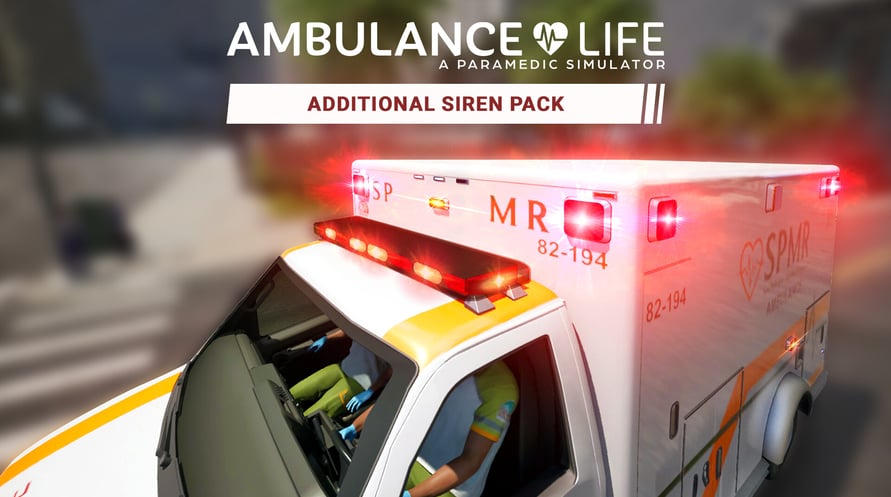

Drive around the streets of San Pelícano like never before with this pack of 15 additional sirens for your ambulance.
Ambulance Life: A Paramedic Simulator ©2025 Published by Nacon and developed by Aesir Interactive. All rights reserved.
Minimum Requirements:
- Requires a 64-bit processor and operating system
- OS: Windows 10
- Processor: Intel Core i7-8700K or AMD Ryzen 7 1800X
- Memory: 16 GB RAM
- Graphics: NVIDIA GeForce GTX 980, 4 GB or AMD Radeon RX 590, 8 GB or Intel Arc A380, 6 GB
- DirectX: Version 12
- Storage: 60 GB available space
- Additional Notes: SSD Required. 1080p Low @ 30 FPS w/ TSR @ 66% Resolution Scaling
Recommended Requirements:
- Requires a 64-bit processor and operating system
- OS: Windows 10
- Processor: Intel Core i7-12700K or AMD Ryzen 7 5800X
- Memory: 16 GB RAM
- Graphics: NVIDIA GeForce RTX 2070 Ti SUPER, 8 GB or AMD Radeon RX 5700 XT, 8 GB or Intel Arc A770, 16 GB
- DirectX: Version 12
- Storage: 60 GB available space
- Additional Notes: SSD Required. 1080p High @ 30 FPS w/ TSR @ 71% Resolution Scaling
To activate the Steam key you've received, follow the instructions below;
- First up, open the Steam client. (If you don't have it, simply click the "Install Steam" button here => Steam Store )
- Sign in to your Steam account. (If you don't have one, click here to create a new one => Steam Account)
- Click on the "ADD A GAME" button in the bottom corner of the client.
- Then, select "Activate a product on Steam..."
- Write down or copy-paste the activation key that you've received from Voidu in the window.
- Your game is now visible in your library! Click on your "Library".
- And finally, click on the game and select "Install" to start your download.