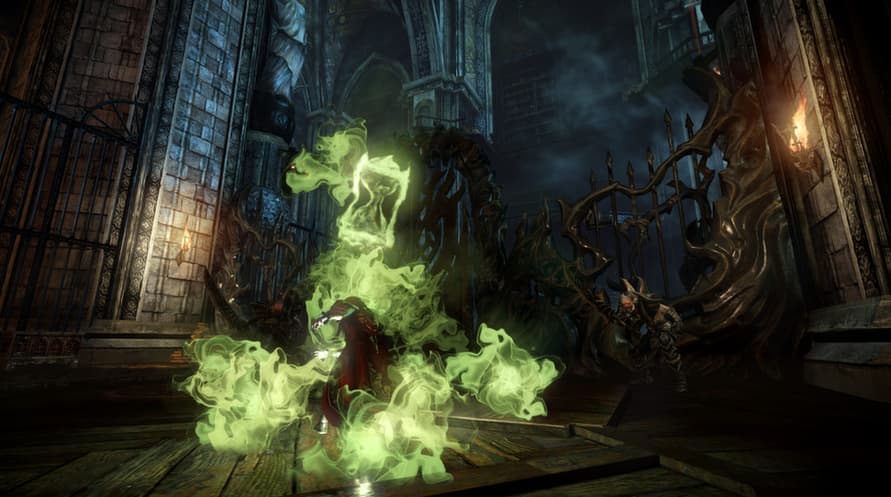
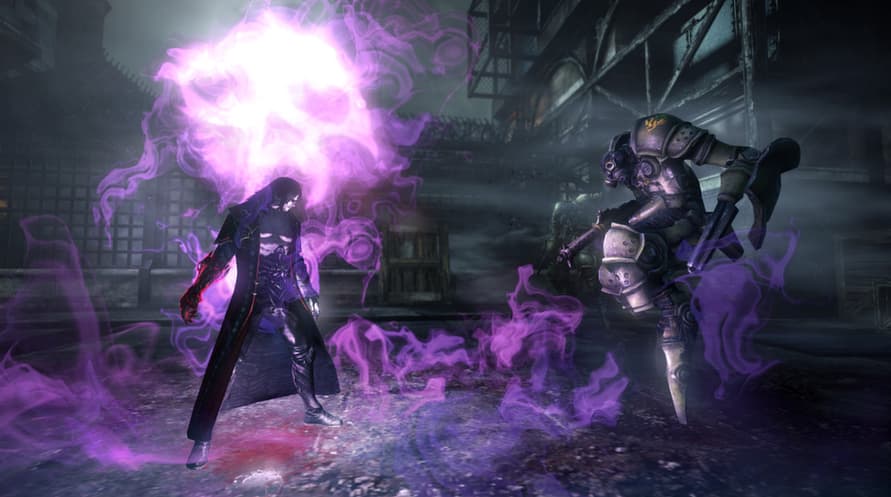
Gives you the exclusive Transmutation Rune which allows you to absorb any of the game's relics and transform them into one of your choice.
The Transmutation Rune allows you to always have the best one at your disposal for any given situation! Note: This ability only becomes available once you have picked up your first relic and you can only transform a relic into one you have already discovered.
Minimum System Requirements:
- OS *: Windows XP Service Pack 3
- Processor: 2.4Ghz Intel Core 2 Duo or AMD equivalent
- Memory: 2 GB RAM
- Graphics: Direct X9 compatible video card 512Mb RAM
- DirectX: Version 9.0c
- Network: Broadband Internet connection
- Storage: 10 GB available space
- Sound Card: DirectSound supported with Direct X9.0c or better
- Additional Notes: Keyboard & Mouse
Recommended System Requirements:
- OS *: Windows 7 or higher
- Processor: Quad Core CPU
- Memory: 2 GB RAM
- Graphics: Direct X11 compatible video card with 1024Mb RAM
- DirectX: Version 9.0c
- Network: Broadband Internet connection
- Storage: 10 GB available space
- Sound Card: DirectSound supported with Direct X9.0c or better
- Additional Notes: For the best experience we highly recommend using a XInput compatible Gamepad.
To activate the Steam key you've received, follow the instructions below;
- First up, open the Steam client. (If you don't have it, simply click the "Install Steam" button here => Steam Store )
- Sign in to your Steam account. (If you don't have one, click here to create a new one => Steam Account)
- Click on the "ADD A GAME" button in the bottom corner of the client.
- Then, select "Activate a product on Steam..."
- Write down or copy-paste the activation key that you've received from Voidu in the window.
- Your game is now visible in your library! Click on your "Library".
- And finally, click on the game and select "Install" to start your download.