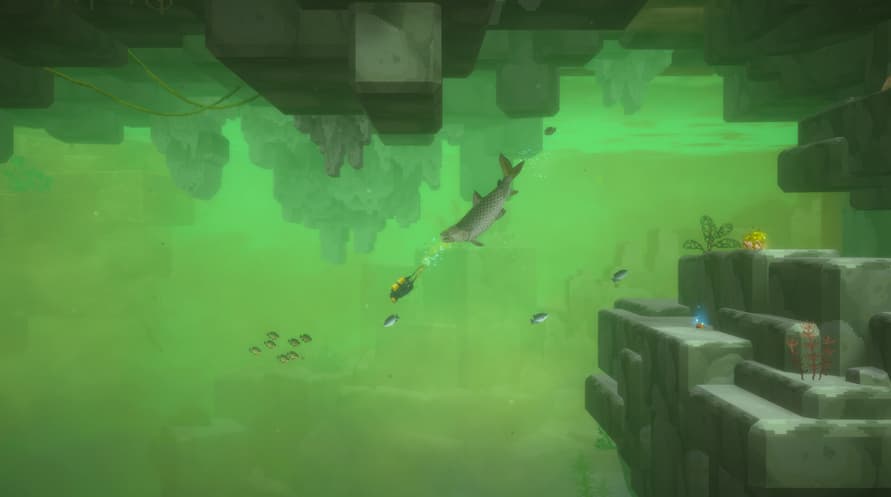
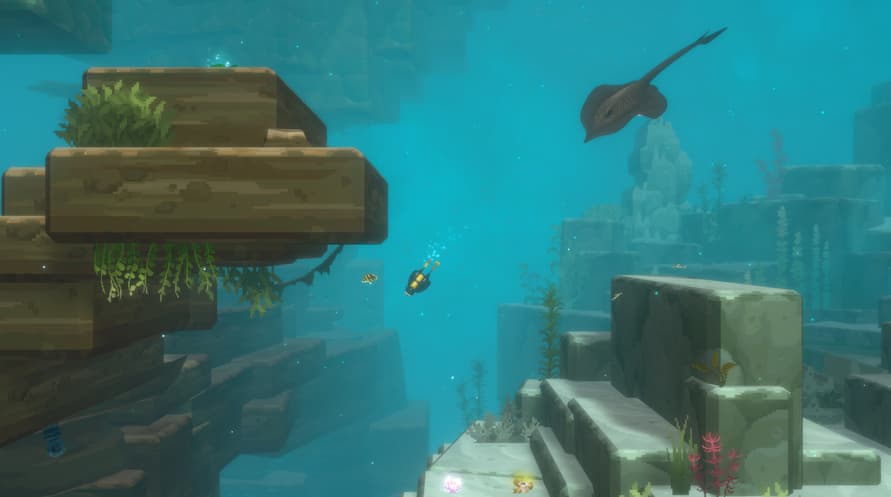
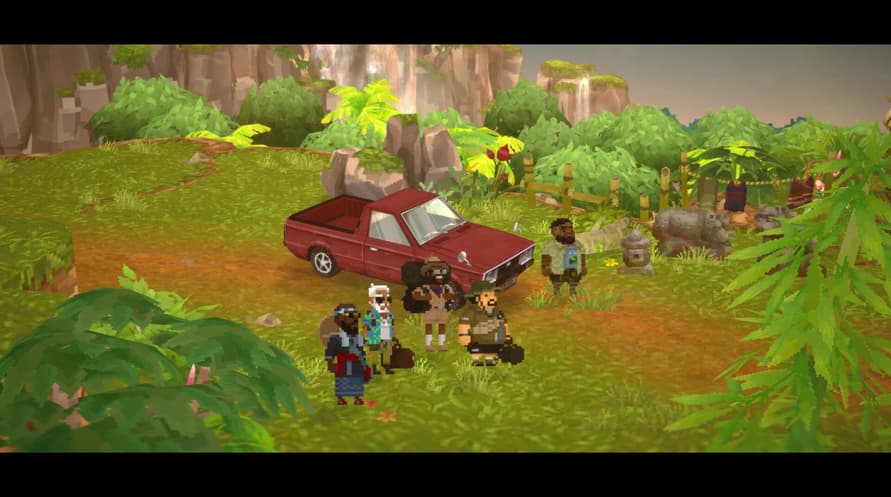
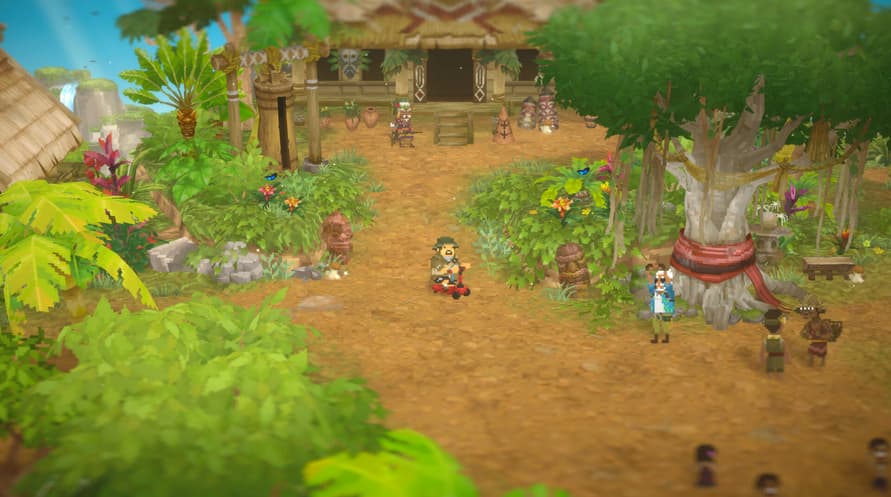
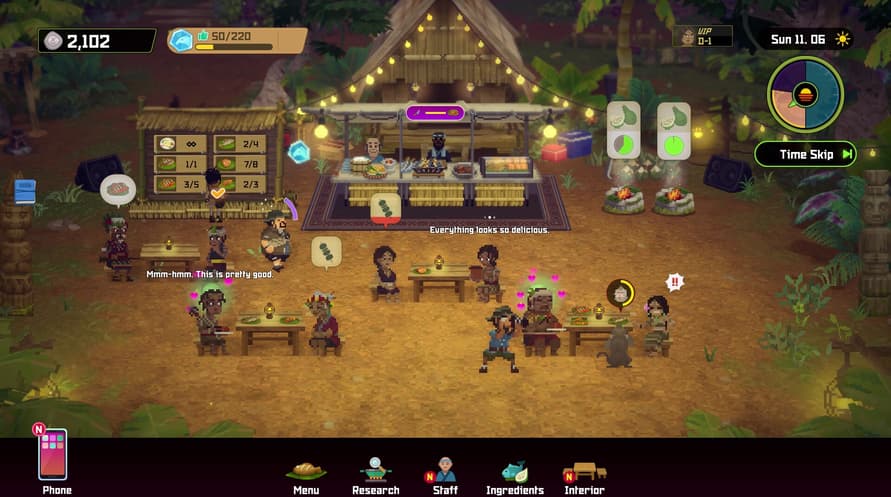
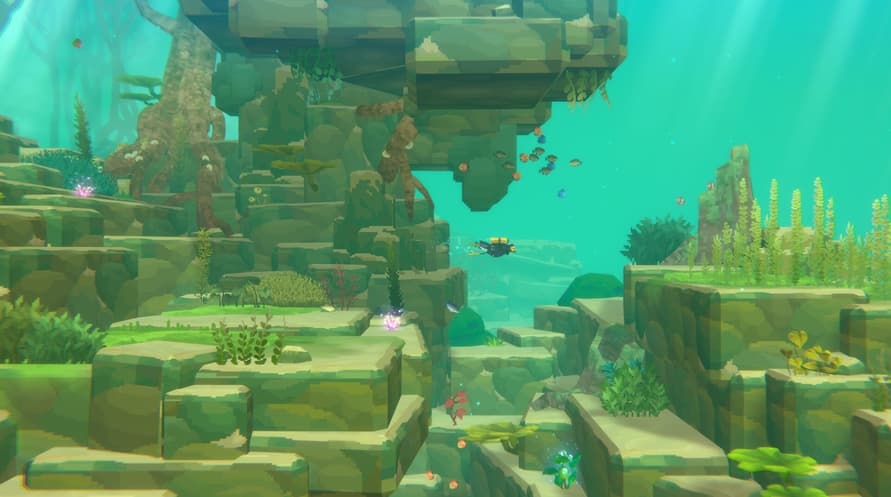
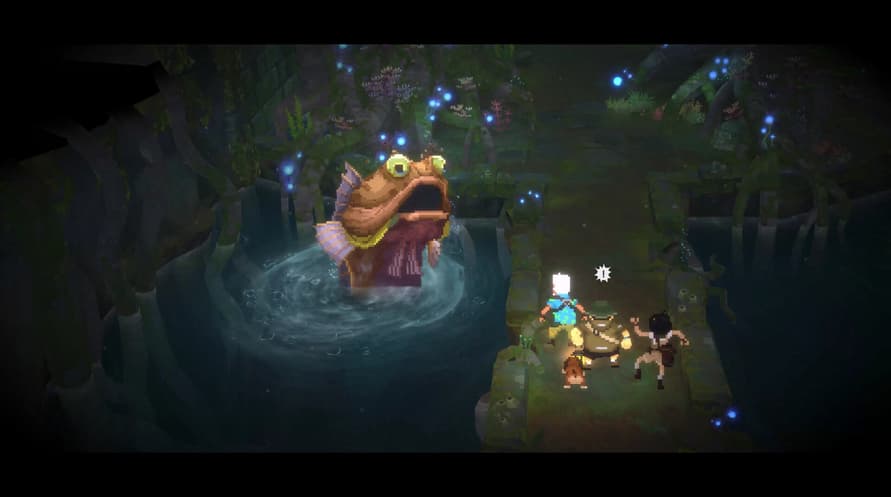
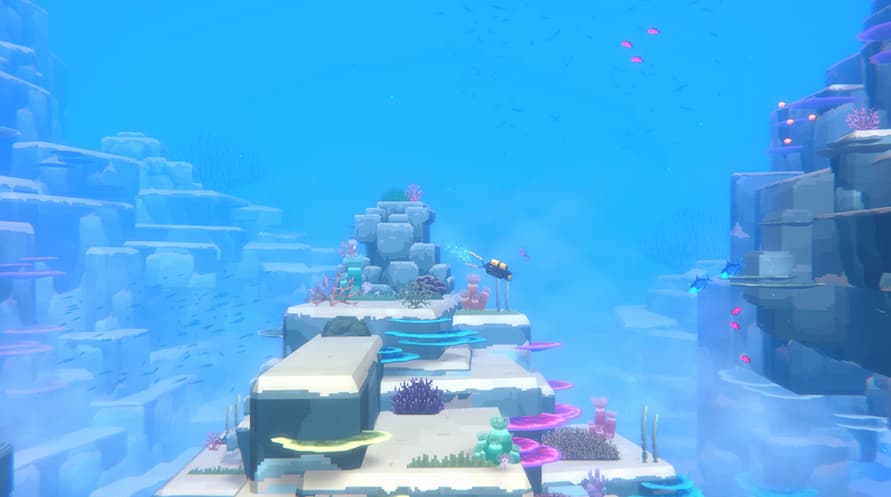
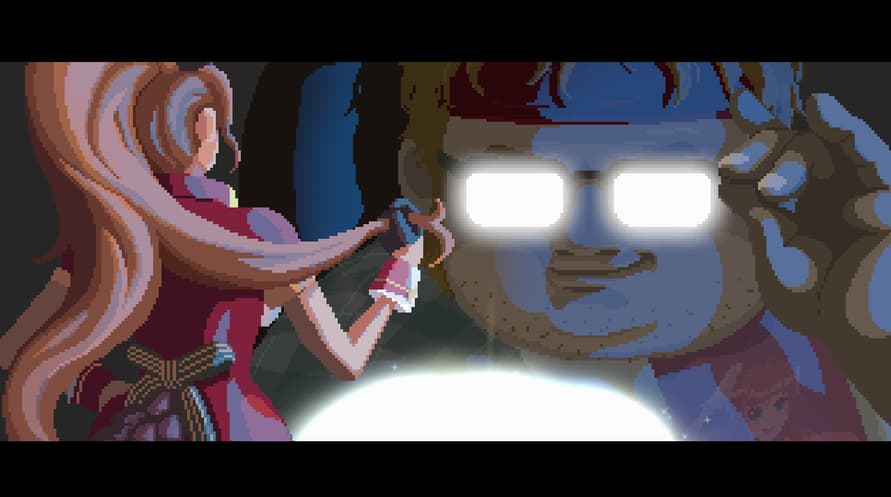
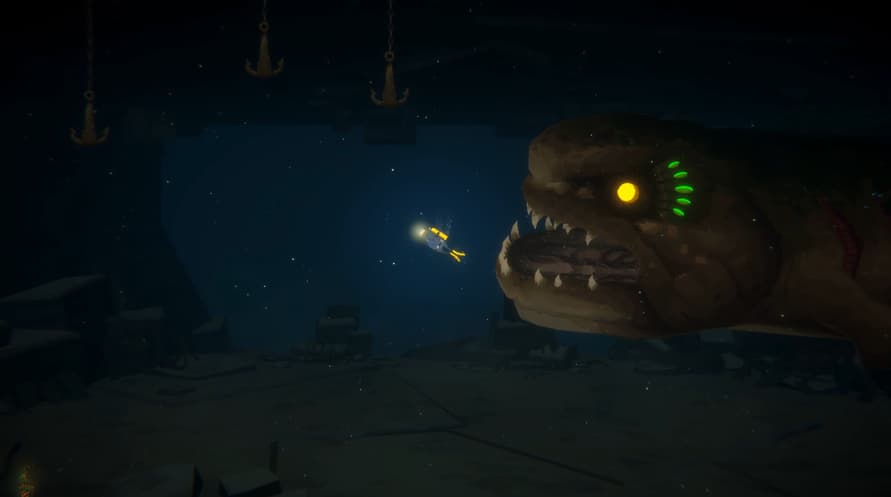
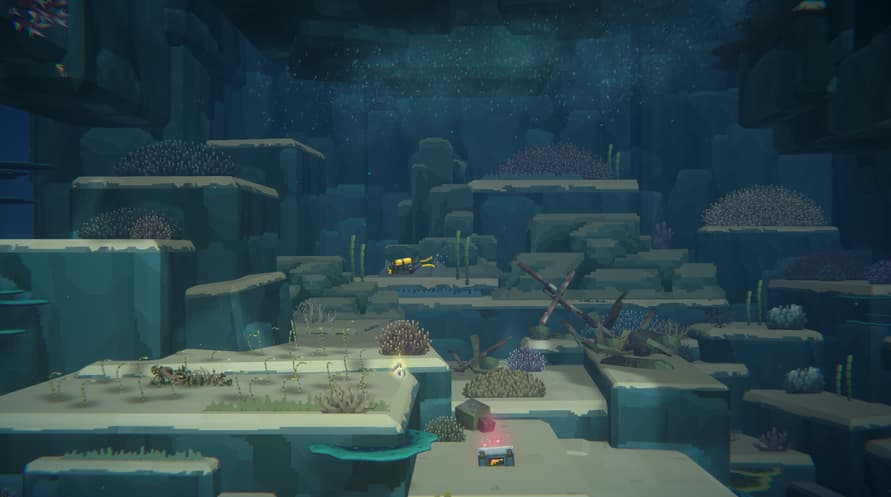
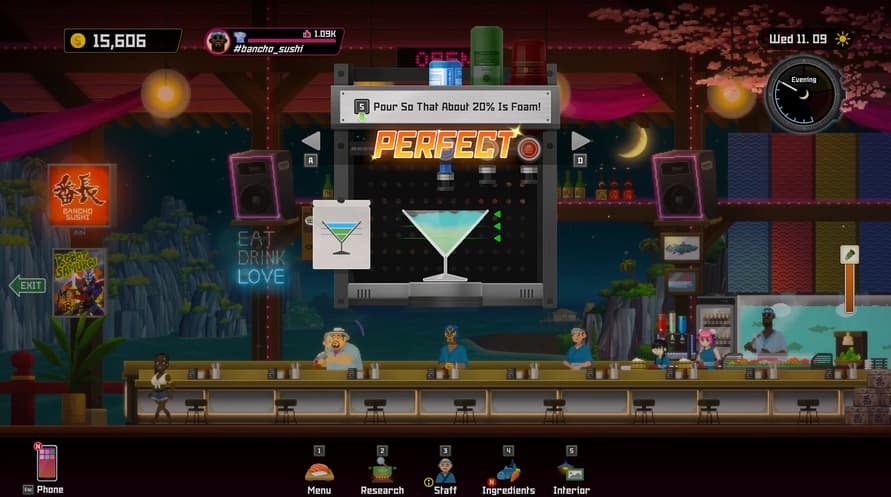
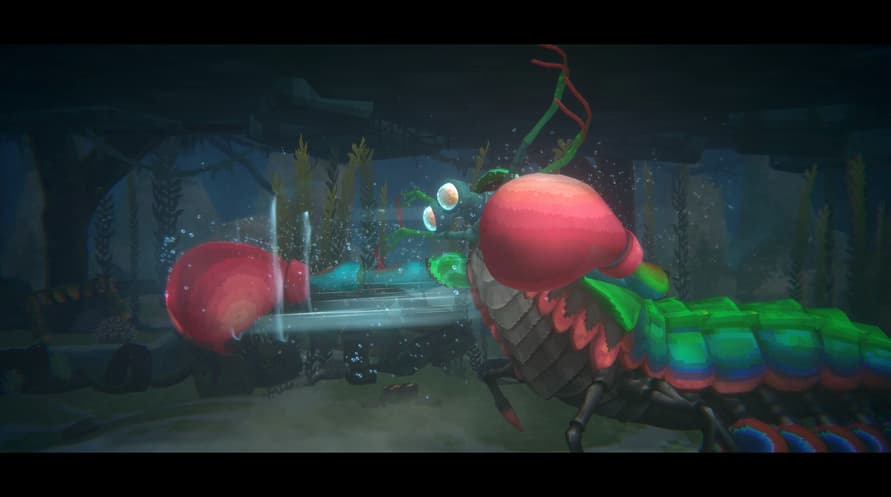
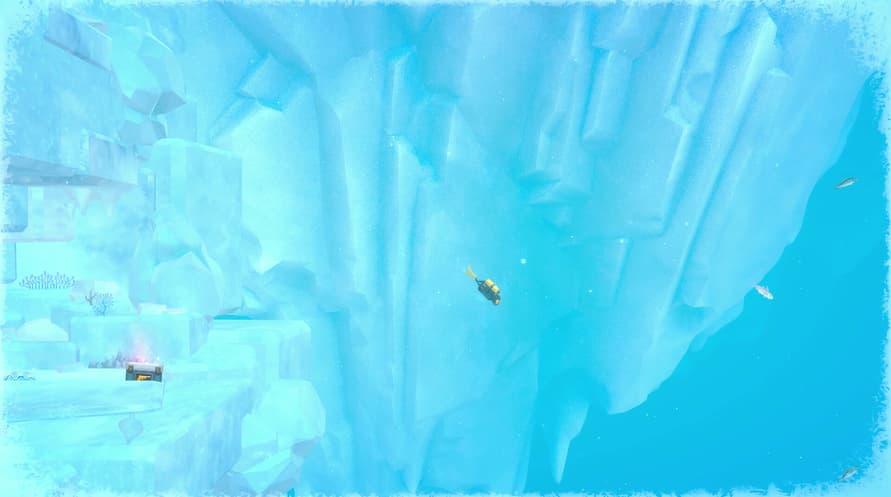
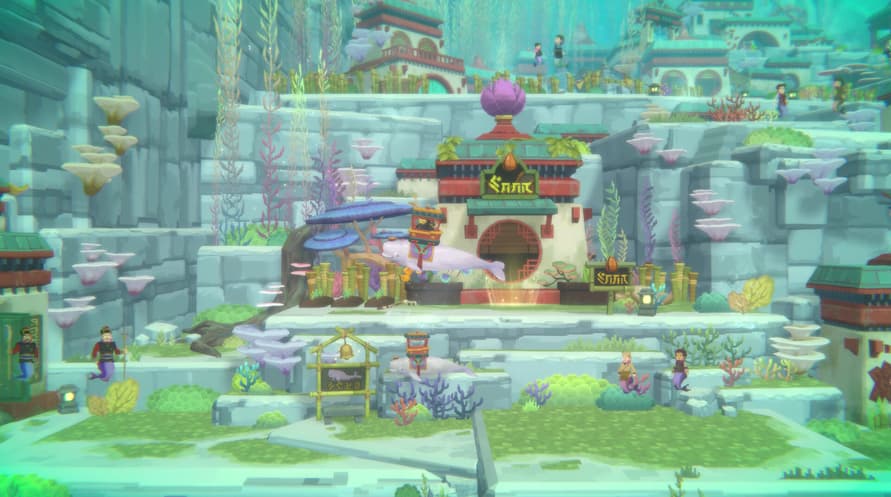
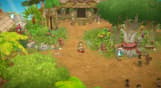
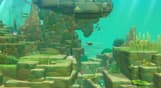
The Dave & In the Jungle Bundle is a bundle that allows those who don't own the Basic Package to purchase it along with the In the Jungle Content Pack.
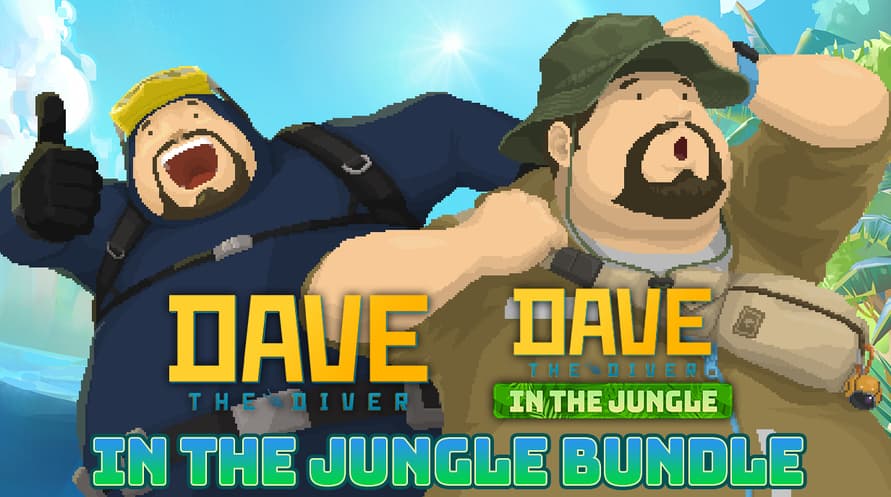
Purchase the DAVE THE DIVER Basic Package and In the Jungle Content Pack together at a lower cost.
If you already own the Basic Package, you can purchase just the Content Pack separately.
Dave & In the Jungle Bundle Contents:
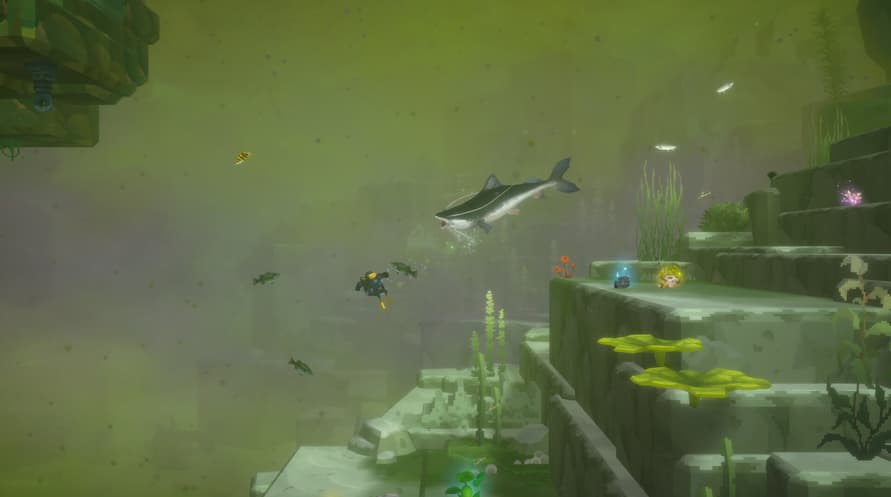
1) DAVE THE DIVER Basic Package
2) DAVE THE DIVER - In the Jungle Content Pack
ⓒ Mintrocket. All Rights Reserved.
Windows Minimum Requirements:
- OS *: Windows 7 64 bit
- Processor: Intel Core i3 Dual Core
- Memory: 8 GB RAM
- Graphics: NVIDIA Geforce GTS 450 / AMD Radeon HD 5570
- DirectX: Version 11
- Storage: 10 GB available space
- Sound Card: Windows Compatible Audio Device
Windows Recommended Requirements:
- OS: Windows 10 64 bit
- Processor: Intel Core i5 - i7 Quad Core
- Memory: 16 GB RAM
- Graphics: NVIDIA Geforce GTX 750Ti / AMD Radeon R9 270x
- DirectX: Version 11
- Storage: 10 GB available space
- Sound Card: Windows Compatible Audio Device
Mac Minimum Requirements:
- OS: Big Sur 11.0
- Processor: Intel Core i3 Quad Core 3.6GHz
- Memory: 8 GB RAM
- Graphics: Radeon Pro 555X
- Storage: 11 GB available space
Mac Recommended Requirements:
- OS: Big Sur 11.0
- Processor: M1 Octa Core
- Memory: 16 GB RAM
- Storage: 11 GB available space
To activate the Steam key you've received, follow the instructions below;
- First up, open the Steam client. (If you don't have it, simply click the "Install Steam" button here => Steam Store )
- Sign in to your Steam account. (If you don't have one, click here to create a new one => Steam Account)
- Click on the "ADD A GAME" button in the bottom corner of the client.
- Then, select "Activate a product on Steam..."
- Write down or copy-paste the activation key that you've received from Voidu in the window.
- Your game is now visible in your library! Click on your "Library".
- And finally, click on the game and select "Install" to start your download.