
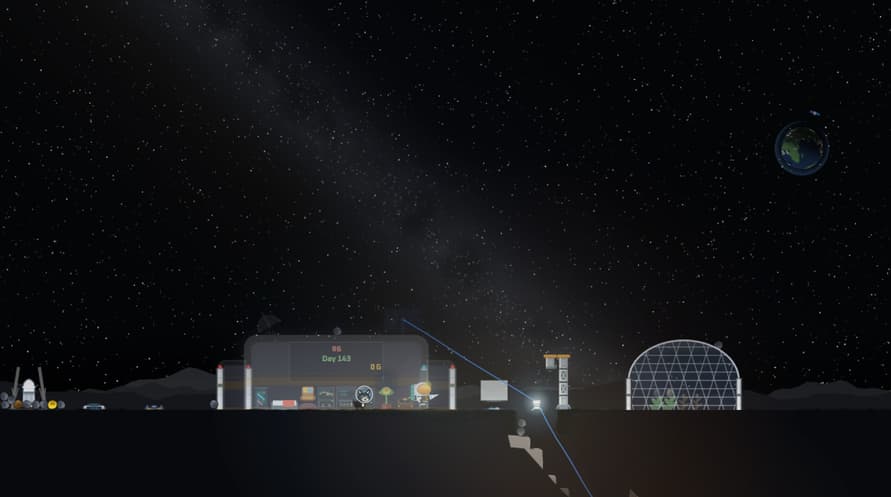
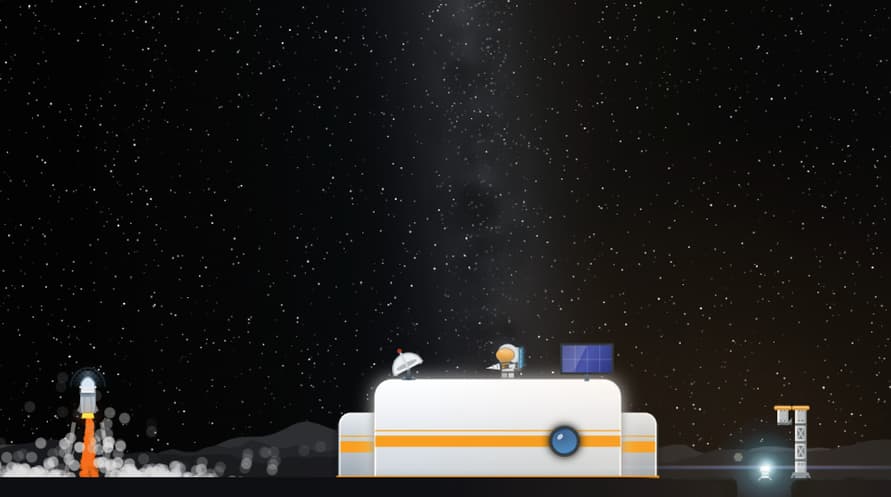








It’s okay to be alone on a lunar base.
Mine ores while classical music plays from the gramophone, and uncover the secrets hidden within the lunar base!
The goal is simple.
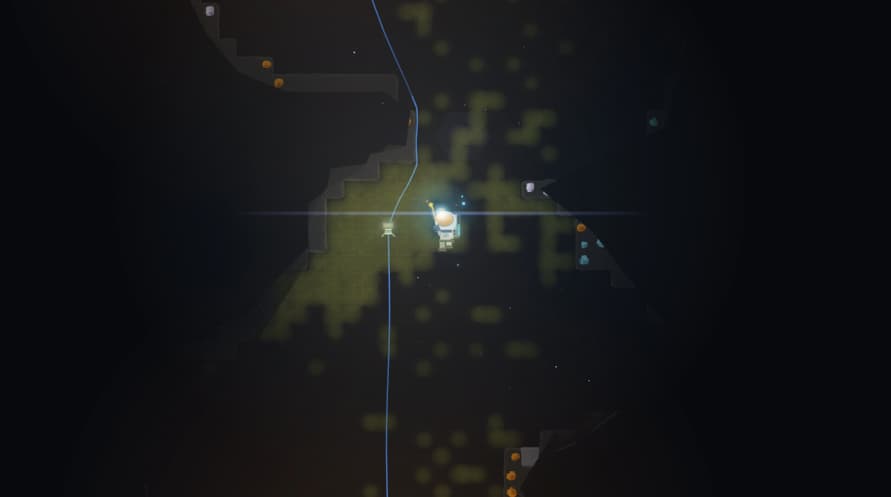
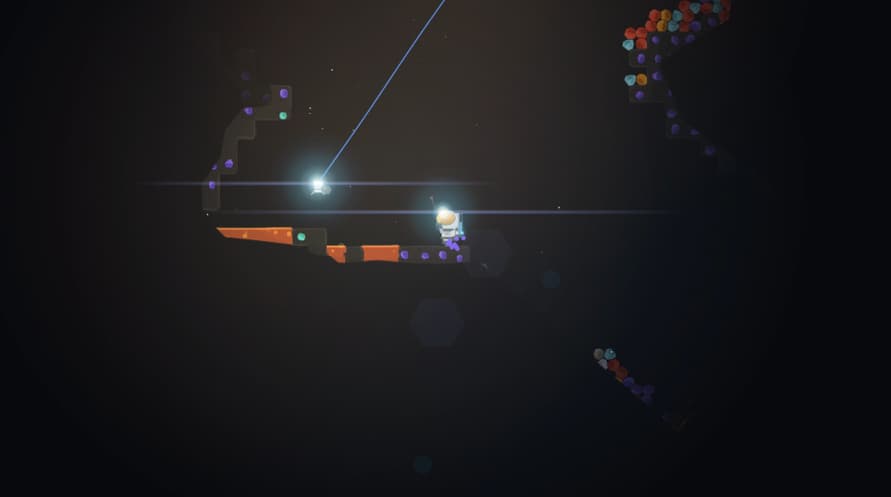
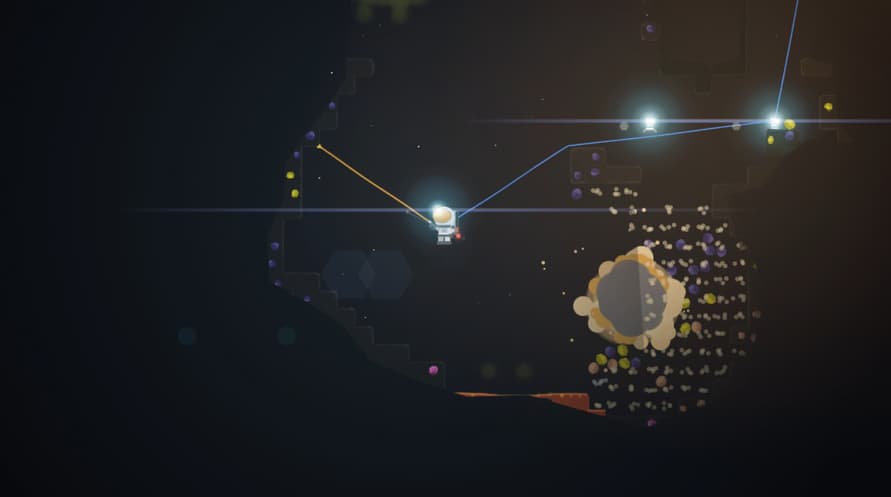
Dig for ores underground, load them onto your spaceship, and send them back to Earth to earn money!
Discover the Moon’s hidden secrets!
There are temples on the Moon, rabbit statues, a mole, and even a dog!
The underground Moon is not safe.
Your energy keeps running out, while sand, falling, gas, lava, and lack of oxygen threaten your exploration.
But you are a clone.
Do not fear death.
Use a variety of tools.
Use equipment such as an enhanced suit, drill, hammer, ropes, pillars, lights, crates, ziplines, and C4 to descend deeper underground.
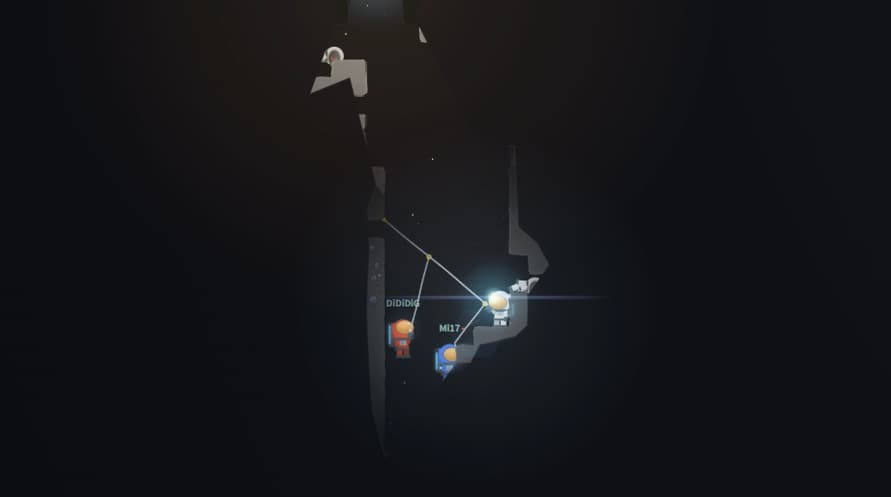
You can also get help from a friend!
Key Features
- 2D mining exploration where you dig with a drill and collect various ores
- Vertical movement and survival using ropes, pillars, lights, and placeable items
- A progression system where you send ores back to Earth and receive rewards
- A growth system that expands by unlocking equipment and facilities through skill learning
- You can grow ores in the cultivation dome!
- A dog will keep you company at the lunar base!
Windows Minimum Requirements:
- Requires a 64-bit processor and operating system
- OS: Windows 10 64-bit
- Processor: Intel Core i3-4130 / AMD FX-4300 or better
- Memory: 4 GB RAM
- Graphics: DirectX 11 compatible integrated graphics or better
- DirectX: Version 11
- Storage: 2 GB available space
- Additional Notes: Requires a 64-bit processor and operating system
Windows Recommended Requirements:
- Requires a 64-bit processor and operating system
- OS: Windows 10/11 64-bit
- Processor: Intel Core i5-6500 / AMD Ryzen 3 1200 or better
- Memory: 8 GB RAM
- Graphics: Intel UHD Graphics 620 / AMD Radeon Vega 8 / NVIDIA GTX 750 or better
- DirectX: Version 11
- Storage: 2 GB available space
- Additional Notes: Gamepad supported. Recommended for 60 FPS gameplay
Linux Minimum Requirements:
- OS: SteamOS 3.0 or Ubuntu 20.04 LTS 64-bit
- Processor: Intel Core i3-4130 / AMD FX-4300 or better
- Memory: 4 GB RAM
- Graphics: OpenGL 3.3 compatible integrated graphics or better
- Storage: 2 GB available space
- Additional Notes: Requires a 64-bit processor and operating system
Linux Recommended Requirements:
- OS: SteamOS 3.0 or Ubuntu 22.04 LTS 64-bit
- Processor: Intel Core i5-6500 / AMD Ryzen 3 1200 or better
- Memory: 8 GB RAM
- Graphics: Intel UHD Graphics 620 / AMD Radeon Vega 8 / NVIDIA GTX 750 or better
- Storage: 2 GB available space
- Additional Notes: Gamepad supported. Recommended for 60 FPS gameplay
To activate the Steam key you've received, follow the instructions below;
- First up, open the Steam client. (If you don't have it, simply click the "Install Steam" button here => Steam Store )
- Sign in to your Steam account. (If you don't have one, click here to create a new one => Steam Account)
- Click on the "ADD A GAME" button in the bottom corner of the client.
- Then, select "Activate a product on Steam..."
- Write down or copy-paste the activation key that you've received from Voidu in the window.
- Your game is now visible in your library! Click on your "Library".
- And finally, click on the game and select "Install" to start your download.