


DragonSword : Awakening - Summer Sea Set
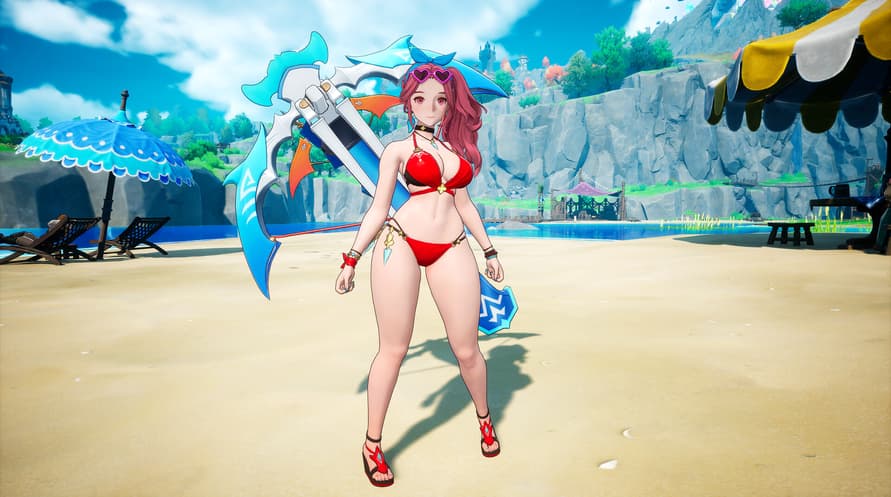
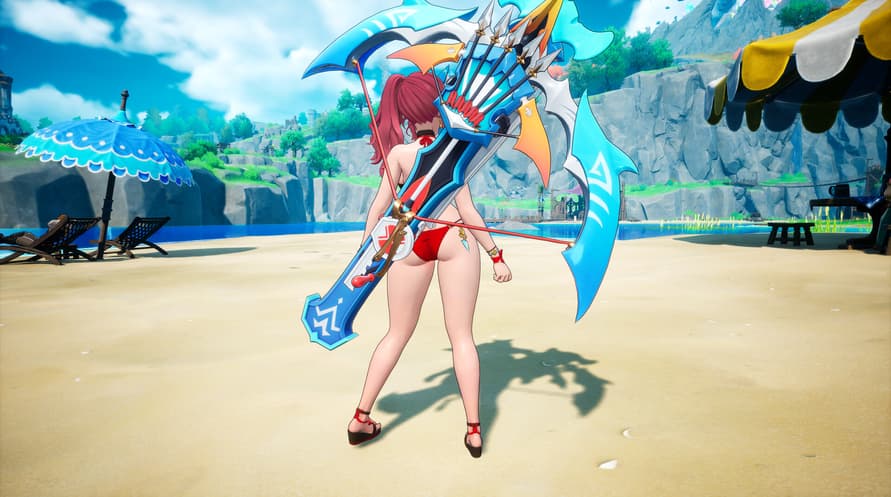
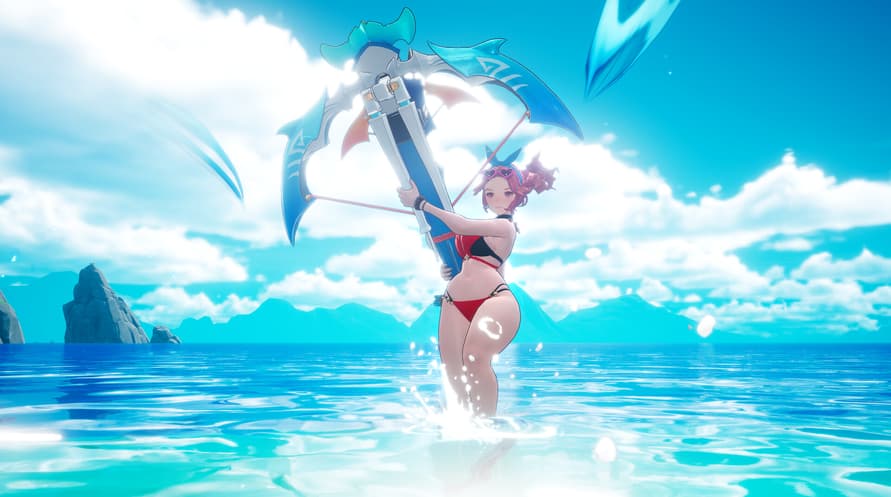
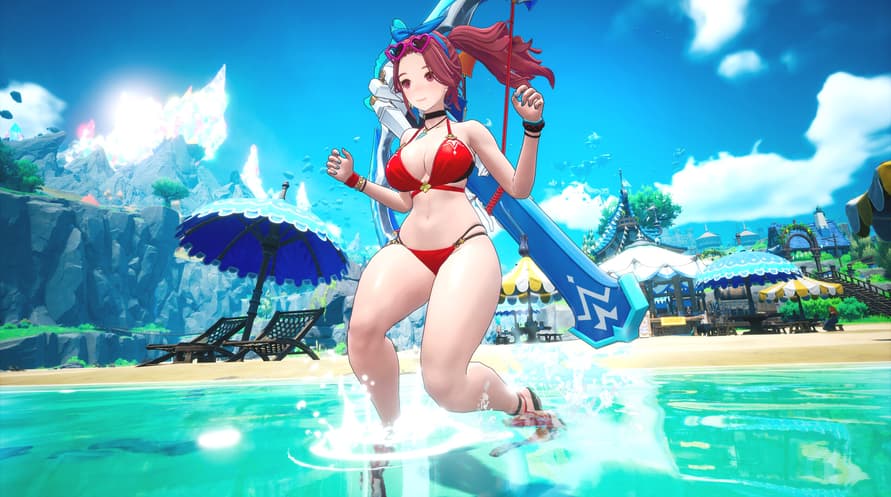
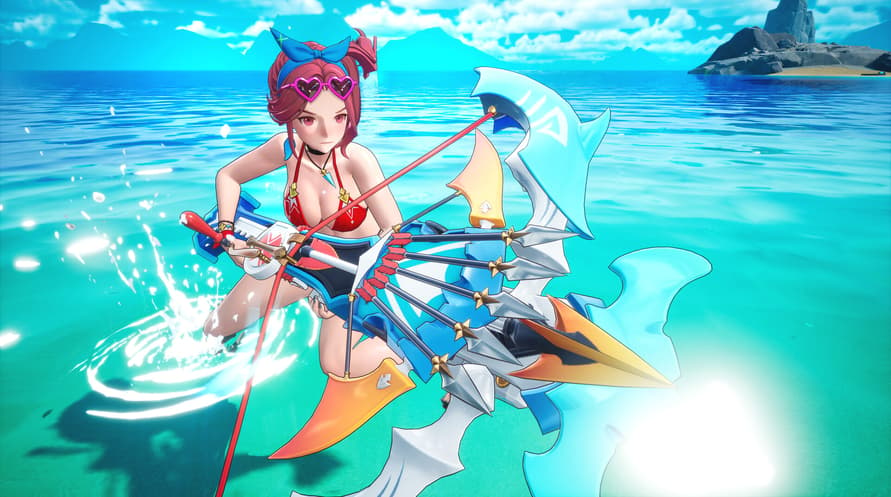
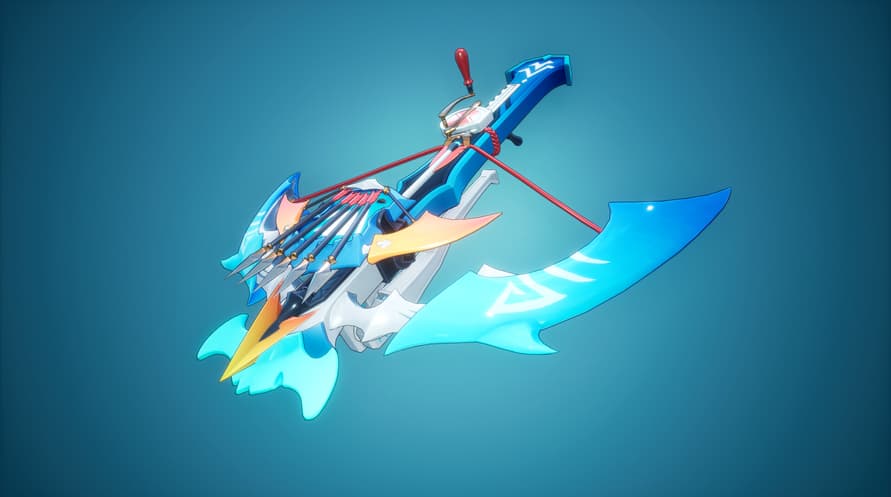




Dive into summer with the all-new Summer Sea Set — a limited costume collection featuring 3 heroes of Orbis, styled for the sun, sand, and shore.
Dive into summer with the all-new Summer Sea Set — a limited costume collection featuring 3 heroes of Orbis, styled for the sun, sand, and shore.
━━━━━━━━━━━━━━━━━━━━
■ Included Costumes
▸ Astria — Coral Summer Mischief & Sunshine Heartshot
▸ Reina — White Flower of the Blue Waves & Petals at the Wave's Edge
▸ Cerese — Moonlight on the Night Sea & Star upon the Waves
━━━━━━━━━━━━━━━━━━━━
■ About DragonSword : Awakening
DragonSword : Awakening is an anime-style open-world tag-action RPG set on the Orbis Continent. Play as one of 19 heroes, master Signal Skills and the Familiar movement system, and take on boss raids with up to 2 friends in 3-player co-op.
Copyright 2026 Hound13 Inc. All Rights Reserved
DragonSword : Awakening - Summer Sea Set

Activation Information
United States
Available in your region
Activated in United States


![Planet Coaster - Vintage Pack [Mac]](https://static.voidu.com/cdn-cgi/image/format=auto/images/thumbs/0134801_planet-coaster-vintage-pack-mac-row.png)


