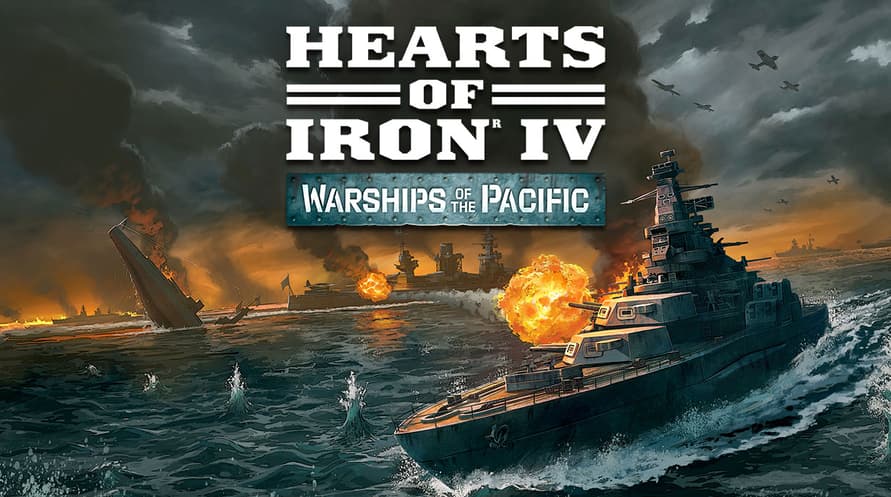
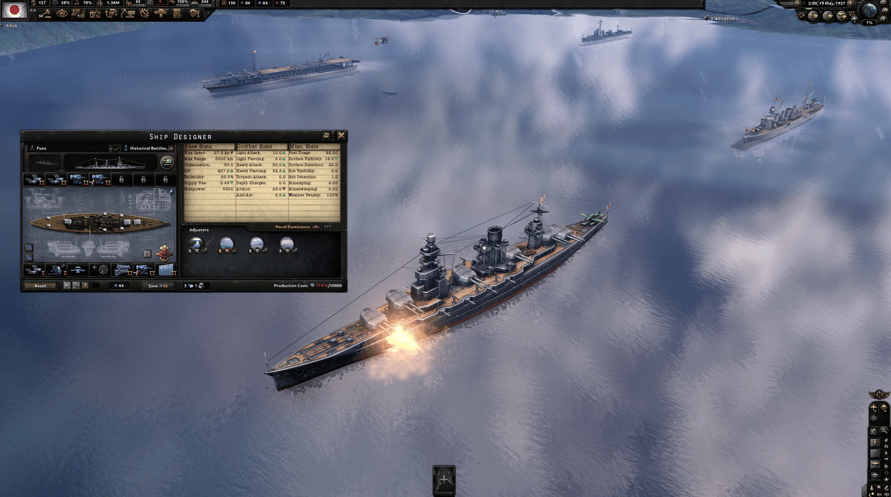
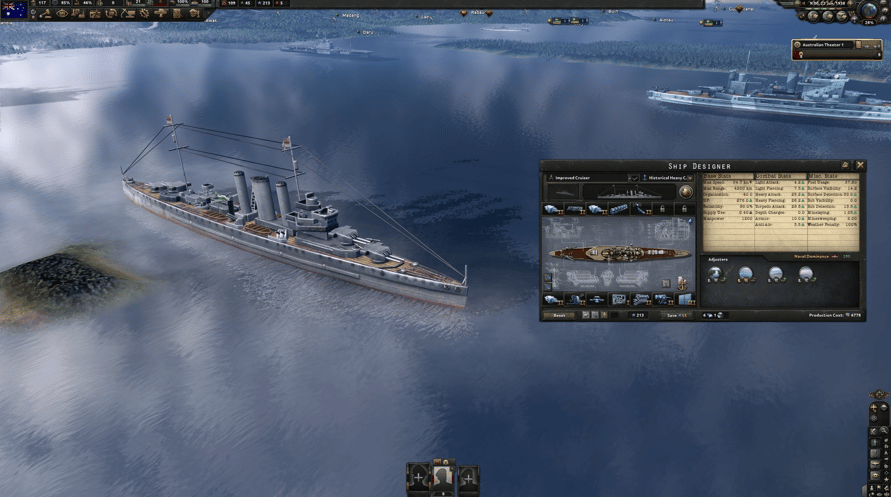
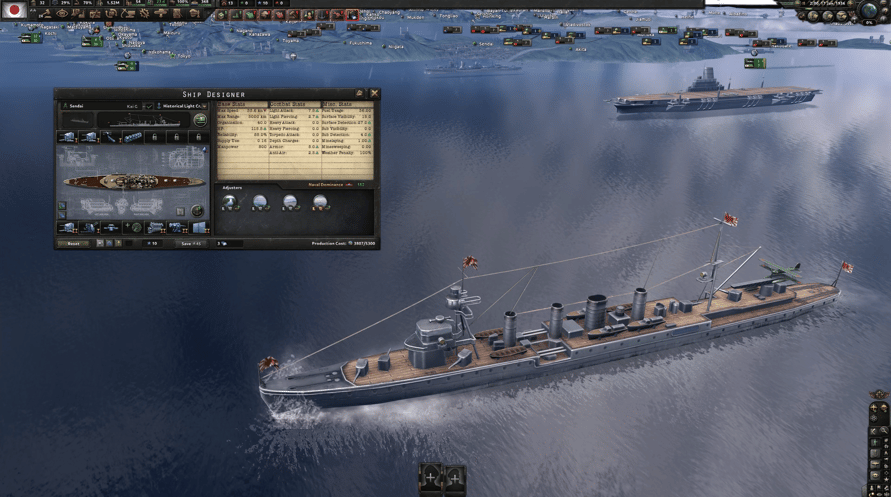
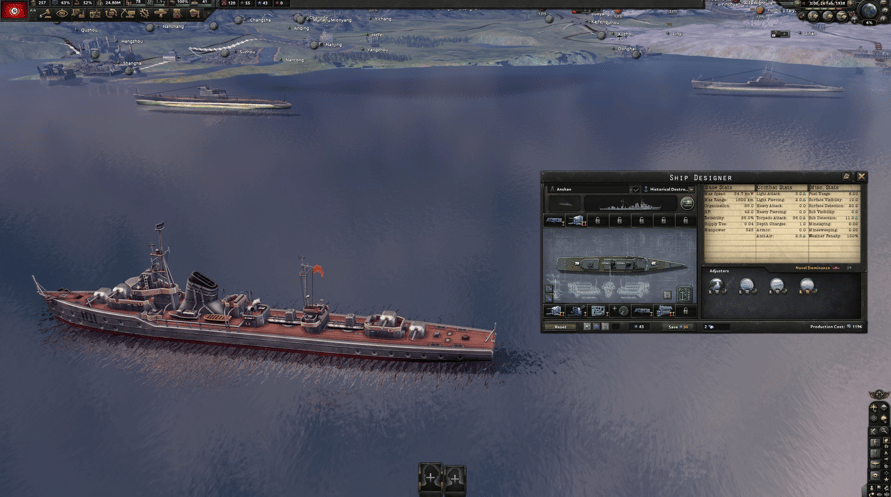
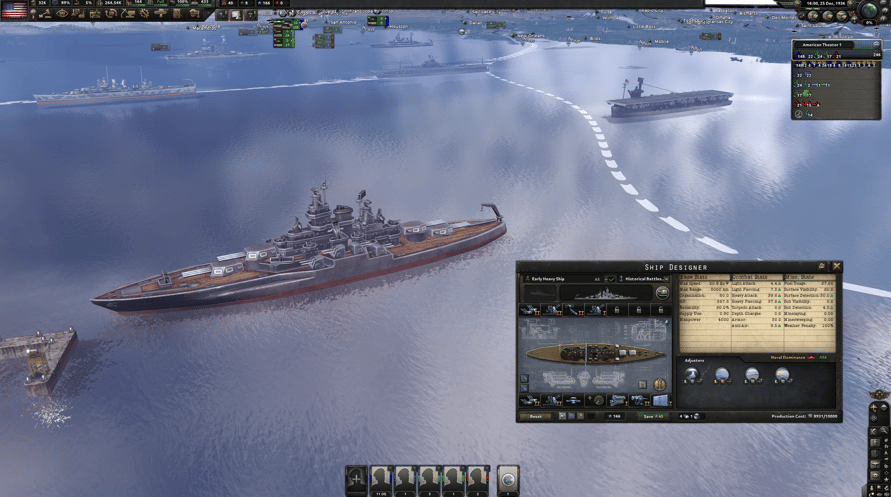
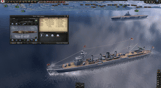
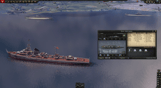
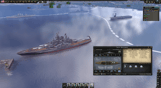
Command the seas with Warships of the Pacific, a Cosmetic Pack for Hearts of Iron IV. Warships of the Pacific includes unit art for new seafaring vessels; from nimble destroyers to mighty battleships, representing iconic warships from multiple nations across the globe.
This pack includes 30 models of ships from the Pacific theatre including:
▪One Republican Chinese light cruiser, the Ning-Hai
▪Eight Commonwealth ship models, including the carrier Illustrious and the submarine Trenchant
▪Eleven Japanese ships models, including the battleship Kongo, the carrier Shinano and the unique I-400 Sen Toku submarine carrier
▪One People’s Republic of China destroyer, the Anshan
▪Two Soviet submarine models - the Shchuka and the M49
▪Seven American models, including battleships such as Nevada and Tennessee, as well as escort carriers like Casablanca
©2016-2023 and published by Paradox Interactive AB, HEARTS OF IRON and PARADOX INTERACTIVE are trademarks and/or registered trademarks of Paradox Interactive AB in Europe, the U.S., and other countries. All other trademarks, logos, and copyrights are the property of their respective owners.
Windows Minimum Requirements:
- OS: Windows® 10 Home 64 Bit
- Processor: Intel® Core™ i5 750 | AMD® FX 4300
- Memory: 4 GB RAM
- Graphics: Nvidia® GeForce™ GTX 470 (1.28GB) | AMD® HD 5850 (1GB) | Intel Iris Xe G7 (Tiger Lake) | AMD® Radeon™ RX Vega 11
- DirectX: Version 9.0c
- Storage: 2 GB available space
- Sound Card: Direct X- compatible soundcard.
- Additional Notes: Mouse and keyboard are required. / Latest available WHQL drivers from both manufacturers/ Internet Connection or LAN for multiplayer, Up to 32 other players in multiplayer mode.
Windows Recommended Requirements:
- OS: Windows® 10 Home 64 bit
- Processor: Intel® Core™ i5 2500K | AMD® Ryzen 3 2200G
- Memory: 6 GB RAM
- Graphics: Nvidia® GeForce™ GTX 570 (1.28GB) | AMD® Radeon™ HD 7970 (3GB) | Intel Iris Xe G7 (Tiger Lake)
- DirectX: Version 9.0c
- Storage: 2 GB available space
- Sound Card: Direct X- compatible soundcard.
- Additional Notes: Mouse and keyboard are required. / Latest available WHQL drivers from both manufacturers. / Internet Connection or LAN for multiplayer, Up to 32 other players in multiplayer mode.
Mac Minimum Requirements:
- OS: OS: macOS 13 (Ventura)
- Processor: Intel Core i5 @ 2.60 GHz or better
- Memory: 4 GB RAM
- Graphics: ATI Radeon HD 6970M
- Storage: 2 GB available space
- Additional Notes: Mouse and keyboard are required. / Latest available proprietary drivers / Internet Connection or LAN for multiplayer, Up to 32 other players in multiplayer mode.
Mac Recommended Requirements:
- OS: OS: macOS 13 (Ventura)
- Processor: Intel Core i5 @ 2.90 GHz or better
- Memory: 8 GB RAM
- Graphics: ATI Radeon R9 390M or NVIDIA GeForce 750M with 1GB VRAM
- Storage: 2 GB available space
- Additional Notes: Mouse and keyboard are required. / Latest available proprietary drivers from both manufacturers/ Internet Connection or LAN for multiplayer, Up to 32 other players in multiplayer mode.
Linux Minimum Requirements:
- OS: OS: Ubuntu 22.04
- Processor: Intel Core 2 Quad Q9400 @ 2.66 GHz / AMD Athlon II X4 650 @ 3.20 GHz
- Memory: 4 GB RAM
- Graphics: ATI Radeon HD 5850 or NVIDIA GeForce GTX470 with 1GB VRAM / Latest available proprietary drivers from both manufacturers
- Storage: 2 GB available space
- Additional Notes: Controller support: 3-button mouse, keyboard, and speakers are required. / Internet Connection or LAN for multiplayer, Up to 32 other players in multiplayer mode.
Linux Recommended Requirements:
- OS: OS: Ubuntu 22.04
- Processor: Intel Core i5 750 @ 2.66 GHz / AMD Phenom II X4 955 @ 3.20 GHz
- Memory: 4 GB RAM
- Graphics: ATI Radeon HD 6950 or NVIDIA GeForce GTX570 with 2GB VRAM / Latest available proprietary drivers from both manufacturers
- Storage: 2 GB available space
- Additional Notes: Controller support: 3-button mouse, keyboard, and speakers are required. / Internet Connection or LAN for multiplayer, Up to 32 other players in multiplayer mode.
To activate the Steam key you've received, follow the instructions below;
- First up, open the Steam client. (If you don't have it, simply click the "Install Steam" button here => Steam Store )
- Sign in to your Steam account. (If you don't have one, click here to create a new one => Steam Account)
- Click on the "ADD A GAME" button in the bottom corner of the client.
- Then, select "Activate a product on Steam..."
- Write down or copy-paste the activation key that you've received from Voidu in the window.
- Your game is now visible in your library! Click on your "Library".
- And finally, click on the game and select "Install" to start your download.