Ready to become test subject of the year?
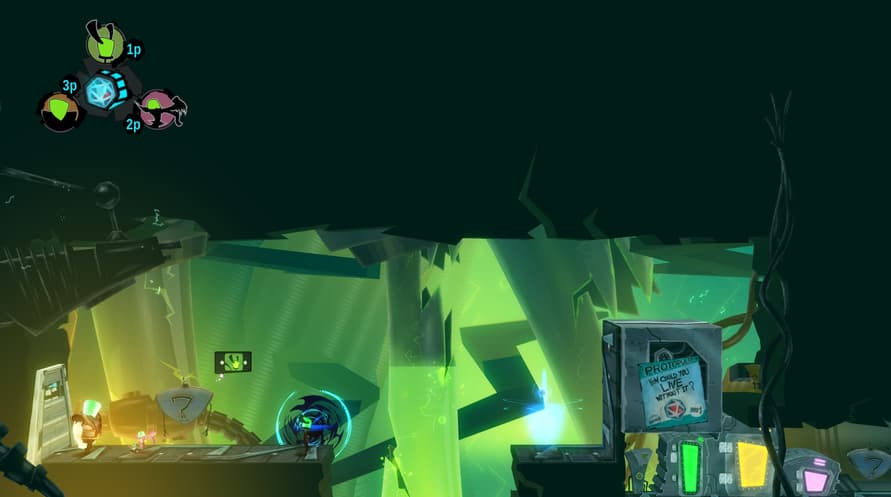
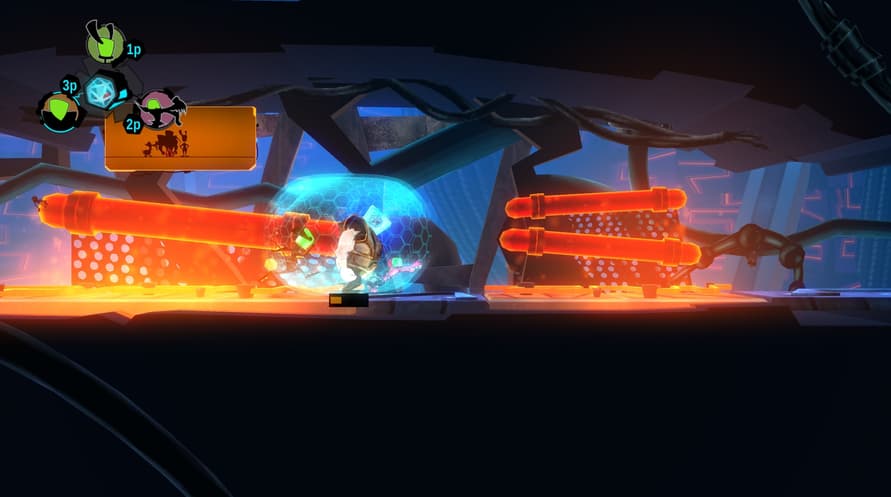
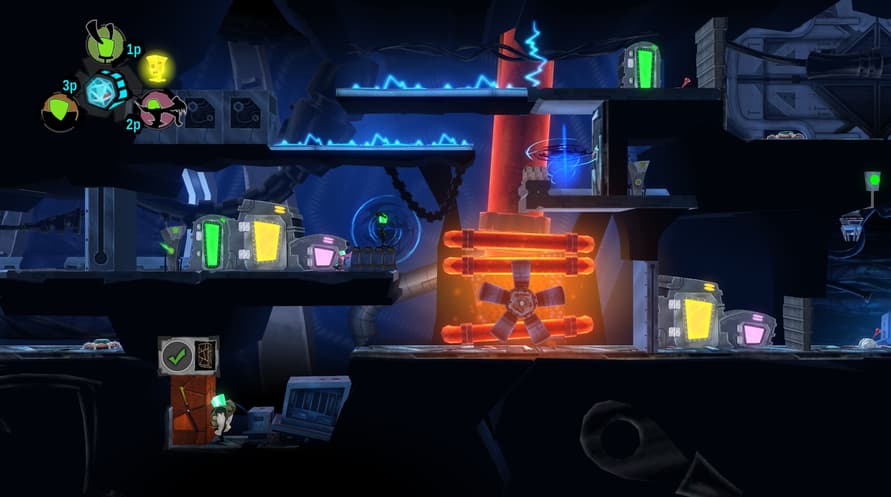
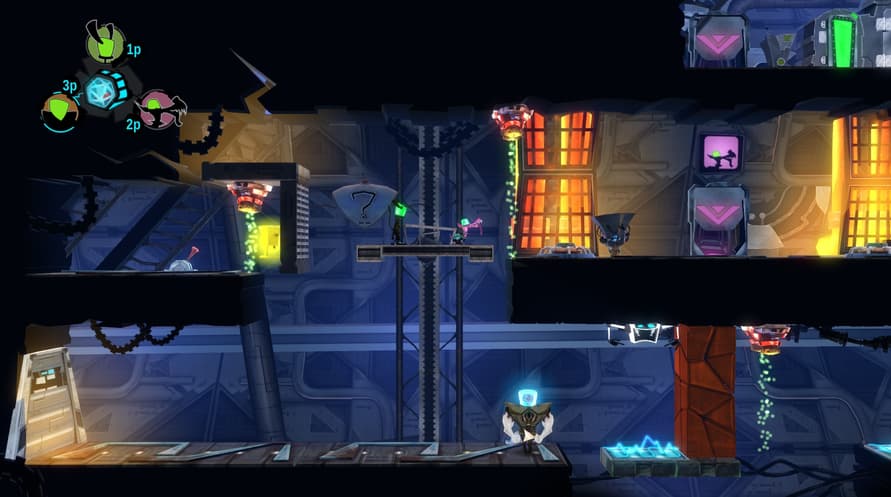
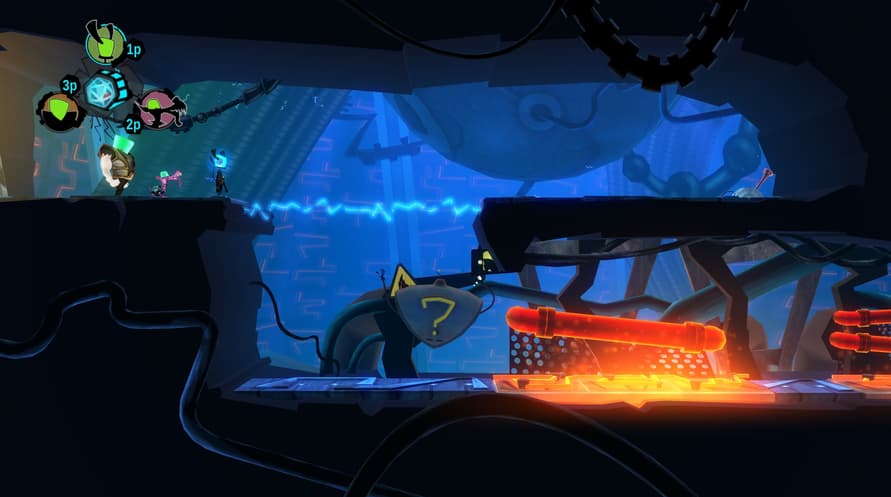
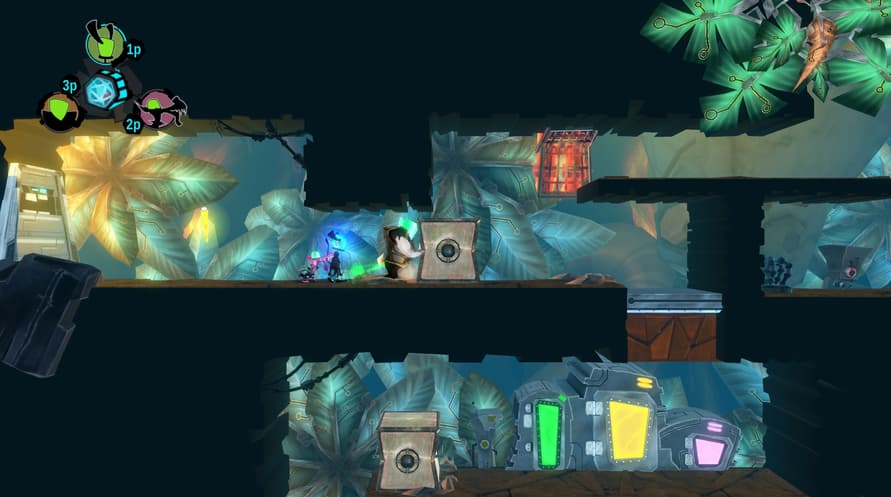
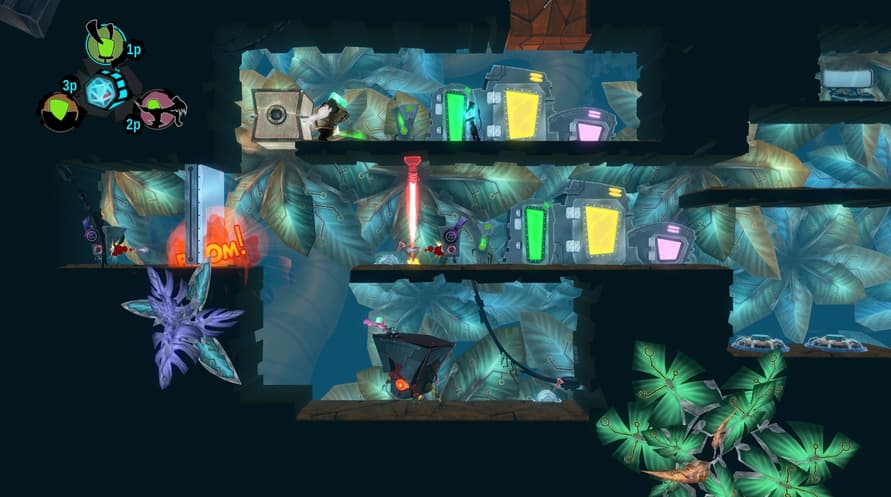
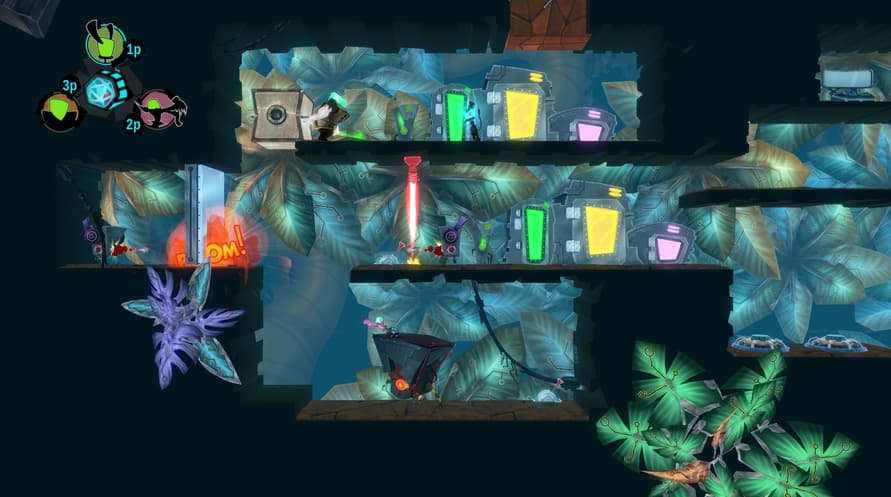
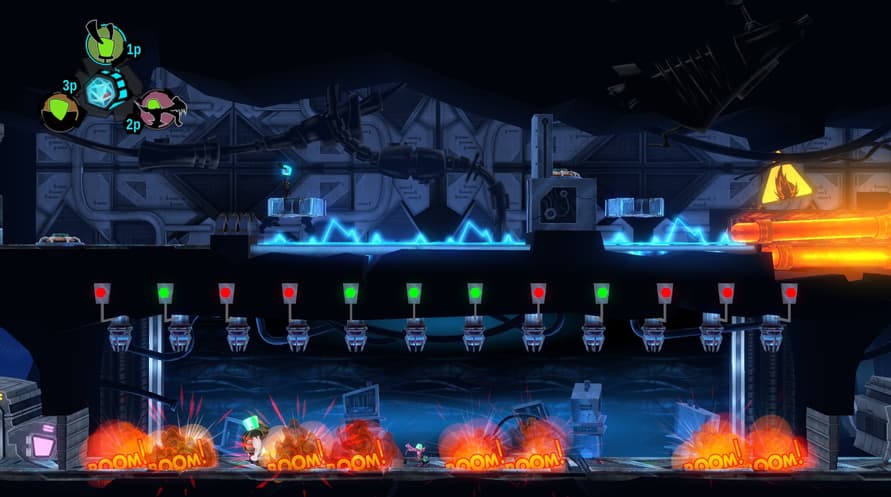
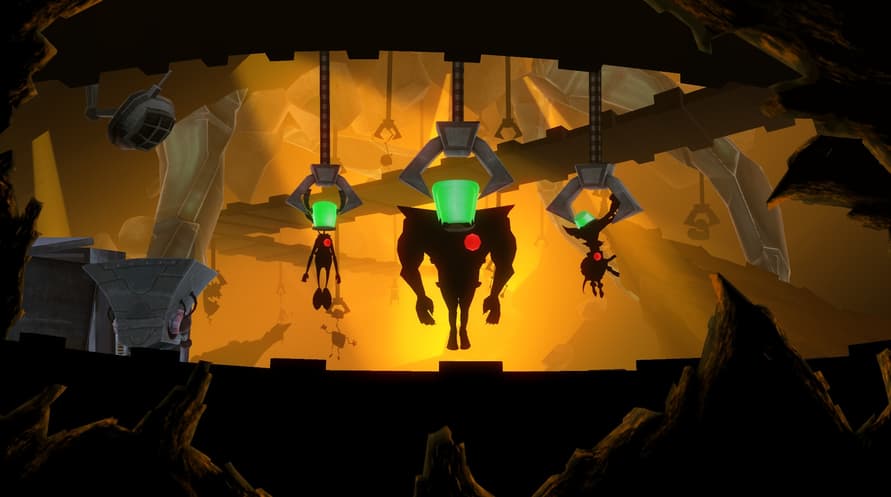
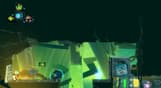
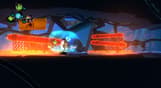
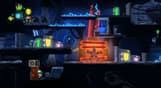
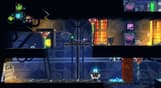
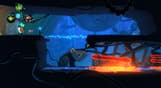
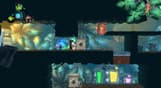
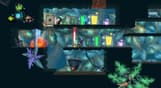
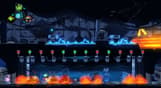
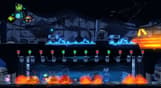
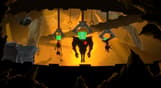
HeartZ offers you a hearty combination of platform, action, puzzle and local co-op gaming. Outsmart traps and solve mysteries in each room and level while getting rid of Dr. Nylus' soldiers and machines!
Kick, jump, fart, teleport, explode, hack, scare, and bite your way through finely tweaked and mischievously designed levels!
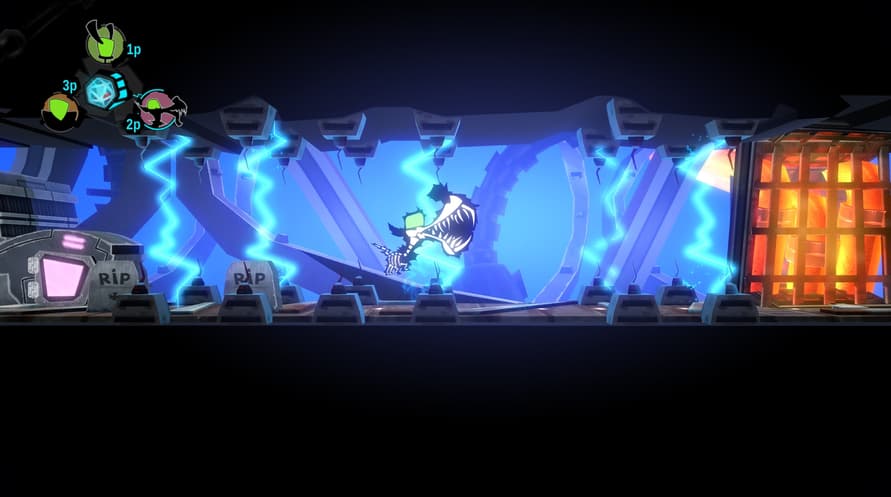
Die in many entertaining ways in a colorful and unforgiving world!
HeartZ can be played solo or up to 3 players locally. Every single mechanism and level has been designed to perfectly adjust to the number of players – an awesome single player experience, and a wicked multiplayer one!
Windows Minimum Requirements:
- OS *: Windows 7 / 8 / 10
- Processor: 2.0 GHz CPU (Dual Core recommended)
- Memory: 2 GB RAM
- Graphics: ATi Radeon HD 2400 or NVIDIA GeForce 7600 or better
- DirectX: Version 9.0c
- Storage: 1 GB available space
* Starting January 1st, 2024, the Steam Client will only support Windows 10 and later versions.
Mac Minimum Requirements:
- OS: Mac OS 10.7 and higher
- Processor: Intel 2.0 GHz CPU (Dual Core recommended)
- Memory: 2 GB RAM
- Graphics: Geforce 6600 or better, Radeon X1300 or better
- Storage: 1 GB available space
* Starting February 15, 2024, the Steam Client will no longer support 32-bit games or macOS 10.14 or lower.
Linux Minimum Requirements:
- OS: Ubuntu 12.04 (Unity2D session preferred) or Ubuntu 12.10+
- Processor: 2.0 GHz CPU (Dual Core recommended)
- Memory: 2 GB RAM
- Graphics: OpenGL 2.0 compatible video card with 256 MB shared or dedicated RAM (ATI or NVIDIA)
- Storage: 1 GB available space
To activate the Steam key you've received, follow the instructions below;
- First up, open the Steam client. (If you don't have it, simply click the "Install Steam" button here => Steam Store )
- Sign in to your Steam account. (If you don't have one, click here to create a new one => Steam Account)
- Click on the "ADD A GAME" button in the bottom corner of the client.
- Then, select "Activate a product on Steam..."
- Write down or copy-paste the activation key that you've received from Voidu in the window.
- Your game is now visible in your library! Click on your "Library".
- And finally, click on the game and select "Install" to start your download.