


Le Mans Ultimate - US Track Pass

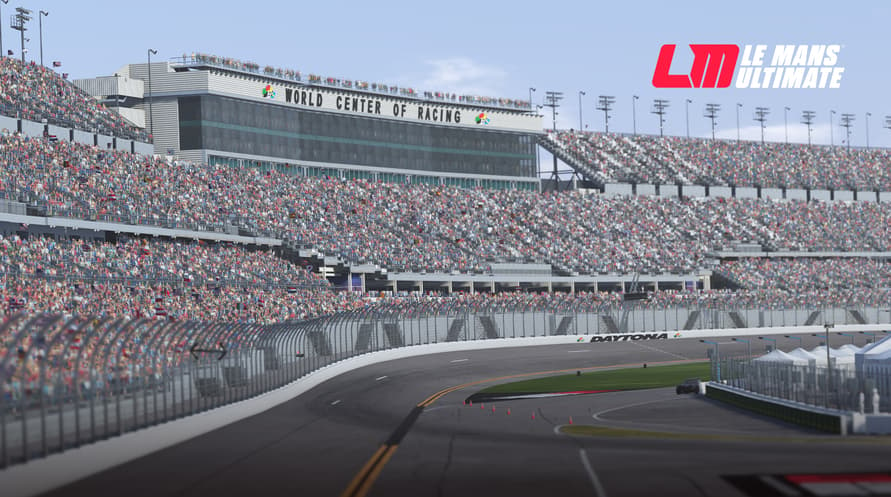

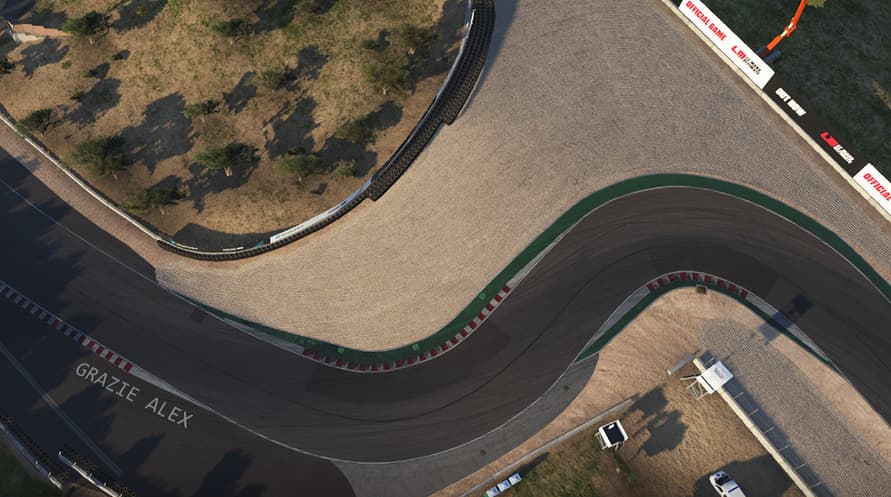


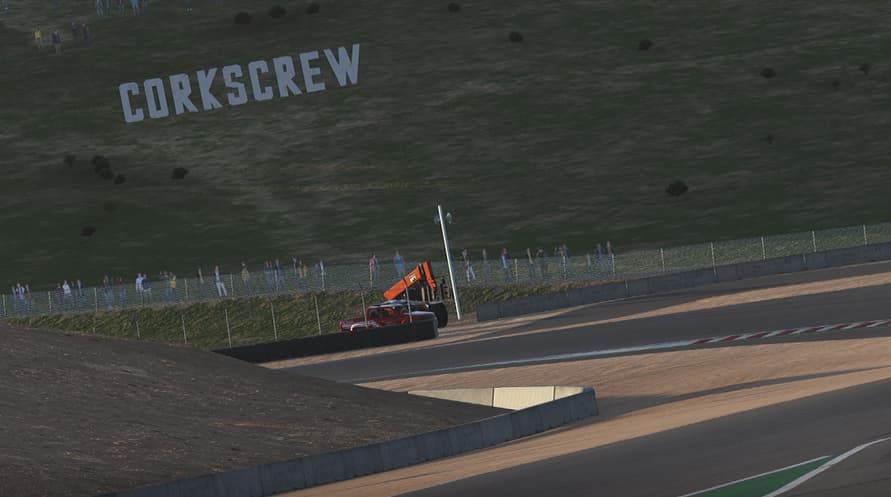
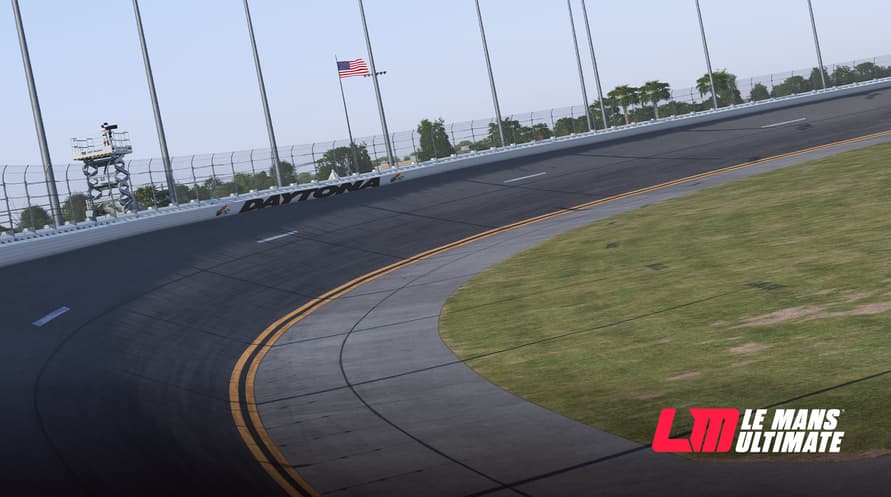
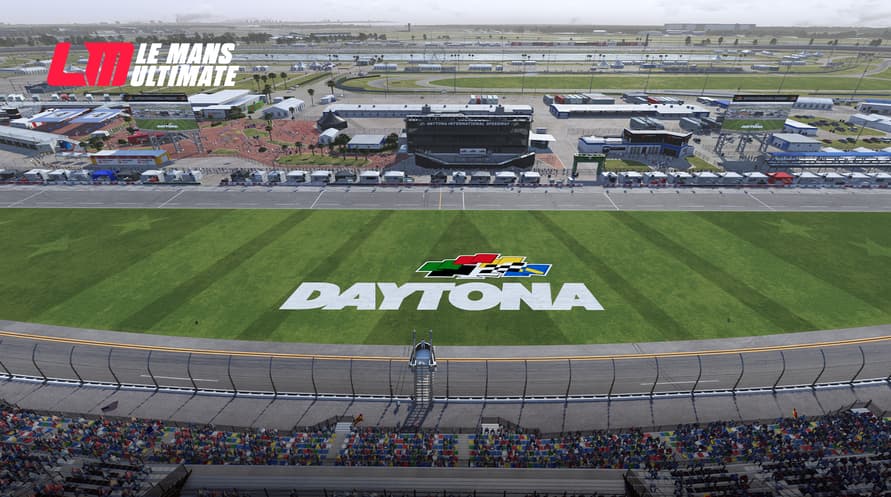
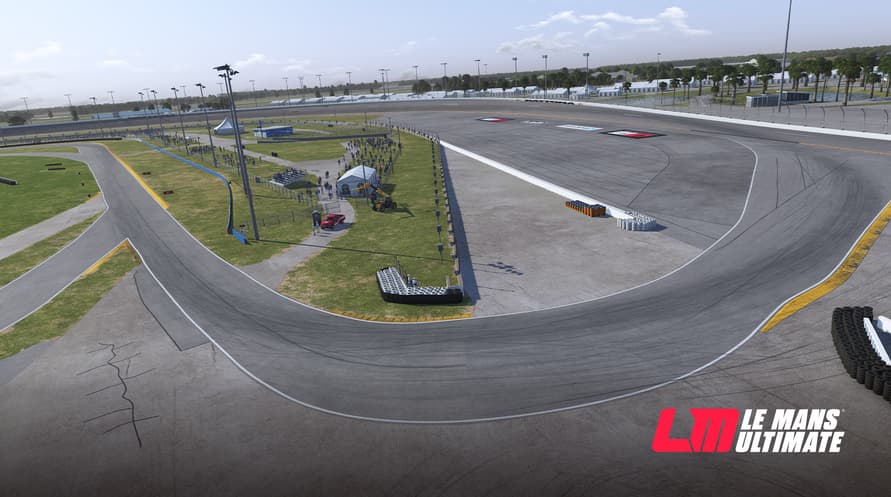








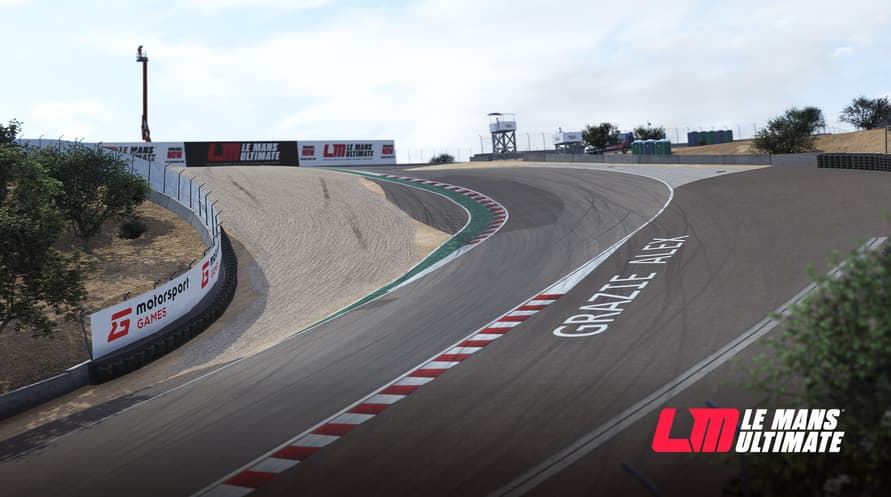

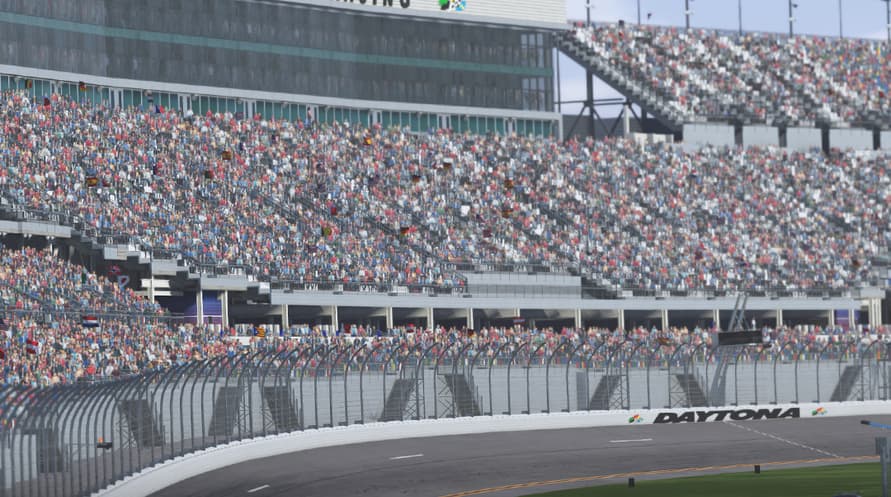
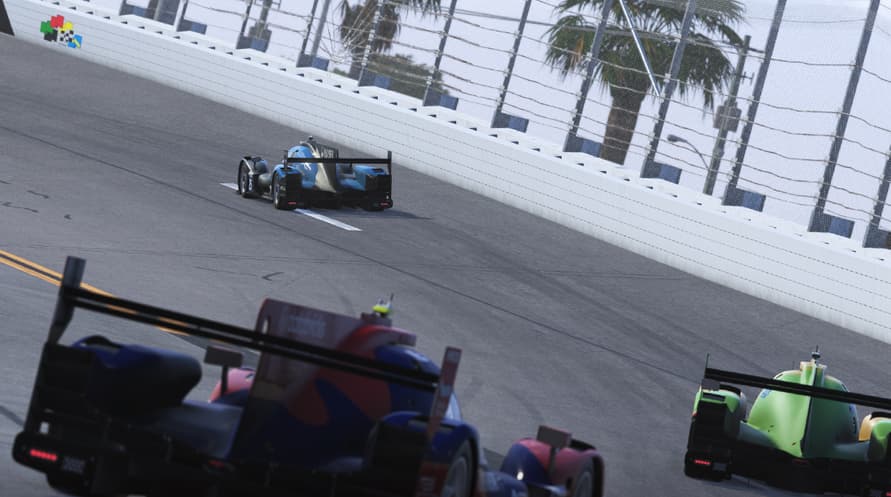

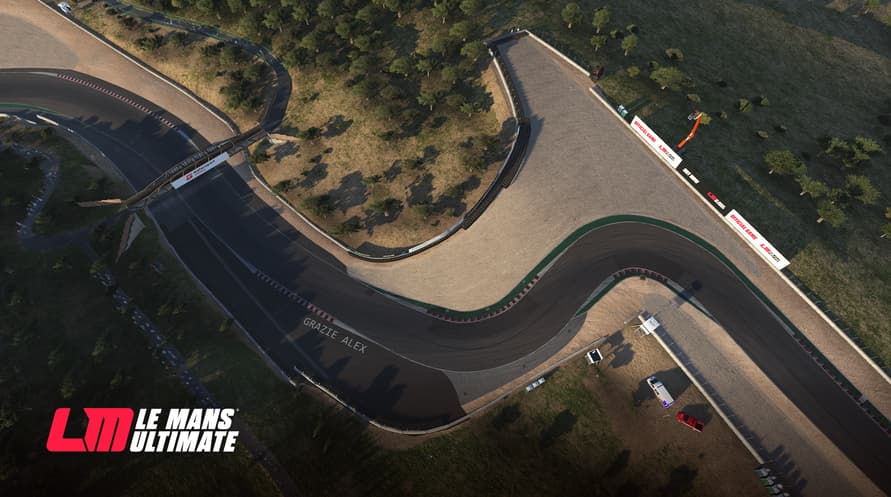
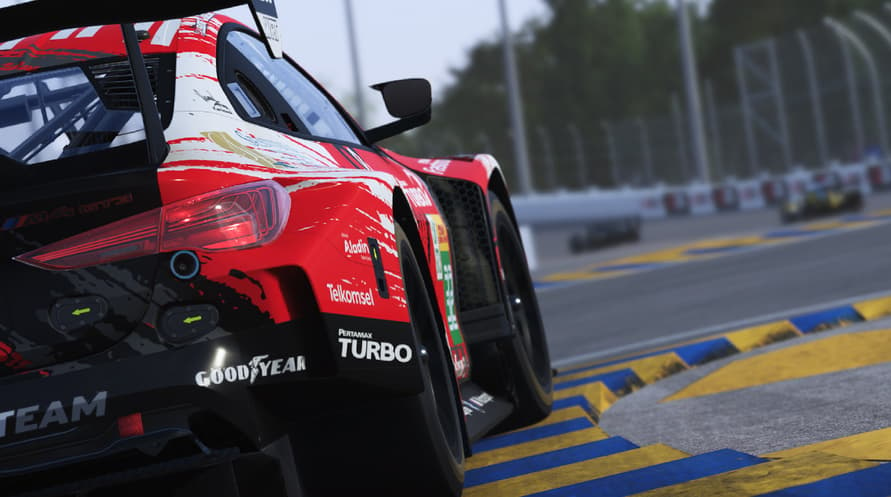

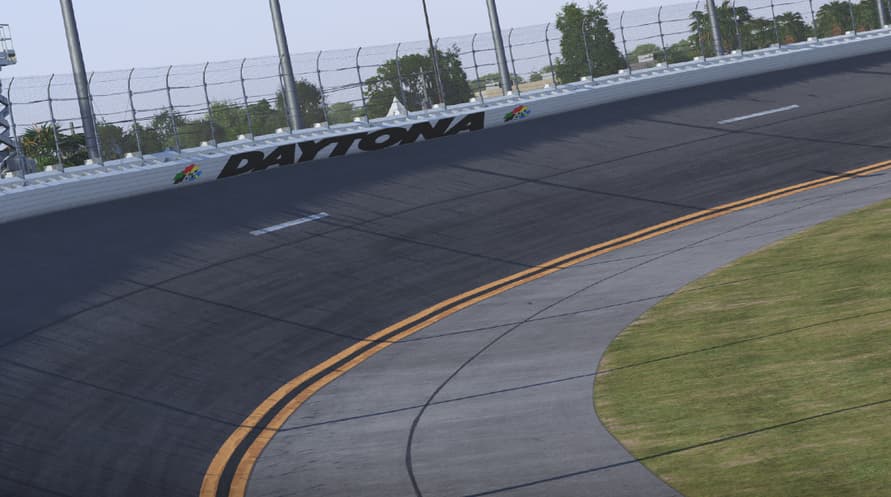
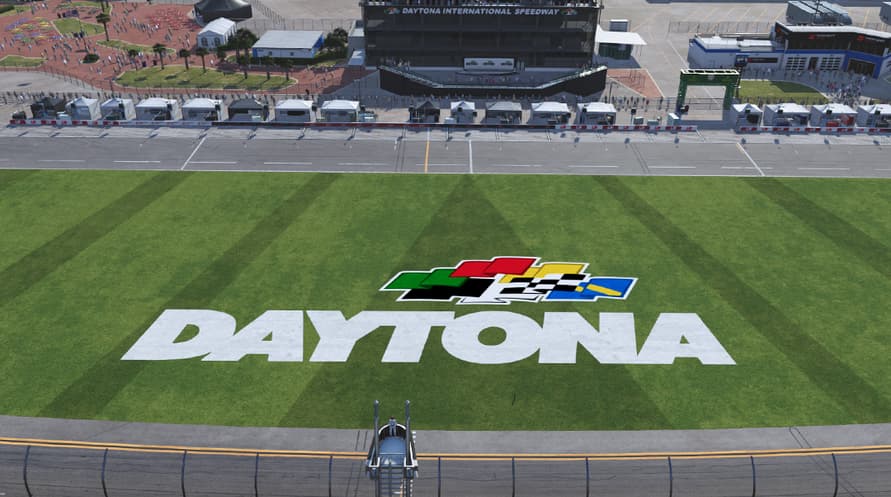
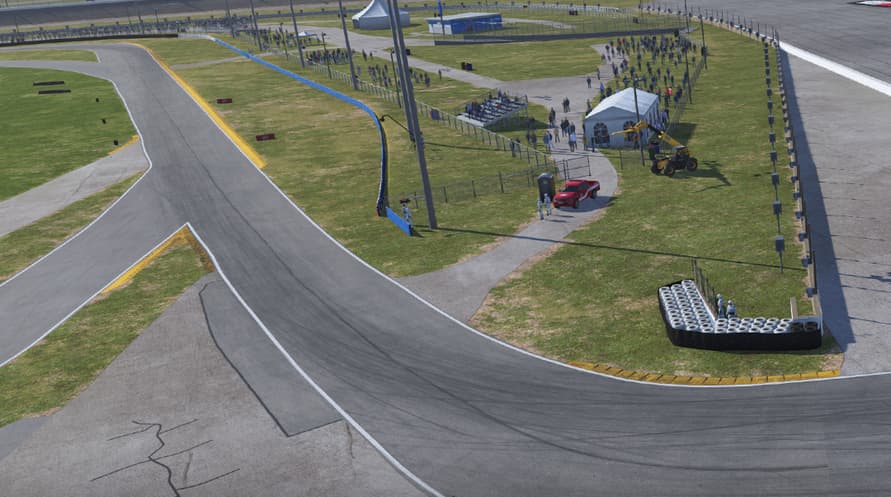
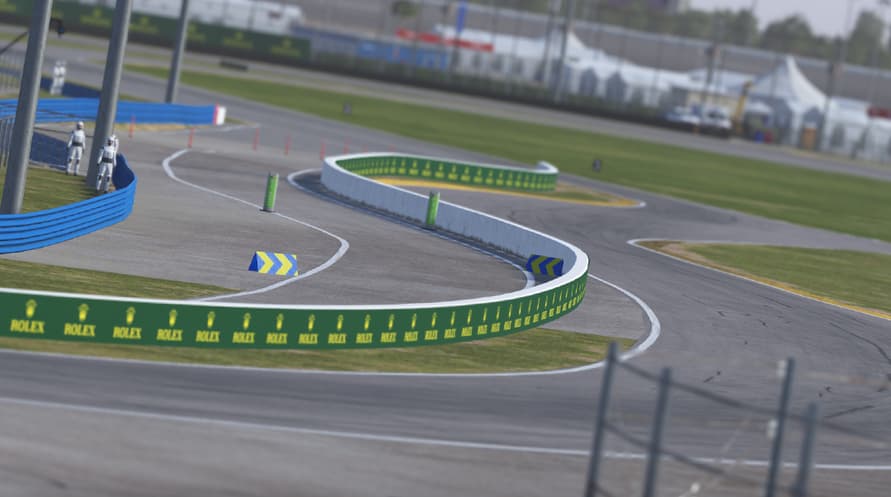
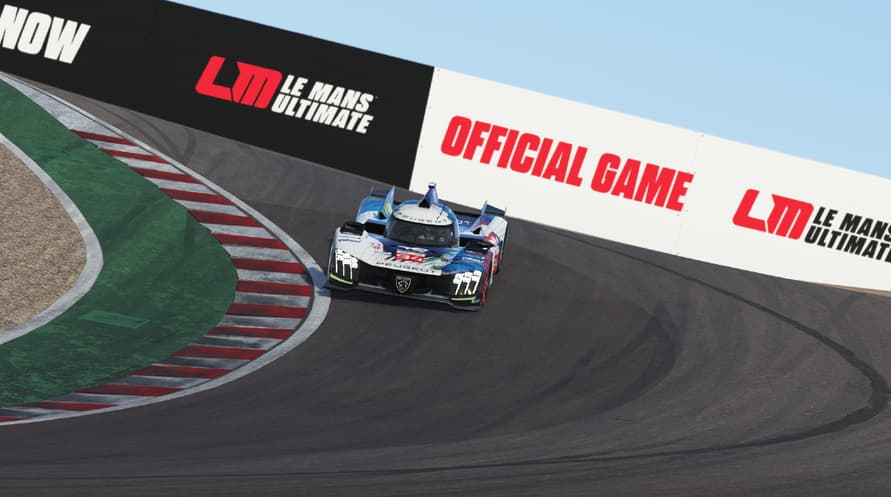



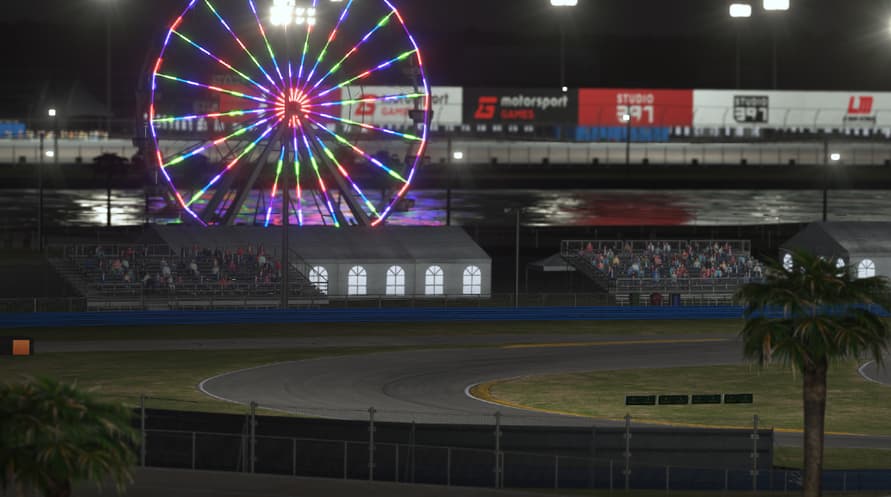


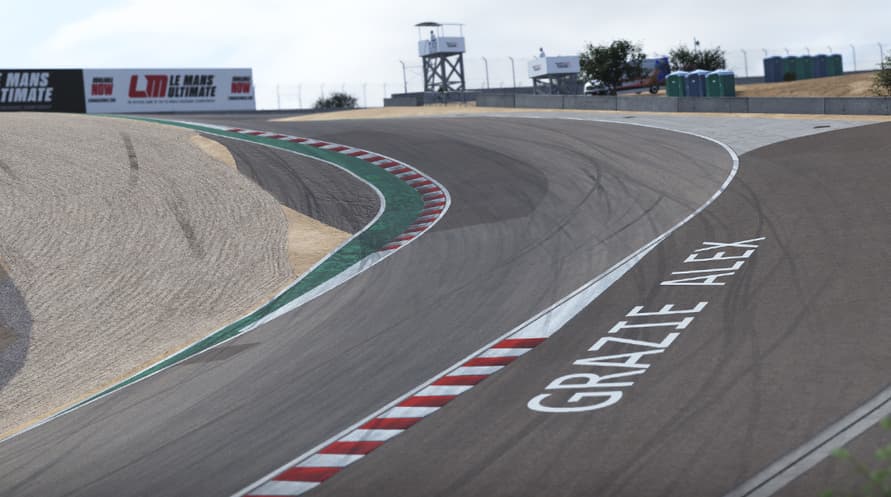

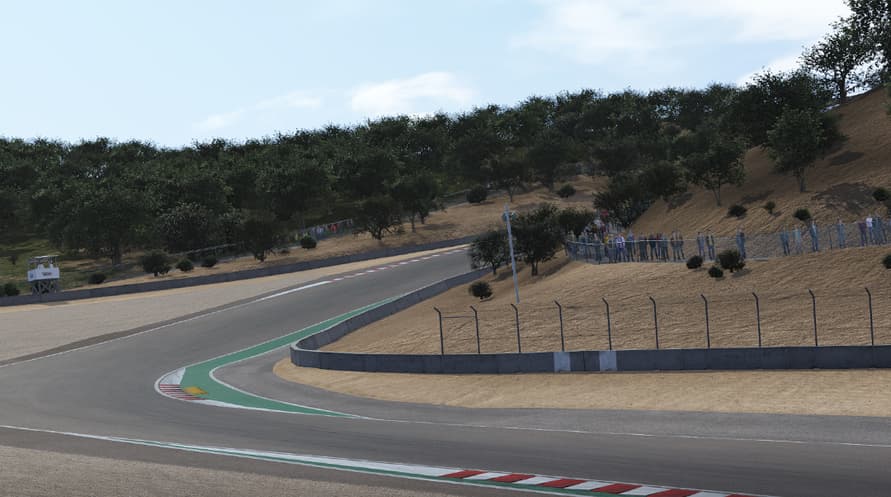







































The US Track Pass DLC will be your ticket to the brand new US content, and will enable you to download the latest content the minute it is ready to be brought into the game.
The US Track Pass DLC will be your ticket to the brand new US content, and will enable you to download the latest content the minute it is ready to be brought into the game. The pass will offer savings compared to purchasing all four packs individually. The US Track Pass will bundle together all the packs and will consist of 6 legendary new tracks to try!
Content
- Pack 1 - July - Daytona International Speedway & WeatherTech Raceway Laguna Seca
- Pack 2 - September - 2 x tracks (TBA)
- Pack 3 - December - 2 x tracks (TBA)
*Specific content per pack and timeframes are not final and maybe subject to change.
Le Mans Ultimate - US Track Pass

Activation Information
United States
Available in your region
Activated in United States
Similar Games

Prison Architect: Undead

Observer: System Redux


Flockers

Hunt the Night

Europa Universalis IV


