
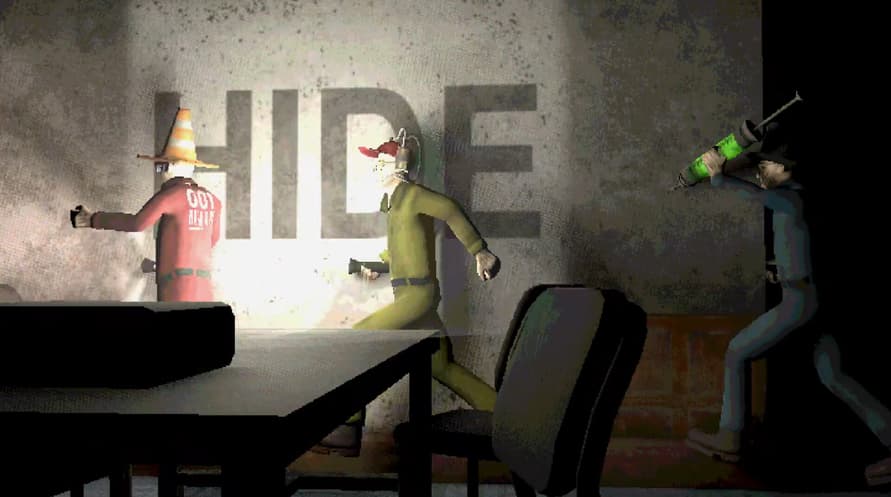
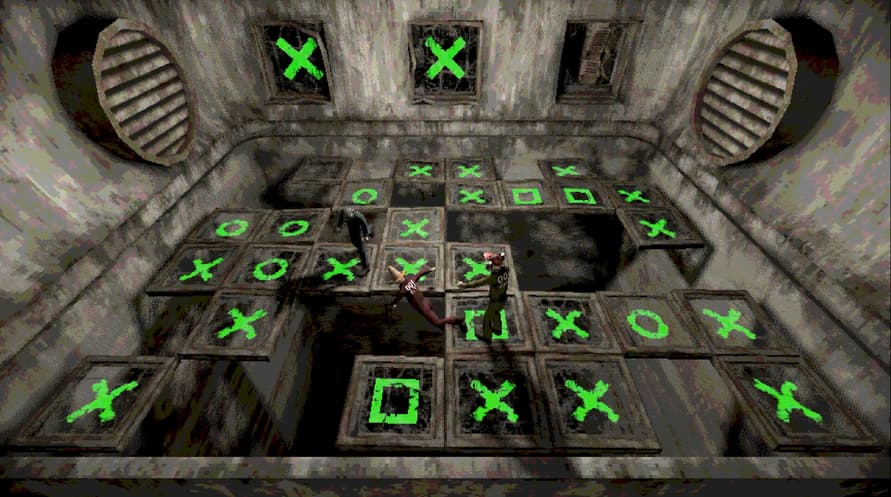

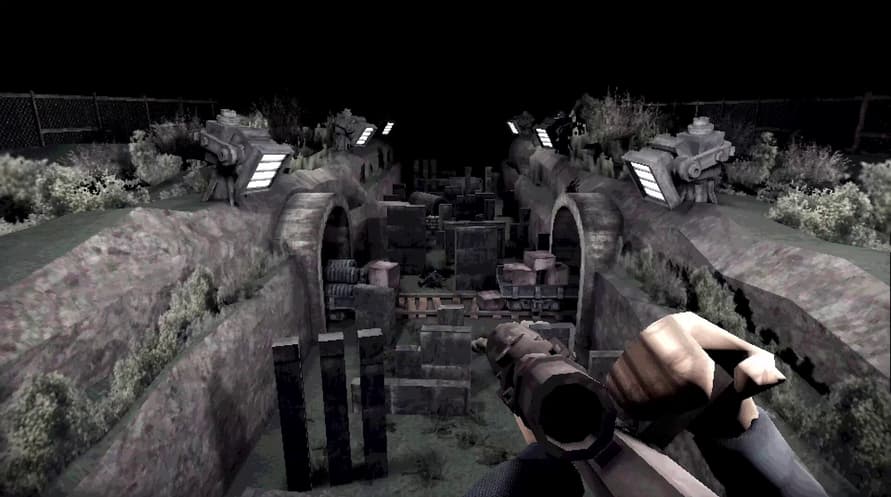
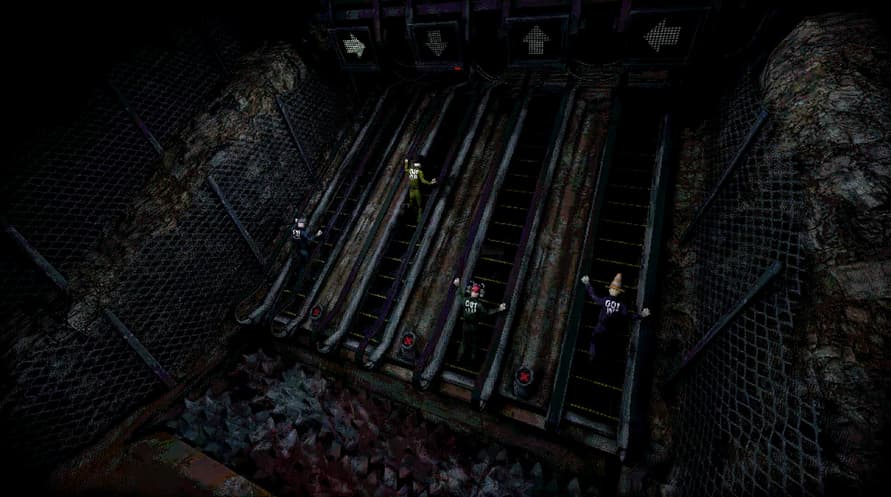
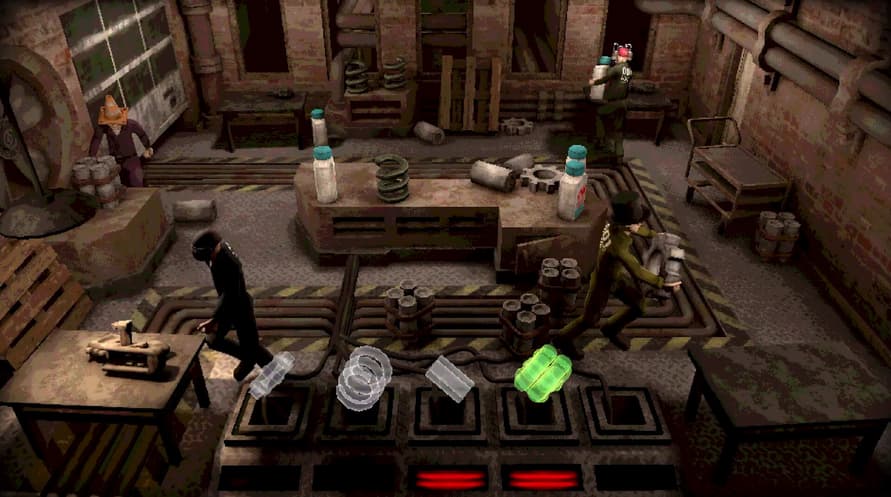

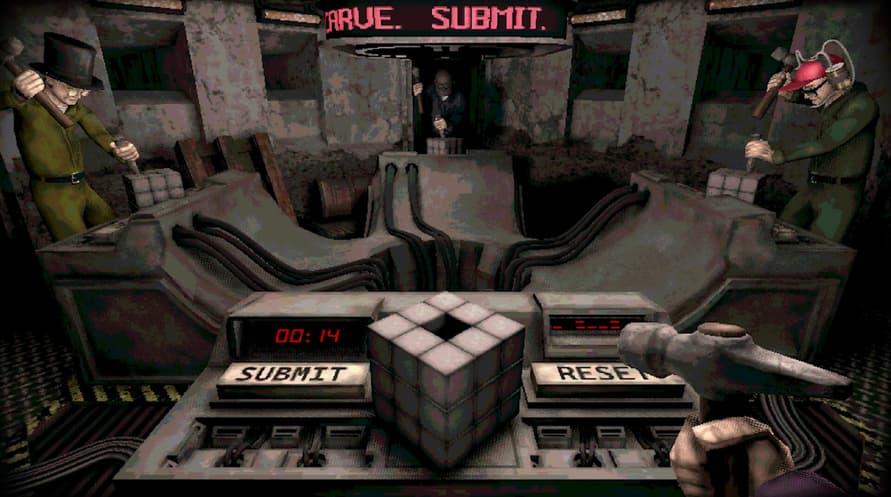
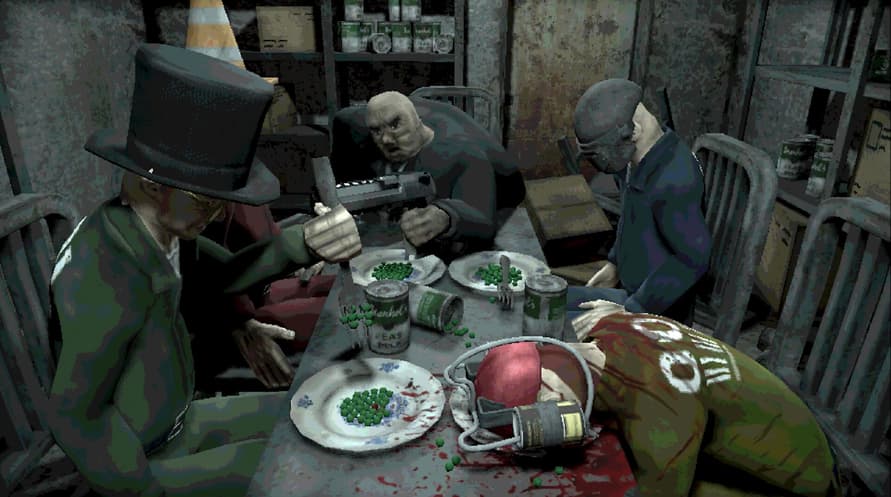
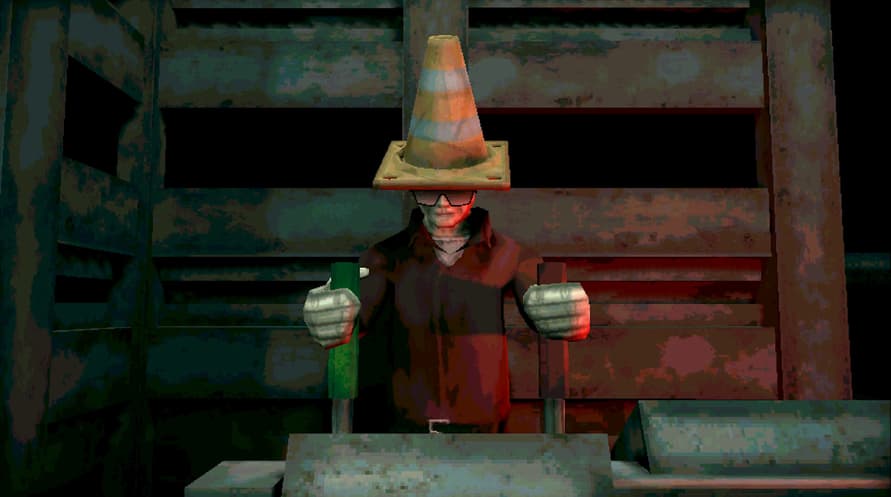











Welcome to Machine Party. In this series of dangerous, and some would say highly illegal, party games you will have to use every trick in the book to survive. Play through classic party game formats and new twists on the genre for sessions of fun, screaming, and horror.
Features
- A collection of uniquely violent party games
- Support for 2 - 4 players
- An industrial soundtrack by Alex Peipman
- Customize your test subject
- Multiple devious ways of screwing your friends over
Windows Minimum Requirements:
- Requires a 64-bit processor and operating system
- OS: Windows 11
- Processor: Dual Core 2.4 GHz
- Memory: 8 GB RAM
- Graphics: Radeon RX 6500 XT / Nvidia 1660
- Storage: 1 GB available space
- Additional Notes: Vulkan support required
Windows Recommended Requirements:
- Requires a 64-bit processor and operating system
Linux Minimum Requirements:
- OS: Ubuntu 12.04 LTS
- Processor: Intel Core i3
- Memory: 4 GB RAM
- Graphics: Relatively modern graphics card
- Storage: 1 GB available space
- Additional Notes: Vulkan support required
To activate the Steam key you've received, follow the instructions below;
- First up, open the Steam client. (If you don't have it, simply click the "Install Steam" button here => Steam Store )
- Sign in to your Steam account. (If you don't have one, click here to create a new one => Steam Account)
- Click on the "ADD A GAME" button in the bottom corner of the client.
- Then, select "Activate a product on Steam..."
- Write down or copy-paste the activation key that you've received from Voidu in the window.
- Your game is now visible in your library! Click on your "Library".
- And finally, click on the game and select "Install" to start your download.