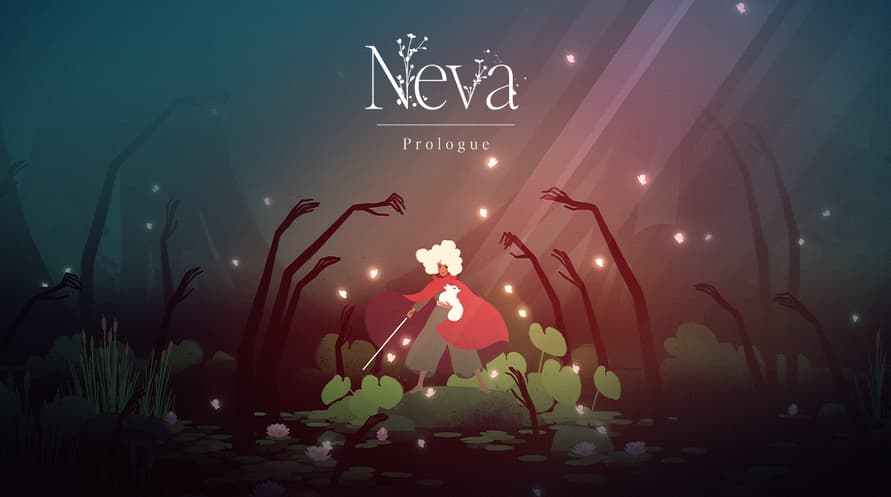
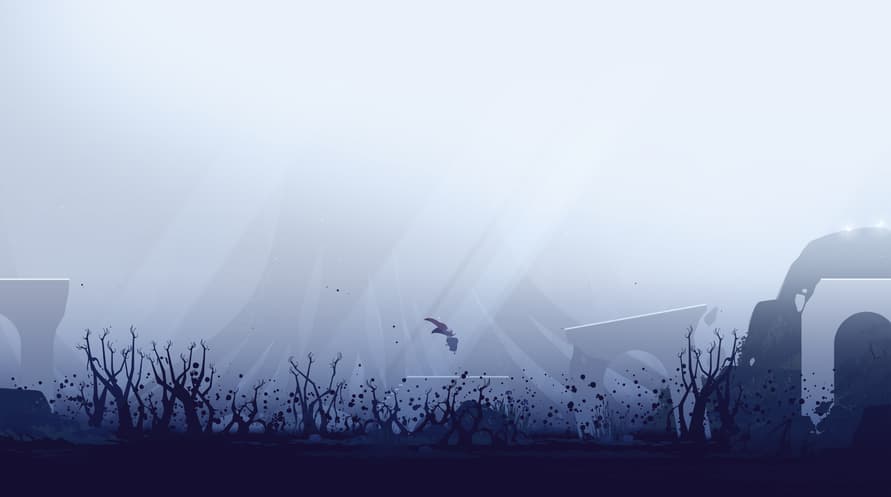

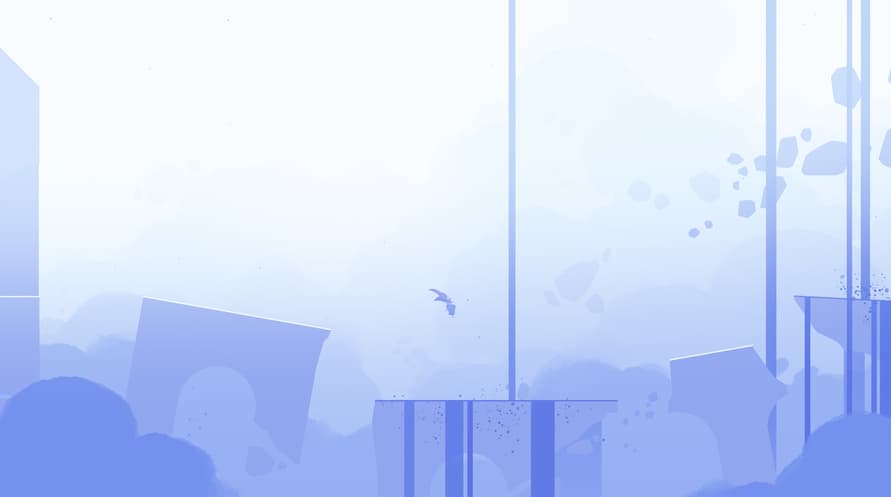
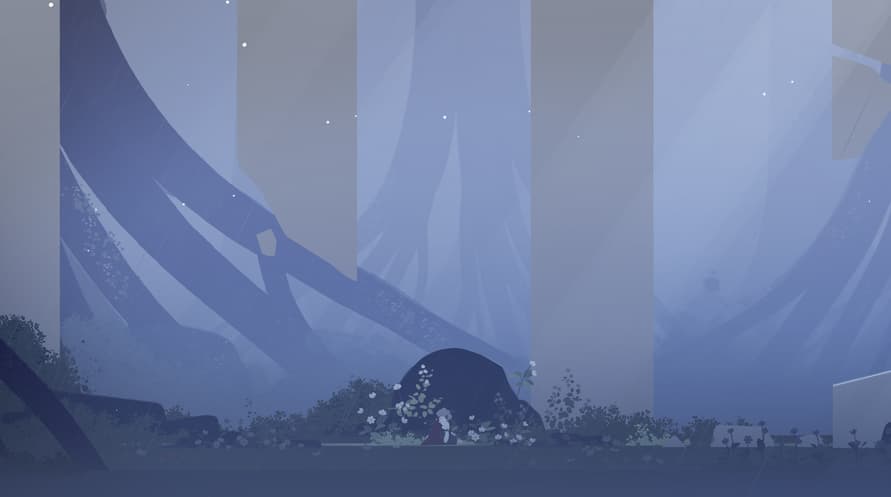
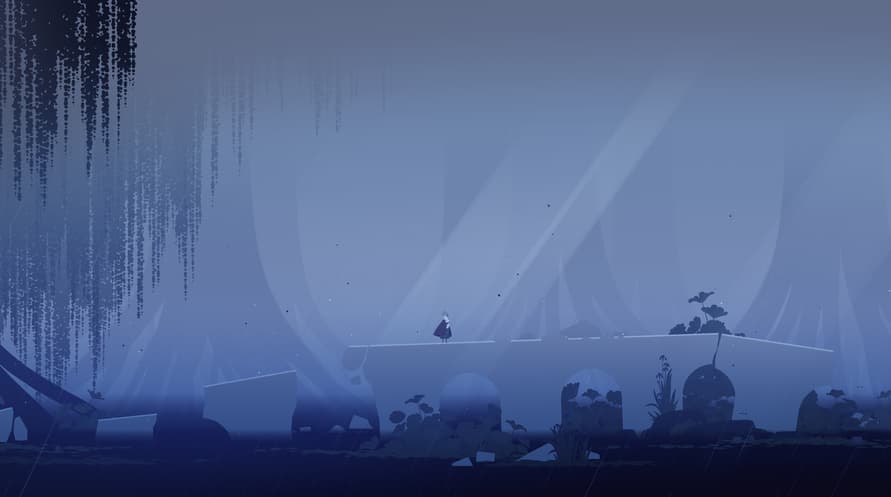
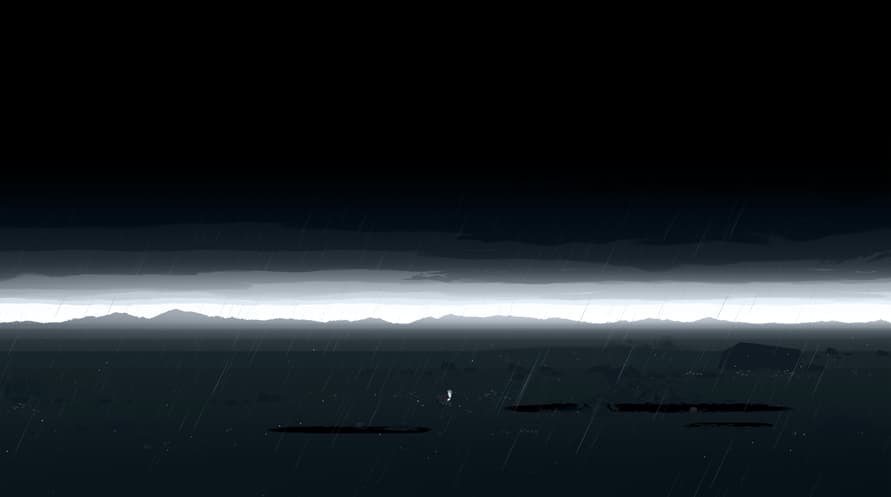











Designed to be experienced after completing the main game, Neva: Prologue offers a deeper challenge and rich narrative for returning players. The expansion introduces three new locations, each featuring unique gameplay mechanics, alongside new challenges, enemies, and intense boss encounters.
Copyright 2023 Nomada Studio. All Rights Reserved.
Windows Minimum Requirements:
- Requires a 64-bit processor and operating system
- OS: Windows 10 x64 Bit
- Processor: Intel Core i5-4570T / AMD FX-4350
- Memory: 8 GB RAM
- Graphics: GeForce GTX 650 (1024 MB) / Radeon HD 7750 (1024 MB) / Intel UHD Graphics 620
- DirectX: Version 11
- Storage: 15 GB available space
- Additional Notes: Low Quality setting, in 720p, producing 120 FPS
Windows Recommended Requirements:
- Requires a 64-bit processor and operating system
- OS: Windows 10 x64 Bit
- Processor: Intel Core i5-6600K / AMD FX-8370
- Memory: 8 GB RAM
- Graphics: GeForce GTX 1050 Ti (4096 MB) / Radeon RX 470 (4096 MB)
- DirectX: Version 12
- Storage: 15 GB available space
- Additional Notes: High Quality setting, in 1080p, producing 120 FPS
Mac Minimum Requirements:
- OS: MacOS Catalina (10.15)
- Processor: Intel Core i5-4570
- Memory: 8 GB RAM
- Graphics: GeForce GT 755M / AMD Radeon R9 M390
- Storage: 15 GB available space
- Additional Notes: Low Quality setting, in 720p, producing 60 FPS
Mac Recommended Requirements:
- OS: MacOS Ventura (13.3)
- Processor: Apple M1 / Intel Core i5-7600
- Memory: 8 GB RAM
- Graphics: Apple M1 / Radeon Pro 570
- Storage: 15 GB available space
- Additional Notes: High Quality setting, in 1080p, producing 60 FPS
To activate the Steam key you've received, follow the instructions below;
- First up, open the Steam client. (If you don't have it, simply click the "Install Steam" button here => Steam Store )
- Sign in to your Steam account. (If you don't have one, click here to create a new one => Steam Account)
- Click on the "ADD A GAME" button in the bottom corner of the client.
- Then, select "Activate a product on Steam..."
- Write down or copy-paste the activation key that you've received from Voidu in the window.
- Your game is now visible in your library! Click on your "Library".
- And finally, click on the game and select "Install" to start your download.