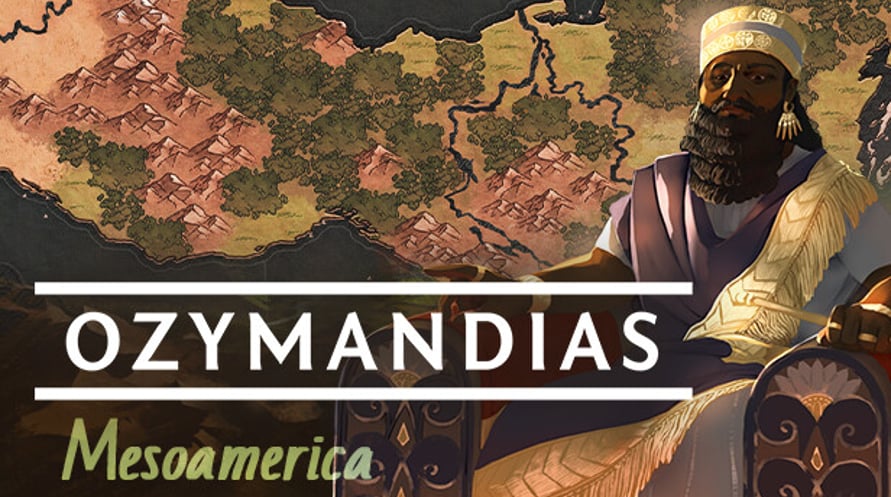
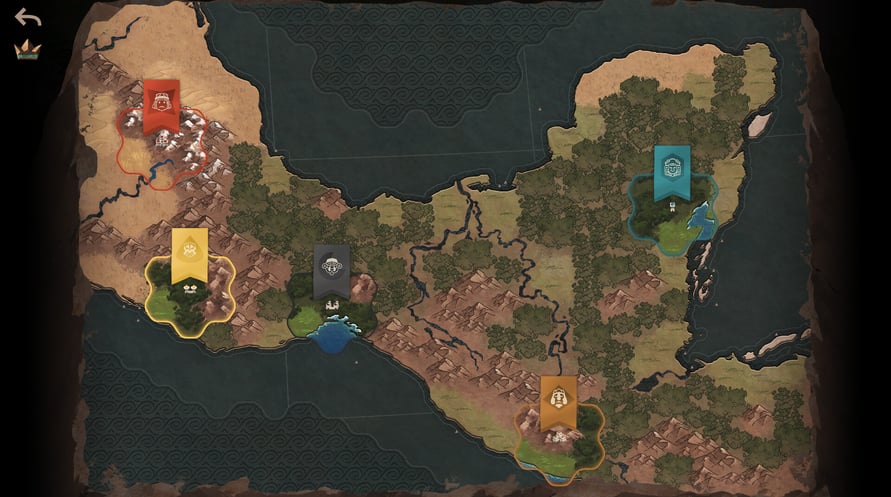
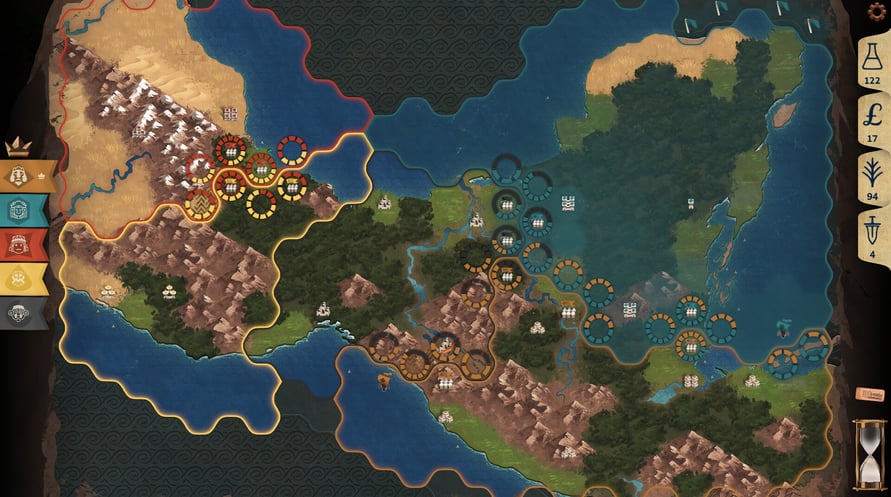
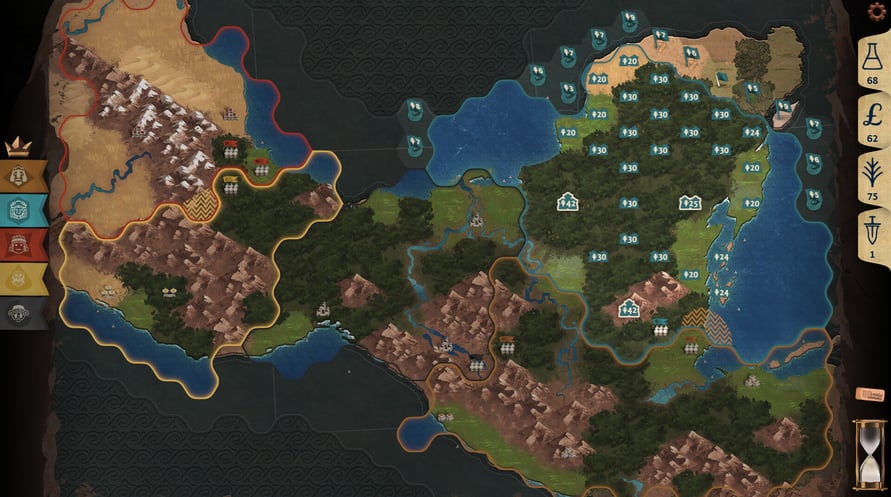
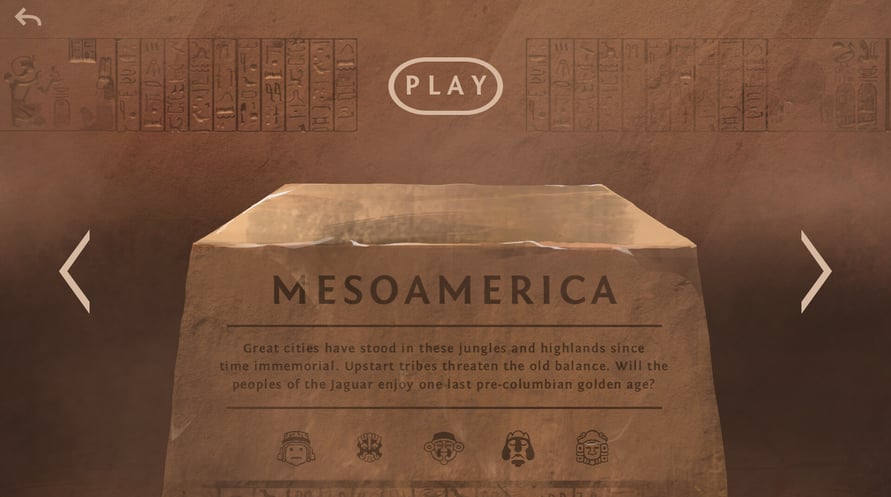
This DLC includes a new map: Mesoamerica.
Great cities have stood in these jungles and highlands since time immemorial. Upstart tribes threaten the old balance. Will the peoples of the Jaguar enjoy one last pre-columbian golden age?
NOTICE: This content requires the base game Ozymandias: Bronze Age Empire Sim on Steam in order to play.
Windows Minimum Requirements:
- Requires a 64-bit processor and operating system
- OS *: Windows 7+
- Processor: Dual Core
- Memory: 4 GB RAM
- Graphics: Intel HD 4600 or equivalent
- Storage: 1 GB available space
Windows Recommended Requirements:
- Requires a 64-bit processor and operating system
- OS: Windows 10+
- Processor: Intel i5 or equivalent
- Memory: 4 GB RAM
- Graphics: 1 GB VRAM
- Storage: 2 GB available space
Mac Minimum Requirements:
- OS: MacOS 10.14+
- Processor: Dual Core
- Memory: 4 GB RAM
- Graphics: Intel HD 4600 or equivalent
- Storage: 1 GB available space
Mac Recommended Requirements:
- OS: MacOS 12+
- Processor: Intel i5 or equivalent
- Memory: 4 GB RAM
- Graphics: 1 GB VRAM
- Storage: 2 GB available space
To activate the Steam key you've received, follow the instructions below;
- First up, open the Steam client. (If you don't have it, simply click the "Install Steam" button here => Steam Store )
- Sign in to your Steam account. (If you don't have one, click here to create a new one => Steam Account)
- Click on the "ADD A GAME" button in the bottom corner of the client.
- Then, select "Activate a product on Steam..."
- Write down or copy-paste the activation key that you've received from %s in the window.
- Your game is now visible in your library! Click on your "Library".
- And finally, click on the game and select "Install" to start your download.