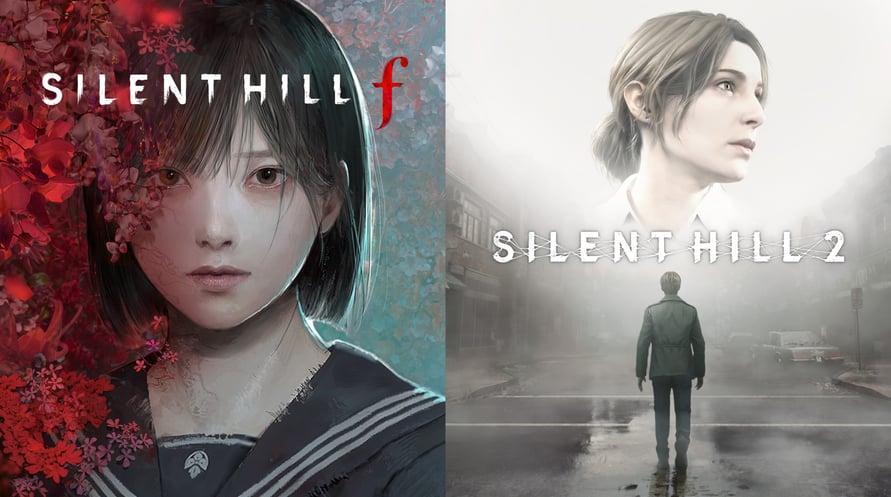
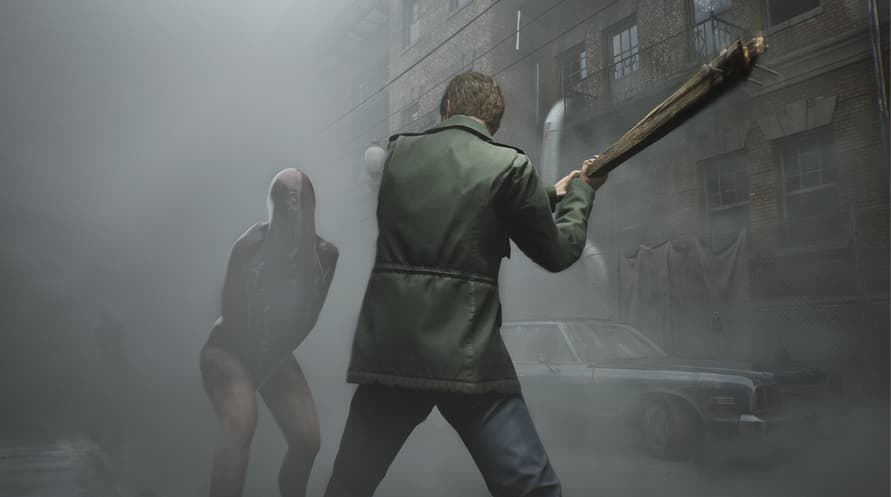
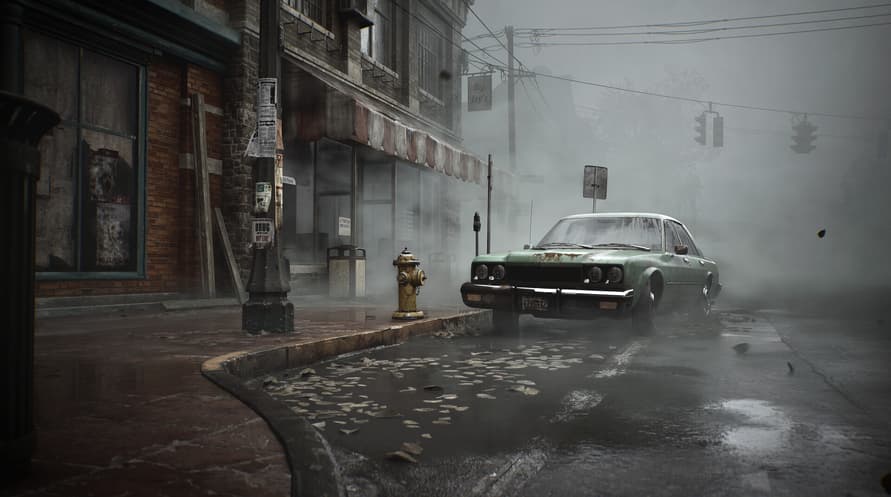
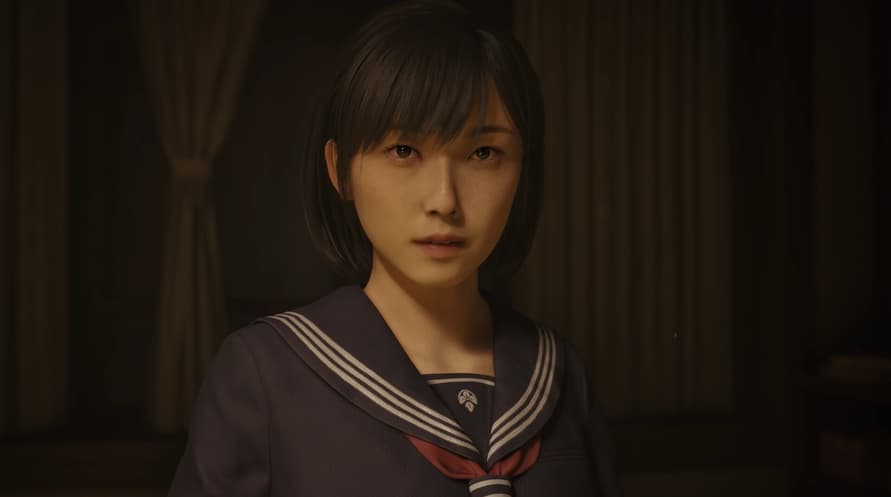
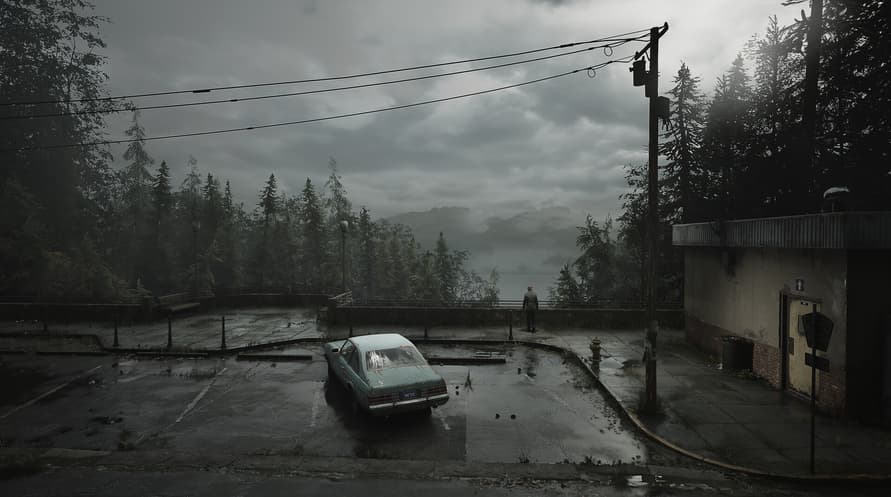
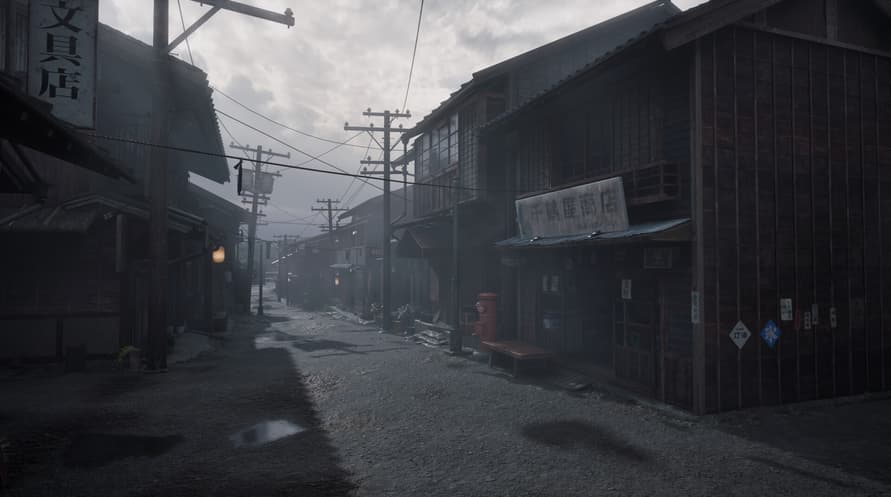
This package includes the full games for SILENT HILL 2 and SILENT HILL f.
Standard Dual Pack Contents:
- SILENT HILL 2 Full Game
- SILENT HILL f Full Game
Note: Users who own SILENT HILL 2, SILENT HILL 2 Deluxe Edition, SILENT HILL f, or SILENT HILL f Deluxe Edition may also purchase this package. The SILENT HILL 2 & SILENT HILL f Deluxe Dual Pack, a package including the Deluxe Editions, is also available. Please be careful to avoid redundant purchases.
© Konami Digital Entertainment
Minimum System Requirements:
- Requires a 64-bit processor and operating system
- OS Windows 11 x64
- Processor Intel Core i5-8400 / AMD Ryzen 5 2600
- Memory 16 GB RAM
- Graphics NVIDIA® GeForce® GTX 1070 Ti or AMD Radeon™ RX 5700
- DirectX Version 12
- Storage 50 GB available space
- Sound Card Windows Compatible Audio Device.
- Additional Notes Playing on minimum requirements should enable to play on Performance quality settings in 30 at 720p. SSD is recommended
Recommended System Requirements:
- Requires a 64-bit processor and operating system
- OS Windows 11 x64
- Processor Intel Core i7-9700 / AMD Ryzen 5 5500
- Memory 16 GB RAM
- Graphics NVIDIA® GeForce® RTX 2080 or AMD Radeon™ RX 6800XT
- DirectX Version 12
- Storage 50 GB available space
- Sound Card Windows Compatible Audio Device.
- Additional Notes Playing on recommended requirements should enable to play on Performance settings in 60 FPS or Quality settings in 30 FPS at FullHD (or 4k using DLSS or similar technology). SSD required.
To activate the Steam key you've received, follow the instructions below;
- First up, open the Steam client. (If you don't have it, simply click the "Install Steam" button here => Steam Store )
- Sign in to your Steam account. (If you don't have one, click here to create a new one => Steam Account)
- Click on the "ADD A GAME" button in the bottom corner of the client.
- Then, select "Activate a product on Steam..."
- Write down or copy-paste the activation key that you've received from Voidu in the window.
- Your game is now visible in your library! Click on your "Library".
- And finally, click on the game and select "Install" to start your download.