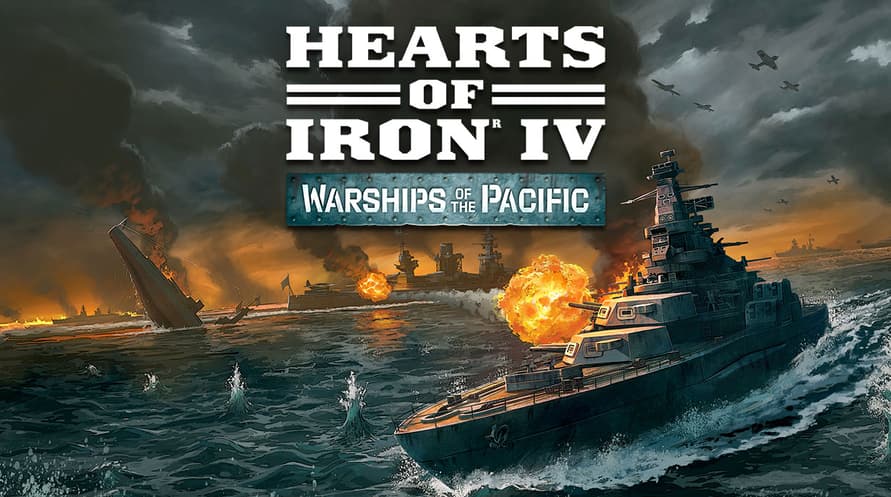
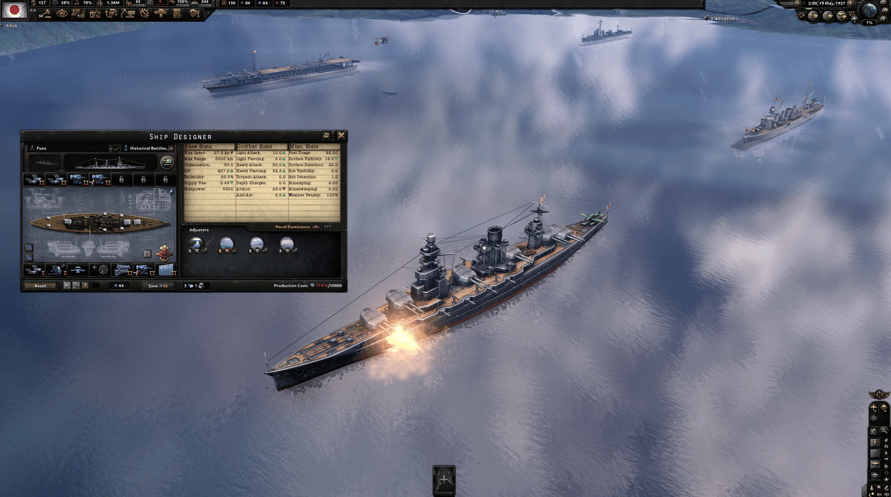
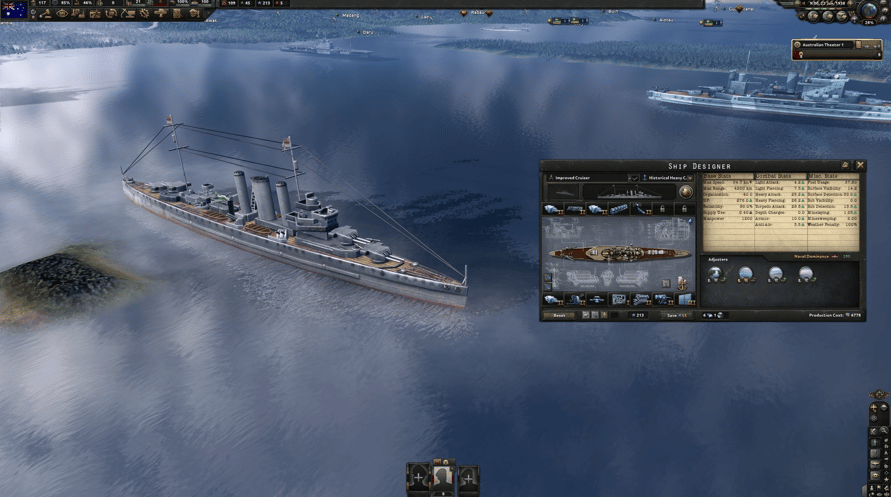
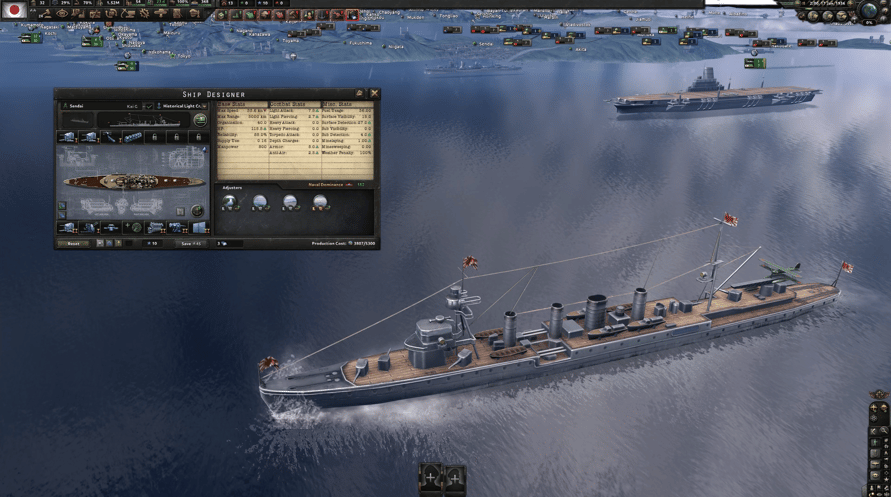
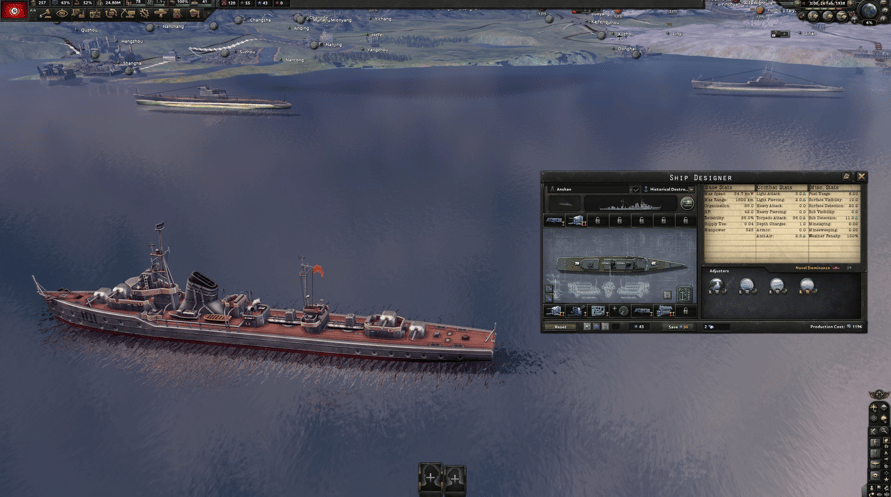
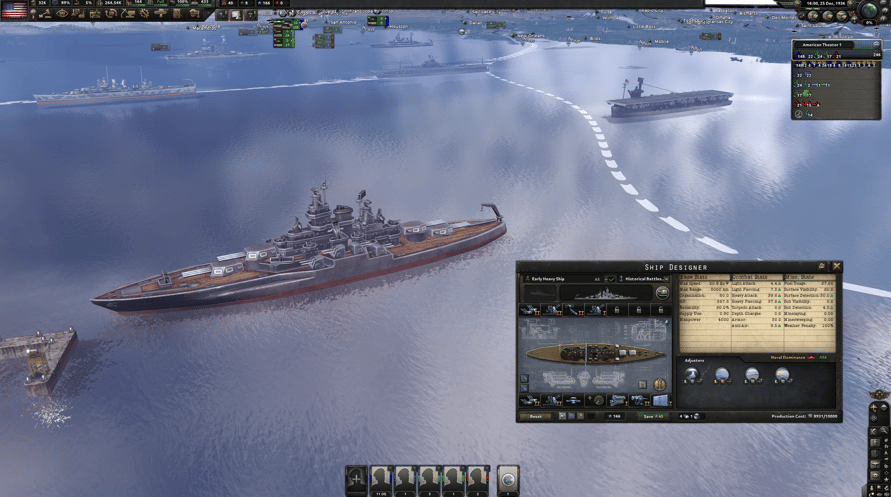
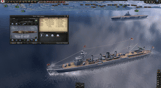
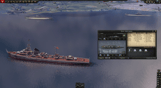
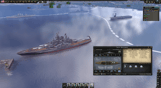
Conquista los mares con Warships of the Pacific, un Cosmetic Pack para Hearts of Iron IV. Warships of the Pacific incluye diseños de unidad para las nuevas embarcaciones, desde ágiles destructores hasta poderosos acorazados; todo para representar a los míticos busques de guerra de varias naciones en el mundo.
Este paquete incluye 30 modelos de buques del Frente Pacífico:
• Un crucero ligero republicano chino, el Ning-Hai.
• Ocho modelos de naves de la Mancomunidad, como el portaviones Illustrious y el submarino Trenchant.
• Once modelos de buques japoneses, como el navío de guerra Kongo, el portaviones Shinano y el portaviones submarino único I-400 Sen Toku.
• Un destructor de la República Popular de China, el Anshan.
• Dos modelos de submarinos soviéticos: el Shchuka y el M49.
• Siete modelos estadounidenses, como los navíos de guerra Nevada y Tennessee, y portaviones de escolta, como el Casablanca.
©2016-2023 and published by Paradox Interactive AB, HEARTS OF IRON and PARADOX INTERACTIVE are trademarks and/or registered trademarks of Paradox Interactive AB in Europe, the U.S., and other countries. All other trademarks, logos, and copyrights are the property of their respective owners.
Windows Minimum Requirements:
- OS: Windows® 10 Home 64 Bit
- Processor: Intel® Core™ i5 750 | AMD® FX 4300
- Memory: 4 GB RAM
- Graphics: Nvidia® GeForce™ GTX 470 (1.28GB) | AMD® HD 5850 (1GB) | Intel Iris Xe G7 (Tiger Lake) | AMD® Radeon™ RX Vega 11
- DirectX: Version 9.0c
- Storage: 2 GB available space
- Sound Card: Direct X- compatible soundcard.
- Additional Notes: Mouse and keyboard are required. / Latest available WHQL drivers from both manufacturers/ Internet Connection or LAN for multiplayer, Up to 32 other players in multiplayer mode.
Windows Recommended Requirements:
- OS: Windows® 10 Home 64 bit
- Processor: Intel® Core™ i5 2500K | AMD® Ryzen 3 2200G
- Memory: 6 GB RAM
- Graphics: Nvidia® GeForce™ GTX 570 (1.28GB) | AMD® Radeon™ HD 7970 (3GB) | Intel Iris Xe G7 (Tiger Lake)
- DirectX: Version 9.0c
- Storage: 2 GB available space
- Sound Card: Direct X- compatible soundcard.
- Additional Notes: Mouse and keyboard are required. / Latest available WHQL drivers from both manufacturers. / Internet Connection or LAN for multiplayer, Up to 32 other players in multiplayer mode.
Mac Minimum Requirements:
- OS: OS: macOS 13 (Ventura)
- Processor: Intel Core i5 @ 2.60 GHz or better
- Memory: 4 GB RAM
- Graphics: ATI Radeon HD 6970M
- Storage: 2 GB available space
- Additional Notes: Mouse and keyboard are required. / Latest available proprietary drivers / Internet Connection or LAN for multiplayer, Up to 32 other players in multiplayer mode.
Mac Recommended Requirements:
- OS: OS: macOS 13 (Ventura)
- Processor: Intel Core i5 @ 2.90 GHz or better
- Memory: 8 GB RAM
- Graphics: ATI Radeon R9 390M or NVIDIA GeForce 750M with 1GB VRAM
- Storage: 2 GB available space
- Additional Notes: Mouse and keyboard are required. / Latest available proprietary drivers from both manufacturers/ Internet Connection or LAN for multiplayer, Up to 32 other players in multiplayer mode.
Linux Minimum Requirements:
- OS: OS: Ubuntu 22.04
- Processor: Intel Core 2 Quad Q9400 @ 2.66 GHz / AMD Athlon II X4 650 @ 3.20 GHz
- Memory: 4 GB RAM
- Graphics: ATI Radeon HD 5850 or NVIDIA GeForce GTX470 with 1GB VRAM / Latest available proprietary drivers from both manufacturers
- Storage: 2 GB available space
- Additional Notes: Controller support: 3-button mouse, keyboard, and speakers are required. / Internet Connection or LAN for multiplayer, Up to 32 other players in multiplayer mode.
Linux Recommended Requirements:
- OS: OS: Ubuntu 22.04
- Processor: Intel Core i5 750 @ 2.66 GHz / AMD Phenom II X4 955 @ 3.20 GHz
- Memory: 4 GB RAM
- Graphics: ATI Radeon HD 6950 or NVIDIA GeForce GTX570 with 2GB VRAM / Latest available proprietary drivers from both manufacturers
- Storage: 2 GB available space
- Additional Notes: Controller support: 3-button mouse, keyboard, and speakers are required. / Internet Connection or LAN for multiplayer, Up to 32 other players in multiplayer mode.
Para activar la clave de Steam que has recibido, sigue las instrucciones a continuación:
- En primer lugar, abre el cliente de Steam. (Si no lo tienes, simplemente haz clic en el botón "Instalar Steam" aquí => Tienda de Steam )
- Inicia sesión en tu cuenta de Steam. (Si no tienes una, haz clic aquí para crear una nueva => Cuenta de Steam )
- Haz clic en el botón "AÑADIR UN JUEGO" en la esquina inferior del cliente.
- Luego, selecciona "Activar un producto en Steam..."
- Escribe o copia y pega la clave de activación que has recibido de Voidu en la ventana.
- ¡Tu juego ahora es visible en tu biblioteca! Haz clic en tu "Biblioteca".
- Y finalmente, haz clic en el juego y selecciona "Instalar" para comenzar la descarga.