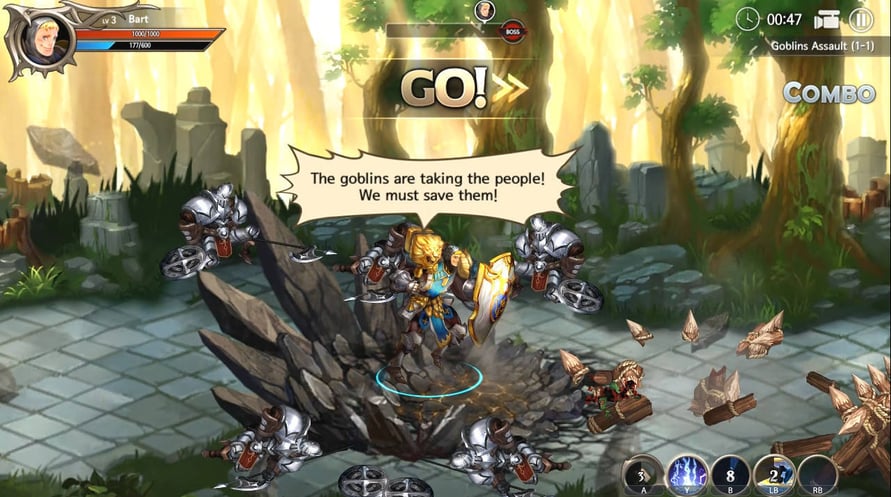
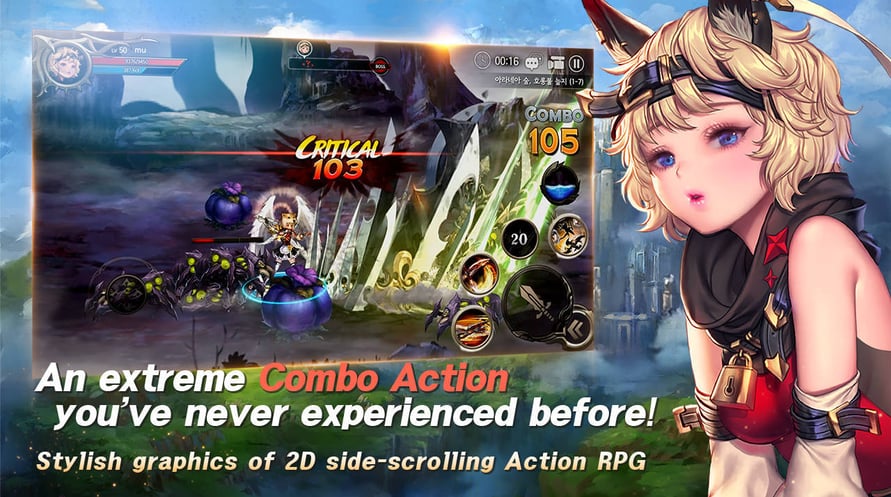
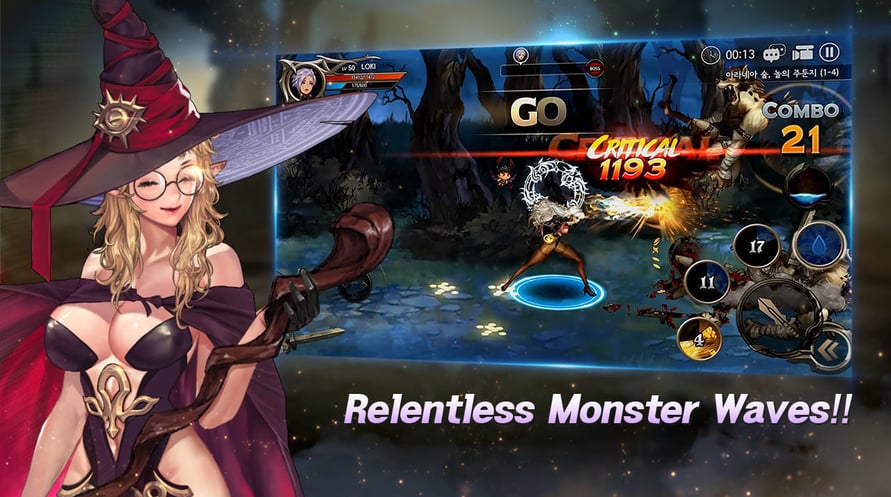
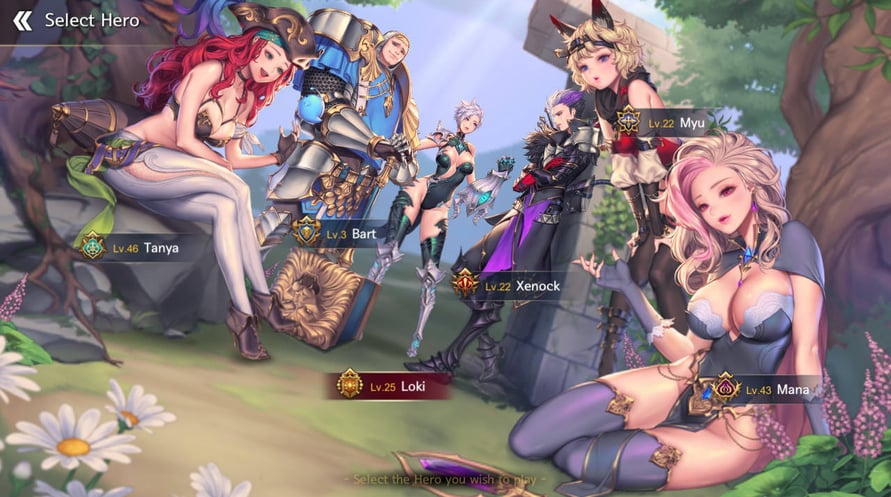
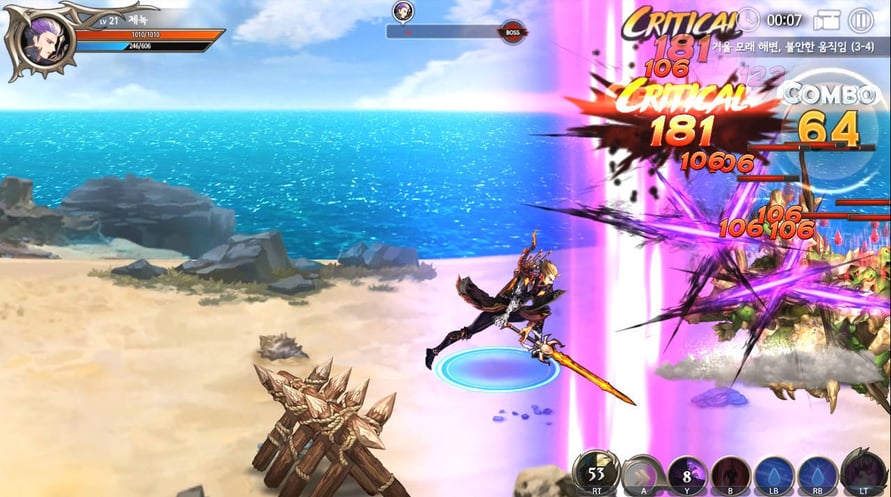
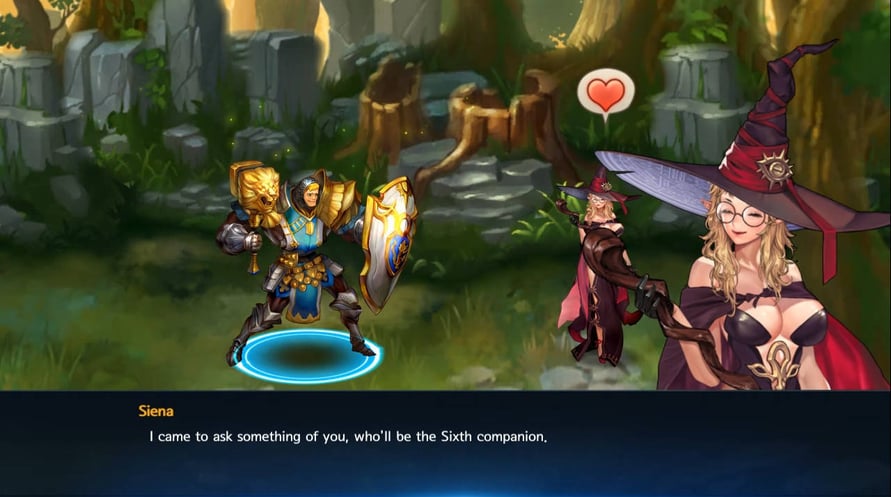
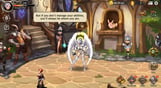
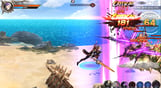
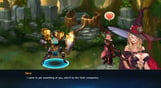
Dragon Spear is an authentic side-scroll Action RPG.
Explore the world which is being corrupted by 'Nightmare', and take down powerful raid bosses with friends!
If you defeat raid bosses, you can craft special weapons with the power the raid boss had. Also, each weapons have unique outfits. You can show off your heroes geared up with fabulous weapons!
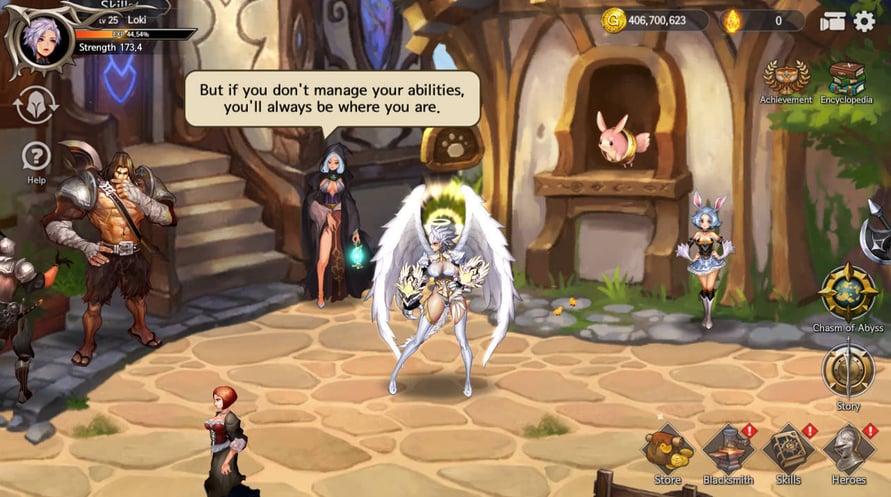
Your heroes will get stronger through adventures. You can try out new skills added by leveling up. Make your heroes stronger and fight against more powerful enemies!
'Gap of Abyss' is activated if you complete all Adventures. Caution! This 'Gap of Abyss' mode is extremely hard, so we recommend challenging with friends.
You can get diverse pets from 'Gap of Abyss'. Pets will make your heroes even more stronger.
Windows Minimum Requirements:
- OS: Windows XP, 7, 10
- Processor: 1.6 Ghz CPU or higher
- Memory: 1 GB RAM
- Graphics: Intel HD4000, AMD HD 6550D (or higher)
- DirectX: Version 9.0c
- Network: Broadband Internet connection
- Storage: 4 GB available space
Windows Recommended Requirements:
- OS: Windows XP, 7, 10
- Processor: 2.0 Ghz CPU or higher
- Memory: 2 GB RAM
- Graphics: Nvidia GTX 650, AMD HD7850 (or higher)
- DirectX: Version 9.0c
- Network: Broadband Internet connection
- Storage: 5 GB available space
Mac Minimum Requirements:
- OS: Mac OS X 10.9.5
- Processor: Intel Core i3 or higher
- Memory: 1 GB RAM
- Graphics: Intel HD4000 or higher
- Network: Broadband Internet connection
- Storage: 4 GB available space
Mac Recommended Requirements:
- OS: Mac Os X 10.10
- Processor: Intel Core i5 or higher
- Memory: 2 GB RAM
- Graphics: Nvidia GTX 650 or higher
- Network: Broadband Internet connection
- Storage: 5 GB available space
Pour activer la clé Steam que vous avez reçue, suivez les instructions ci-dessous :
1. Tout d'abord, ouvrez le client Steam. (Si vous ne l'avez pas, cliquez simplement sur le bouton "Installer Steam" ici =>
Boutique Steam)
2. Connectez-vous à votre compte Steam. (Si vous n'en avez pas, cliquez ici pour en créer un nouveau =>
Compte Steam)
3. Cliquez sur le bouton "AJOUTER UN JEU" dans le coin inférieur du client.
4. Ensuite, sélectionnez "Activer un produit sur Steam..."
5. Écrivez ou copiez-collez la clé d'activation que vous avez reçue de Voidu dans la fenêtre.
6. Votre jeu est maintenant visible dans votre bibliothèque ! Cliquez sur votre "Bibliothèque".
7. Enfin, cliquez sur le jeu et sélectionnez "Installer" pour commencer votre téléchargement.