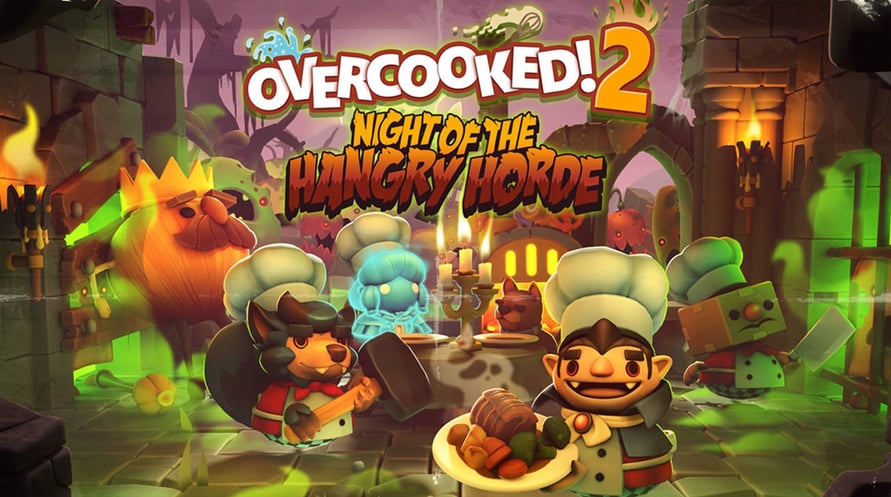
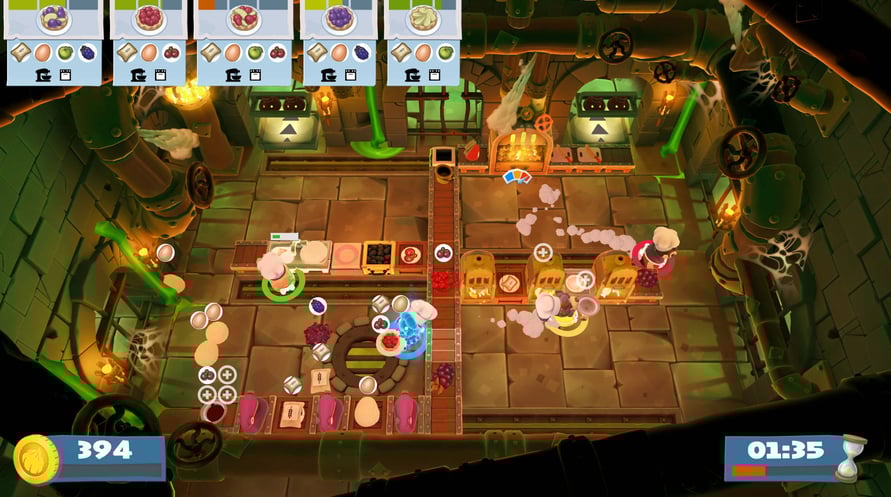
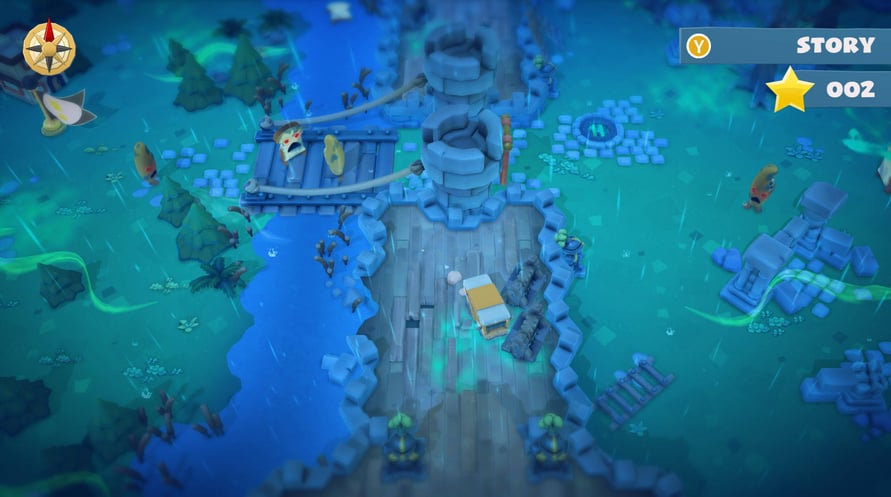
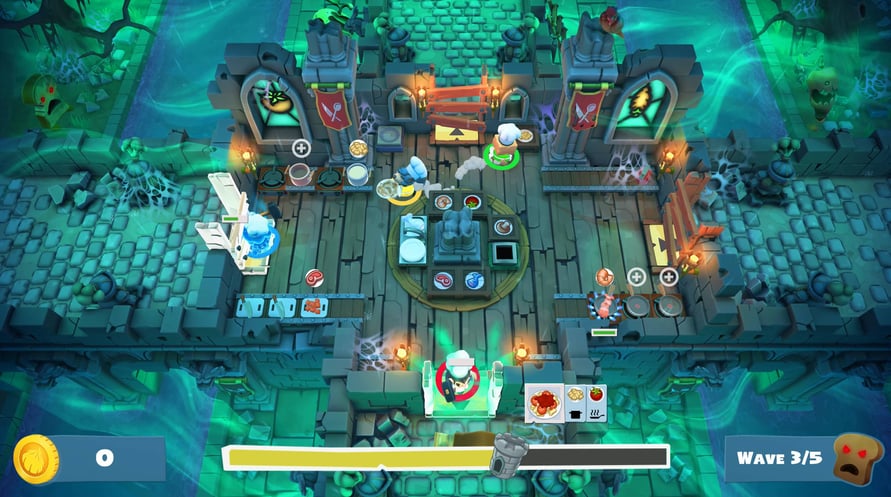
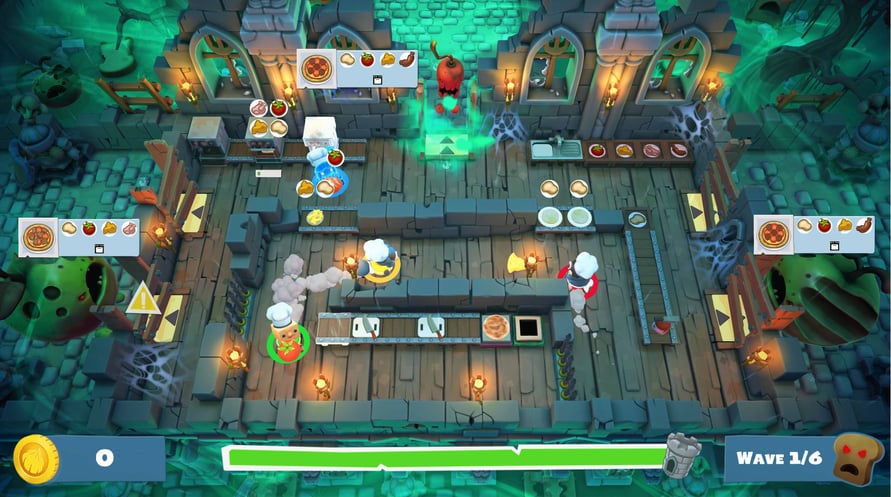
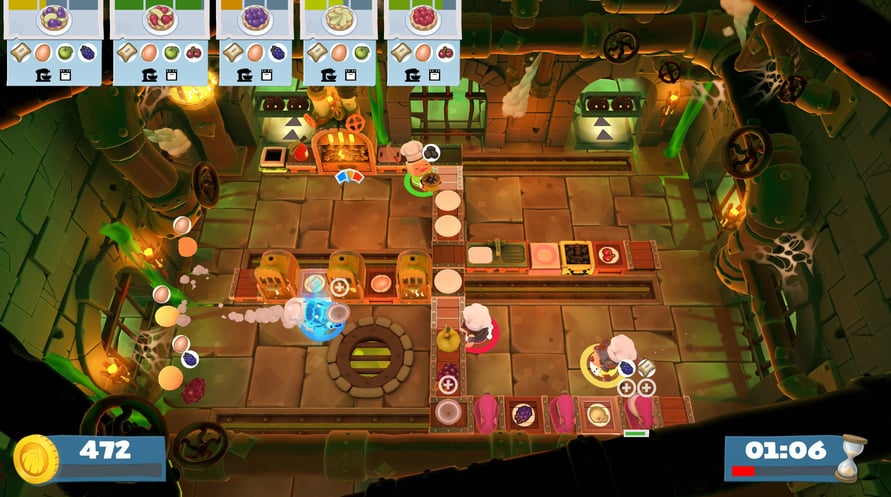



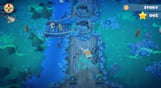


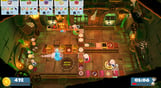

Overcooked! 2: Night of the Hangry Horde sees players face the most terrifying threat to the Onion Kingdom yet, the unbread, and this time they’ve brought friends! This brand new DLC introduces an entirely new horde mode in which players must use all of their cooking know how to repel waves of ravenous undead ingredients.
- New mode! Eight horde mode levels see players face up against waves of undead enemy attackers including the unbread, giant zombie apples and swift zombie chili peppers
- Plus 12 new levels! Nine new kitchens and three hidden Kevin levels
- Four new chefs! Vampire chef, Ghost chef, Werewolf chef and returning favourite Boxhead chef from Overcooked!
- New mechanics! The guillotine is an efficient new way to chop ingredients and the furnace must be fueled with coal in order to roast your dinners
- Three recipes! Fruit pies, soup and roast dinners
*Night of the Hangry Horde is available for free for all player's who have purchased the Overcooked! 2 Season Pass
Windows MINIMUM:
OS: WIN7-64 bit
Processor: Intel i3-2100 / AMD A8-5600k
Memory: 4 GB RAM
Graphics: GeForce GTX 630 / Radeon HD 6570
DirectX: Version 11
Storage: 3 GB available space
Sound Card: DirectX Compatible Sound Card
Windows RECOMMENDED:
OS: Win7 -64 bit
Processor: Intel i5-650 / AMD A10-5800K
Graphics: Nvidia GeForce GTX 650 / Radeon HD 7510
Sound Card: DirectX Compatible Sound Card7
Mac MINIMUM:
OS: MacOS Sierra - 10.12.6
Processor: 2.7 GHz Intel Core i5
Memory: 4 GB RAM
Graphics: Nvidia GeForce GT 640M
Storage: 3 GB available space
Sound Card: DirectX Compatible Sound Card
Mac RECOMMENDED:
OS: MacOS High Sierra - 10.13.1
Processor: 3.1 GHz Intel Core i5
Memory: 4 GB RAM
Graphics: AMD Radeon Pro 560 / Nvidia GeForce GTX 780m
Sound Card: DirectX Compatible Sound Card
Linux MINIMUM:
OS: Mint 18 / Ubuntu 16.04.01
Processor: Intel i3-2100 / AMD A8-5600K
Memory: 4 GB RAM
Graphics: GeForce 450GTS
Storage: 3 GB available space
Linux RECOMMENDED:
OS: Mint 18 / Ubuntu 16.04.01
Processor: 3.1 GHz Intel Core i5
Graphics: AMD Radeon Pro 560 / Nvidia GeForce GTX 780m
Pour activer la clé Steam que vous avez reçue, suivez les instructions ci-dessous :
- Tout d'abord, ouvrez le client Steam. (Si vous ne l'avez pas, cliquez simplement sur le bouton "Installer Steam" ici => Boutique Steam )
- Connectez-vous à votre compte Steam. (Si vous n'en avez pas, cliquez ici pour en créer un nouveau => Compte Steam )
- Cliquez sur le bouton "AJOUTER UN JEU" dans le coin inférieur du client.
- Ensuite, sélectionnez "Activer un produit sur Steam..."
- Écrivez ou copiez-collez la clé d'activation que vous avez reçue de Voidu dans la fenêtre.
- Votre jeu est maintenant visible dans votre bibliothèque ! Cliquez sur votre "Bibliothèque".
- Enfin, cliquez sur le jeu et sélectionnez "Installer" pour commencer votre téléchargement.